
Gaming PC repair in Tampa, FL for no display, overheating, crashes, blue screens, GPU issues, power supply failures, and custom gaming computer upgrades.
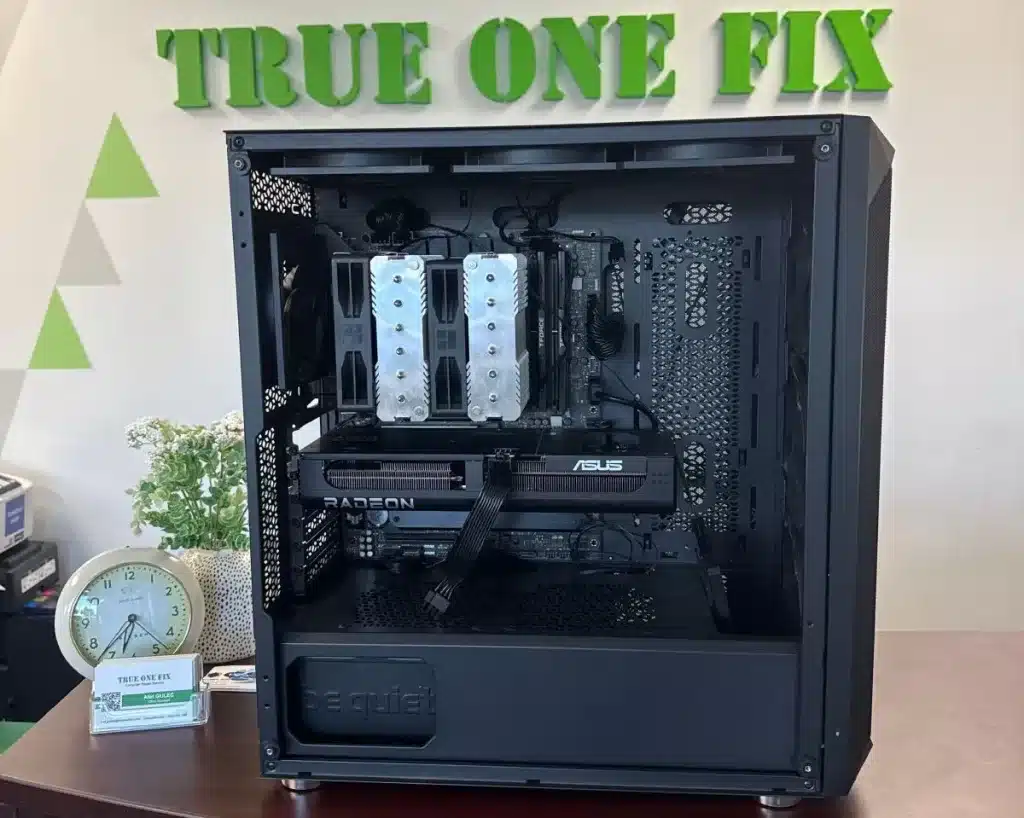
Professional Gaming PC Repair Tampa
Trueonefix provides gaming PC repair for custom-built desktops, prebuilt gaming computers, creator workstations, and high-performance systems with hardware, cooling, boot, display, and stability problems.
We diagnose and repair no-display issues, overheating, random shutdowns, blue screens, GPU problems, power supply failures, boot loops, BIOS issues, RAM errors, SSD problems, RGB and fan controller issues, and performance drops.
With over 28 years of hands-on computer repair experience and hundreds of verified Google reviews, we focus on accurate diagnostics, clear pricing, and stable long-term repair results.
- Free diagnostics for most gaming PC repair issues
- Same-day service available on many repairs
- Repairs starting at $95 plus parts when required
- 90-day labor warranty
- GPU, PSU, cooling, BIOS, and motherboard diagnostics
Why Tampa Gamers Choose Trueonefix
⭐ Verified Google Reviews
Hundreds of Tampa customers trust Trueonefix for honest computer repair and dependable service.
🎮 Gaming Hardware Diagnostics
We test GPUs, power supplies, RAM, storage, cooling, BIOS settings, and system stability before replacing parts.
🌡 Cooling & Stability Testing
We check temperatures, airflow, fan behavior, thermal paste, and load stability for gaming performance.


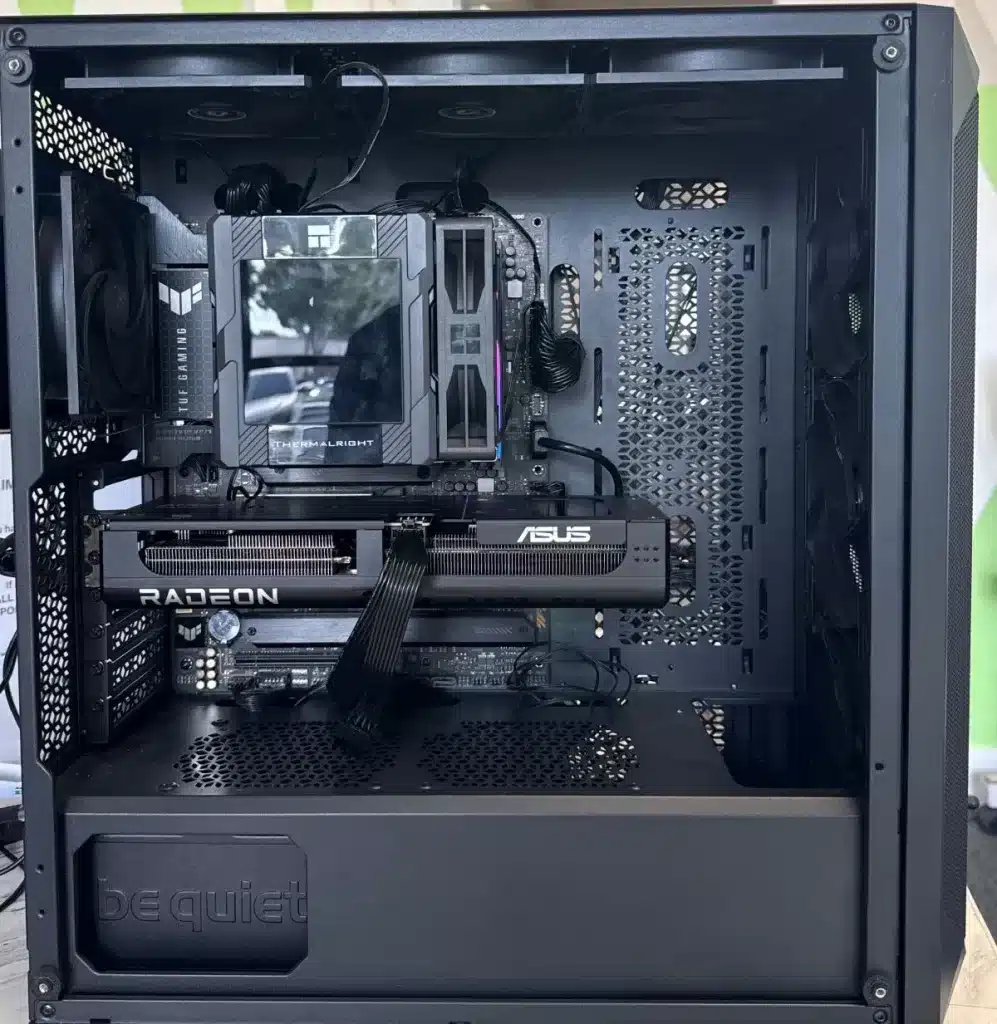
Common Gaming PC Problems We Repair
Gaming PCs can fail under load even when they seem fine at idle. We test the system as a complete build instead of guessing from symptoms alone.
- No display or black screen
- GPU overheating or artifacting
- Power supply failure or random shutdowns
- Blue screen errors and crashes
- Boot loops, BIOS issues, and failed updates
- High CPU or GPU temperatures
- FPS drops, stuttering, and poor performance
- RGB, fan controller, and airflow problems
No Display and GPU Problems
If your gaming PC turns on but shows no display, the issue may be the graphics card, power supply, motherboard, RAM, BIOS, monitor cable, or display output setting. We test each part before recommending a replacement.
GPU-related symptoms can include artifacting, driver crashes, black screens during games, fans spinning at full speed, overheating, or sudden shutdowns under load.
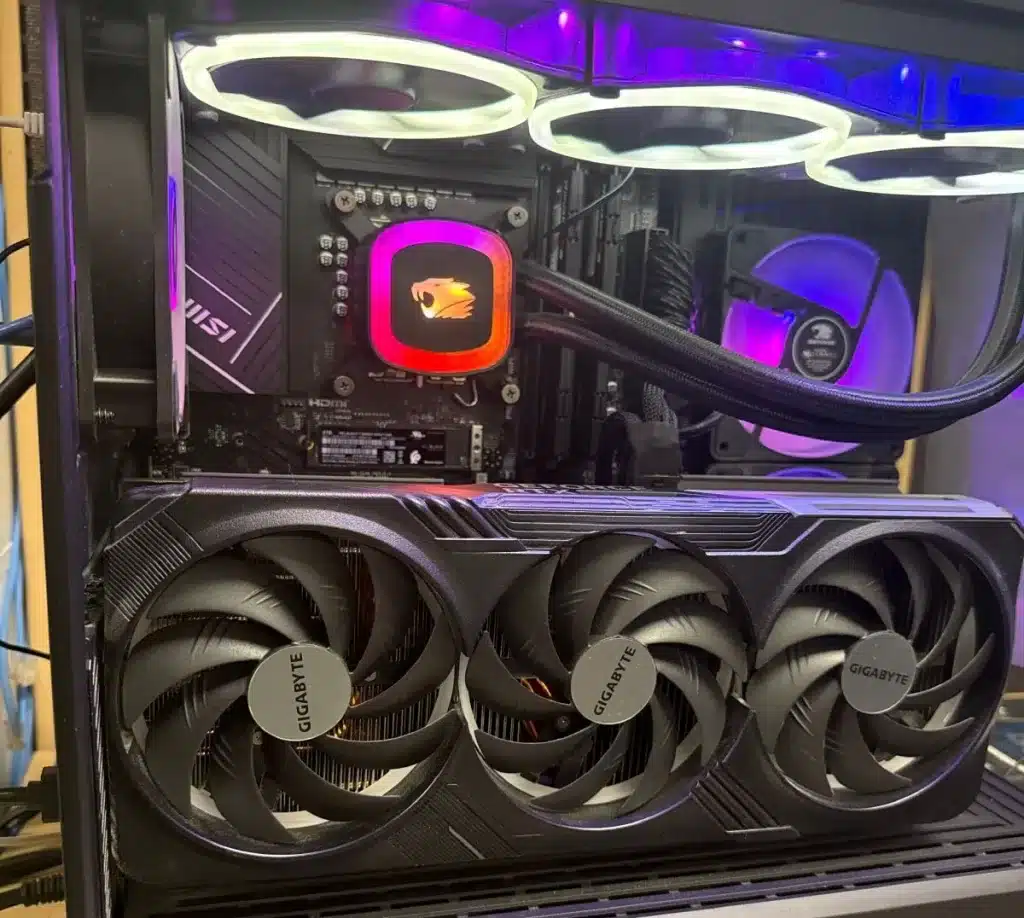
Gaming PC Not Turning On
A gaming PC that will not power on can have a failed power supply, shorted motherboard, loose cable, faulty front-panel connection, bad RAM, failed GPU, or damaged component. We inspect the system step by step.
- Power supply testing
- Motherboard and CPU power check
- RAM and GPU reseating
- Front-panel connector inspection
- Short-circuit and component isolation testing
Overheating, Thermal Paste, and Cooling Problems
Overheating can cause FPS drops, thermal throttling, loud fan noise, shutdowns, stuttering, and crashes during games. We inspect airflow, dust buildup, fan operation, heatsink contact, thermal paste, thermal pads, and AIO cooler performance.
Cooling service may include internal dust cleaning, CPU thermal paste replacement, GPU thermal service when appropriate, fan curve review, cable management, airflow correction, and temperature testing under load.
- CPU overheating repair
- GPU temperature diagnostics
- Thermal paste replacement
- AIO liquid cooler inspection
- Fan and airflow optimization
- Dust cleaning and temperature testing
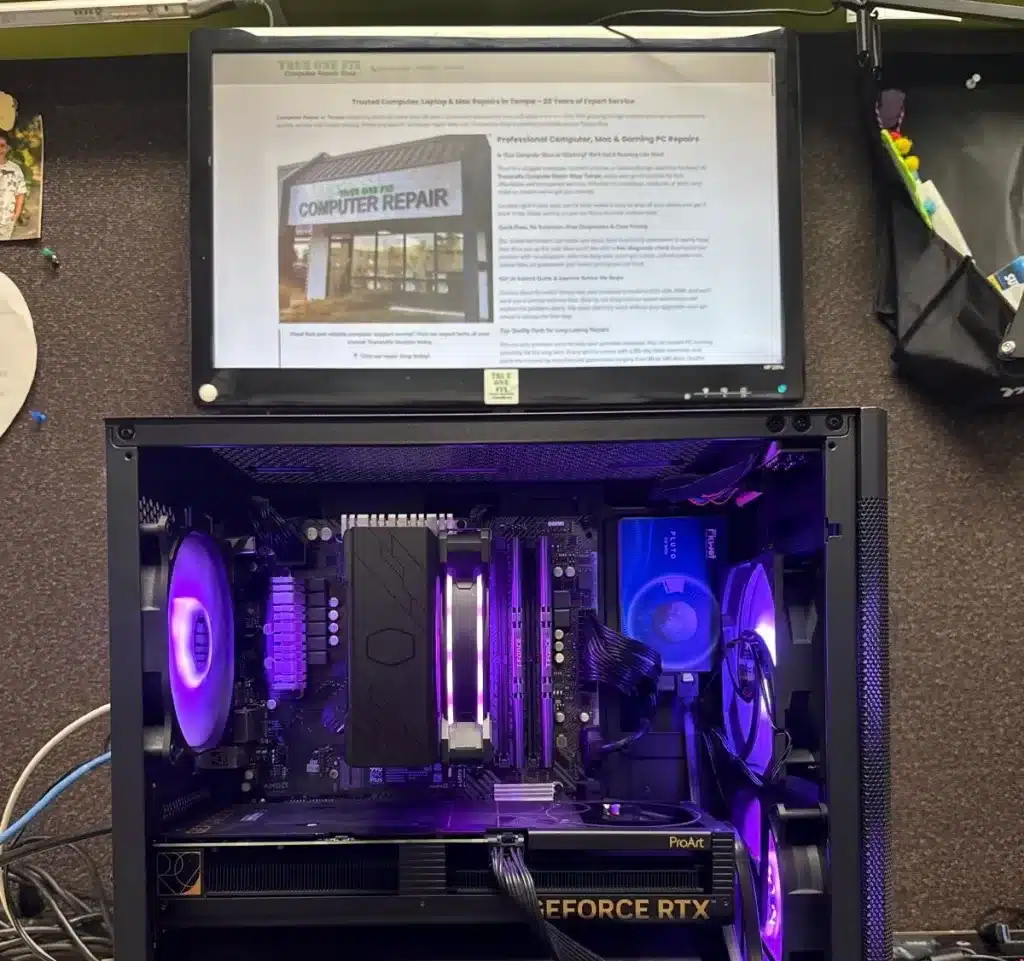
Blue Screen, Crashes, and Stability Issues
Blue screens, random restarts, game crashes, freezing, and shutdowns can be caused by unstable RAM, failing storage, overheating, GPU driver issues, power supply instability, BIOS settings, or Windows corruption.
We run hardware and software checks to identify whether the problem is caused by a specific component, temperature issue, driver conflict, or operating system problem.
Custom Gaming PC Upgrades
Trueonefix also helps with gaming PC upgrades, part installation, performance tuning, and custom build troubleshooting. We check compatibility before installing new parts so your system stays stable.
- GPU upgrades
- Power supply upgrades
- RAM upgrades and XMP/EXPO setup
- NVMe SSD installation
- CPU cooler installation
- Case airflow improvements
- BIOS updates and configuration
- Windows installation and driver setup
For full custom builds, visit our Custom Gaming PC Build Tampa page. For storage upgrades, visit our SSD Upgrade Tampa page.
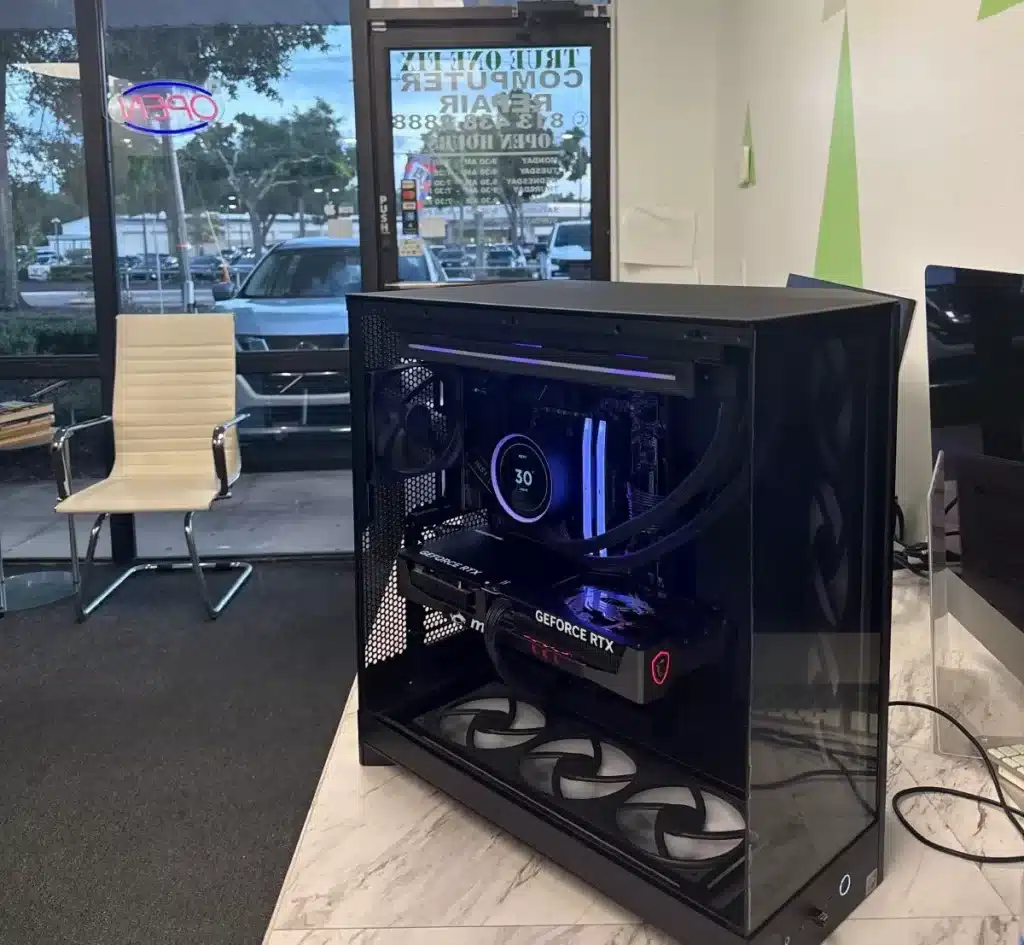
Gaming PC Brands and Systems We Service
We repair both custom-built gaming PCs and many prebuilt gaming desktops from major brands.
- Alienware gaming desktops
- HP Omen and Victus desktops
- ASUS ROG gaming desktops
- MSI gaming systems
- Lenovo Legion desktops
- CyberPowerPC and iBUYPOWER systems
- NZXT, Corsair, Maingear, Origin PC, and custom builds
Motherboard, BIOS, and Boot Problems
Gaming PCs can fail to boot because of BIOS corruption, incompatible settings, failed RAM training, motherboard faults, CPU power issues, or storage boot errors. We diagnose boot loops, POST failures, no-display startup problems, and BIOS update issues.
For deeper board-level problems, visit our Motherboard Repair Tampa page.
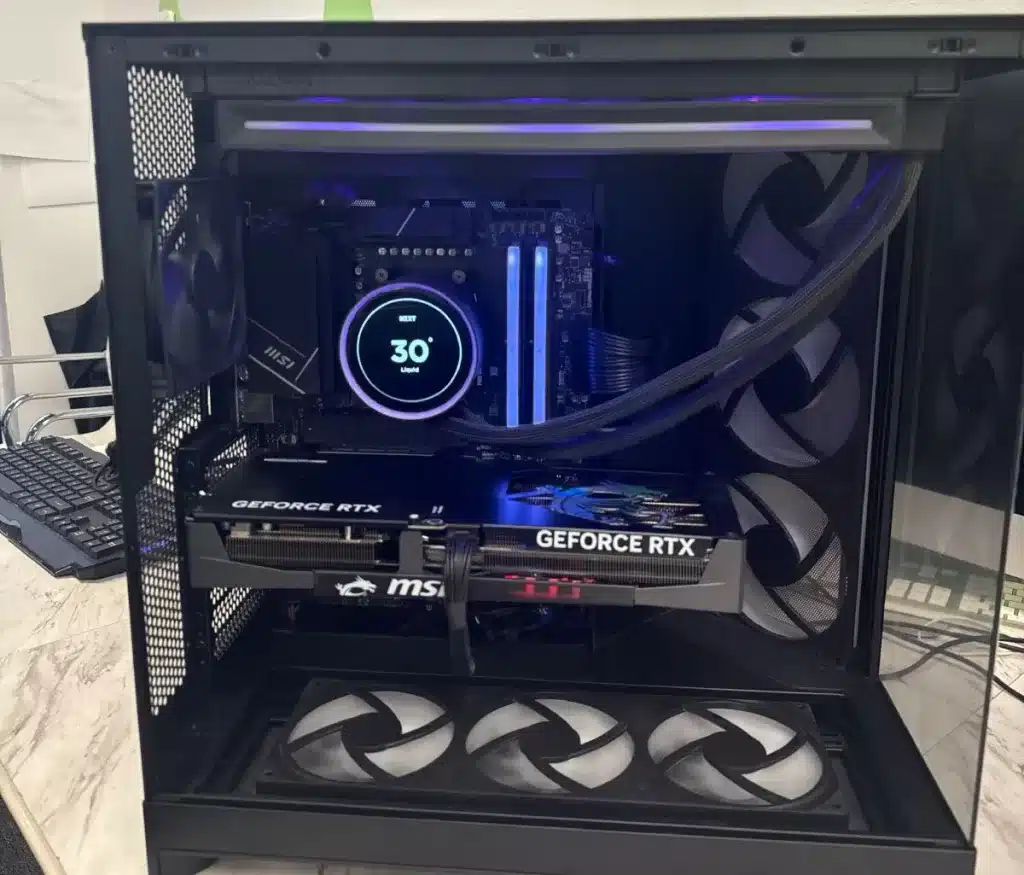
Our Gaming PC Repair Process
- Initial diagnosis: We inspect the system, confirm symptoms, and check visible hardware issues.
- Component testing: We test GPU, PSU, RAM, storage, motherboard, cooling, BIOS, and Windows behavior where needed.
- Estimate and approval: We explain the issue and provide a clear estimate before repair work begins.
- Repair or upgrade: We perform the approved repair, part replacement, cleaning, update, or configuration work.
- Final testing: We test temperatures, startup, display output, Windows stability, game/load behavior, and normal operation before pickup.
Gaming PC Repair Cost in Tampa
Gaming PC repair pricing depends on the issue, required parts, repair complexity, and whether the problem involves GPU, power supply, motherboard, cooling, storage, Windows, or BIOS work.
Before starting any repair, we inspect the gaming PC and provide a clear estimate for approval. No repair work begins without customer authorization.
For general pricing information, visit our Repair Prices page.
Related Computer Repair Services
If your gaming PC issue is connected to another repair category, these pages may help.
Gaming PC Repair Service Areas
We serve Tampa, Carrollwood, Temple Terrace, Lutz, Wesley Chapel, New Tampa, Tampa Palms, Citrus Park, USF, Lake Magdalene, Westchase, Brandon, Riverview, and nearby Tampa Bay communities.
FAQ – Gaming PC Repair Tampa FL
How much does gaming PC repair cost?
The cost depends on the issue, parts needed, and repair complexity. We inspect the gaming PC and provide an estimate before starting repair work.
Can you fix a gaming PC with no display?
Yes. We diagnose no-display problems caused by GPU, PSU, motherboard, RAM, BIOS, cables, or monitor output settings.
Why is my gaming PC overheating?
Overheating can be caused by dust buildup, dried thermal paste, poor airflow, failing fans, AIO cooler problems, bad heatsink contact, or high GPU and CPU load.
Do you repair custom-built gaming PCs?
Yes. We repair custom-built gaming PCs, prebuilt gaming desktops, RGB systems, water-cooled systems, and performance workstations.
Can you upgrade my gaming PC?
Yes. We help with GPU, PSU, RAM, SSD, cooling, case airflow, BIOS, and Windows upgrades when the parts are compatible.
Do I need an appointment?
Walk-ins are welcome. Because gaming PCs are large and fragile, calling ahead is recommended if you need help planning drop-off.
Visit Our Gaming PC Repair Shop in Tampa
Visit Trueonefix Computer Repair Shop for free diagnostics, gaming PC repair, GPU troubleshooting, power supply testing, overheating repair, blue screen diagnostics, custom upgrades, and stability testing.
Trueonefix Computer Repair Shop
104 E Fletcher Ave, Tampa, FL 33612
Phone: 813-438-2888
Website: trueonefix.com
Need Gaming PC Repair in Tampa?
Whether your gaming PC has no display, crashes during games, overheats, blue screens, or needs an upgrade, Trueonefix is ready to help.
104 E Fletcher Ave, Tampa, FL 33612