
MacBook battery replacement in Tampa, FL for fast drain, swollen batteries, charging issues, shutdowns, and Service Recommended warnings. Free diagnostics available.
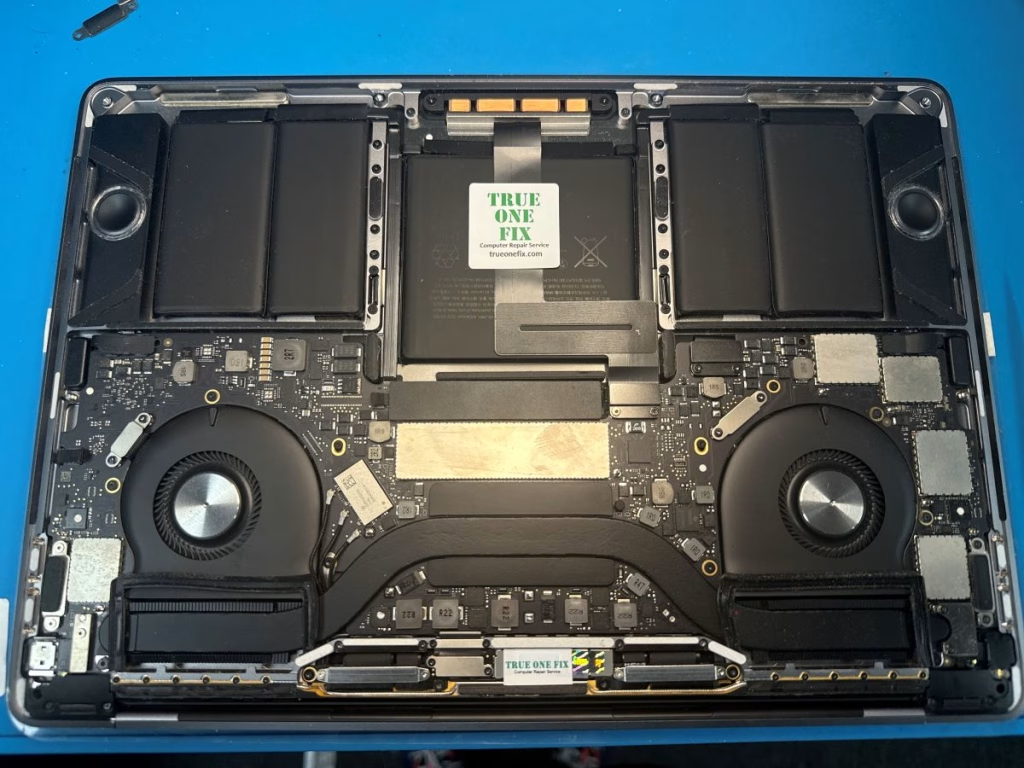
Professional MacBook Battery Replacement in Tampa
Trueonefix provides MacBook battery replacement and battery diagnostics for MacBook Air and MacBook Pro models with weak batteries, swollen batteries, fast battery drain, charging problems, random shutdowns, and “Service Recommended” battery warnings.
With over 28 years of hands-on computer repair experience and hundreds of verified Google reviews, we focus on safe battery removal, proper installation, clear pricing, and repair recommendations that make sense for the customer.
- Free diagnostics for most MacBook battery issues
- Same-day service available on many battery replacements
- Repairs starting at $95 plus parts when required
- 90-day labor warranty
- Battery health and charging system testing
Why Tampa Customers Choose Trueonefix for MacBook Batteries
⭐ Verified Google Reviews
Hundreds of Tampa customers trust Trueonefix for honest MacBook repair and dependable service.
🔋 Safe Battery Service
We safely remove weak or swollen batteries and test the MacBook before returning it.
🛠 Free Diagnostics
We check battery health, cycle count, charging behavior, adapter condition, and related power issues.


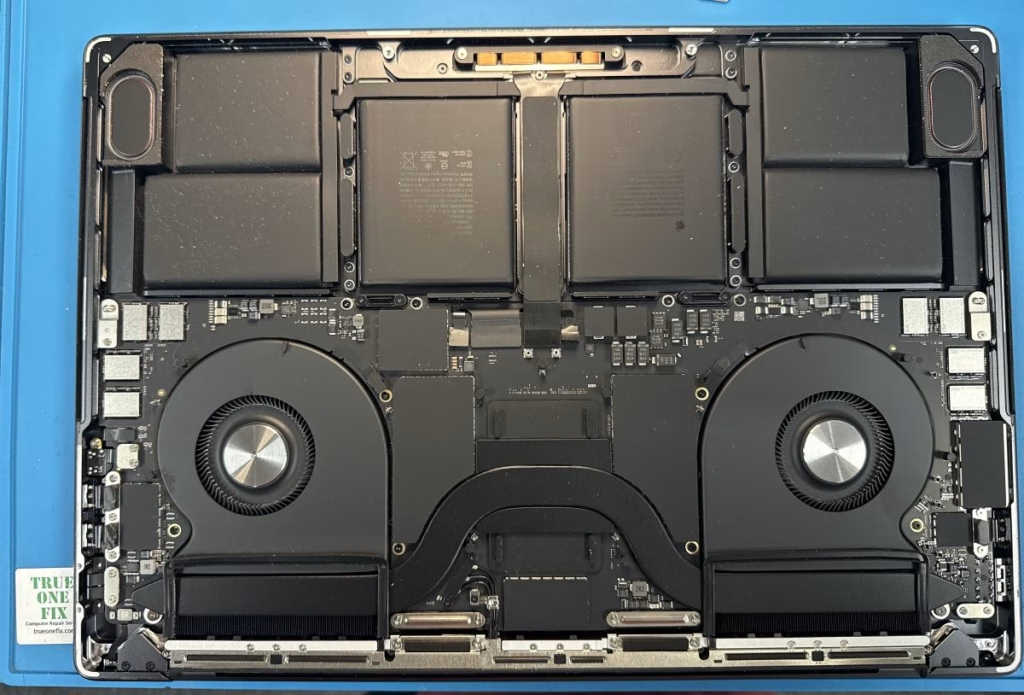
Signs Your MacBook Battery Needs Replacement
A failing MacBook battery can cause short runtime, random shutdowns, charging problems, overheating, trackpad pressure, and safety concerns. If your MacBook shows any of these symptoms, bring it in for battery diagnostics.
- Battery drains quickly after a full charge
- MacBook shuts down while battery percentage remains
- macOS shows “Service Recommended”
- MacBook only works while plugged in
- Battery percentage jumps or stays stuck
- Trackpad lifts or becomes hard to click
- Bottom case bulges because of a swollen battery
Swollen MacBook Battery Warning
A swollen MacBook battery should not be ignored. Battery swelling can push against the trackpad, keyboard, bottom case, logic board, and display assembly. In some cases, it can become a safety risk if the battery is punctured, overheated, or pressed back into place.
If your MacBook case is bulging, the trackpad is lifting, or the bottom cover does not sit flat, turn the MacBook off and avoid pressing on the swollen area. Bring the device to our Tampa shop for safe inspection and battery removal.
MacBook Battery Replacement Services
Our MacBook battery service is focused on safe battery removal, proper installation, charging system verification, and final testing before pickup.
- MacBook Air battery replacement
- MacBook Pro battery replacement
- Swollen MacBook battery removal
- Battery health and cycle count check
- Charging behavior diagnosis
- Trackpad pressure inspection
MacBook Air Battery Replacement
We replace batteries on many MacBook Air models, including older Intel-based MacBook Air units and newer Apple Silicon models when parts are available. Common symptoms include fast battery drain, “Service Recommended,” slow charging, sudden shutdowns, and battery swelling.
Before replacing the battery, we inspect the MacBook Air for adapter issues, charging problems, trackpad pressure, liquid exposure, and logic board-related power faults.
MacBook Pro Battery Replacement
MacBook Pro batteries can fail from normal cycle wear, heat, age, swelling, or charging system issues. We service many MacBook Pro models, including Retina, Touch Bar, Intel, and Apple Silicon models where replacement batteries are available.
Some MacBook Pro batteries are attached with strong adhesive and require proper tools and careful handling. We remove the old battery safely and test the MacBook after installation.
Battery Problem or Charging Issue?
Not every MacBook power problem is caused by the battery. A MacBook that does not charge may have a charger issue, USB-C port problem, MagSafe issue, charging board fault, liquid damage, or logic board power circuit problem.
That is why we test the battery and charging system before replacing parts. If the issue is related to the charging port or USB-C connection, we may recommend Charging Port Repair Tampa instead of battery replacement.
Battery Health, Cycle Count, and macOS Warnings
macOS can show battery warnings such as “Service Recommended” when battery health drops or the system detects abnormal battery behavior. Cycle count, battery age, charging habits, heat, and internal wear can all affect battery performance.
We check battery condition and charging behavior before recommending replacement. If the battery is healthy and the problem is caused by software, charger, or charging circuit behavior, we explain the correct next step.

Our MacBook Battery Replacement Process
- Battery diagnosis: We check battery health, cycle count, charging behavior, adapter condition, and symptoms.
- Estimate and approval: We identify the correct battery and provide the total estimate before repair.
- Safe battery removal: We open the MacBook carefully and remove the old, weak, or swollen battery using proper tools.
- Battery installation: We install a compatible replacement battery and inspect connectors and surrounding components.
- Final testing: We confirm charging behavior, battery recognition, startup, trackpad function, and normal power behavior.
MacBook Battery Replacement Cost in Tampa
MacBook battery replacement pricing depends on the exact model, battery type, part availability, adhesive complexity, and whether the battery is swollen or difficult to remove safely.
Before starting repair work, we inspect the MacBook and provide a clear estimate for approval. No repair work begins without customer authorization.
For general pricing information, visit our Repair Prices page. For Apple’s official battery service information, you can also visit Apple Battery Service and Safety.
Related MacBook Repair Services
If your MacBook battery issue is connected to another problem, Trueonefix can also help with related Apple laptop repairs.
MacBook Battery Replacement Service Areas
We serve Tampa, Carrollwood, Temple Terrace, Lutz, Wesley Chapel, New Tampa, Tampa Palms, Citrus Park, USF, Lake Magdalene, Westchase, Brandon, Riverview, and nearby Tampa Bay communities.
FAQ – MacBook Battery Replacement Tampa FL
How much does MacBook battery replacement cost?
The cost depends on the exact MacBook model, battery type, part availability, and whether the battery is swollen or difficult to remove. We inspect the MacBook and provide an estimate before starting repair work.
How long does MacBook battery replacement take?
Many MacBook battery replacements can be completed the same day when the correct battery is available. Some models require special-order parts or more complex service.
Is it safe to use a MacBook with a swollen battery?
No. A swollen battery can damage the trackpad, keyboard, bottom case, logic board, and display assembly. Turn the MacBook off and bring it in for safe inspection and removal.
Will battery replacement erase my data?
No. Battery replacement does not normally affect your files. Your documents, photos, programs, and settings remain on the storage drive. We still recommend backing up important data whenever possible.
What does “Service Recommended” mean on a MacBook battery?
It usually means macOS has detected reduced battery health or abnormal battery behavior. We can check the battery condition and confirm whether replacement is needed.
What if my MacBook still does not charge after battery replacement?
If the MacBook still does not charge, the issue may be the charger, USB-C port, MagSafe connector, charging board, or logic board power circuit. We test these areas before recommending the next repair option.
Do I need an appointment?
Walk-ins are welcome. You can also call ahead or book online if you prefer a scheduled visit.
Visit Our MacBook Battery Replacement Shop in Tampa
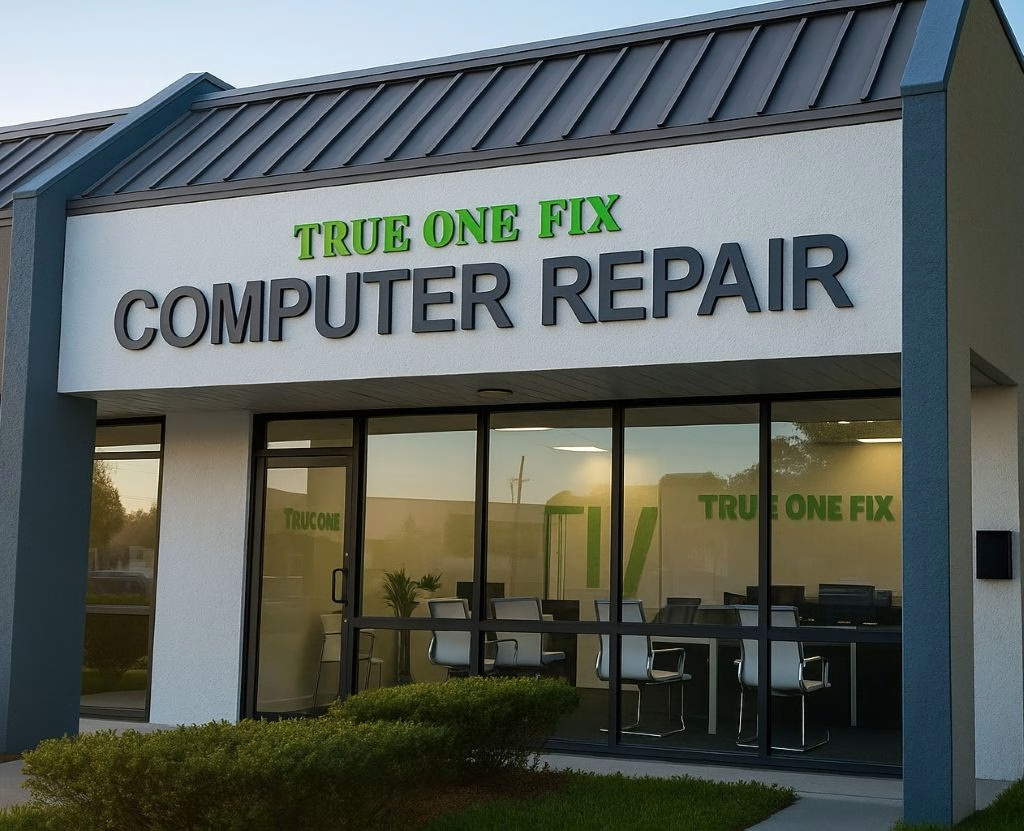
Visit Trueonefix Computer Repair Shop for free diagnostics, MacBook battery replacement, swollen battery removal, battery health testing, charging system diagnostics, and related MacBook repair services.
Trueonefix Computer Repair Shop
104 E Fletcher Ave, Tampa, FL 33612
Phone: 813-438-2888
Website: trueonefix.com
Need MacBook Battery Replacement in Tampa?
Whether your MacBook battery drains quickly, shows Service Recommended, is swollen, or causes unexpected shutdowns, Trueonefix is ready to help.
104 E Fletcher Ave, Tampa, FL 33612