
Lake Magdalene Computer Repair from Trueonefix provides dependable diagnostics and repair for laptops, MacBooks, desktop computers, and gaming PCs. Our established Tampa shop helps nearby residents resolve hardware failures, software problems, overheating, broken screens, charging issues, and slow performance.
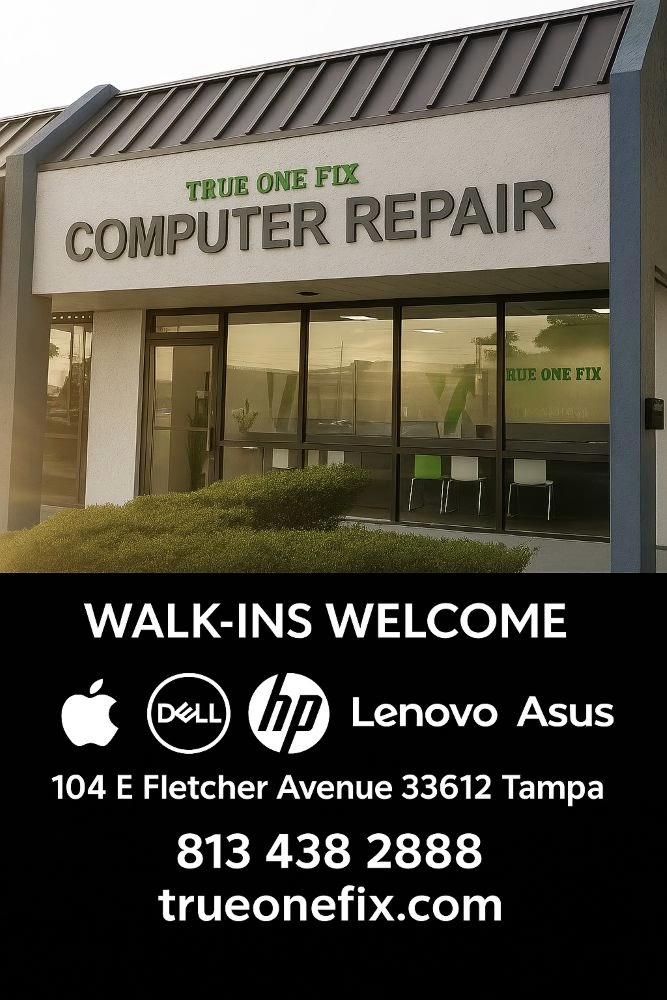
Lake Magdalene Computer Repair Services
Trueonefix Computer Repair Shop is located at 104 E Fletcher Ave, Tampa, FL 33612, close to the Lake Magdalene area. We do not claim a separate storefront inside the neighborhood. Repairs are performed at our Fletcher Avenue shop, where our technicians have the tools and equipment required for accurate testing and professional repair.
With more than 28 years of hands-on experience, we work on Apple, Dell, HP, Lenovo, ASUS, Acer, MSI, and many other computer brands. Most repairs begin with a free diagnostic evaluation. We explain what we find, provide an estimate, and obtain your approval before paid work begins.
- Free diagnostics for most computer problems
- Clear recommendations and upfront estimates
- Same-day service available for many common repairs
- 90-day warranty on repair labor
- Professional testing before the device is returned


Laptop Repair Near Lake Magdalene
A laptop may stop working because of a damaged screen, worn battery, broken charging port, failed storage drive, liquid exposure, overheating, or motherboard trouble. Problems that look similar can have very different causes, so we test the device before recommending replacement parts. This helps avoid unnecessary work and gives you a clearer understanding of the repair.
We repair laptops used for remote work, school, business, family tasks, and entertainment. Available services include laptop screen replacement, battery replacement, keyboard repair, and charging port repair. We also diagnose Wi-Fi problems, damaged hinges, noisy fans, startup failures, and laptops that turn off unexpectedly.
MacBook Air and MacBook Pro Repair
MacBook faults can involve the display, battery, keyboard, trackpad, USB-C ports, cooling system, storage, or logic board. Our technicians diagnose MacBook Air and MacBook Pro models and explain whether a standard part replacement or component-level board repair is practical. When liquid is involved, early inspection is important because corrosion can continue even after the outside of the computer appears dry.
- MacBook screen repair
- MacBook battery replacement
- USB-C charging and power diagnostics
- Keyboard, trackpad, and fan problems
- Liquid-damage and logic-board diagnostics
Visit our MacBook Repair Tampa page for more information about supported services.
Desktop and Gaming PC Repair
Desktop computers are often repairable and upgradeable, making them a good long-term investment when the main components remain suitable. We diagnose computers with no power, no display, random restarts, blue screens, slow performance, unusual noises, and failed operating systems. Testing may include the power supply, motherboard, memory, storage, processor, graphics card, and cooling system.
Gaming PCs require careful attention to temperatures, airflow, power delivery, drivers, and component compatibility. A system that crashes during games may have a failing GPU, unstable memory, an inadequate power supply, excessive heat, or a software conflict. Our Gaming PC Repair Tampa service includes hardware diagnostics, stability testing, cleaning, cooling improvements, and upgrade recommendations.
Computer Upgrades and Performance Improvements
A slow computer does not always need to be replaced. Installing an SSD, increasing memory, servicing the cooling system, or repairing the operating system can improve a compatible computer significantly. We consider the age, specifications, overall condition, and intended use before recommending an upgrade. If the expected improvement does not justify the cost, we will explain why replacement may be a better choice.
Our SSD Upgrade Tampa service can reduce startup and application-loading times. Depending on the condition of the existing drive, we may be able to clone the current installation or transfer important files to the new storage device.
Virus Removal, Software Repair and Data Recovery
Pop-ups, browser redirects, fake security alerts, account concerns, and sudden slowdowns may indicate unwanted software or malware. We inspect the system, remove identified threats, repair affected settings, and install available updates. We can also discuss safer browsing, backups, and account-security steps. The CISA Secure Our World program provides additional guidance for passwords, multifactor authentication, phishing, and software updates.
If files disappear or a drive is no longer detected, minimize use of the computer until it can be evaluated. Continued use can overwrite deleted information or worsen a mechanical failure. Our Data Recovery Tampa service assesses hard drives and SSDs and explains the available options. Recovery cannot be guaranteed, but prompt action may improve the chance of retrieving important data.
Common Problems We Diagnose
- Computer will not turn on or has no display
- Laptop screen is cracked, flickering, or very dim
- Battery does not charge or drains quickly
- System freezes, restarts, or shows a blue screen
- Computer overheats or the fan is unusually loud
- Windows or macOS does not load properly
- Storage drive is failing or important files are missing
- Wi-Fi, Bluetooth, audio, USB, camera, or keyboard fails
- Gaming PC has low performance or crashes under load
Advanced Motherboard Diagnostics
Power, charging, display, and liquid-related failures sometimes originate on the motherboard or MacBook logic board. When appropriate, our technicians use microscopes, meters, schematics, and soldering equipment to locate failed components or damaged circuits. Component-level repair can be more economical than replacing the complete board, but feasibility depends on the extent of damage and parts availability.
Our Repair Process
- Device intake: Tell us what happened, when the problem began, and whether important data is involved.
- Diagnostic evaluation: We inspect and test the relevant hardware and software.
- Explanation and estimate: We describe the findings, repair options, cost, and expected timing.
- Your authorization: We wait for your approval before starting paid repairs.
- Repair and final testing: We complete the authorized service and verify system operation.
Repair Cost, Timing and Warranty
Standard labor starts at $95. Total cost depends on the fault, repair complexity, and required parts. Diagnostics are free for most problems; a written diagnostic report costs $50 when formal documentation is needed. Many common repairs may be completed the same day when the correct part is available, while motherboard, liquid-damage, and data-recovery cases can require additional time.
Our repair labor includes a 90-day warranty. Replacement-part coverage varies according to the part and supplier. If diagnostic findings change the proposed work or price, we contact you before continuing.
FAQ – Lake Magdalene Computer Repair
Is Trueonefix located in Lake Magdalene?
Our shop is located nearby at 104 E Fletcher Ave in Tampa. We do not operate a separate storefront inside Lake Magdalene.
Do you offer free diagnostics?
Yes, diagnostics are free for most computer repair issues. A written diagnostic report is available for $50.
Can you finish my repair the same day?
Many common repairs can be completed the same day if the required parts are available. Complex repairs and cases requiring special-order parts take longer.
What devices do you repair?
We repair Windows laptops and desktops, MacBooks, iMacs, and gaming PCs. We do not repair phones, tablets, game consoles, televisions, or stand-alone monitors, and we do not provide on-site service.
Visit Trueonefix Computer Repair Shop
Address: 104 E Fletcher Ave, Tampa, FL 33612
Phone: 813-438-2888
Hours: Monday–Friday 9:30 AM–7:00 PM; Saturday 10:00 AM–4:00 PM; Sunday closed.
Get Your Computer Diagnosed
If your laptop, MacBook, desktop, or gaming computer is not working correctly, call 813-438-2888 or book your device online. We will evaluate the problem, explain the available options, and help you choose a practical next step.