
iMac repair in Tampa, FL for slow iMacs, SSD upgrades, screen issues, power problems, overheating, macOS errors, and data recovery. Free diagnostics available.
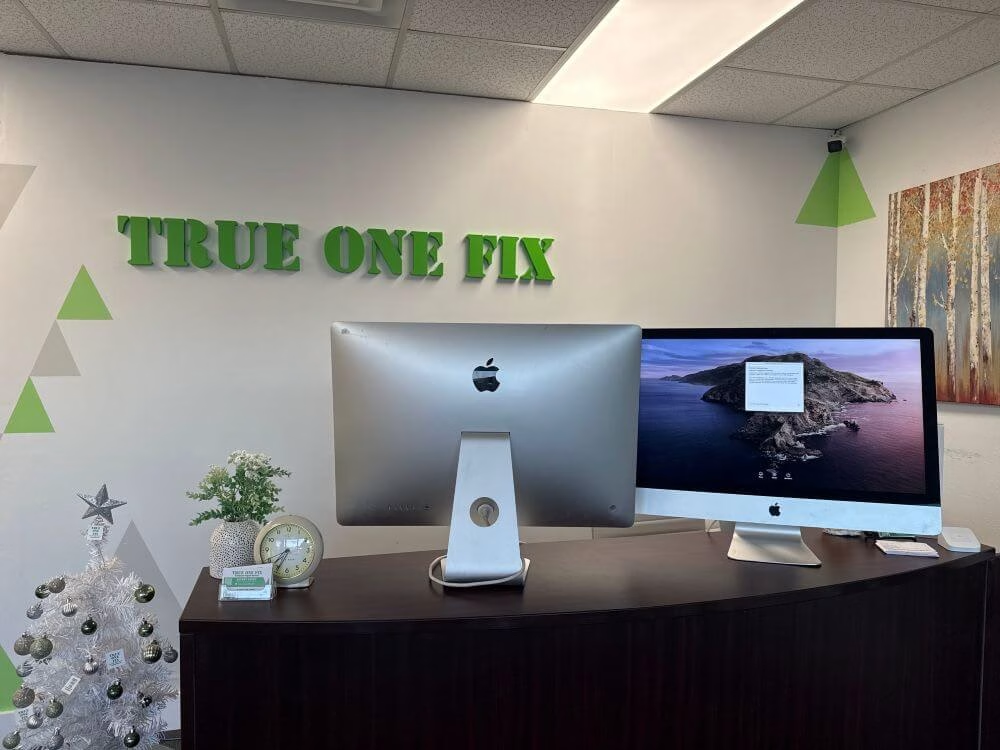
Professional iMac Repair in Tampa
Trueonefix provides iMac repair for slow performance, screen problems, no-power issues, loud fan noise, overheating, SSD upgrades, macOS problems, data recovery, power supply faults, and logic board issues.
We service many 21.5-inch and 27-inch iMac models, including Retina 4K, Retina 5K, Intel-based iMacs, and supported newer Apple desktop systems.
With over 28 years of hands-on computer repair experience and hundreds of verified Google reviews, we focus on honest diagnostics, clear pricing, and repair recommendations that make sense for the customer.
- Free diagnostics for most iMac repair issues
- Same-day service available on some repairs and upgrades
- Repairs starting at $95 plus parts when required
- 90-day labor warranty
- SSD upgrades, power diagnostics, and board-level inspection
Why Tampa Customers Choose Trueonefix for iMac Repair
⭐ Verified Google Reviews
Hundreds of Tampa customers trust Trueonefix for honest Apple computer repair and dependable service.
🛠 Free Diagnostics
We inspect your iMac, explain the issue, and provide a clear estimate before repair work begins.
⚡ Performance Upgrades
SSD upgrades, macOS cleanup, cooling service, and hardware diagnostics can make many older iMacs useful again.


Common iMac Problems We Repair
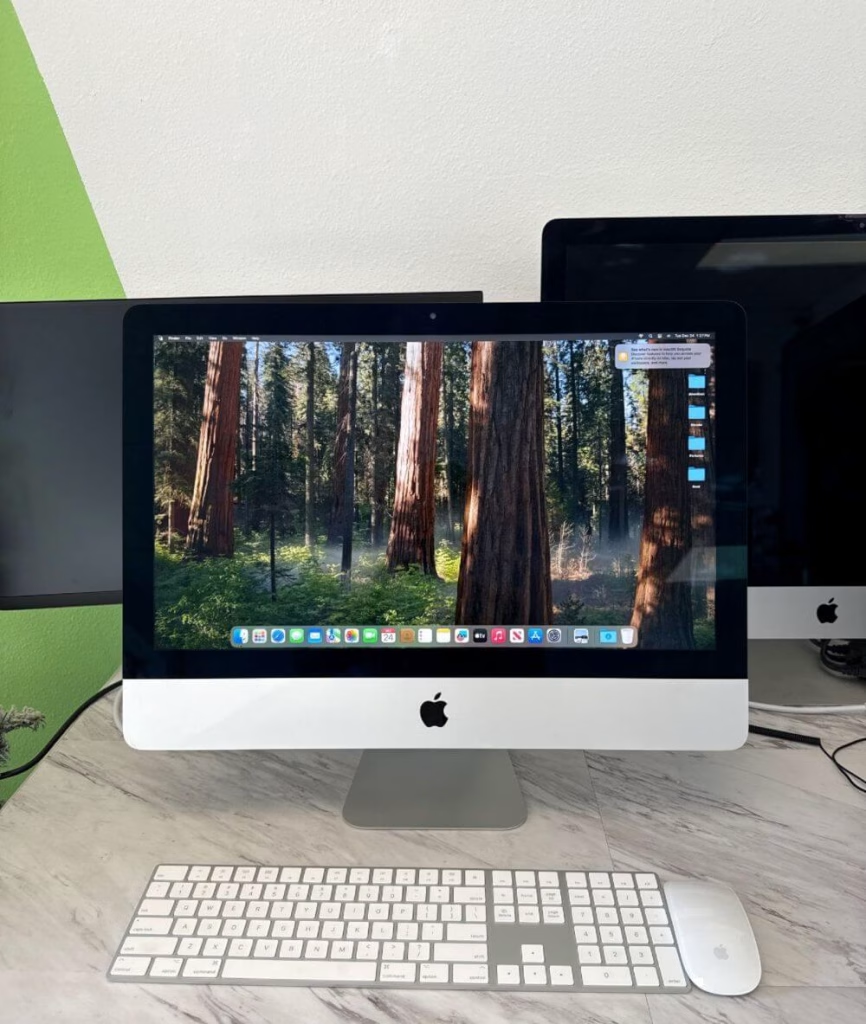
iMac problems can be caused by failing storage, overheating, power supply faults, display issues, macOS errors, RAM problems, or logic board failures. We diagnose the cause before recommending repair.
- iMac running slow or freezing
- Spinning beach ball and long startup times
- iMac not turning on
- Black screen, flickering screen, or display lines
- Loud fan noise, overheating, or random shutdowns
- Blinking folder icon or macOS boot problems
Slow iMac Repair and SSD Upgrade
Many older iMacs become slow because of failing mechanical hard drives or Fusion Drives. Symptoms can include long boot times, freezing, constant beach ball icons, slow app loading, and poor overall performance.
In many cases, replacing the old drive with an SSD can make the iMac much faster and more responsive. We check the iMac model, storage condition, data transfer options, and macOS requirements before recommending the upgrade.
For detailed upgrade information, visit our SSD Upgrade Tampa page.
iMac Not Turning On
If your iMac does not power on, the issue may be the power supply, logic board, RAM, power button, display circuit, or another internal component. We perform step-by-step diagnostics to identify the cause.
A dead iMac does not always mean the computer is not repairable. We test the power system and internal hardware before recommending repair or replacement.
iMac Overheating and Loud Fan Noise
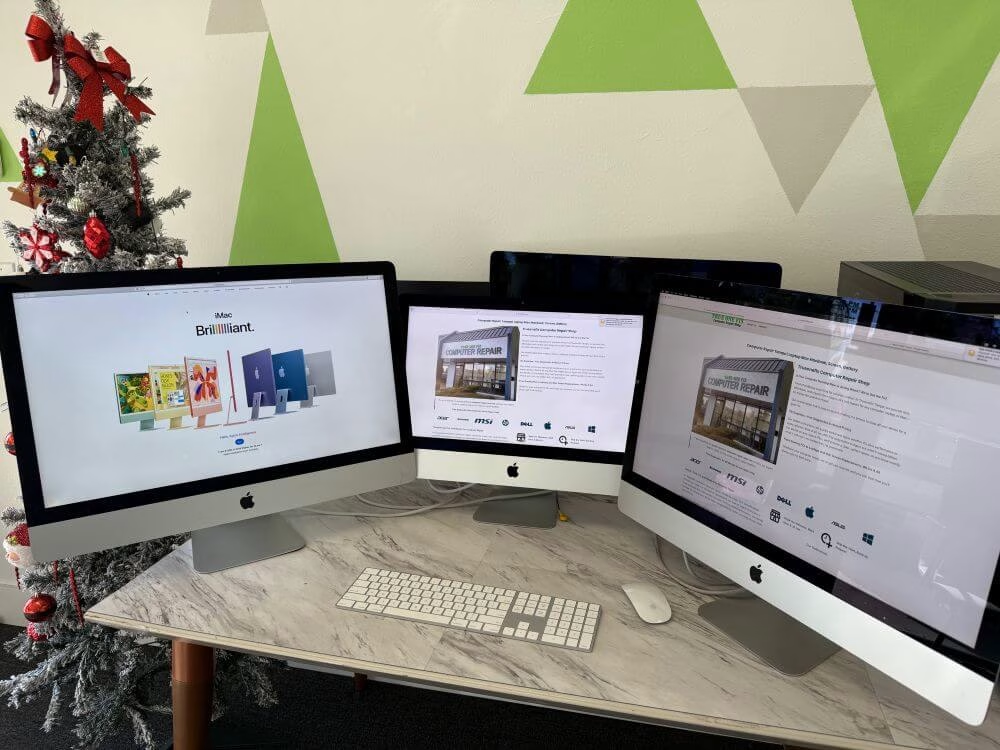
If your iMac fan is loud, the computer feels hot, or it shuts down during normal use, the cooling system may need inspection. Dust buildup, old thermal compound, fan failure, or sensor issues can cause overheating.
- Internal dust cleaning
- Fan inspection and replacement when needed
- Thermal service for supported models
- Temperature and stability testing
- macOS activity and background process check
iMac Screen and Display Problems
iMac display problems can include flickering, dim image, vertical lines, color distortion, black screen, backlight failure, or physical screen damage. We inspect the display, internal cables, backlight behavior, graphics output, and related components before recommending repair.
Because iMac screens require careful removal and resealing on many models, proper handling is important. We test the iMac after repair to confirm display quality and system stability.
iMac Power Supply and Logic Board Repair
Power problems can be caused by a failing iMac power supply, damaged logic board, shorted component, liquid exposure, or internal connector issue. We inspect the power path and related hardware before replacing parts.
When possible, board-level diagnostics can help identify whether the issue is repairable without replacing the entire iMac.
iMac Data Recovery and Backup Options
If your iMac has a failing hard drive, corrupted system, blinking folder icon, or storage error, we can check whether your data is still recoverable. When possible, we can transfer files to a new drive, external drive, or replacement computer.
If the drive is failing or unreadable, data recovery depends on the condition of the storage device. For more details, visit our Data Recovery Tampa page.
iMac Repair Services
Trueonefix handles many iMac hardware and software issues, from performance upgrades to deeper hardware diagnostics.
- iMac diagnostics and health check
- iMac SSD upgrade and storage replacement
- iMac screen and display repair
- Power supply inspection and replacement
- Logic board diagnostics
- Fan cleaning and overheating repair
- RAM upgrade where supported
- macOS installation and repair
- Data transfer and backup setup
- Slow iMac performance repair
iMac Models We Service
We service many iMac models where parts and repair options are available.
- 21.5-inch iMac models
- 27-inch iMac models
- Retina 4K iMac models
- Retina 5K iMac models
- Intel-based iMac models
- Supported Apple Silicon iMac models
Our iMac Repair Process
- Initial diagnosis: We inspect the iMac, confirm the symptoms, and check hardware or software causes.
- Estimate and approval: We explain the issue, repair options, and estimated cost before work begins.
- Repair or upgrade: We perform the approved repair, upgrade, cleaning, installation, or data service.
- Final testing: We test startup, display, storage, fan behavior, temperature, macOS function, and overall stability.
- Pickup: We review the completed work and answer questions before returning the iMac.
iMac Repair Cost in Tampa
iMac repair pricing depends on the model, issue, required parts, repair complexity, and whether the service involves screen removal, SSD replacement, power supply repair, data recovery, or board-level diagnostics.
Before starting any repair, we inspect the iMac and provide a clear estimate for approval. No repair work begins without customer authorization.
For general pricing information, visit our Repair Prices page. For official Apple information, you can also visit Apple Mac Support.
Related Apple and Computer Repair Services
If your iMac issue is connected to another repair category, these pages may help.
iMac Repair Service Areas
We serve Tampa, Carrollwood, Temple Terrace, Lutz, Wesley Chapel, New Tampa, Tampa Palms, Citrus Park, USF, Lake Magdalene, Westchase, Brandon, Riverview, and nearby Tampa Bay communities.
FAQ – iMac Repair Tampa FL
How much does iMac repair cost?
The cost depends on the iMac model, problem, required parts, and repair complexity. We inspect the iMac and provide an estimate before starting repair work.
Can you make my slow iMac faster?
Yes. Many slow iMacs improve significantly with an SSD upgrade, macOS cleanup, or failing drive replacement.
Do you repair iMacs that will not turn on?
Yes. We diagnose iMac no-power problems involving the power supply, logic board, RAM, storage, and internal hardware.
Do you replace iMac screens?
We inspect iMac screen and display problems and provide repair options when parts are available and the repair makes financial sense.
Can you recover data from a broken iMac?
Often, yes. If the storage device is readable, we can transfer or recover files. If the drive is damaged, recovery depends on the condition of the storage device.
Do I need an appointment?
Walk-ins are welcome. Because iMacs are large and fragile, calling ahead is recommended if you need help planning drop-off.
Visit Our iMac Repair Shop in Tampa
Visit Trueonefix Computer Repair Shop for free diagnostics, iMac repair, SSD upgrades, screen issues, power supply problems, overheating repair, macOS repair, and data recovery options.
Trueonefix Computer Repair Shop
104 E Fletcher Ave, Tampa, FL 33612
Phone: 813-438-2888
Website: trueonefix.com
Need iMac Repair in Tampa?
Whether your iMac is slow, not turning on, overheating, showing display problems, or having macOS issues, Trueonefix is ready to help.
104 E Fletcher Ave, Tampa, FL 33612