
Virus Removal Tampa FL with free diagnostics, same-day service available, and repairs starting at $95. We remove viruses, malware, spyware, adware, ransomware, browser hijackers, pop-ups, and unwanted programs from computers, laptops, gaming PCs, and Macs.
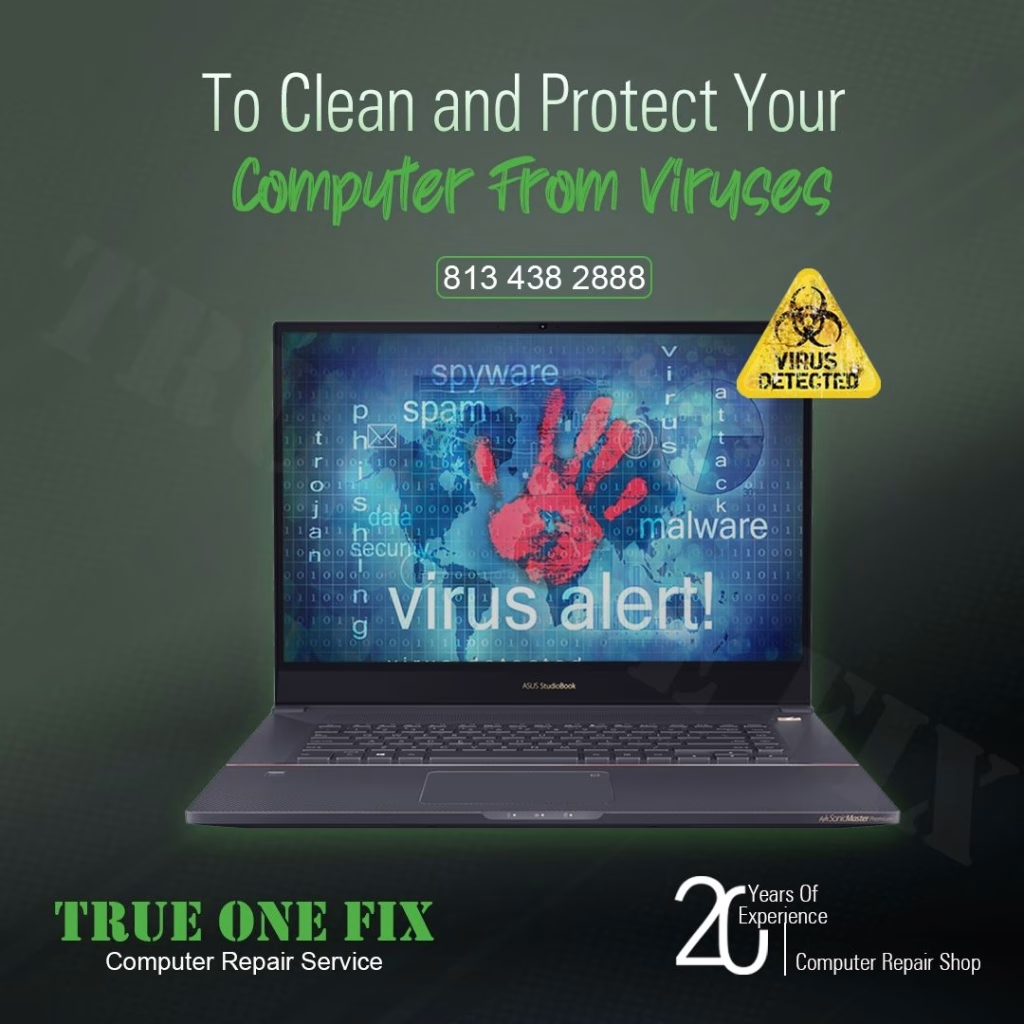
Trusted Virus Removal Service in Tampa
Trueonefix provides professional virus removal Tampa service for Windows computers, laptops, gaming PCs, business computers, MacBooks, and iMacs.
We remove malware, spyware, adware, fake antivirus programs, browser hijackers, unwanted pop-ups, suspicious startup items, ransomware-related infections, and programs that slow down or compromise your computer.
Our goal is to clean the infection, protect your files, improve system performance, and help secure your computer without wiping your system whenever possible.
- Free diagnostics for most virus removal cases
- Same-day service available on many malware cleanup jobs
- Service starts at $95
- Data-friendly cleanup whenever possible
- Windows, Mac, laptop, desktop, and gaming PC support
Why Tampa Customers Choose Trueonefix
⭐ 470+ Google Reviews
Hundreds of Tampa customers trust Trueonefix for honest virus removal, malware cleanup, and computer repair service.
🛠 Free Diagnostics
We inspect your computer, explain the infection or system issue, and provide a clear estimate before starting service.
⚡ Same-Day Service
Many virus removal, malware cleanup, pop-up removal, and performance cleanup services can be completed the same day.
💵 Starting at $95
We provide upfront pricing and never begin cleanup work without customer approval.
🔐 Safer Cleanup
We focus on removing threats while protecting your files, settings, browser data, and personal information whenever possible.
💻 Full Computer Service
If malware damage exposes hardware, Windows, storage, or data problems, our repair shop can diagnose those issues too.
Signs Your Computer May Have a Virus
Pop-Ups and Fake Alerts
Fake antivirus warnings, browser alerts, unsafe pop-ups, and “call this number” messages are common signs of adware, browser hijackers, or scam software.
Slow Computer Performance
Malware can cause slow startup, freezing, high CPU usage, high disk usage, browser lag, and poor system response even when few programs are open.
Browser Redirects
If your homepage changes, searches redirect, unknown extensions appear, or websites open by themselves, your browser may be infected or hijacked.
Disabled Security Tools
Some infections disable Windows Security, antivirus software, updates, Task Manager, or system settings to make removal more difficult.
Unknown Programs
Unwanted software, suspicious toolbars, strange startup items, and unknown icons may indicate malware, adware, or bundled programs installed without proper consent.
Locked or Missing Files
Encrypted, renamed, missing, or inaccessible files may indicate ransomware or serious file system damage. Turn off the computer and get professional help quickly.

Our Safe Virus Removal Process
We do not rely on one quick scan. We inspect startup items, installed programs, browser extensions, suspicious processes, security settings, and system performance to remove infections carefully.
- Initial inspection of symptoms and recent activity
- System diagnostics for malware, startup items, and suspicious programs
- Safe malware cleanup using appropriate tools and manual checks
- Browser cleanup for hijackers, pop-ups, extensions, and redirects
- Security verification for Windows Security or installed antivirus software
- Performance cleanup to remove junk programs and unnecessary startup items
- Final testing to confirm the computer is usable, stable, and safer
Virus Removal & Malware Cleanup Services
- Computer virus removal
- Malware removal
- Spyware removal
- Adware and pop-up cleanup
- Browser hijacker removal
- Ransomware cleanup guidance
- Suspicious program removal
- Windows Security repair
- Mac malware cleanup
- Gaming PC malware cleanup
- Startup and performance cleanup
- Security update assistance
What Not To Do If You Suspect Malware
- Do not enter banking, credit card, or important account passwords on an infected computer.
- Do not call phone numbers shown in fake support pop-ups.
- Do not install multiple “free cleaner” tools from random websites.
- Do not ignore ransomware-style file changes, locked files, or sudden missing data.
- Do not disable Windows Security without correcting the root issue.
If you are unsure what happened, turn off the computer and bring it to our Tampa repair shop. We can inspect it and explain the safest next step.
Related Computer Repair Services
What Customers Say


Virus Removal Service Areas
We serve Tampa, Carrollwood, Temple Terrace, Lutz, Wesley Chapel, New Tampa, Tampa Palms, Citrus Park, USF, Lake Magdalene, Westchase, Brandon, Riverview, and nearby Tampa Bay communities.
Frequently Asked Questions
How much does virus removal cost in Tampa?
Virus removal service starts at $95. Final pricing depends on the infection level, system condition, data risk, and whether Windows or macOS repair is needed.
Can you remove viruses without deleting my files?
In many cases, yes. We focus on cleaning the infection while preserving your files whenever possible. If data is at risk, we explain your options first.
Do you remove malware and spyware?
Yes. We remove malware, spyware, adware, browser hijackers, suspicious programs, pop-ups, fake antivirus software, and unwanted extensions.
Can you help with ransomware?
We can inspect the system, remove active threats, and explain recovery options. Ransomware file recovery depends on the type of encryption, backup status, and drive condition.
Do Macs get viruses?
Macs can get adware, malicious profiles, unwanted pop-ups, browser hijackers, and suspicious apps. We clean MacBook and iMac malware issues.
Why is my computer still slow after virus removal?
Slow performance may also come from a failing hard drive, low RAM, too many startup programs, Windows corruption, overheating, or old hardware. We can diagnose those issues too.
How long does virus removal usually take?
Many virus removal and malware cleanup jobs can be completed the same day. Severe infections, ransomware cases, or systems with drive problems may take longer.
Visit Our Tampa Virus Removal Shop
Located at 104 E Fletcher Ave, Tampa, FL 33612. Visit our shop for free diagnostics, virus removal, malware cleanup, spyware removal, ransomware inspection, browser hijacker removal, pop-up cleanup, and computer performance repair.
Ready To Clean Your Computer?
Whether your computer has pop-ups, malware, browser redirects, fake alerts, ransomware symptoms, or slow performance, our technicians are ready to help.
104 E Fletcher Ave, Tampa, FL 33612