
South Tampa Computer Repair from Trueonefix helps residents, professionals, students, and small-business owners solve laptop, MacBook, desktop, and gaming PC problems. Our established Tampa repair shop provides careful diagnostics, clear explanations, and dependable repairs for devices used at home, at work, and on the go.
South Tampa Computer Repair Services
A failed computer can interrupt client meetings, remote work, school assignments, creative projects, and access to important files. Trueonefix repairs common and complex computer problems with a process designed to identify the actual cause before parts are replaced. We explain what we find, discuss practical options, and wait for your approval before completing paid work.
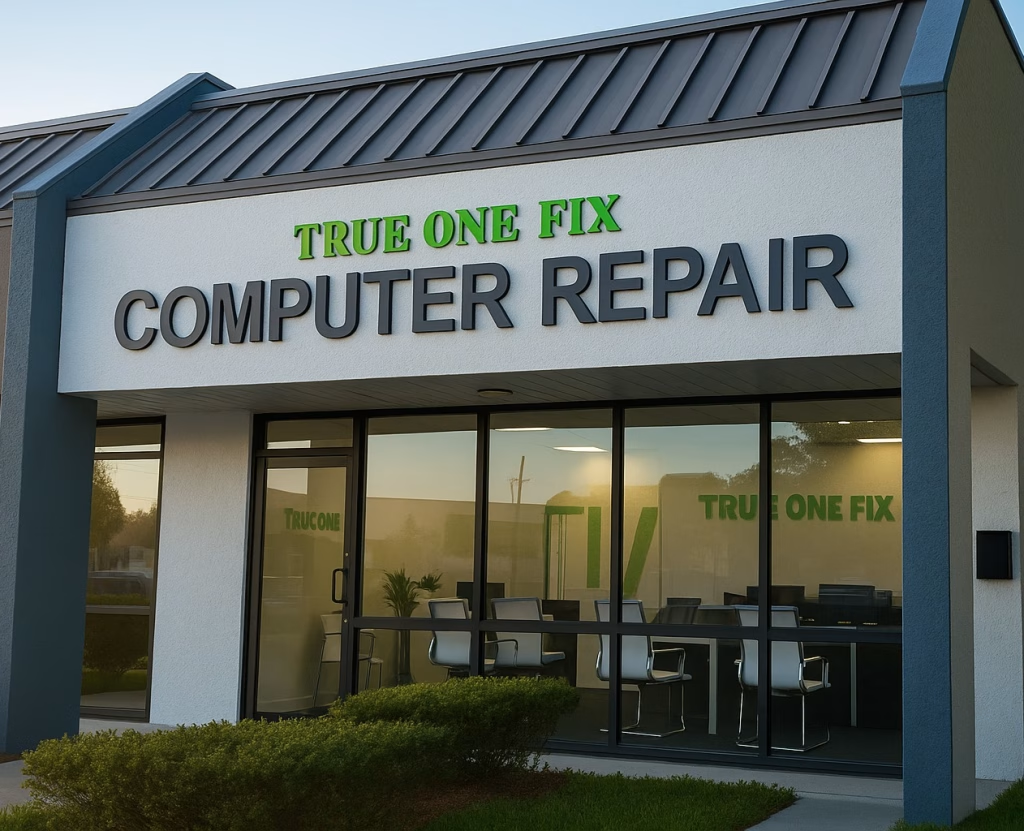
We regularly assist customers from Hyde Park, Palma Ceia, Bayshore Beautiful, Beach Park, Sunset Park, and surrounding communities. Trueonefix does not operate a separate storefront in South Tampa. Service is performed at our shop at 104 E Fletcher Ave, Tampa, FL 33612, where our technicians have access to professional diagnostic equipment and repair tools.
With more than 28 years of repair experience, we work on Apple, Dell, HP, Lenovo, ASUS, Acer, MSI, and many other computer brands. Most repairs begin with a free diagnostic evaluation. A written diagnostic report is available for $50 when documentation is required for insurance, business records, or another service provider.
Clear Recommendations
We describe the problem in straightforward language and explain whether repair, upgrade, data recovery, or replacement makes the most sense.
Experienced Technicians
Our team has worked with changing computer technology since 1998, from everyday laptops to modern workstations and custom gaming systems.
Repairs That Are Tested
After service, we test the affected functions and overall system stability. Our labor includes a 90-day warranty; parts warranties vary by supplier.


Laptop Repair for Work, School and Daily Use
Laptops are frequently carried between homes, offices, schools, and coffee shops, making them vulnerable to impact damage, worn charging ports, liquid spills, and battery failure. We repair cracked displays, keyboards, hinges, fans, charging problems, storage failures, and laptops that will not start. We also investigate intermittent problems that may only appear under load or after the computer becomes warm.
When a business laptop contains important settings or specialized software, replacement is not always the simplest answer. A targeted repair or upgrade may preserve the familiar setup and reduce downtime. We assess the computer’s age, condition, specifications, and repair cost so you can make an informed decision without pressure.
MacBook Repair Near South Tampa
MacBook problems can involve the display, battery, keyboard, trackpad, USB-C charging system, storage, cooling system, or logic board. Our technicians diagnose MacBook Air and MacBook Pro models before recommending a repair. When board-level work is a reasonable option, we can investigate damaged circuits instead of automatically replacing an entire logic board.
- MacBook screen and display problems
- Battery replacement and charging faults
- Liquid-damage inspection and cleaning
- Keyboard, trackpad, fan, and overheating issues
- Logic-board diagnostics and component-level repair
For more information about this specialty service, visit our MacBook Repair Tampa page.
Desktop and Gaming PC Diagnostics
Desktop computers can offer excellent value because many parts are replaceable or upgradeable. We diagnose systems with no power, no display, random shutdowns, unusual noises, unstable software, damaged ports, and slow performance. Testing may include the power supply, memory, storage, motherboard, graphics card, cooling system, and operating system.
Gaming PCs and high-performance workstations require special attention to heat, power delivery, component compatibility, and driver stability. A computer that crashes during games or demanding applications may have a temperature problem, failing GPU, insufficient power supply, unstable memory, or software conflict. We test the system under realistic loads to narrow down the cause. See our Gaming PC Repair Tampa service for additional details.
Helping Extend the Useful Life of Your Computer
A computer does not always need to be replaced when it becomes slow. If the processor and overall condition still meet your needs, an SSD, additional memory, cooling service, or clean operating-system installation may restore useful performance. This can be especially valuable when the device supports business applications, peripheral equipment, or a workflow that would take time to rebuild on a new system.
We recommend upgrades only when the expected improvement justifies the cost. If a system has several major failures or cannot support the software you need, we will explain why replacement may be the better investment. The goal is to give you a practical answer based on the computer and how you use it.
Common Computer Problems We Repair
- Computer will not power on or shows a black screen
- Cracked laptop display or damaged hinge
- Battery drains quickly or does not charge
- System runs slowly, freezes, or restarts unexpectedly
- Computer overheats or the fan runs constantly
- Windows or macOS fails to load correctly
- Malware, pop-ups, account-security concerns, or suspicious activity
- Files are missing or a storage drive is not detected
- Wi-Fi, Bluetooth, USB, audio, camera, or keyboard problems
Data Recovery, Virus Removal and SSD Upgrades
If a hard drive or SSD becomes unreadable, stop using the device when possible. Continued operation can overwrite deleted files or worsen a mechanical drive failure. Our Data Recovery Tampa service evaluates the storage device and explains available recovery options. No recovery can be guaranteed, but early action may improve the chance of retrieving important documents, photos, or business files.
We also remove malicious software, unwanted browser extensions, and potentially unwanted programs. After cleanup, we can help install updates and review basic security practices. An SSD upgrade can dramatically improve startup and application-loading times on compatible older computers, and we can discuss transferring data or cloning the existing installation when appropriate.
Advanced Motherboard and Logic-Board Repair
Some power, charging, display, and liquid-damage failures originate on the motherboard. Replacing the complete board can be expensive and may complicate access to data. When conditions allow, our technicians use microscopes, meters, schematics, and soldering equipment to identify failed components and damaged circuits. Component-level repair is evaluated case by case because severe corrosion, unavailable parts, or multilayer board damage can limit what is practical.
Our Computer Repair Process
- Bring in the device: Tell us what happened, when the issue started, and whether important data is involved.
- Diagnostic evaluation: We inspect and test the relevant hardware and software to identify the likely cause.
- Options and estimate: We explain our findings, estimated cost, parts availability, and expected turnaround.
- Your approval: Paid work does not begin until you authorize the proposed repair.
- Repair and testing: We complete the service and verify the affected functions before pickup.
Computer Repair Cost and Turnaround
Standard labor starts at $95. The total depends on the fault, required parts, repair complexity, and time involved. Most diagnostic evaluations are free, while a written diagnostic report is $50. Common services may be completed the same day when the correct part is available and the repair does not require extended testing. More complex motherboard, liquid-damage, or data-recovery cases can take longer.
We provide an estimate before paid repairs begin. If testing reveals a different issue that changes the proposed work, we contact you before continuing. This keeps the process transparent and allows you to decide what is appropriate for your device and budget.
Serving South Tampa from Our Tampa Repair Shop
Trueonefix serves customers from across the City of Tampa, including South Tampa neighborhoods such as Hyde Park, Palma Ceia, Bayshore Beautiful, Beach Park, and Sunset Park. Because travel time changes with traffic and your starting point, check current directions before visiting. Our shop is on E Fletcher Avenue; there is no separate South Tampa storefront.
FAQ – South Tampa Computer Repair
Do you offer free computer diagnostics?
Yes. Diagnostics are free for most repair issues. A written diagnostic report costs $50 when formal documentation is requested.
Can my computer be repaired the same day?
Many common repairs can be completed the same day when the required parts are in stock. The actual timing depends on the diagnosis, parts availability, and testing required.
Do you repair both Windows computers and MacBooks?
Yes. We repair Windows laptops and desktops, custom gaming PCs, MacBook Air, and MacBook Pro models. We do not repair phones, tablets, game consoles, or televisions.
Do you provide on-site service in South Tampa?
No. Repairs are performed at our Tampa shop, where the necessary diagnostic and repair equipment is available.
Is repair work covered by a warranty?
Our repair labor includes a 90-day warranty. Warranty coverage for replacement parts varies according to the part and supplier.
Visit Trueonefix Computer Repair Shop
Address: 104 E Fletcher Ave, Tampa, FL 33612
Phone: 813-438-2888
Hours: Monday–Friday 9:30 AM–7:00 PM; Saturday 10:00 AM–4:00 PM; Sunday closed.
Get a Clear Diagnosis for Your Computer
If your laptop, MacBook, desktop, or gaming computer is not working correctly, call 813-438-2888 or bring it to Trueonefix. We will inspect the device, explain the available options, and help you choose a sensible next step.