
Gaming PC Repair
Review the primary service page for diagnosis and repair options.
Learn moreRepair Advice
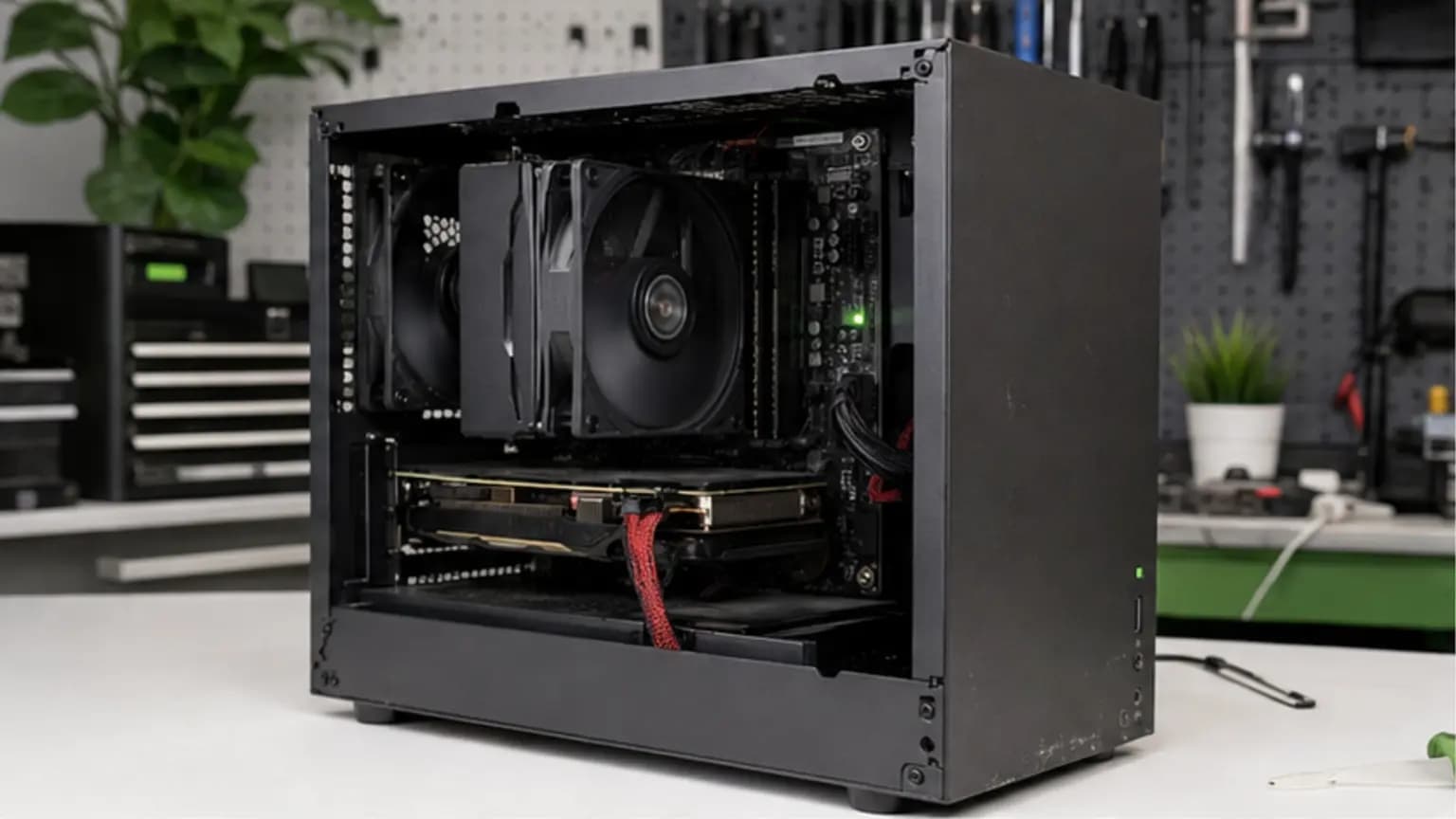
A customer brought this custom gaming computer to Trueonefix Computer Repair Shop in Tampa after the problem began interrupting normal use. This article describes a representative repair workflow without using any customer name, serial number, or personal information. Every device can fail differently, so the same symp
Real Repair Case
A customer brought this custom gaming computer to Trueonefix Computer Repair Shop in Tampa after the problem began interrupting normal use. This article describes a representative repair workflow without using any customer name, serial number, or personal information. Every device can fail differently, so the same symptom on another computer may have a different cause. A customer visiting us from Lutz described the symptom in practical terms, and we started with evidence instead of guessing.
Trueonefix
The lights and fans came on, but there was no display and the board stopped on a diagnostic LED. Repeated restarts and moving the RAM did not restore a reliable boot.
A short description like this is useful, but it is only the beginning. Parts should not be ordered from a symptom alone. We first documented what happened, when it happened, and whether a recent update, impact, spill, or hardware change might be related.
Trueonefix
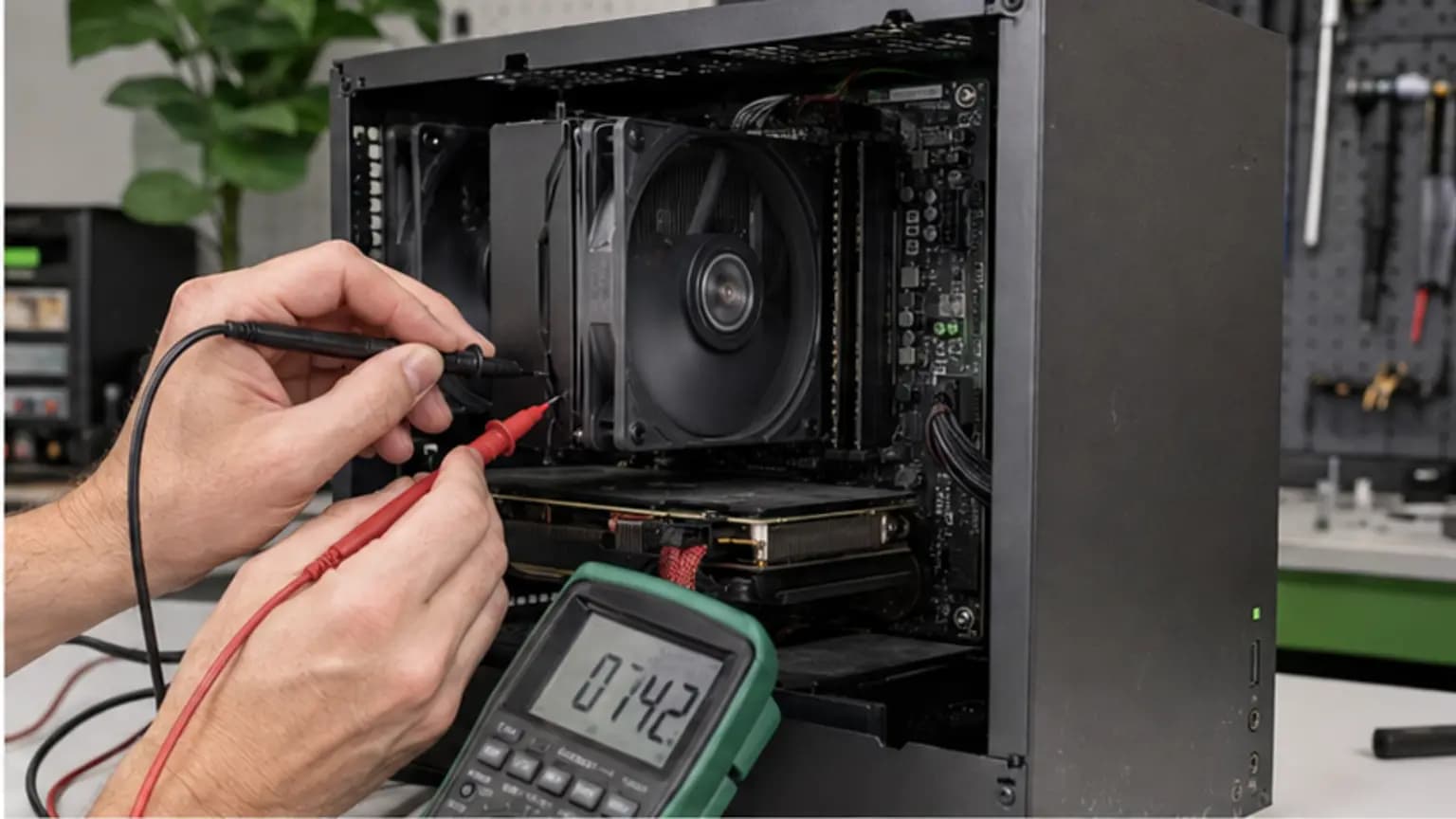
We verified the monitor and cable, tested the graphics card in a known-good system, measured the power supply rails, inspected the socket and board, cleared CMOS, and attempted a minimum-hardware boot. Known-good RAM and graphics still produced the same board-level failure.
We changed one variable at a time and recorded the result. This matters because two failures can look identical to the owner. A replacement part may hide a symptom temporarily without correcting the cause. Our diagnostic goal was to identify the failed system, confirm that the remaining parts were healthy, and give the customer a clear repair option.
Before opening the device, we also noted its physical condition and protected accessible data whenever the situation allowed. If a drive is unstable or liquid is present, the safe order of operations changes; preventing additional damage takes priority over forcing the computer to start.
Trueonefix
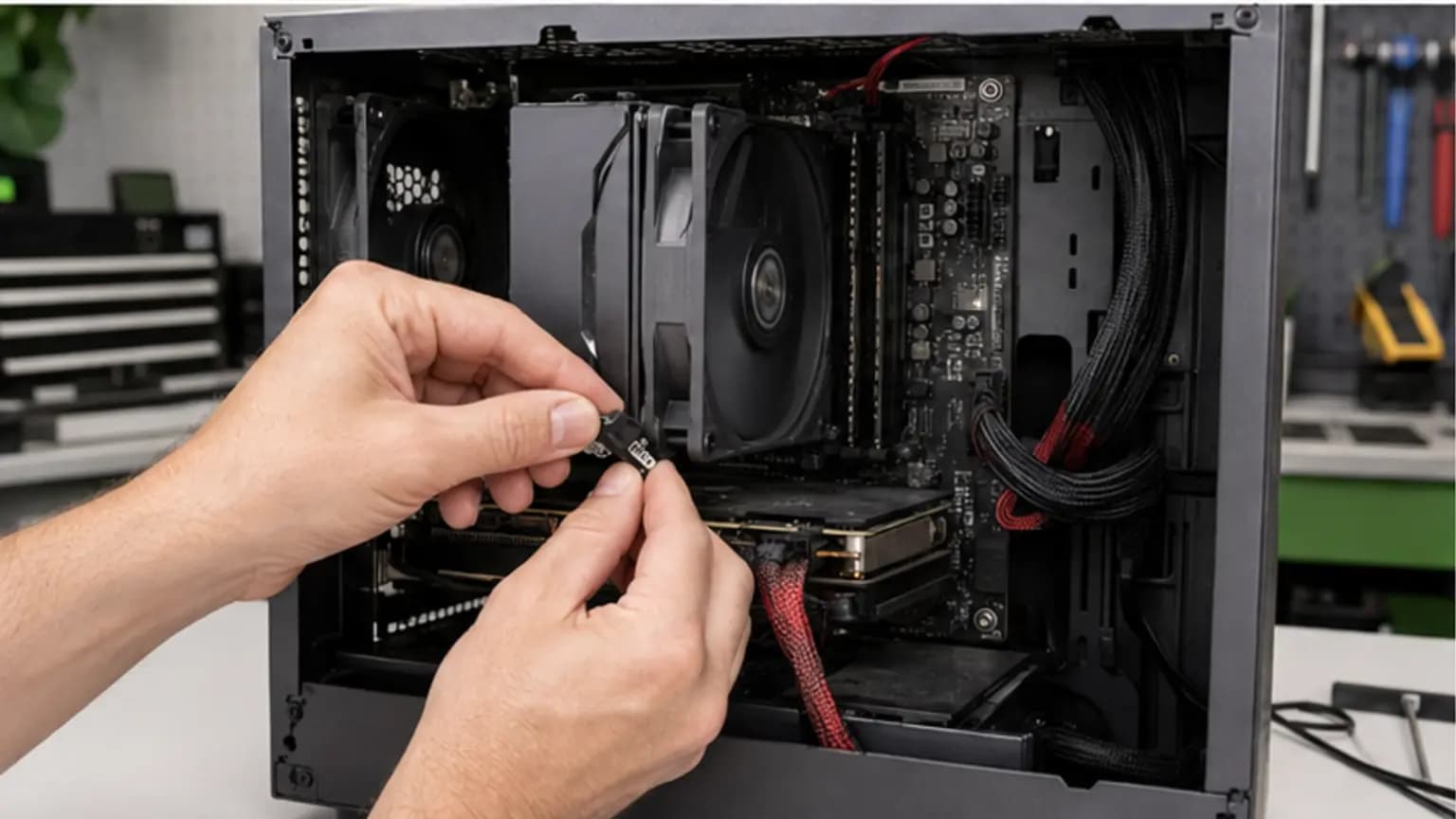
After confirming the processor and other reusable parts were healthy, we replaced the failed motherboard with a compatible board, updated its firmware, rebuilt the system carefully, and restored the correct memory and boot settings.
We inspected every connection disturbed during the repair and avoided unnecessary changes to unrelated components. Firmware or software settings were changed only when they supported the verified hardware condition. The computer was then reassembled far enough for controlled testing before final closure.
Trueonefix
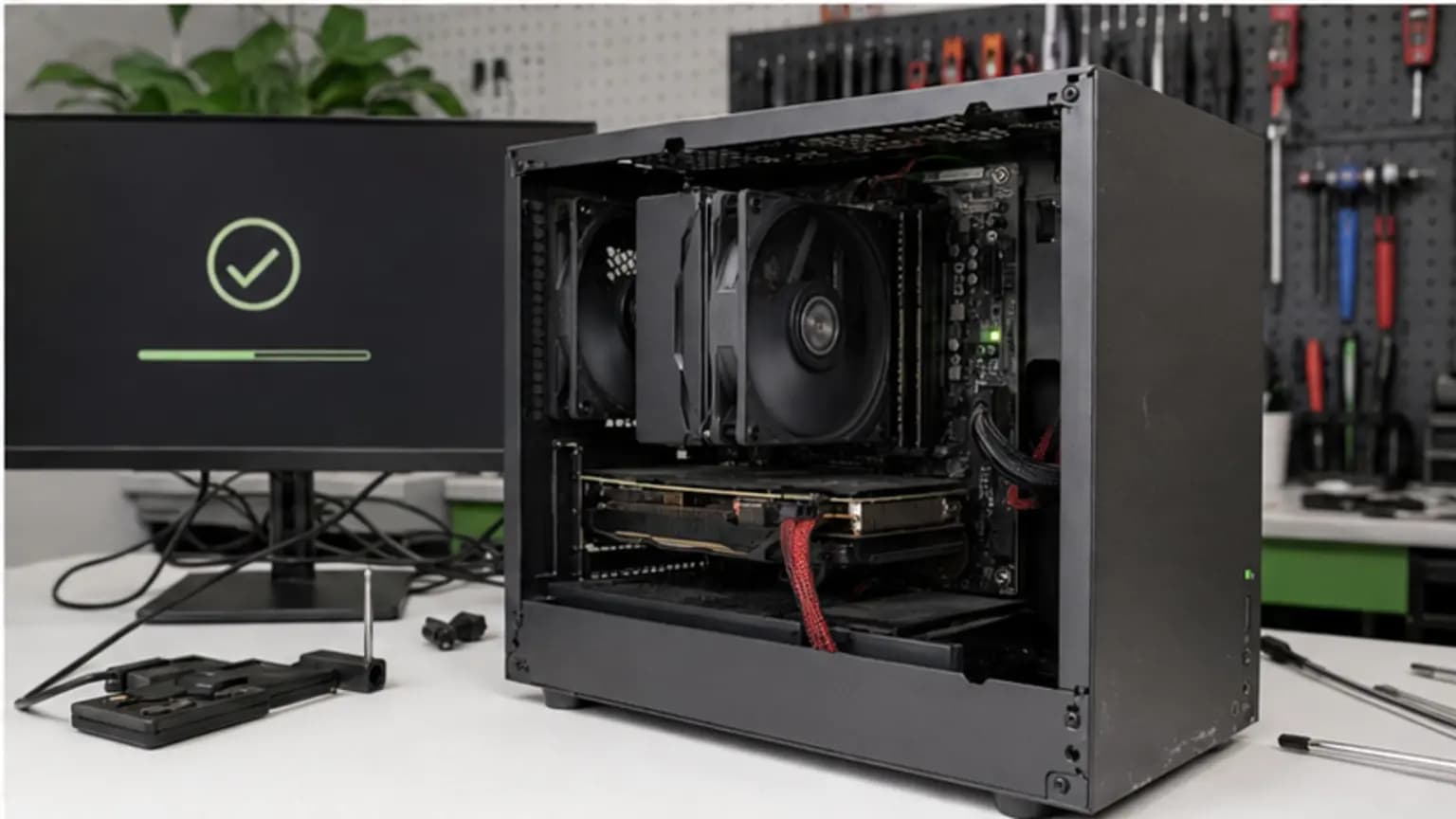
The repaired system completed repeated cold boots, memory testing, CPU and GPU loads, USB checks, network testing, and a full gaming session without diagnostic LEDs or loss of display.
A computer turning on once is not a completed repair. We attempted to reproduce the original condition, compared the before-and-after behavior, and checked nearby functions that could have been affected by disassembly. Only after those checks passed was the repair considered ready for customer review.
Trueonefix
Do not assume every no-display condition is a motherboard. RAM, GPU, CPU power, BIOS support, cables, and the monitor must be ruled out first.
Also avoid buying a part only because an online discussion describes a similar symptom. Model revisions, firmware, power requirements, connectors, and the history of the machine can change the correct diagnosis. If important data is accessible, make a current backup before troubleshooting.
Trueonefix
If your gaming PC has a similar problem, bring it to Trueonefix Computer Repair Shop at 104 E Fletcher Ave in Tampa. We diagnose the actual cause, explain the repair and price before proceeding, and test the device after the work is complete. Walk-ins are welcome, or call 813-438-2888 before visiting.
Related service
Review the primary service page for diagnosis and repair options.
Learn moreFrequently Asked Questions
Timing depends on diagnosis, model, part availability, and whether additional damage is found. Trueonefix explains the estimate and expected turnaround before approved work begins.
Most hardware repairs do not require erasing data, but every storage device can fail unexpectedly. Back up important files whenever possible. Data handling or operating-system work is discussed before it is performed.
Yes. The goal is to reproduce the symptom safely, test the likely causes, and explain the finding before replacing a part. A symptom alone is not proof that a specific component has failed.
One local Tampa storefront
104 E Fletcher Ave, Tampa, FL 33612 · Walk-ins welcome during business hours.