
Pop-ups and fake warnings
Browser notification abuse, deceptive alerts and unwanted extensions checked and removed.
Trueonefix · Tampa
Virus and malware removal in Tampa for pop-ups, browser redirects, suspicious programs and compromised-computer symptoms. Careful cleanup and practical security guidance.
Local malware cleanup
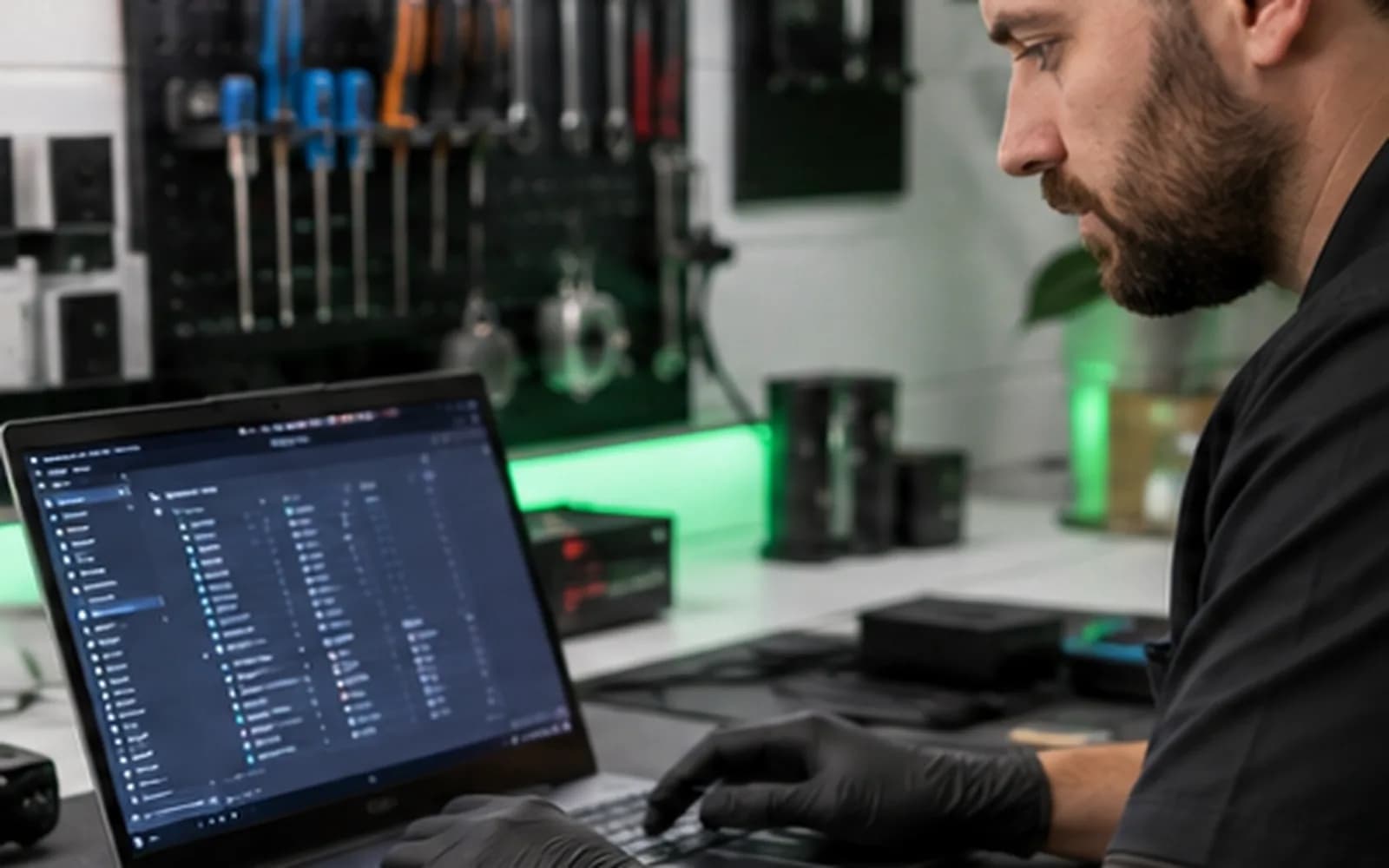
Slow performance or browser pop-ups can come from unwanted software, notification abuse, damaged settings or malware. At the same time, account-stealing threats may show few obvious signs. We inspect startup behavior, browsers, installed software and system security before recommending cleanup or a reset.
If you entered a password or payment information after a suspicious warning, stop using that computer for sensitive activity. Change important passwords from a different known-clean device.
Security cleanup
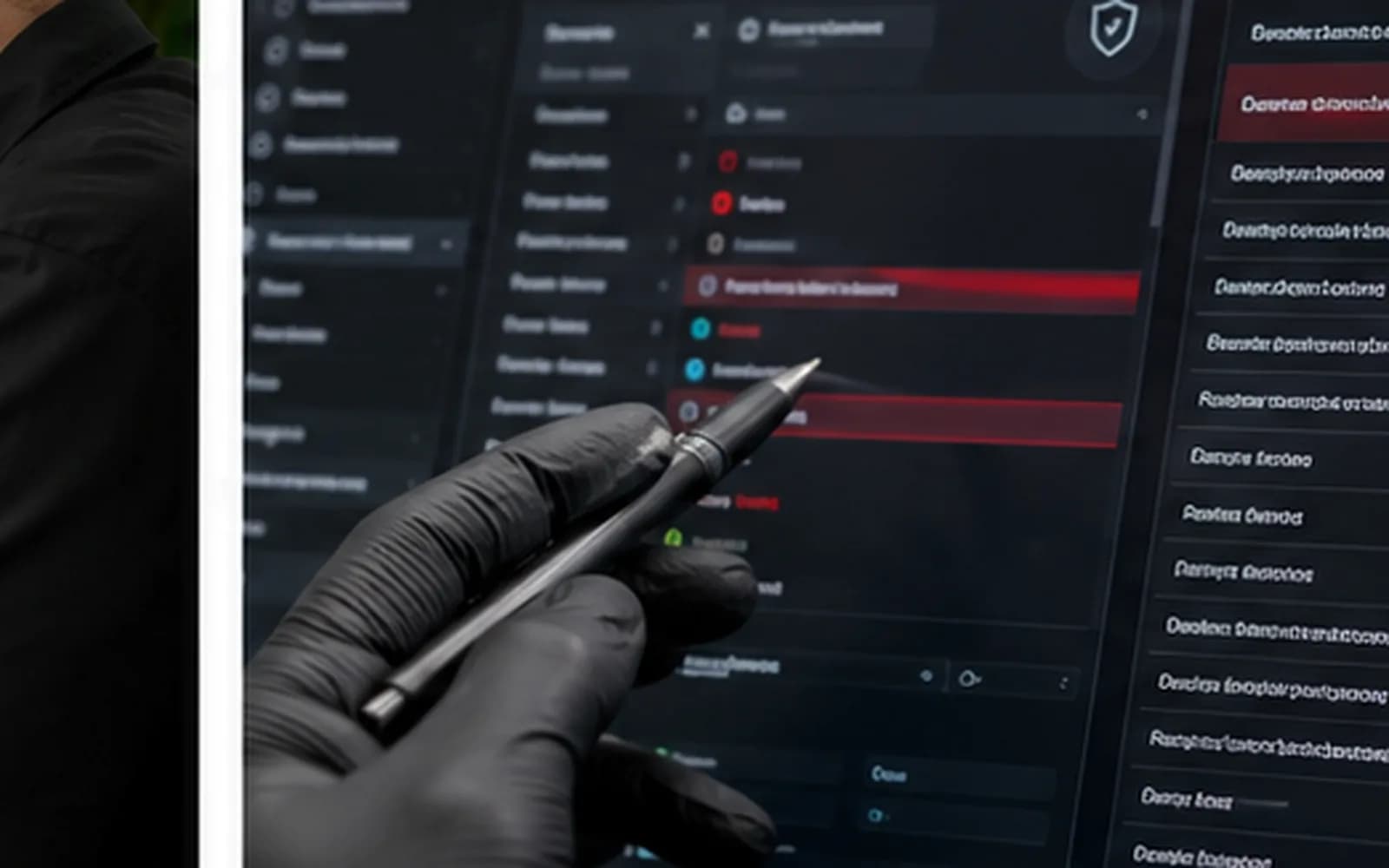
Browser notification abuse, deceptive alerts and unwanted extensions checked and removed.
Search, homepage, proxy, extension and policy changes reviewed.
Installed applications, startup items and persistence mechanisms inspected.
Security scanning, removal and follow-up checks based on the symptoms found.
Practical password, session and multi-factor authentication guidance after suspected exposure.
Updates, browser settings and safer-use recommendations reviewed after service.
Careful security review
Removing one visible pop-up may not correct changed browser settings, unwanted startup entries or exposed accounts. We review the reported event and related system behavior, then explain what was found.
Bring details about suspicious calls, remote-access software, payments, warnings and accounts used after the incident. Do not send passwords by email or text.
Service process
1. Check-in — We document symptoms, suspicious events, remote-access activity and data preference.
2. Inspection — Browsers, startup behavior, installed software and security findings are reviewed.
3. Recommendation — We explain whether cleanup, repair or a clean operating-system installation is appropriate.
4. Approved service — The selected work is completed and the system is checked again.
5. Account guidance — When exposure is possible, we explain which actions should be taken from a clean device.
Act promptly
Disconnect the computer from the internet. From another trusted device, contact financial institutions if payment or banking information was exposed, change important passwords, sign out other account sessions and enable multi-factor authentication. Save receipts, phone numbers and messages related to the incident.
Trueonefix provides computer cleanup and practical technical guidance; identity-theft, banking and law-enforcement matters must be handled with the appropriate institutions.
Related help
Startup, performance and hardware diagnosis for laptops.
Learn moreWindows, storage and hardware diagnosis for desktops.
Learn moreEvaluation when files or storage are inaccessible.
Learn moreStorage-health checks and compatible upgrade options.
Learn moreTrusted consumer guidance
The Federal Trade Commission explains malware warning signs and safer computer practices.
Learn moreFTC guidance on fake warnings, unexpected calls and fraudulent remote support.
Learn moreHelpful answers
Not always. It may be notification abuse, a deceptive website, an unwanted extension or malware. Inspection helps identify the cause.
No. Close the warning and contact a trusted provider using contact information you independently verify.
If credentials may have been exposed, change them from a different known-clean device and enable multi-factor authentication.
Cleanup aims to preserve personal files, but severe infection or system damage may require other options. Backups are recommended.
No service can prevent every future threat. Updates, careful browsing, strong passwords and multi-factor authentication reduce risk.
No responsible provider can guarantee future security. We explain the work performed and remaining practical precautions.
Yes. Use the secure tracking information provided at check-in.
Virus removal in Tampa
Visit Trueonefix at 104 E Fletcher Ave. Walk-ins are welcome, or reserve a preferred drop-off time.
Customer experiences
Real feedback helps customers know what to expect from our local repair shop.
EXCELLENT
Our Google Customer
Reviews
4.9 / 5.0
Based on 493 reviews
GGoogle
Zaid Kinani
Google review
“Amazing service! He was extremely communicative with me the whole time I went through the process of waiting for parts to deliver and actually having it fixed. I would recommend this place to anyone who wants someone who genuinely wants to help you.”
TheBladeN Baca
Google review
“Great service and very professional! They were friendly, knowledgeable, and fixed my PC quickly.”
William Boyd
Google review
“Repaired my computer in the same day, let me pick it up after hours because I had a test the next day. Would highly recommend!”
Pbthebest
Google review
“Assembled my PC within a day, tested it before handing it, and was really nice and helpful!!”
Anthony A
Google review
“They fix my computer with care this is the only spot that i can spot”
Carly Farson
Google review
“Super nice and excellent service! Was very responsive and even fully cleaned my PC with no extra charge :) Student discount was also greatly appreciated!”
One local Tampa storefront
104 E Fletcher Ave, Tampa, FL 33612 · Walk-ins welcome during business hours.