
1. Request eligibility
Provide contact details, complete model, symptoms, damage history, battery condition and data priority.
Trueonefix · Tampa
Request mail-in computer repair from Trueonefix with advance authorization, secure packaging, tracked shipping, diagnosis, approval and insured return arrangements.
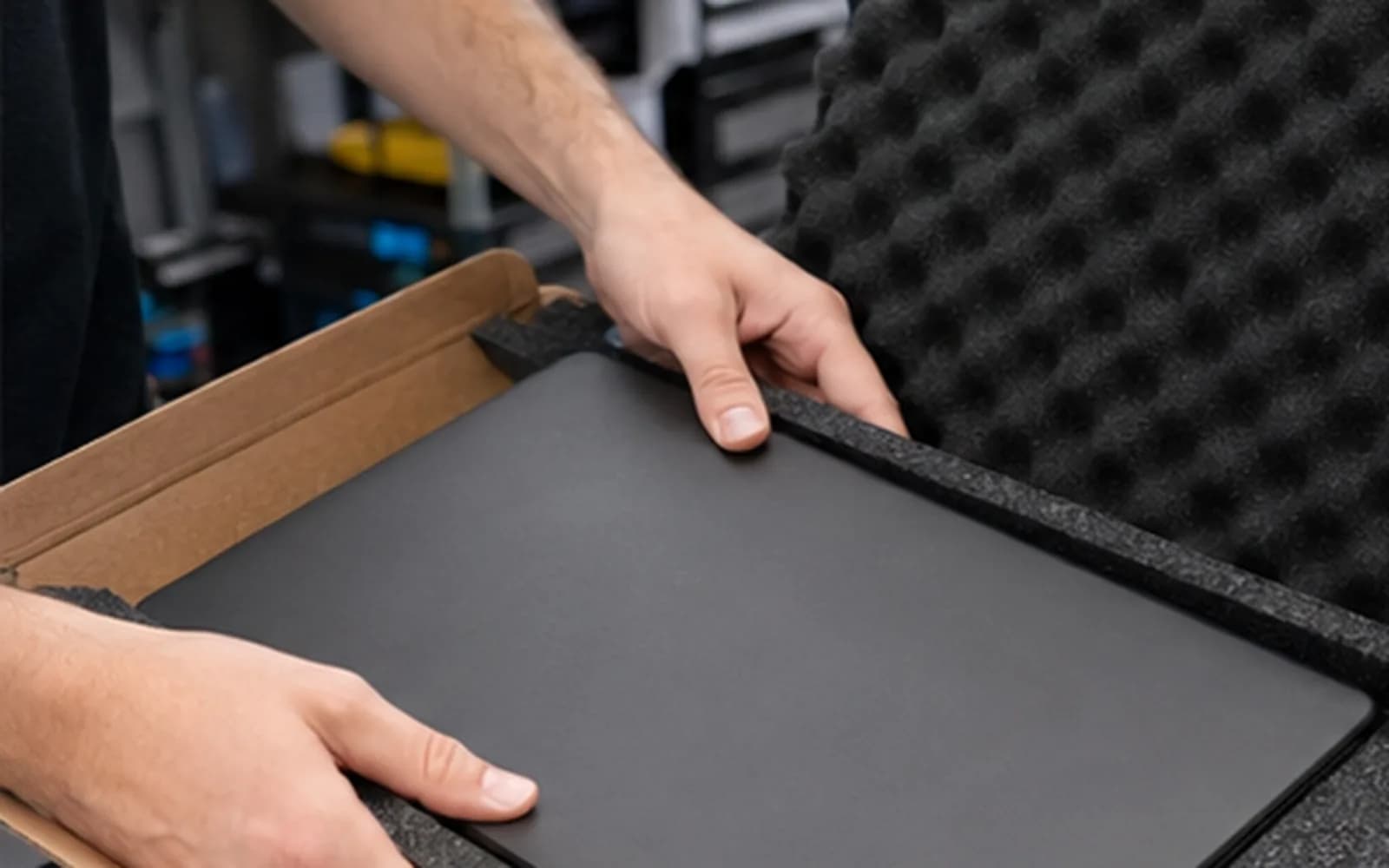
Mail-in computer repair
Courier repair can help customers who cannot conveniently visit our Tampa storefront, but not every device, fault or battery condition is suitable for shipment. Do not send a computer without written authorization and current receiving instructions.
Trueonefix first reviews the device model, symptoms, location and shipping eligibility. An authorization or appointment request is not a repair estimate; hands-on diagnosis and customer approval still occur after the package is received.
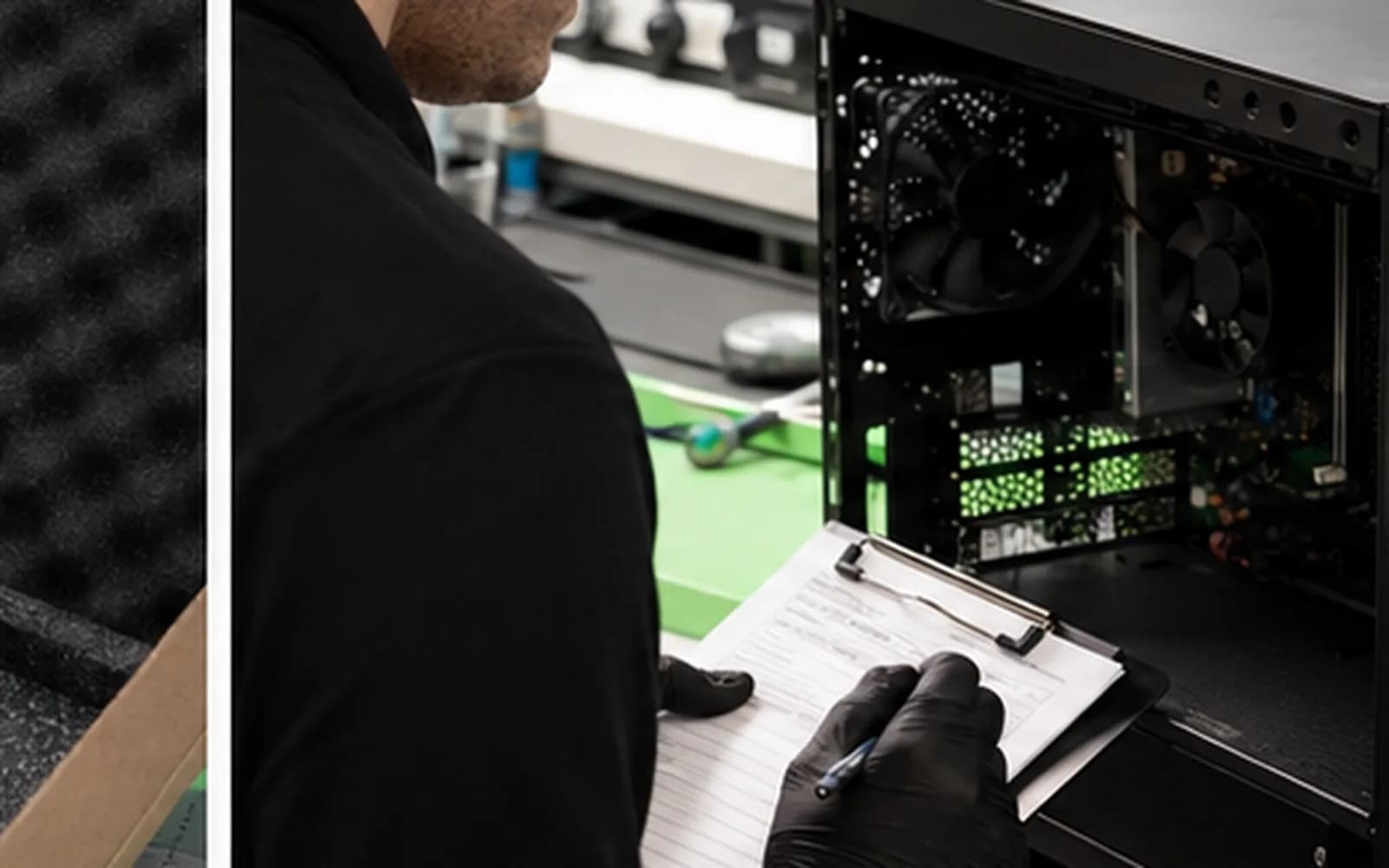
Courier repair process
Provide contact details, complete model, symptoms, damage history, battery condition and data priority.
Wait for written authorization, current shipping address, intake reference and a list of requested accessories.
Photograph the device, serial number, accessories and packed box; use rigid packaging, cushioning, tracking and adequate insurance.
We record the package and visible condition, then diagnose the approved complaint after check-in.
Findings, estimate, parts, risks and timing are sent for approval before applicable repair work begins.
Payment, address, carrier service, insurance and signature requirements are confirmed before dispatch.
Packaging matters
Use a strong rigid outer box with enough cushioning on every side. The computer should not move when the sealed package is gently handled. Protect corners and screens, keep loose items separated and do not rely on a thin retail box alone.
Label every requested accessory and keep photographs, tracking, declared value and the carrier receipt. Shipping insurance and secure packaging reduce risk but do not guarantee that a carrier will approve a damage claim.
What to send
Record its serial number and physical condition before packing.
Send it for charging, power or intermittent problems, or when our instructions request it.
Include a unique dock, cable or device only when it directly reproduces the fault and has been requested.
Place the provided reference and contact information inside the package without including account passwords.
Remove bags, generic cables, receivers, memory cards and unrelated accessories unless requested.
Battery and hazardous-material restrictions
Lithium-battery shipping rules depend on battery condition, installation, carrier, route and service level. A used device may also be restricted to specific transport methods. Tell us about swelling, heat, odor, puncture, liquid damage or impact before shipment.
Do not conceal battery condition or choose a service that violates carrier rules. When a device cannot be shipped safely, local drop-off or another approved arrangement is required.
Data and account privacy
Maintain a current backup whenever the computer still operates. Remove external storage and memory cards unless they are part of the reported problem. Do not place passwords on paper inside the package.
If login access is required, use the secure method provided during the repair process and, when practical, create a temporary service account. Data cannot be guaranteed during hardware, storage or operating-system service.
Plan your repair
Start the request and clearly state that courier service is needed.
Learn moreReview the general diagnosis, approval, repair and pickup workflow.
Learn moreReview current summaries for estimates, data, parts and communication.
Learn moreUse the secure tracking information issued after check-in.
Learn moreOfficial shipping guidance
USPS Publication 52 explains domestic lithium-battery conditions, packaging and marking requirements. Carrier rules may differ.
Learn moreCourier repair cost
Outbound shipping, insurance, packaging and carrier claims are normally the sender’s responsibility unless agreed otherwise. Diagnosis, repair and return-shipping charges are confirmed during the service process.
Shipping questions
No. Obtain written authorization and current receiving instructions first. Unauthorized packages may be refused or delayed.
Transit responsibility and claims follow the carrier service and current written courier terms. Use strong packaging, tracking, adequate insurance and condition photographs.
Send it when requested or when power and charging are part of the symptom. Label every included item.
Do not send it through ordinary service. Disclose the condition first and follow applicable carrier hazardous-material rules.
Yes. After receipt and diagnosis, applicable findings and costs are presented for approval before approved repair work begins.
Back up important files, remove unrelated storage and share only access required for authorized testing. Hardware and storage service always carries data risk.
Return address, carrier, charges, insurance and signature requirements are confirmed after service and before dispatch.
Request courier eligibility
Use the booking form and state that you are requesting mail-in service. Wait for written authorization before packing or shipping the device.
Customer experiences
Real feedback helps customers know what to expect from our local repair shop.
EXCELLENT
Our Google Customer
Reviews
4.9 / 5.0
Based on 493 reviews
GGoogle
Zaid Kinani
Google review
“Amazing service! He was extremely communicative with me the whole time I went through the process of waiting for parts to deliver and actually having it fixed. I would recommend this place to anyone who wants someone who genuinely wants to help you.”
TheBladeN Baca
Google review
“Great service and very professional! They were friendly, knowledgeable, and fixed my PC quickly.”
William Boyd
Google review
“Repaired my computer in the same day, let me pick it up after hours because I had a test the next day. Would highly recommend!”
Pbthebest
Google review
“Assembled my PC within a day, tested it before handing it, and was really nice and helpful!!”
Anthony A
Google review
“They fix my computer with care this is the only spot that i can spot”
Carly Farson
Google review
“Super nice and excellent service! Was very responsive and even fully cleaned my PC with no extra charge :) Student discount was also greatly appreciated!”
One local Tampa storefront
104 E Fletcher Ave, Tampa, FL 33612 · Walk-ins welcome during business hours.