
Screen and display problems
Cracked panels, dim screens, flickering, lines, backlight faults and display-cable problems.
Learn moreTrueonefix · Tampa
Local laptop repair in Tampa for power, charging, screen, keyboard, overheating, storage and startup problems. Get a clear diagnosis and estimate before approved work begins.
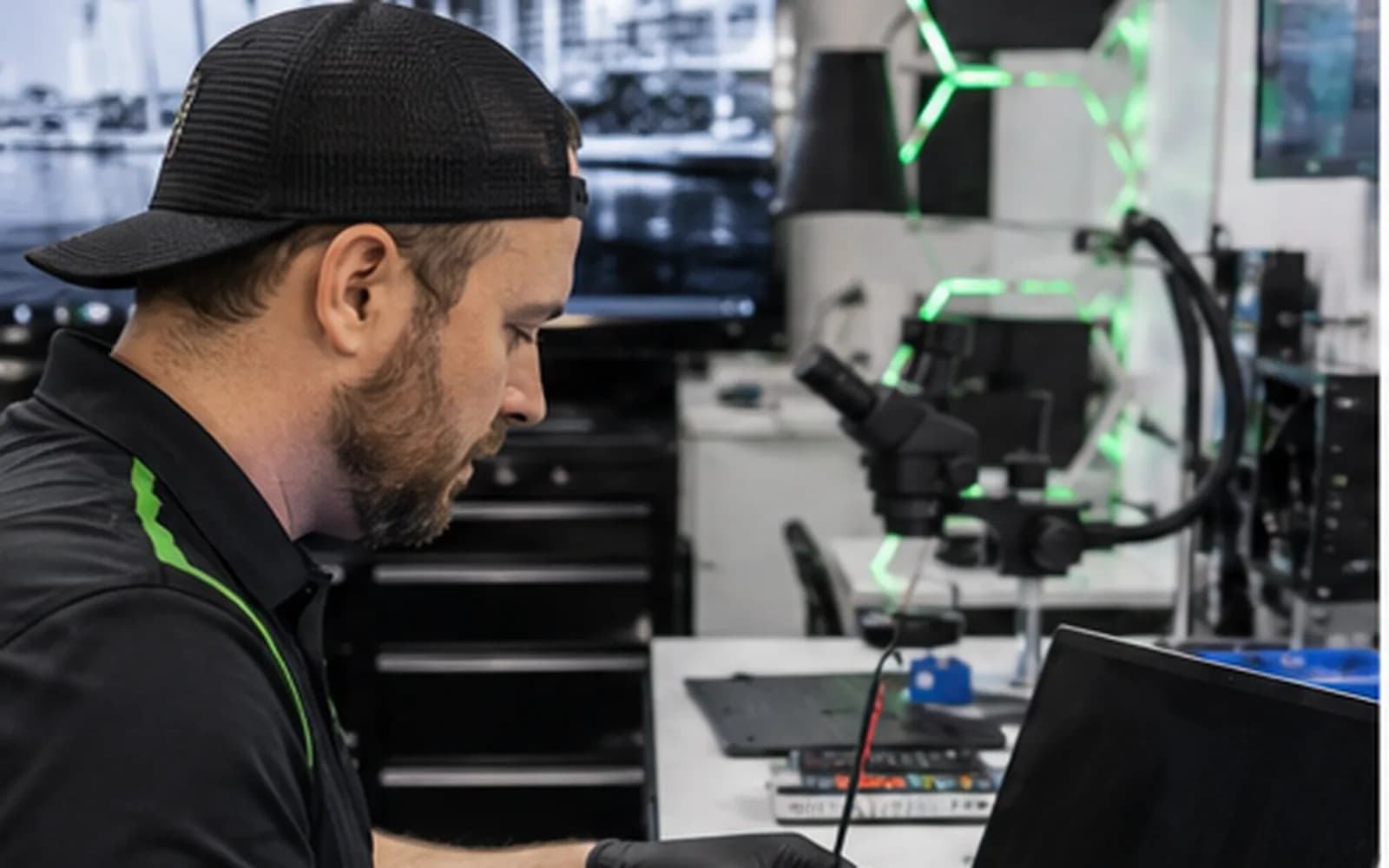
Local laptop repair shop
A laptop that will not turn on, charge correctly or stay cool can interrupt work, school and access to important files. The visible symptom does not always identify the failed part. A charging problem, for example, may come from the adapter, battery, charging port or motherboard power circuit.
Trueonefix tests the related components before recommending a repair. You receive an explanation of what we found and an estimate before approved work begins. Our storefront is located at 104 E Fletcher Ave in Tampa, and walk-ins are welcome during business hours.
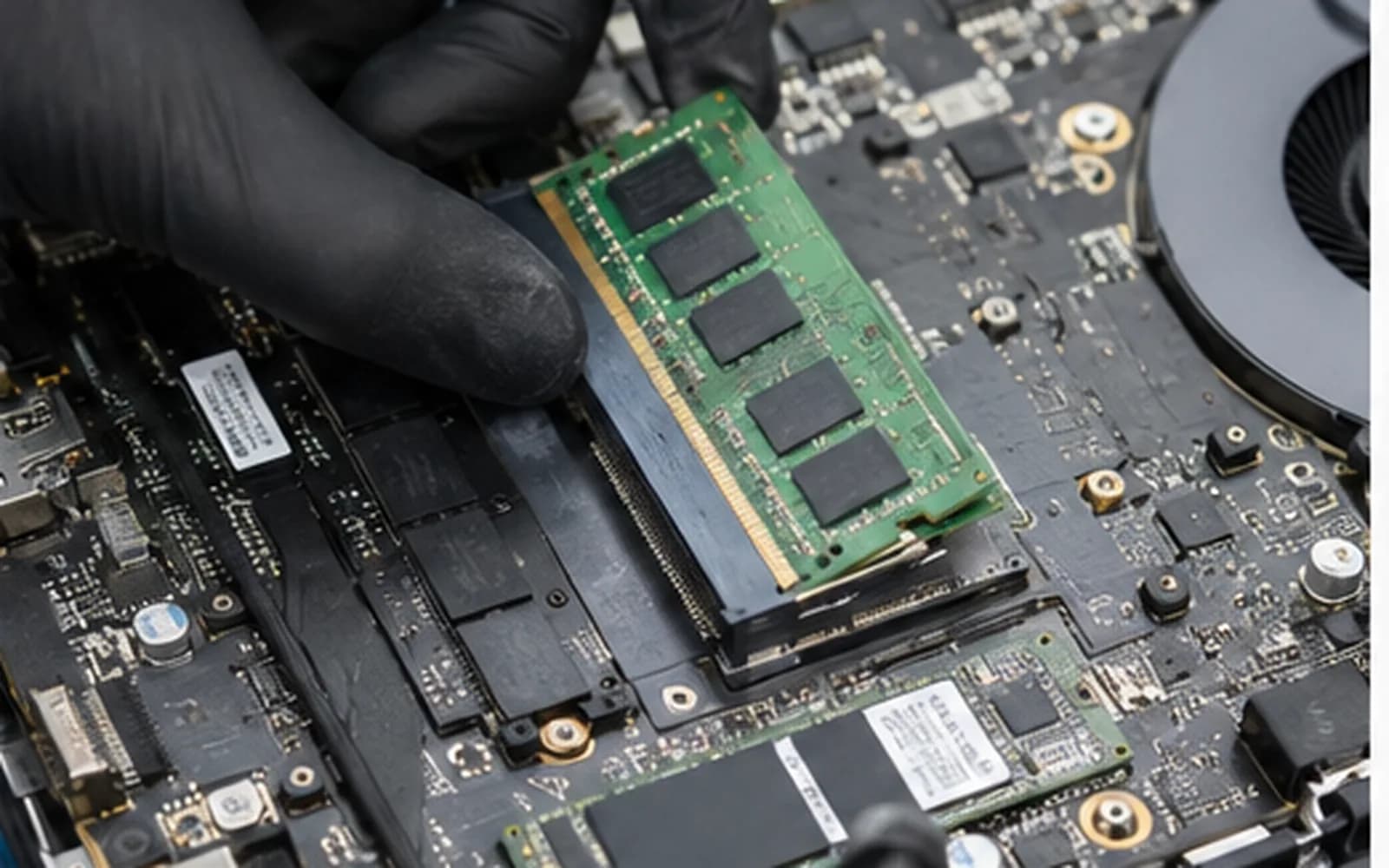
Common laptop repairs
We work on many Dell, HP, Lenovo, ASUS, Acer and MSI laptops. Parts availability and repair options are confirmed using the complete model number.
Cracked panels, dim screens, flickering, lines, backlight faults and display-cable problems.
Learn moreLoose charging ports, intermittent power, USB-C charging faults, failed adapters and motherboard power issues.
Learn moreShort runtime, unexpected shutdowns, swollen batteries and batteries that no longer charge correctly.
Learn moreMissing keystrokes, liquid-damaged keyboards, broken keys and touchpad faults.
Learn moreFan noise, blocked airflow, cooling faults and instability that appears under load.
Learn moreDrive-health testing, Windows startup repair and compatible SSD upgrade options.
Learn moreCareful troubleshooting
Good diagnosis avoids unnecessary parts. We begin with the reported problem, inspect the device and reproduce the symptom when possible. Then we test the connected systems most likely to be responsible.
If the laptop has liquid exposure, unusual noises or important files that are not backed up, tell us at check-in. Those details can change the safest diagnostic approach.
A clear repair process
1. Check-in — We record the laptop, accessories, physical condition, reported symptoms and your data-backup preference.
2. Diagnosis — A technician evaluates the laptop and documents the likely cause.
3. Estimate and approval — We explain the recommended repair and estimated cost. Work requiring approval begins only after you approve it.
4. Repair and testing — We complete approved work, test the affected functions and update the repair status.
5. Pickup — You receive a notification when the laptop is ready.
Brands we service
Laptop construction and part compatibility vary by manufacturer and model.
Inspiron, XPS, Latitude, G Series and other supported models.
Learn morePavilion, Envy, Spectre, EliteBook, Omen and other supported models.
Learn moreIdeaPad, ThinkPad, Yoga, Legion and other supported models.
Learn moreVivoBook, Zenbook, ROG, TUF and other supported models.
Learn moreGaming, creator and productivity laptop diagnostics.
Learn moreMacBook Air and Pro battery, display, charging and startup service.
Learn moreRepair cost
The final cost depends on the exact model, failed component, part quality, availability and labor. We diagnose the device first and provide an estimate before approved work begins.
Before your repair visit
If the laptop still starts and the storage appears healthy, review these official Microsoft resources before service. Do not keep operating a clicking, disappearing or liquid-damaged drive simply to create a backup.
Microsoft explains cloud, external-drive and other Windows backup options.
Learn moreUse Microsoft’s official instructions if Windows requests the 48-digit recovery key for an encrypted drive.
Learn moreHelpful answers
Timing depends on the symptom, testing required and current workload. We explain the findings before approved repair work begins.
We service many Dell, HP, Lenovo, ASUS, Acer and MSI laptops, plus supported MacBook models. We confirm parts using the exact model.
Diagnosis is free for most standard computer problems. Advanced data recovery or special testing may be different, and we explain any charge first.
We avoid unnecessary data changes, but no repair can guarantee data integrity. Back up important files when possible or ask about backup at check-in.
Yes. Bringing the charger allows us to test the complete charging path and identify adapter or cable problems.
We provide the diagnosis and estimate first. Parts and work requiring approval move forward only after you approve the service.
Yes. Use the secure tracking information provided at check-in to view the current repair stage.
Tampa laptop repair
Visit Trueonefix at 104 E Fletcher Ave in Tampa. Walk-ins are welcome, or choose a preferred appointment time online.
Customer experiences
Real feedback helps customers know what to expect from our local repair shop.
EXCELLENT
Our Google Customer
Reviews
4.9 / 5.0
Based on 492 reviews
GGoogle
William Boyd
Google review
“Repaired my computer in the same day, let me pick it up after hours because I had a test the next day. Would highly recommend!”
Pbthebest
Google review
“Assembled my PC within a day, tested it before handing it, and was really nice and helpful!!”
Anthony A
Google review
“They fix my computer with care this is the only spot that i can spot”
Carly Farson
Google review
“Super nice and excellent service! Was very responsive and even fully cleaned my PC with no extra charge :) Student discount was also greatly appreciated!”
Rebekah Lockwood
Google review
“Fixed my Lenovo Yoga! A few keyboard keys randomly stopped working. Leo quickly diagnosed that the keyboard needed to he replaced. He ordered the new keyboard (OEM) and texted me when it came in. I dropped my laptop off after work, and he had it fixed and good as new in less than 24 hours! I thought his price was fair, too. I was thrilled not to need a new laptop!”
David Roberts
Google review
“Exceptional service! Diagnostics was completed within a few hours and pricing was very fair. The owner goes above and beyond to provide status updates and ensure a satisfactory experience. Don't skip True One Fix if you need any computer services done.”
One local Tampa storefront
104 E Fletcher Ave, Tampa, FL 33612 · Walk-ins welcome during business hours.