
Overheating and loud fans
Dust, airflow, fan operation, heatsink contact, thermal material and CPU/GPU temperatures assessed.
Trueonefix · Tampa
MSI laptop repair in Tampa for overheating, crashes, no power, charging, display, keyboard, hinge and performance problems in gaming and creator models.
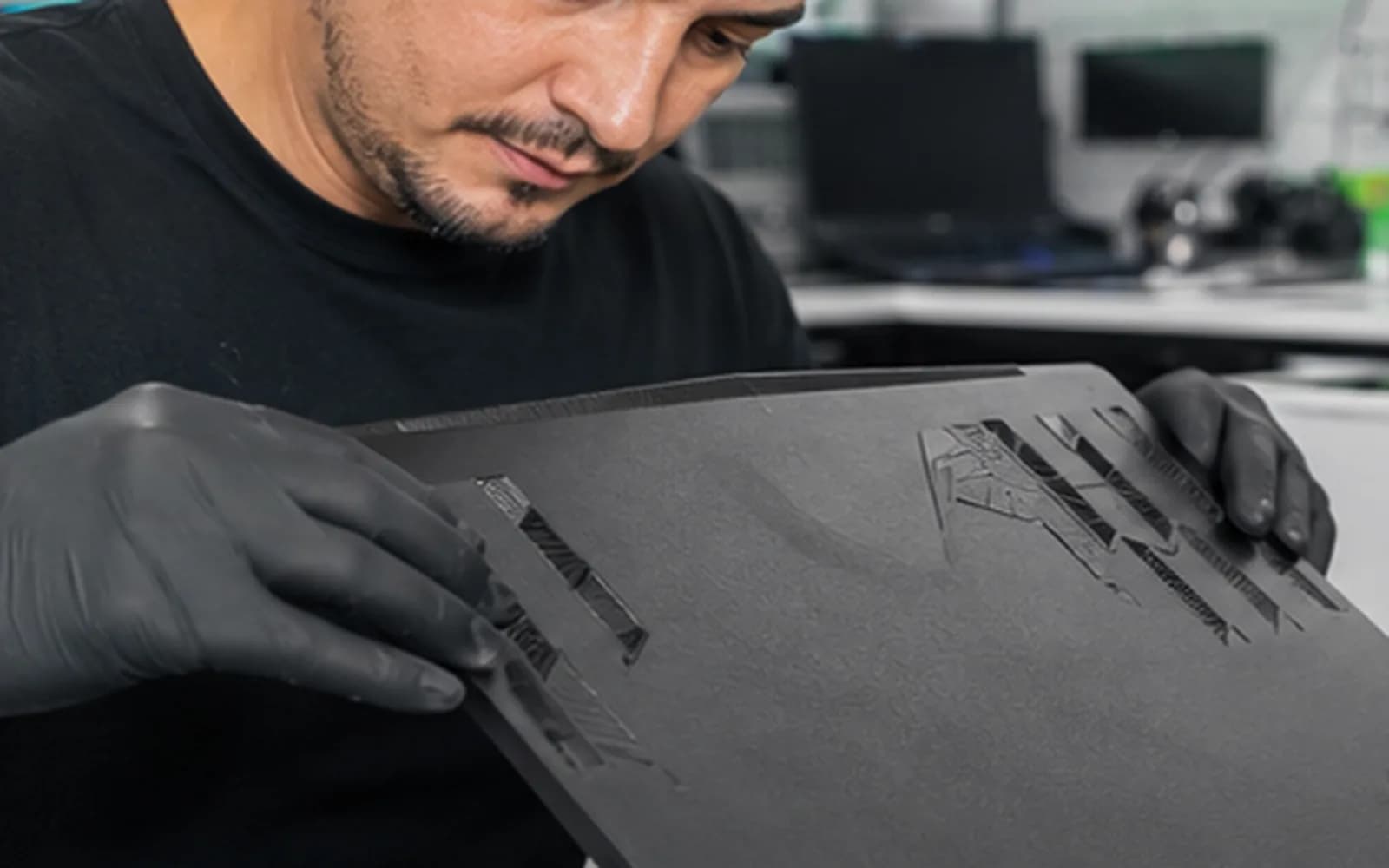
Local MSI laptop service
MSI gaming and creator laptops combine high-power CPUs and GPUs with compact cooling, multiple storage options and model-specific firmware. A system may appear normal at the desktop and crash, throttle or shut down only during gaming or rendering.
Trueonefix identifies the complete MSI model, records the exact workload and tests related thermal, power, memory, graphics, storage and software behavior before recommending repair.
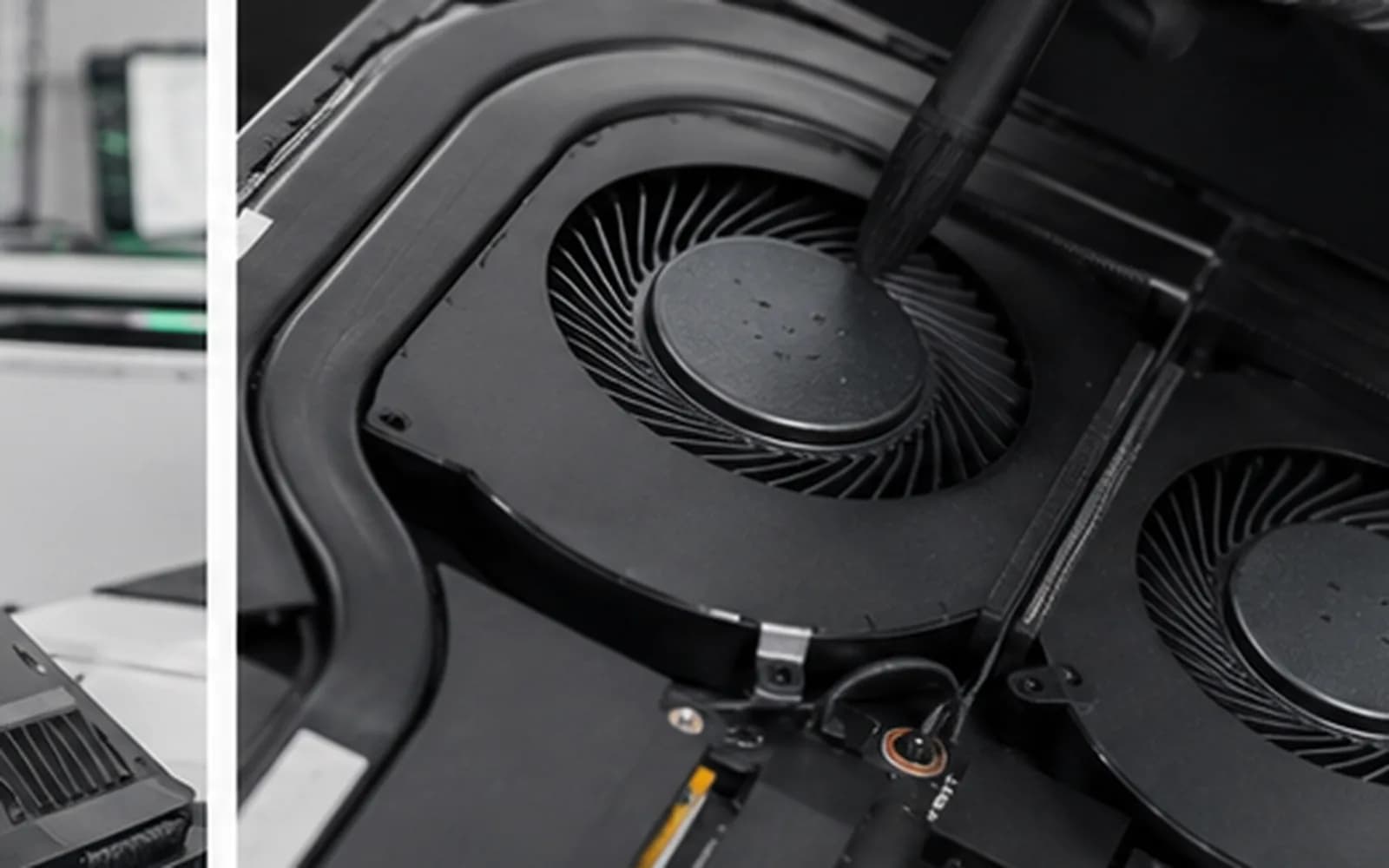
MSI laptop diagnostics
Dust, airflow, fan operation, heatsink contact, thermal material and CPU/GPU temperatures assessed.
Graphics, memory, power, drivers, firmware and temperatures tested under appropriate load.
Adapter, cable, DC-in or USB-C port, battery and motherboard power path evaluated.
Internal and external image, panel, cable, backlight and graphics behavior checked.
Keyboard layout, palm-rest construction, hinge mounts and enclosure condition identified by exact model.
SSD health, capacity, interface, Windows behavior and supported upgrade options reviewed.
Exact MSI model required
MSI Raider, Stealth, Katana, Cyborg, Vector, Prestige and other families include many generations and configurations. Displays, keyboards, batteries, fans, chargers and bottom cases can differ within one series.
Provide the full model from the bottom label or system information. Do not order a part from the marketing name alone; connector, refresh rate, GPU configuration and regional keyboard layout can matter.
Repair process
1. Check-in — We document the complete model, symptoms, failing game or application, recent changes and data priority.
2. Reproduction and diagnosis — Relevant power, thermal, display, storage and stability behavior is tested.
3. Estimate and approval — Findings, part option, labor, risk and expected timing are explained.
4. Approved repair — The authorized hardware or software work is completed.
5. Verification — Charging, temperatures, display, storage and workload stability are checked according to the repair scope.
Performance expectations
Performance loss can result from temperature limits, single-channel memory, storage pressure, power-mode settings, wrong adapters, background software, drivers or game updates. A benchmark number without the exact configuration and settings does not prove a hardware fault.
Tell us the game, resolution, graphics settings, expected behavior and what changed. This allows a repeatable comparison before expensive parts are considered.
Related services
Load-related crashes, GPU, thermal and stability diagnosis.
Learn moreModel-specific display identification and replacement.
Learn moreAdapter, port, battery and motherboard charging-path testing.
Learn moreKeyboard and palm-rest replacement by exact layout and model.
Learn moreCompatible SATA or NVMe storage and migration options.
Learn moreOfficial manufacturer support
Find official drivers, firmware, manuals, warranty and model support information.
Learn moreMSI repair cost
Gaming-laptop disassembly, part configuration, cooling design and availability affect the estimate. Published model-specific prices from the Pricing Manager appear where reliable; otherwise diagnosis comes first.
Helpful answers
Yes. We evaluate supported MSI gaming, creator and business models, subject to condition and part availability.
Gaming creates combined CPU, GPU, memory, power and thermal load. A marginal component or setting may fail only under those conditions.
We inspect fans, airflow, dust, heatsink contact, thermal material and temperature behavior before recommending service.
Storage and memory options depend on the exact model, installed configuration and firmware support.
Yes. MSI laptops may require high-wattage model-specific adapters, and power behavior is important to diagnosis.
Yes when a compatible part is available. The exact model, screen specification and keyboard layout must be identified first.
Only when relevant and appropriate. Firmware updates carry risk and are not performed merely because a newer version exists.
MSI laptop service in Tampa
Visit Trueonefix at 104 E Fletcher Ave. Include the full MSI model and the game or application that reproduces the problem.
Customer experiences
Real feedback helps customers know what to expect from our local repair shop.
EXCELLENT
Our Google Customer
Reviews
4.9 / 5.0
Based on 492 reviews
GGoogle
William Boyd
Google review
“Repaired my computer in the same day, let me pick it up after hours because I had a test the next day. Would highly recommend!”
Pbthebest
Google review
“Assembled my PC within a day, tested it before handing it, and was really nice and helpful!!”
Anthony A
Google review
“They fix my computer with care this is the only spot that i can spot”
Carly Farson
Google review
“Super nice and excellent service! Was very responsive and even fully cleaned my PC with no extra charge :) Student discount was also greatly appreciated!”
Rebekah Lockwood
Google review
“Fixed my Lenovo Yoga! A few keyboard keys randomly stopped working. Leo quickly diagnosed that the keyboard needed to he replaced. He ordered the new keyboard (OEM) and texted me when it came in. I dropped my laptop off after work, and he had it fixed and good as new in less than 24 hours! I thought his price was fair, too. I was thrilled not to need a new laptop!”
David Roberts
Google review
“Exceptional service! Diagnostics was completed within a few hours and pricing was very fair. The owner goes above and beyond to provide status updates and ensure a satisfactory experience. Don't skip True One Fix if you need any computer services done.”
One local Tampa storefront
104 E Fletcher Ave, Tampa, FL 33612 · Walk-ins welcome during business hours.