
Deleted or inaccessible files
Logical access, file-system and partition evaluation when the media remains readable.
Trueonefix · Tampa
Data recovery evaluation in Tampa for failed hard drives, SSDs, laptops and external storage. Careful triage, honest expectations and advanced-lab referral when required.
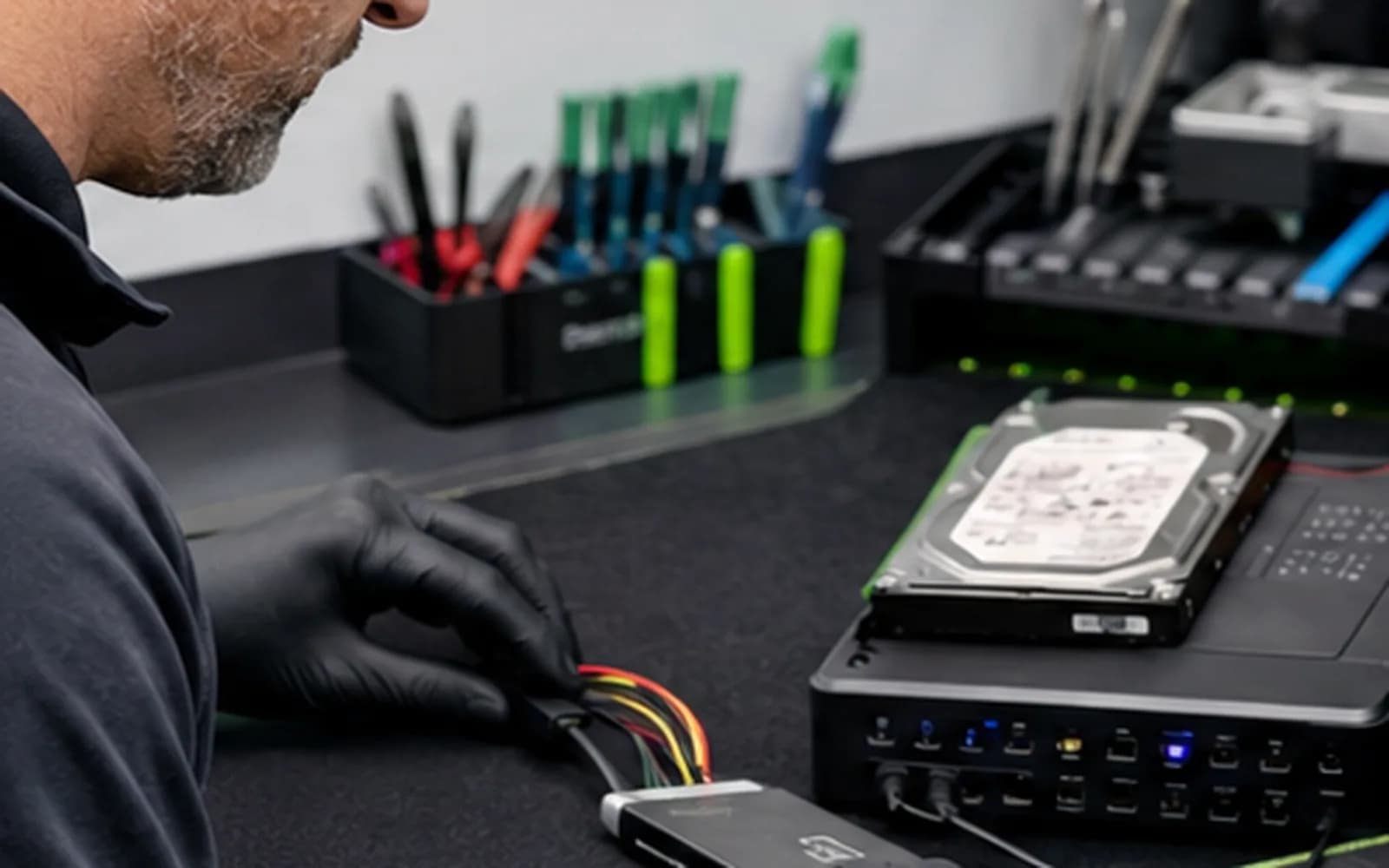
Local data recovery evaluation
Deleted files, a damaged file system and a physically failing drive require different recovery approaches. Repeated restarts, repair utilities or recovery scans can make some failures worse. If a drive clicks, disconnects, disappears or becomes extremely slow, stop using it.
Trueonefix begins with careful triage to determine whether local recovery is appropriate or whether the storage device should go directly to an advanced recovery laboratory. No reputable provider can guarantee recovery before evaluating the media.
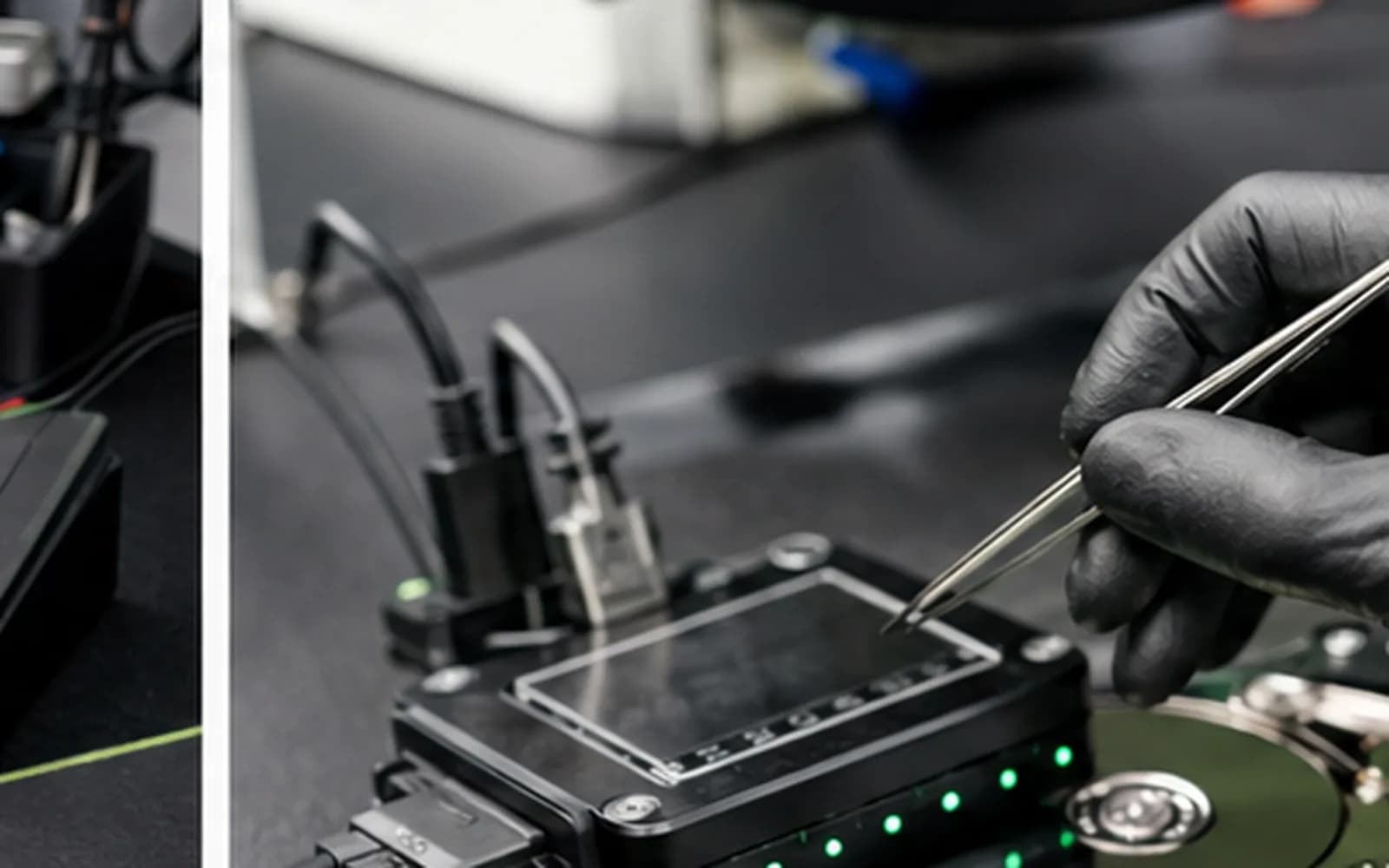
Recovery situations
Logical access, file-system and partition evaluation when the media remains readable.
Triage for drives that are slow, disconnecting, not detected or reporting health errors.
Controller, firmware, electrical and logical symptoms evaluated with realistic limitations.
Options for removable, soldered or encrypted storage depend on device design and condition.
Connection, enclosure and storage-media faults isolated before recovery attempts.
Clean-room or specialist cases identified early to avoid unnecessary additional risk.
Protect the best recovery chance
Turn the device off if the drive clicks, repeatedly disconnects, vanishes from BIOS, causes severe freezing or contains irreplaceable files. Do not initialize, format or run CHKDSK on a drive when recovery is the priority.
Tell us what happened, which folders matter most, whether encryption is enabled and what recovery attempts were already made.
Evaluation process
1. Priority review — We record the device, failure history, important folders, encryption and previous attempts.
2. Triage — We determine whether the problem appears logical, electronic, mechanical or device-related.
3. Options — We explain local recovery, advanced referral, destination-drive needs and expected charges before approved work.
4. Recovery attempt — Approved work is performed with the goal of minimizing unnecessary writes to the source.
5. Verification and return — Recovered files are copied to a separate healthy destination and reviewed as practical.
Honest expectations
Success depends on the failure, encryption, overwrite activity, physical condition and previous attempts. Recovered folders may have missing files, damaged filenames or corrupted content. A healthy destination drive with enough capacity is normally required.
Privacy matters. Access is limited to what is reasonably necessary for recovery and verification, but customers should identify especially sensitive data before authorizing service.
Related services
Compatibility checks, installation and migration when the original drive remains healthy.
Learn moreStartup, power and storage diagnosis for laptops.
Learn moreBoot, storage and Windows diagnosis for desktop computers.
Learn morePrompt evaluation when liquid exposure threatens the device and stored data.
Learn moreEncrypted storage
Encryption can prevent access even when the storage itself is readable. These official resources explain where recovery keys may be stored.
Microsoft’s official instructions for locating the 48-digit Windows drive recovery key.
Learn moreApple explains password and FileVault recovery-key options for encrypted Mac storage.
Learn moreHelpful answers
No. Results depend on the failure and media condition. Evaluation is required before realistic options can be explained.
Not if the drive clicks, disconnects, becomes extremely slow or contains irreplaceable data. Additional reading may reduce recovery chances.
Turn it off and do not reconnect it repeatedly. Clicking can indicate a mechanical condition requiring specialist equipment.
Recovery may require the correct BitLocker key, FileVault credentials or other encryption information. Encryption cannot simply be bypassed.
Recovered data normally requires a separate healthy drive with sufficient capacity.
When clean-room or specialist equipment is required, we explain referral options before proceeding.
Cost varies widely by failure type, media and required equipment. Charges and options are explained after triage and before approved work.
Data recovery evaluation in Tampa
Visit Trueonefix at 104 E Fletcher Ave. Tell us which files matter most and what happened before the failure.
Customer experiences
Real feedback helps customers know what to expect from our local repair shop.
EXCELLENT
Our Google Customer
Reviews
4.9 / 5.0
Based on 492 reviews
GGoogle
William Boyd
Google review
“Repaired my computer in the same day, let me pick it up after hours because I had a test the next day. Would highly recommend!”
Pbthebest
Google review
“Assembled my PC within a day, tested it before handing it, and was really nice and helpful!!”
Anthony A
Google review
“They fix my computer with care this is the only spot that i can spot”
Carly Farson
Google review
“Super nice and excellent service! Was very responsive and even fully cleaned my PC with no extra charge :) Student discount was also greatly appreciated!”
Rebekah Lockwood
Google review
“Fixed my Lenovo Yoga! A few keyboard keys randomly stopped working. Leo quickly diagnosed that the keyboard needed to he replaced. He ordered the new keyboard (OEM) and texted me when it came in. I dropped my laptop off after work, and he had it fixed and good as new in less than 24 hours! I thought his price was fair, too. I was thrilled not to need a new laptop!”
David Roberts
Google review
“Exceptional service! Diagnostics was completed within a few hours and pricing was very fair. The owner goes above and beyond to provide status updates and ensure a satisfactory experience. Don't skip True One Fix if you need any computer services done.”
One local Tampa storefront
104 E Fletcher Ave, Tampa, FL 33612 · Walk-ins welcome during business hours.