
2.5-inch SATA SSD
A common replacement for compatible laptop and desktop hard drives and older SATA SSDs.
Trueonefix · Tampa
SSD upgrade service in Tampa for compatible laptops and desktops, including drive-health checks, data migration options, installation and testing.
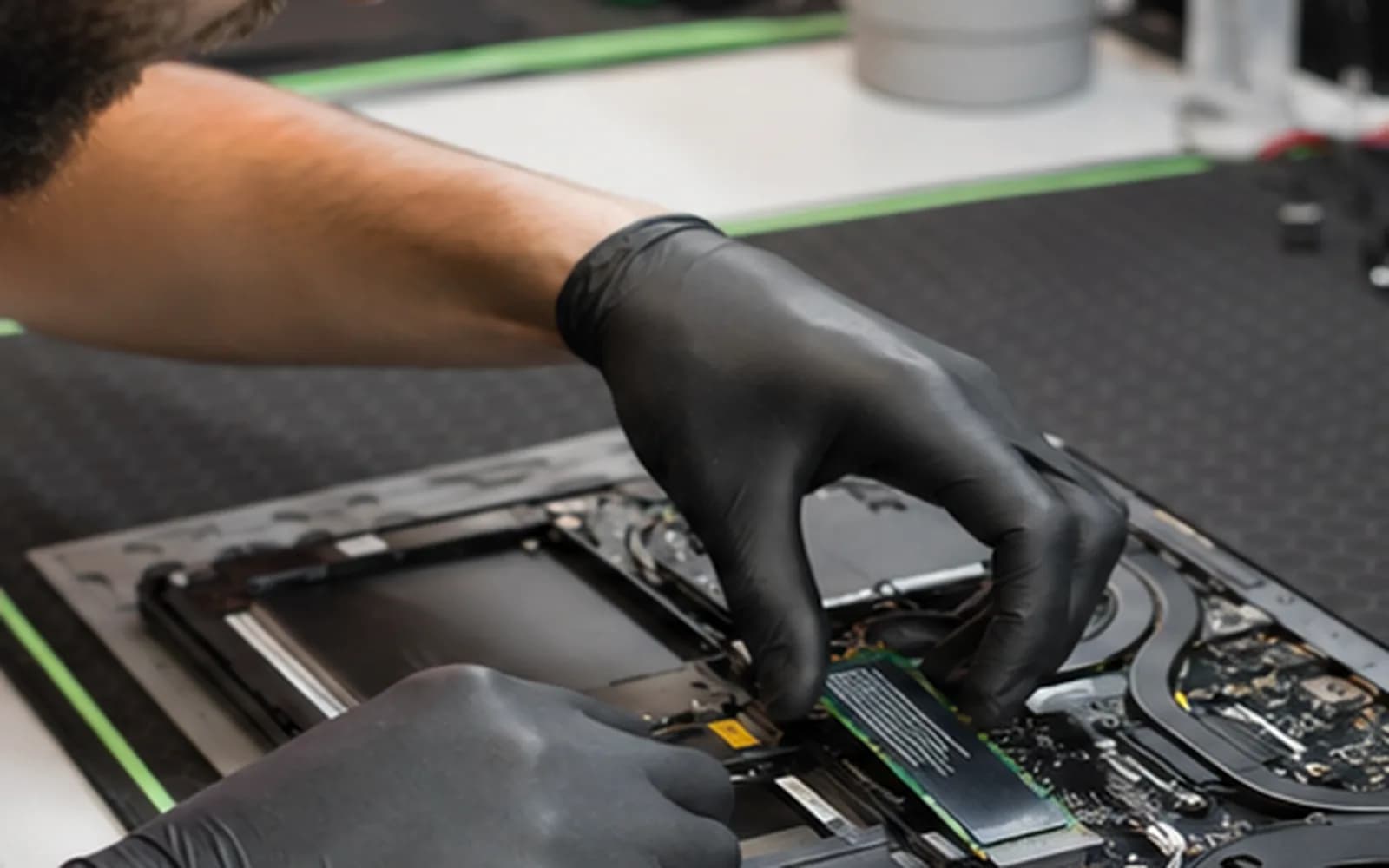
Laptop and desktop storage upgrades
Replacing a mechanical hard drive or an older, limited SSD can improve startup, application loading and file access. The right result depends on more than buying the fastest drive: the computer must support its physical size, connector and interface.
Trueonefix evaluates the current storage, device compatibility and migration options before recommending an upgrade. We also set realistic expectations—a new SSD cannot correct every processor, memory, software or motherboard problem.
SSD upgrade options
A common replacement for compatible laptop and desktop hard drives and older SATA SSDs.
Connector shape alone is not enough; we verify the supported interface, length and system compatibility.
We check the source drive and symptoms before attempting a migration that could place important files at risk.
When the existing installation is healthy enough, system, applications, settings and files may be transferred to the new drive.
A fresh installation may be more appropriate when the old system is damaged, infected or heavily unstable.
We help choose practical storage space for Windows, applications, working files and future growth.
Compatibility and data safety
An M.2 drive may use SATA or NVMe, and supported sizes and performance can vary by computer. We identify the appropriate form factor and interface before installation.
Cloning is convenient, but it is not always the safest choice. A failing source drive, damaged Windows installation, malware or file-system errors may require a different plan. If irreplaceable files are the priority, tell us before work begins so backup or data-recovery needs can be considered first.
Upgrade process
1. Check-in — We record the computer model, current symptoms, storage usage, important files and desired capacity.
2. Compatibility and health check — We verify the supported drive type and assess the existing storage before migration.
3. Migration plan — We explain cloning, clean installation, backup needs and any software or account considerations.
4. Estimate and approval — Drive capacity, labor, migration scope and expected outcome are confirmed before approved work begins.
5. Installation and testing — The SSD is installed, the selected migration method is completed and startup, storage recognition and basic operation are tested.
Realistic performance
Computers still limited by low memory, an older processor, overheating, software problems or other failing hardware may need additional attention. Available performance also depends on the computer’s supported SATA or PCIe generation.
We explain what the upgrade is likely to improve before you spend money. When replacement makes more sense than upgrading, we will say so.
Related guidance and services
Diagnosis and repair for slow, unstable or failing laptops.
Learn moreStorage, hardware and Windows service for desktop computers.
Learn moreEvaluation when a failing drive or important files are the primary concern.
Learn moreUnderstand when an SSD is a practical upgrade for an older computer.
Learn moreOfficial Windows resources
Microsoft explains available backup and recovery choices before hardware or system changes.
Learn moreMicrosoft guidance for locating device specifications and Windows information.
Learn moreSSD upgrade cost
Pricing depends on drive type and capacity, computer access, source-drive condition and whether you choose cloning, backup or a clean installation. Review starting prices, then request an estimate for your specific device.
Helpful answers
Often, especially when a mechanical hard drive is the main bottleneck. Processor, memory, device condition and operating-system support should also be considered.
Often, but not always. The source drive must be readable and sufficiently healthy, and the destination must have enough usable capacity.
It depends on current usage, applications, photos or videos and expected growth. Choosing some free space beyond current needs is usually practical.
No. M.2 slot appearance does not guarantee NVMe support. Interface, size, firmware and model compatibility must be checked.
Stop unnecessary use and tell us which files matter most. Cloning a failing drive may not be appropriate, and data-recovery priorities should be evaluated first.
No storage operation is risk-free. A current backup is strongly recommended, and we discuss backup or recovery needs before migration.
Timing depends on device access, drive availability, source-drive health, data volume and whether cloning or a clean installation is selected.
SSD installation in Tampa
Bring your laptop or desktop to Trueonefix at 104 E Fletcher Ave. We will review compatibility, capacity and migration options before approved work begins.
Customer experiences
Real feedback helps customers know what to expect from our local repair shop.
EXCELLENT
Our Google Customer
Reviews
4.9 / 5.0
Based on 492 reviews
GGoogle
William Boyd
Google review
“Repaired my computer in the same day, let me pick it up after hours because I had a test the next day. Would highly recommend!”
Pbthebest
Google review
“Assembled my PC within a day, tested it before handing it, and was really nice and helpful!!”
Anthony A
Google review
“They fix my computer with care this is the only spot that i can spot”
Carly Farson
Google review
“Super nice and excellent service! Was very responsive and even fully cleaned my PC with no extra charge :) Student discount was also greatly appreciated!”
Rebekah Lockwood
Google review
“Fixed my Lenovo Yoga! A few keyboard keys randomly stopped working. Leo quickly diagnosed that the keyboard needed to he replaced. He ordered the new keyboard (OEM) and texted me when it came in. I dropped my laptop off after work, and he had it fixed and good as new in less than 24 hours! I thought his price was fair, too. I was thrilled not to need a new laptop!”
David Roberts
Google review
“Exceptional service! Diagnostics was completed within a few hours and pricing was very fair. The owner goes above and beyond to provide status updates and ensure a satisfactory experience. Don't skip True One Fix if you need any computer services done.”
One local Tampa storefront
104 E Fletcher Ave, Tampa, FL 33612 · Walk-ins welcome during business hours.