
Customer and device identity
Contact information, device type, brand, model and serial number are recorded when available.
Trueonefix · Tampa
Review the Trueonefix workflow for device check-in, diagnosis, authorization, repair, testing, communication, payment and pickup in Tampa.
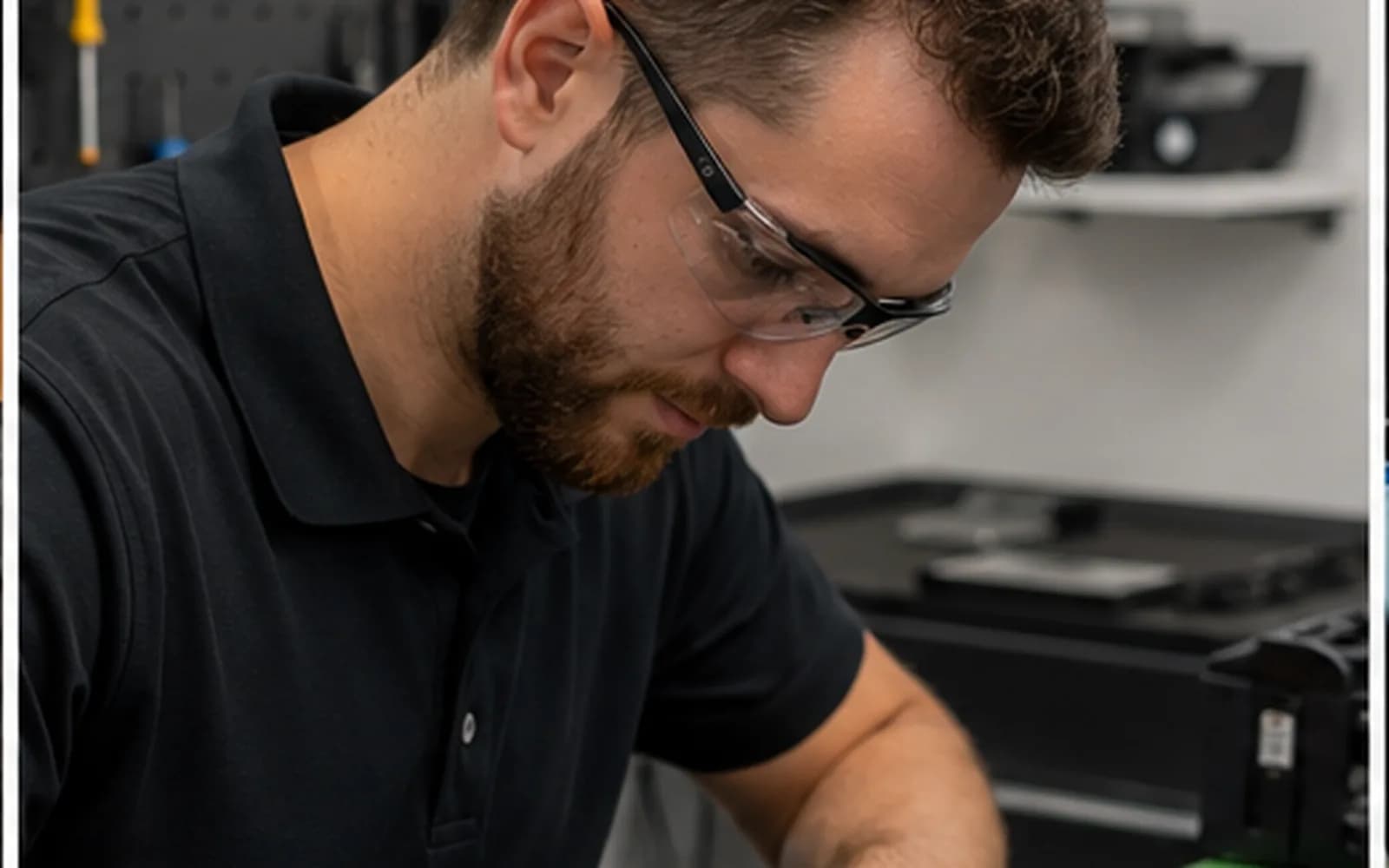
General service workflow
These procedures summarize how a typical repair moves through Trueonefix. They help customers understand the process but do not replace the current Service Terms and Conditions, written estimate, invoice or specific authorization for a device.
Procedures may vary when safety, data recovery, courier shipping, advanced diagnosis, customer-supplied parts or unusual damage requires a different approach.
1. Device check-in
Contact information, device type, brand, model and serial number are recorded when available.
Symptoms, timing, drops, spills, updates, prior repairs and other relevant events are documented.
Chargers, cables, bags and other received items are listed so they can be returned correctly.
Visible damage, missing parts and unusual condition should be documented at intake.
The customer identifies whether backup is requested and whether important files change the diagnostic priority.
The current Service Terms are made available and the required authorization is recorded.
2. Diagnosis
A technician evaluates the reported symptom and related components. The visible problem does not always identify the failed part; charging, display, storage and startup symptoms commonly overlap.
Basic diagnostics are provided under the current signed terms. Advanced data recovery, extensive disassembly, a requested detailed written report or unusual work may have separate conditions or charges that should be explained before proceeding.
3. Authorization
The check-in terms may authorize work up to the stated threshold without another approval request.
When expected charges exceed that threshold, the total and proposed work are sent for written or electronic approval.
If the customer declines the repair, the device may be picked up without charge unless detailed diagnostic findings or failed-part information are requested verbally or in writing; that diagnostic-only service is $50. Separately approved parts, shipping, reassembly, or other charges may still apply.
A material change in scope or estimated price requires updated communication and authorization.
The ticket records the decision and time when electronic approval is used.
4. Parts and repair
Exact model, compatibility, source or condition, availability and applicable warranty are considered.
Shipping, deposits, cancellation limits and return restrictions should be explained when applicable.
Compatibility, defects, missing hardware and warranty responsibility are evaluated separately.
Liquid, corrosion, bent enclosures or prior repair attempts may change repairability and require a revised estimate.
Approved work and relevant findings are documented in the ticket.
5. Testing and status updates
After approved work, the relevant repaired functions and basic operation are tested. Test scope and duration depend on the reported fault and repair performed. A device may move through Repairing, Testing and Ready for Pickup stages in the status system.
Customers can use the secure tracking information provided at check-in. SMS or email notifications depend on valid contact information and enabled communication services.
Customers who voluntarily select SMS updates may receive appointment confirmations, device check-in notices, repair-status updates, estimate or approval links, service questions and pickup notifications. Message frequency varies according to the active service. Trueonefix does not charge for these messages. Standard message and data rates may apply depending on the customer’s carrier and plan. Reply STOP to opt out or HELP for assistance. SMS consent is not a condition of purchase.
Privacy Policy: https://trueonefix.com/trueonefix-privacy-policy
SMS Program Terms
Message frequency varies based on the customer’s active appointment or repair service, with up to 3 automated messages per repair. Msg & data rates may apply. Reply STOP to opt out or HELP for help. For support, call Trueonefix at 813-438-2888. SMS consent is not a condition of purchase.
6. Payment and pickup
The customer is notified using the available contact method when the ticket is ready for pickup.
Properly authorized charges are due according to the current estimate, invoice and Service Terms.
Pickup by another person should be arranged with the shop in advance and may require verification.
The returned computer and listed accessories should be reviewed before leaving.
Pickup person, completion time and ticket status are documented.
Current notice, waiting-period, storage and handling procedures in the Service Terms apply.
Customer responsibilities
Disclose liquid, drops, prior work, passwords required for testing and important data.
Back up important files whenever possible; no repair process can guarantee data integrity.
Parts, approvals and pickup timing may depend on timely communication.
Ask questions before approving work and retain the provided repair information.
Confirm the device, accessories and relevant repaired functions before leaving when practical.
Related policies
The current terms are presented during check-in and control the service relationship.
Read the website summary for estimates, data, parts, communication and pickup.
Learn moreSee verified general pricing and model-specific estimate guidance.
Learn moreFind answers about appointments, diagnosis, approval and tracking.
Learn moreReview how appointment, repair and website information is handled.
Learn moreImportant review notice
This website page is a plain-language operational summary. If it conflicts with the current signed Service Terms, estimate or applicable law, those controlling documents and requirements apply.
Review this page whenever shop procedures or Service Terms change. Obtain qualified legal review before final publication and after material policy changes.
Ready for check-in?
Use the appointment form to request a preferred drop-off time and provide the model and symptoms in advance.
One local Tampa storefront
104 E Fletcher Ave, Tampa, FL 33612 · Walk-ins welcome during business hours.