
No power or no display
Power supply, motherboard, memory, graphics and display-path testing.
Trueonefix · Tampa
Desktop computer repair in Tampa for no-power, boot, display, overheating, storage and Windows problems. Component testing and a clear estimate before approved work.
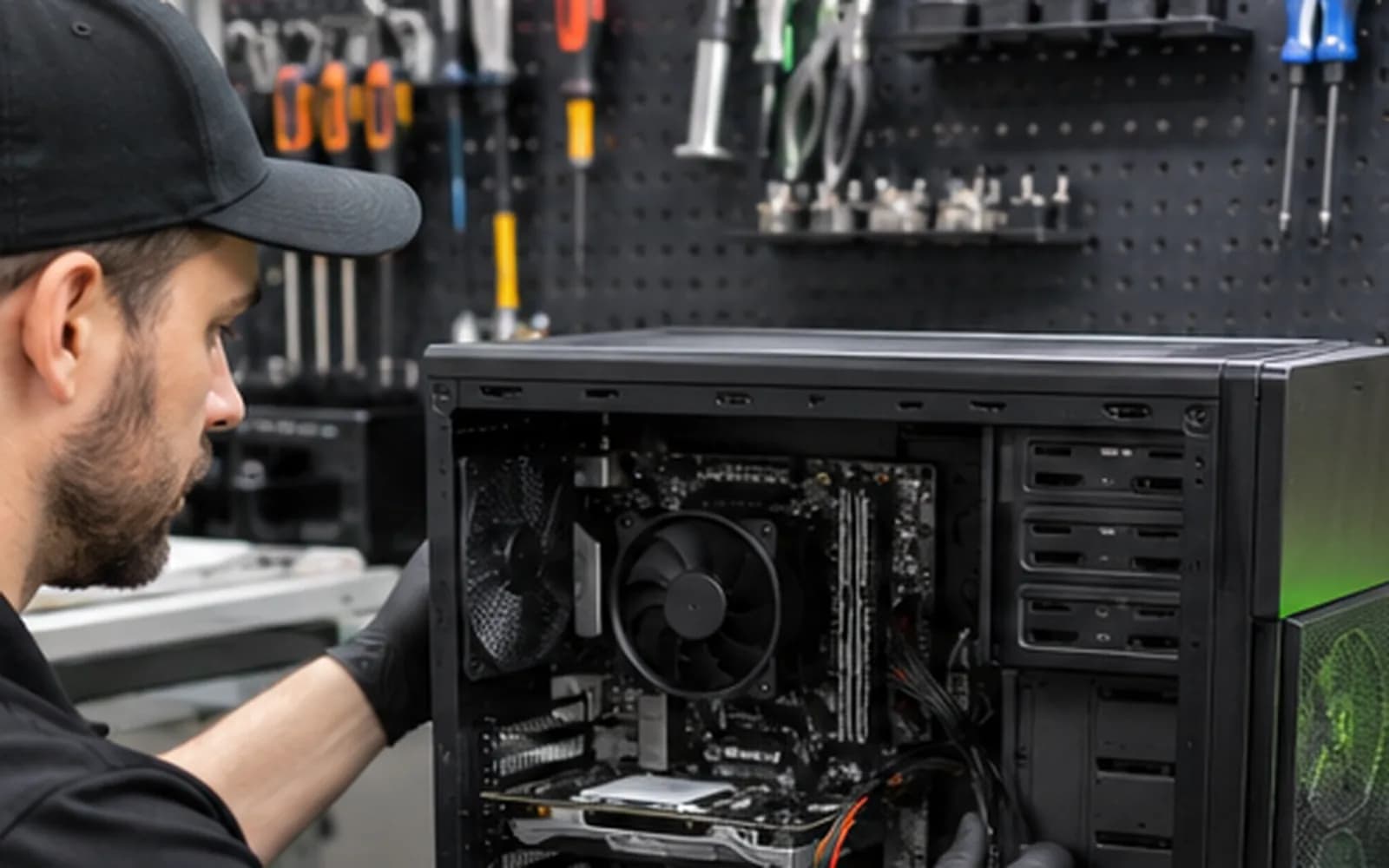
Local desktop computer repair
Desktop computers are modular, but the same symptom can have several causes. A no-display problem may involve memory, graphics, power, motherboard or the monitor path. Random shutdowns may come from heat, unstable power or failing hardware. Testing connected components together helps avoid unnecessary replacement.
Trueonefix diagnoses desktops at our Tampa storefront, explains the findings and provides an estimate before approved work begins.
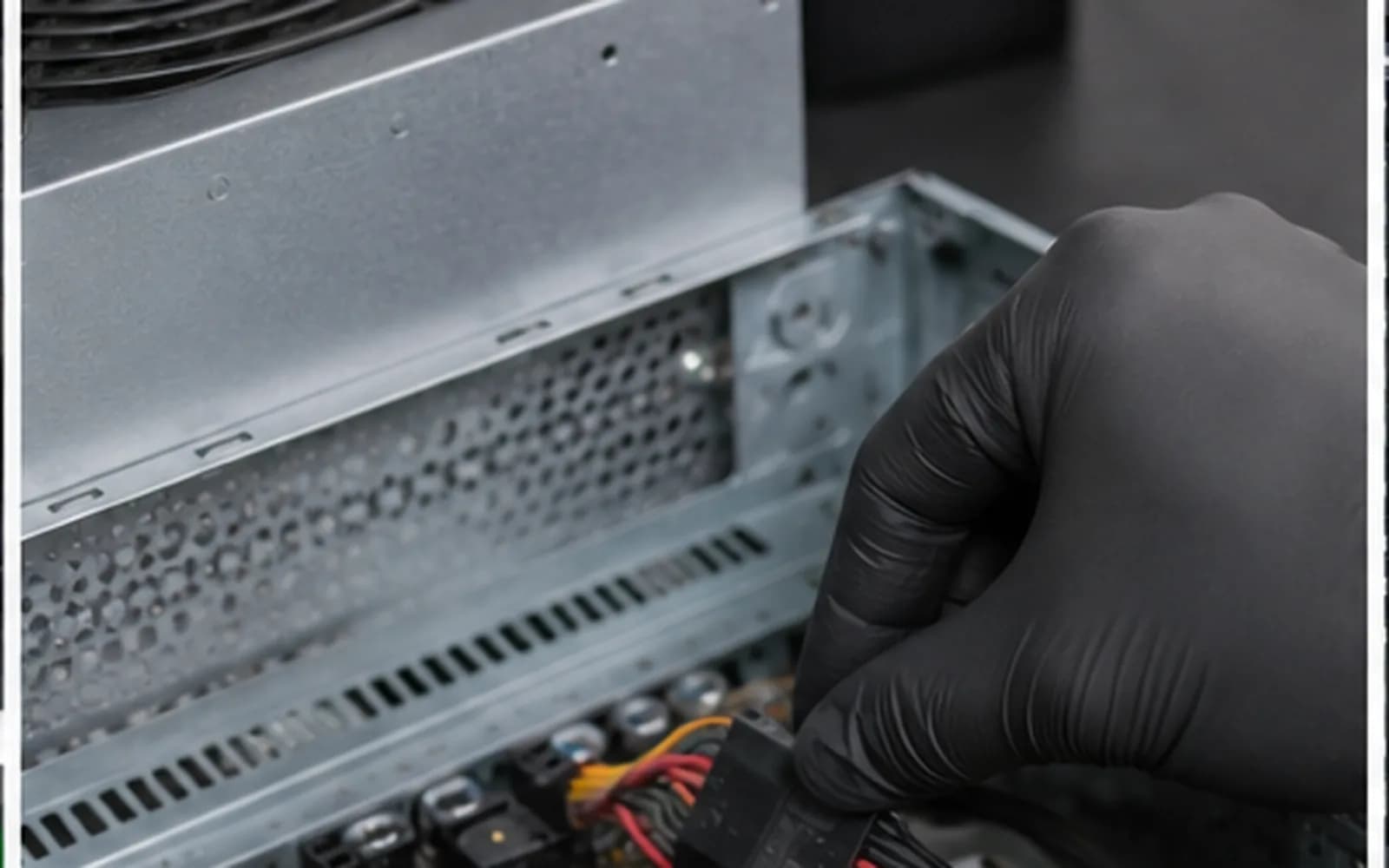
Desktop repair services
We service many home, business, custom-built and supported prebuilt desktop computers.
Power supply, motherboard, memory, graphics and display-path testing.
Memory, storage, temperature, driver and component-stability checks.
Learn moreDust, airflow, fan, cooler mounting and temperature evaluation.
Boot faults, update problems, corrupted system files and practical recovery options.
Drive-health testing, compatible SSD installation and migration options.
Learn moreSuspicious software, redirects, pop-ups and security cleanup.
Learn moreComponent-level troubleshooting
We inspect connections and physical condition, reproduce the symptom when possible and isolate components with controlled testing. If the computer was recently upgraded or moved, tell us what changed.
Bring the tower and its power cable. A monitor or accessory is usually unnecessary unless it is directly related to the problem or uses an unusual connection.
Repair process
1. Check-in — We document the computer, accessories, condition, symptoms and data preference.
2. Diagnosis — A technician tests the hardware and software related to the problem.
3. Estimate and approval — We explain the findings and estimated cost before approved work begins.
4. Repair and testing — Approved work is completed and the system is tested.
5. Pickup — The repair status is updated and you are notified when the computer is ready.
Related services
Load-related crashes, GPU faults, thermals and custom-system diagnostics.
Learn moreCompatibility review, assembly, firmware setup and stability testing.
Learn moreNo-power and board-level fault evaluation.
Learn moreEvaluation for inaccessible or failing storage devices.
Learn moreRepair cost
Cost depends on the failed component, compatibility, parts and labor. We compare the likely repair value with the age and condition of the system before approved work begins.
Before your visit
If the desktop starts and its storage appears healthy, these Microsoft resources can help you record system details and protect important files.
Microsoft explains how to view the Windows version, processor, memory and storage details.
Learn moreReview Microsoft’s official cloud and external-drive backup options.
Learn moreHelpful answers
Usually yes. Bring the power cable and any unusual adapter or accessory directly related to the problem.
Yes. We diagnose many custom and prebuilt systems, subject to component compatibility and condition.
We compare repair cost, condition and realistic performance with replacement or upgrade options.
Yes, when compatible. Common upgrades include SSDs, memory, cooling, graphics and power components.
We avoid unnecessary data changes, but no repair can guarantee data integrity. Back up important files when possible.
Yes. Work requiring approval begins only after we explain the findings and estimated cost.
Yes. Use the secure tracking information provided at check-in.
Desktop repair in Tampa
Visit Trueonefix at 104 E Fletcher Ave. Walk-ins are welcome, or reserve a preferred drop-off time online.
Customer experiences
Real feedback helps customers know what to expect from our local repair shop.
EXCELLENT
Our Google Customer
Reviews
4.9 / 5.0
Based on 493 reviews
GGoogle
Zaid Kinani
Google review
“Amazing service! He was extremely communicative with me the whole time I went through the process of waiting for parts to deliver and actually having it fixed. I would recommend this place to anyone who wants someone who genuinely wants to help you.”
TheBladeN Baca
Google review
“Great service and very professional! They were friendly, knowledgeable, and fixed my PC quickly.”
William Boyd
Google review
“Repaired my computer in the same day, let me pick it up after hours because I had a test the next day. Would highly recommend!”
Pbthebest
Google review
“Assembled my PC within a day, tested it before handing it, and was really nice and helpful!!”
Anthony A
Google review
“They fix my computer with care this is the only spot that i can spot”
Carly Farson
Google review
“Super nice and excellent service! Was very responsive and even fully cleaned my PC with no extra charge :) Student discount was also greatly appreciated!”
One local Tampa storefront
104 E Fletcher Ave, Tampa, FL 33612 · Walk-ins welcome during business hours.