
Repair Prices
See how common services and model-specific estimates are handled.
Learn moreTrueonefix · Tampa
Answers about computer repair appointments, diagnostics, estimates, data, parts, timing, tracking, warranties and pickup at Trueonefix in Tampa.

Straight answers before service
Computer repair questions often depend on the exact model, condition and diagnosed fault. These answers explain the general Trueonefix process without promising a result before hands-on testing.
The estimate, approval and current Service Terms for a specific repair control that job. Call 813-438-2888 when your question involves an active ticket or an urgent safety concern.
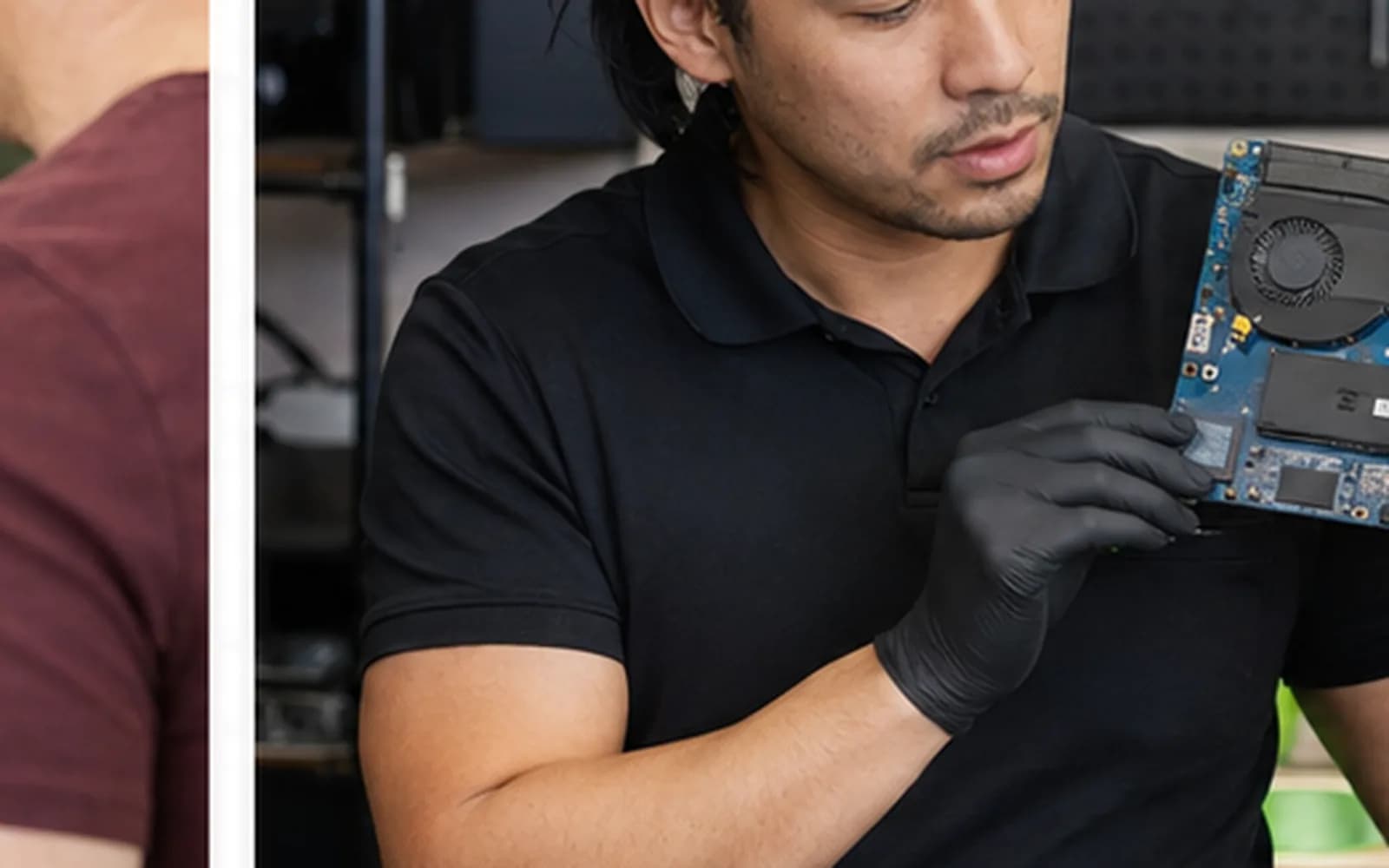
Appointments and check-in
Walk-ins are welcome during posted business hours. Booking lets you request a preferred drop-off time and provide device details first.
No. It organizes arrival and check-in. Diagnosis, current workload, parts and testing determine completion timing.
Bring the computer and power adapter when charging or power may be involved. Include an unusual accessory only when it directly relates to the symptom.
Share the complete model, exact symptoms, when they began, recent drops, spills, updates, upgrades and prior repair attempts.
Our only storefront is at 104 E Fletcher Ave, Tampa, FL 33612. Area pages describe communities we serve, not additional locations.
Diagnosis and estimates
We can offer general guidance, but accurate diagnosis usually requires hands-on testing of the device and related components.
The initial evaluation and repair estimate are free. If you do not proceed with the repair, you may pick up the device without charge unless you request detailed diagnostic findings or failed-part information, verbally or in writing; that diagnostic-only service is $50. Advanced data recovery or unusual work is quoted separately before it proceeds.
No. Applicable findings and an estimate are presented before approved repair work begins.
Devices with similar names may use different parts and installation designs. Exact model, part option, availability and condition affect price.
A material change in scope or estimated cost requires updated communication and authorization before additional work proceeds.
We explain practical alternatives, which may include no repair, data recovery, an upgrade or device replacement.
Data and passwords
Yes, whenever possible. Hardware, storage and operating-system work always carries data risk.
No repair provider can guarantee data integrity. Identify important files at check-in because data priority may change the safest diagnostic approach.
Only provide access needed for approved testing. When practical, create a temporary service account and do not place passwords on loose paper with the device.
Possibly. Recovery options and risk depend on the storage type, symptoms, physical condition, encryption and previous attempts.
No. Stop unnecessary use when files disappear, the drive clicks, the system freezes during access or storage is no longer recognized.
Parts, warranty and timing
Ask before purchasing. Compatibility, condition, missing hardware and warranty responsibility differ for customer-supplied components.
No. Availability may include different part sources or conditions. The proposed option and shop warranty should be disclosed before approval; a part is not called genuine unless verifiable.
Timing depends on diagnosis, workload, part availability, approvals and the testing required after repair.
Warranty depends on the specific repair, installed part and overall device condition. Unrelated faults, liquid damage and customer-supplied parts may have different terms.
Relevant repaired functions and basic operation are tested. The scope and duration depend on the fault and approved service.
Status, approval and pickup
Yes. Use the secure tracking information provided at check-in to view the current repair stage.
When approval is required, use the secure approval method sent with the repair information or contact the shop.
Contact the shop in advance. Identity, authorization, payment and current pickup procedures apply.
Bring appropriate identification, the repair information and any requested payment method. Inspect the returned device and accessories before leaving.
The repair may pause while awaiting approval. Keep contact information current and review the applicable terms for storage or unclaimed equipment.
Special situations
Turn the device off, disconnect power and do not repeatedly test it. Bring it in as soon as practical and identify the liquid and data priority.
Turn the device off, disconnect power and do not press, puncture or force the enclosure closed. Call before transporting a severely damaged battery.
Courier service requires written authorization and current shipping instructions before sending anything.
Do not use ordinary shipping. Disclose the condition first and follow all applicable carrier hazardous-material rules.
More information
See how common services and model-specific estimates are handled.
Learn moreReview the general check-in, diagnosis, approval and pickup workflow.
Learn moreReview summaries for estimates, data, parts and communication.
Learn moreCall, get directions or prepare for your visit.
Learn moreStill have a question?
Include the brand, complete model, symptom and recent events. For an active repair, use your tracking information or call 813-438-2888.
One local Tampa storefront
104 E Fletcher Ave, Tampa, FL 33612 · Walk-ins welcome during business hours.