
Disconnect the charger
Remove external power immediately and do not reconnect it to test the laptop.
Trueonefix · Tampa
Laptop liquid-damage evaluation in Tampa with internal inspection, corrosion assessment and realistic repair or data-recovery options. Stop using and charging the device.
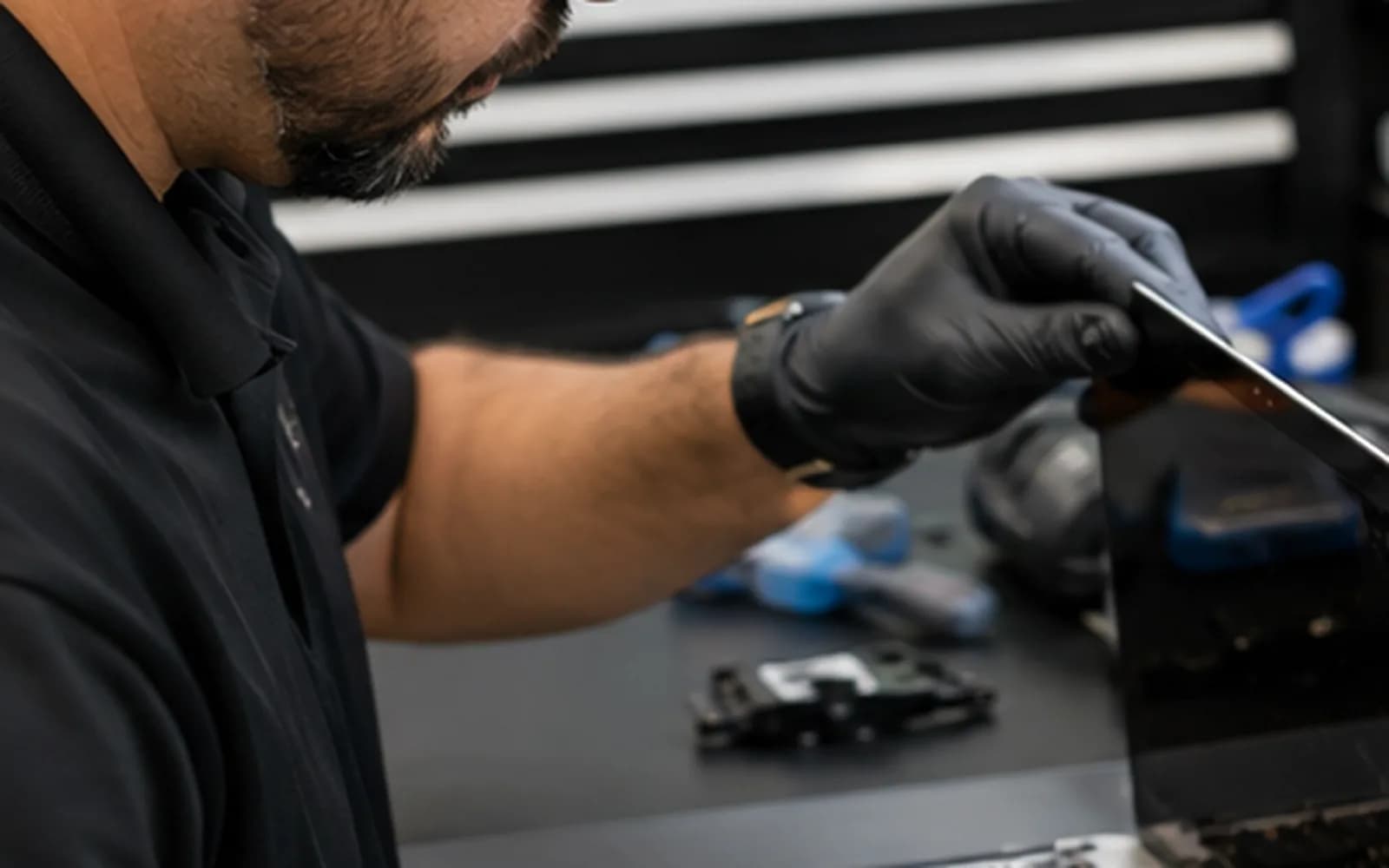
Local liquid-damage evaluation
Liquid can remain under connectors and components after the outside looks dry. Applying power may turn limited contamination into corrosion or electrical damage. Shut the laptop down, unplug the charger and do not repeatedly try to turn it on.
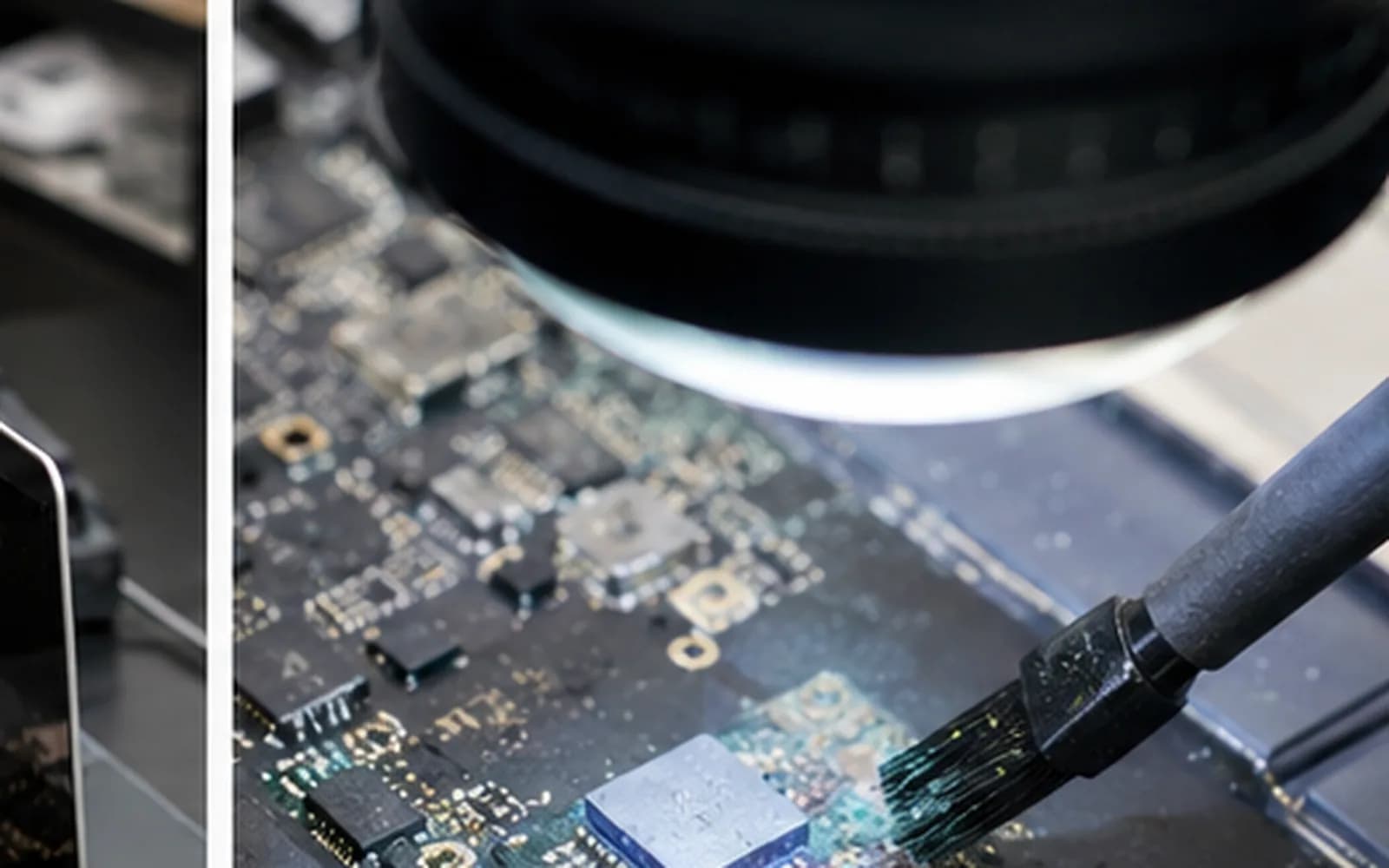
Trueonefix opens the device when appropriate, documents visible contamination and evaluates repair and data priorities. Liquid-damage outcomes cannot be guaranteed, and we explain the findings and risks before approved work begins.
What to do now
Remove external power immediately and do not reconnect it to test the laptop.
If it is still running, shut it down without continuing normal use.
Tilting, pressing and continued use can spread liquid deeper into the device.
Rice does not remove conductive residue, and heat can damage plastics, adhesives and the battery.
Each power attempt can increase short-circuit and corrosion damage.
Tell us the liquid type, amount, location, time and any power attempts made afterward.
Internal inspection
Water, coffee, soda and other liquids leave different residue. Corrosion may affect the keyboard, connectors, charging system, battery and motherboard. Cleaning is only one part of the evaluation; damaged components or circuits may still require repair.
If the files are more important than the laptop, tell us before testing. The safest data-recovery approach may differ from the fastest attempt to make the device start.
Evaluation process
1. Check-in — We document the liquid, timing, affected area, symptoms, power attempts and data priority.
2. Internal inspection — Visible residue, corrosion, battery condition and affected areas are assessed.
3. Cleaning and controlled testing — Appropriate approved cleaning is followed by cautious testing when reasonable.
4. Findings and options — We explain repairability, parts, data considerations, risks and estimated cost.
5. Repair or recovery — Approved work proceeds according to the customer’s chosen priority.
Realistic expectations
Corrosion can continue after cleaning, and multiple components may have been affected. A laptop that starts today may still develop later faults. Warranty coverage for liquid-damage work must reflect the condition and the specific repair performed.
We will not promise that every liquid-damaged device can be restored. Sometimes data recovery, limited function or replacement is the more practical outcome.
Related services
Evaluation when stored files are the primary concern.
Learn moreKeyboard and palm-rest service after spills.
Learn moreBoard-level corrosion and electrical fault evaluation.
Learn moreLiquid-damage and logic-board evaluation for supported MacBooks.
Learn moreLiquid-damage cost
Cost depends on affected areas, corrosion, parts, board work and data priority. Because damage varies widely, we provide options after inspection rather than publishing a misleading fixed repair price.
Helpful answers
No. Rice does not remove internal residue or corrosion and may delay proper inspection.
Do not. Applying power can turn limited contamination into more extensive electrical damage.
No. Heat can spread liquid and damage plastics, adhesives, the display and battery.
No. Repairability depends on the liquid, exposure, corrosion, affected components, prior power attempts and device value.
Possibly. Tell us immediately if data is the priority so testing and repair decisions can reflect that goal.
No. Delayed corrosion and damage to multiple components make guarantees inappropriate. We explain specific warranty terms before work.
As soon as practical, with the device powered off and disconnected. Earlier inspection may limit continuing corrosion.
Liquid-damage evaluation in Tampa
Visit Trueonefix at 104 E Fletcher Ave. Tell us what spilled and whether your files are the priority.
Customer experiences
Real feedback helps customers know what to expect from our local repair shop.
EXCELLENT
Our Google Customer
Reviews
4.9 / 5.0
Based on 492 reviews
GGoogle
William Boyd
Google review
“Repaired my computer in the same day, let me pick it up after hours because I had a test the next day. Would highly recommend!”
Pbthebest
Google review
“Assembled my PC within a day, tested it before handing it, and was really nice and helpful!!”
Anthony A
Google review
“They fix my computer with care this is the only spot that i can spot”
Carly Farson
Google review
“Super nice and excellent service! Was very responsive and even fully cleaned my PC with no extra charge :) Student discount was also greatly appreciated!”
Rebekah Lockwood
Google review
“Fixed my Lenovo Yoga! A few keyboard keys randomly stopped working. Leo quickly diagnosed that the keyboard needed to he replaced. He ordered the new keyboard (OEM) and texted me when it came in. I dropped my laptop off after work, and he had it fixed and good as new in less than 24 hours! I thought his price was fair, too. I was thrilled not to need a new laptop!”
David Roberts
Google review
“Exceptional service! Diagnostics was completed within a few hours and pricing was very fair. The owner goes above and beyond to provide status updates and ensure a satisfactory experience. Don't skip True One Fix if you need any computer services done.”
One local Tampa storefront
104 E Fletcher Ave, Tampa, FL 33612 · Walk-ins welcome during business hours.