
Keys not responding
Individual keys, rows, columns and keyboard connection behavior tested.
Trueonefix · Tampa
Laptop keyboard repair in Tampa for missing keystrokes, stuck keys, backlight faults and liquid-related damage. Model-specific parts and clear estimates.
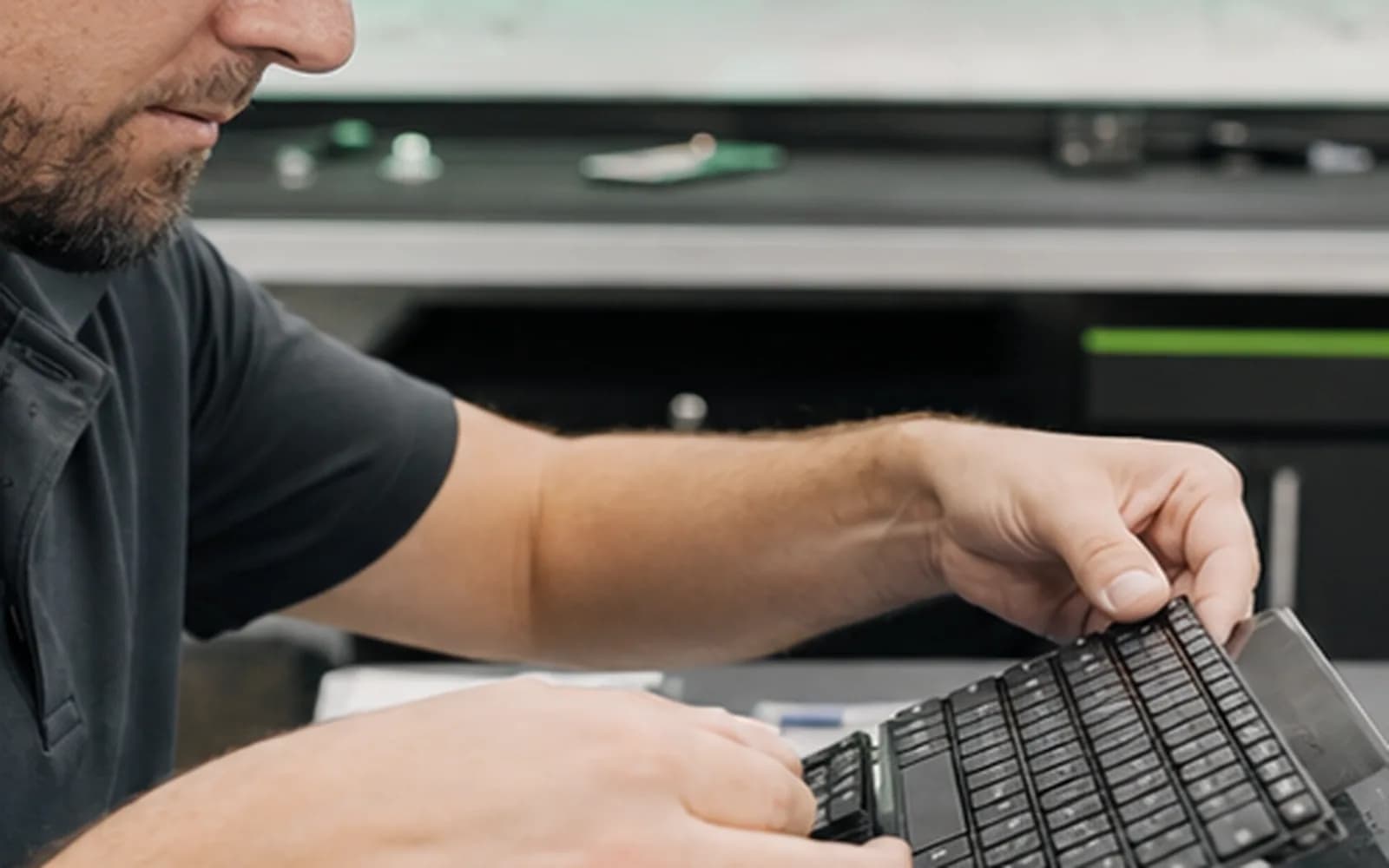
Local laptop keyboard repair
Missing keystrokes, repeated characters and unresponsive key groups can come from the keyboard membrane, ribbon cable, connector, liquid residue, software settings or motherboard input circuitry. A loose keycap and a failed keyboard require different repairs.
Trueonefix identifies the exact model, tests the symptom and explains the compatible part and estimate before approved work begins.
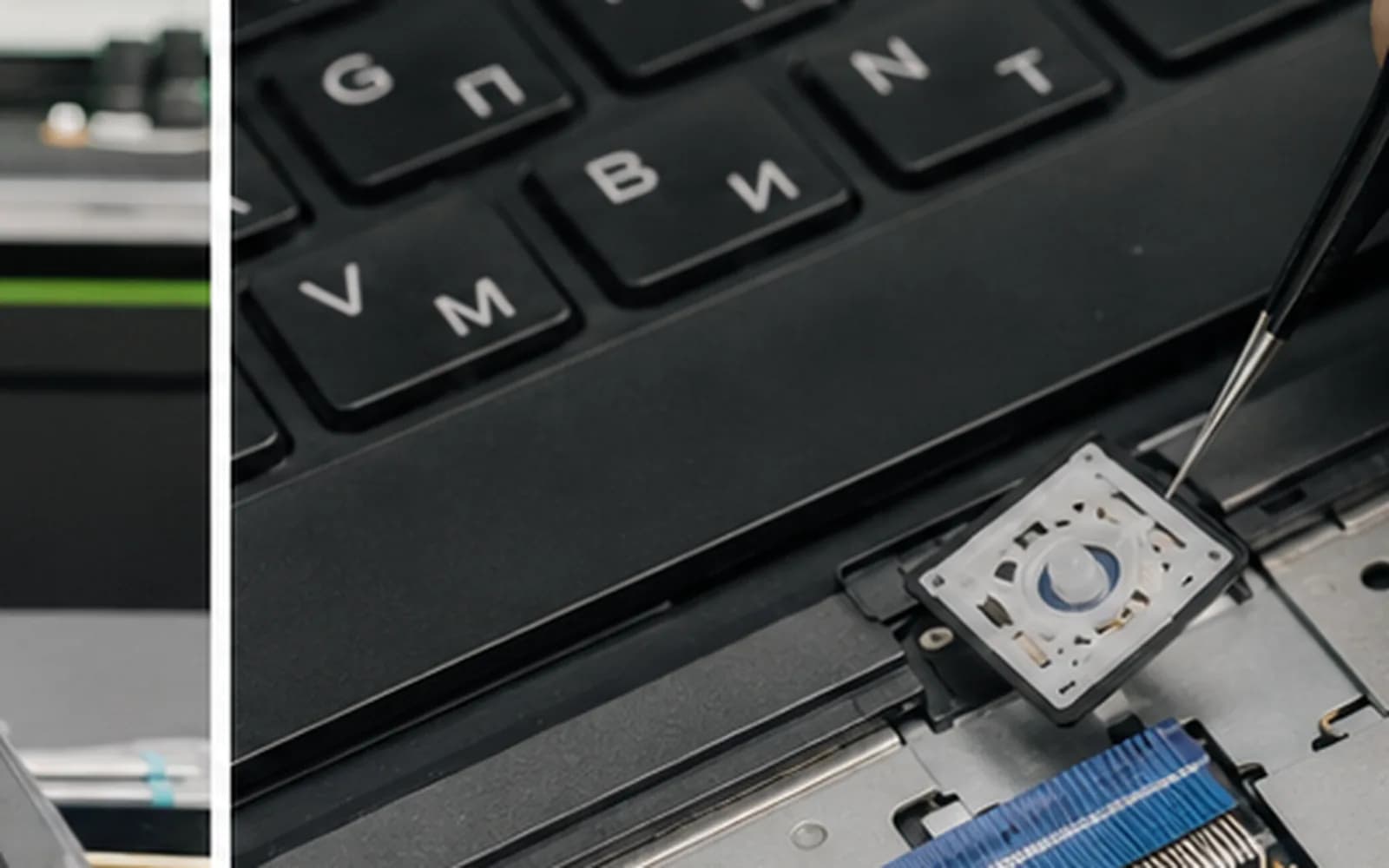
Keyboard problems
Individual keys, rows, columns and keyboard connection behavior tested.
Physical key movement, contamination and input behavior inspected.
Keycap, hinge mechanism and underlying switch condition checked before replacement options.
Backlight cable, keyboard assembly, settings and control behavior evaluated.
Residue may affect the keyboard and internal electronics beyond the visible keys.
Learn moreModels with integrated top-case assemblies identified before parts are ordered.
Model-specific construction
Depending on the laptop, the keyboard may be separately replaceable, secured by many small fasteners or permanently integrated into the upper case. Backlit and non-backlit versions may also differ. We verify layout, color, connector and assembly design by exact model.
Do not glue loose keycaps in place. Adhesive can damage the key mechanism and make proper repair more difficult.
Repair process
1. Check-in — We document affected keys, liquid history, layout and physical condition.
2. Diagnosis — Keyboard input, connections and related software or board behavior are checked.
3. Part identification — The correct keyboard, backlight or palm-rest assembly is confirmed.
4. Estimate and approval — Parts, labor and timing are explained before approved work.
5. Installation and testing — Keys, shortcuts, backlight and touchpad functions are tested when applicable.
Related services
Complete laptop hardware and startup diagnosis.
Learn moreInternal evaluation after spills and liquid exposure.
Learn moreService for batteries that lift the keyboard, touchpad or case.
Learn moreBoard-level input and connector fault evaluation.
Learn moreKeyboard repair cost
A separate keyboard and a complete palm-rest assembly have different costs. Model-specific pricing will connect to the central Pricing Manager; otherwise we provide an estimate after identification.
Temporary accessibility option
Microsoft explains how to type with the built-in on-screen keyboard until physical keyboard service is completed.
Learn moreHelpful answers
Sometimes, if the keycap and hinge mechanism are available and the underlying switch is undamaged. Many failures require the keyboard assembly.
Keyboard rows or columns share internal circuits, so cable, membrane or liquid damage can affect groups of keys.
Cleaning may help some residue, but damaged membrane circuits often require replacement and internal inspection.
We verify whether the original model uses a backlit keyboard and source the compatible version when available.
Only when necessary. Some models combine keyboard and touchpad within a complete palm-rest assembly.
Often yes, if the laptop otherwise works and there is no liquid or safety concern.
Timing depends on diagnosis, model, part availability and current workload.
Laptop keyboard repair in Tampa
Visit Trueonefix at 104 E Fletcher Ave. Walk-ins are welcome, or reserve a preferred drop-off time.
Customer experiences
Real feedback helps customers know what to expect from our local repair shop.
EXCELLENT
Our Google Customer
Reviews
4.9 / 5.0
Based on 493 reviews
GGoogle
Zaid Kinani
Google review
“Amazing service! He was extremely communicative with me the whole time I went through the process of waiting for parts to deliver and actually having it fixed. I would recommend this place to anyone who wants someone who genuinely wants to help you.”
TheBladeN Baca
Google review
“Great service and very professional! They were friendly, knowledgeable, and fixed my PC quickly.”
William Boyd
Google review
“Repaired my computer in the same day, let me pick it up after hours because I had a test the next day. Would highly recommend!”
Pbthebest
Google review
“Assembled my PC within a day, tested it before handing it, and was really nice and helpful!!”
Anthony A
Google review
“They fix my computer with care this is the only spot that i can spot”
Carly Farson
Google review
“Super nice and excellent service! Was very responsive and even fully cleaned my PC with no extra charge :) Student discount was also greatly appreciated!”
One local Tampa storefront
104 E Fletcher Ave, Tampa, FL 33612 · Walk-ins welcome during business hours.