
Loose charging connector
Mechanical port wear, internal mounting and plug condition inspected.
Trueonefix · Tampa
Laptop charging port repair in Tampa for loose connectors, intermittent power and no-charge symptoms. Adapter, battery, USB-C and motherboard diagnosis included.
Local charging-port repair
A loose connector can indicate physical port damage, but no-charge and intermittent-power symptoms may also come from the adapter, cable, battery, USB-C power negotiation or motherboard charging circuit. Testing the complete charging path prevents an unnecessary port replacement.
Trueonefix identifies the exact laptop model, tests related components and explains the estimate before approved work begins.
Charging symptoms
Mechanical port wear, internal mounting and plug condition inspected.
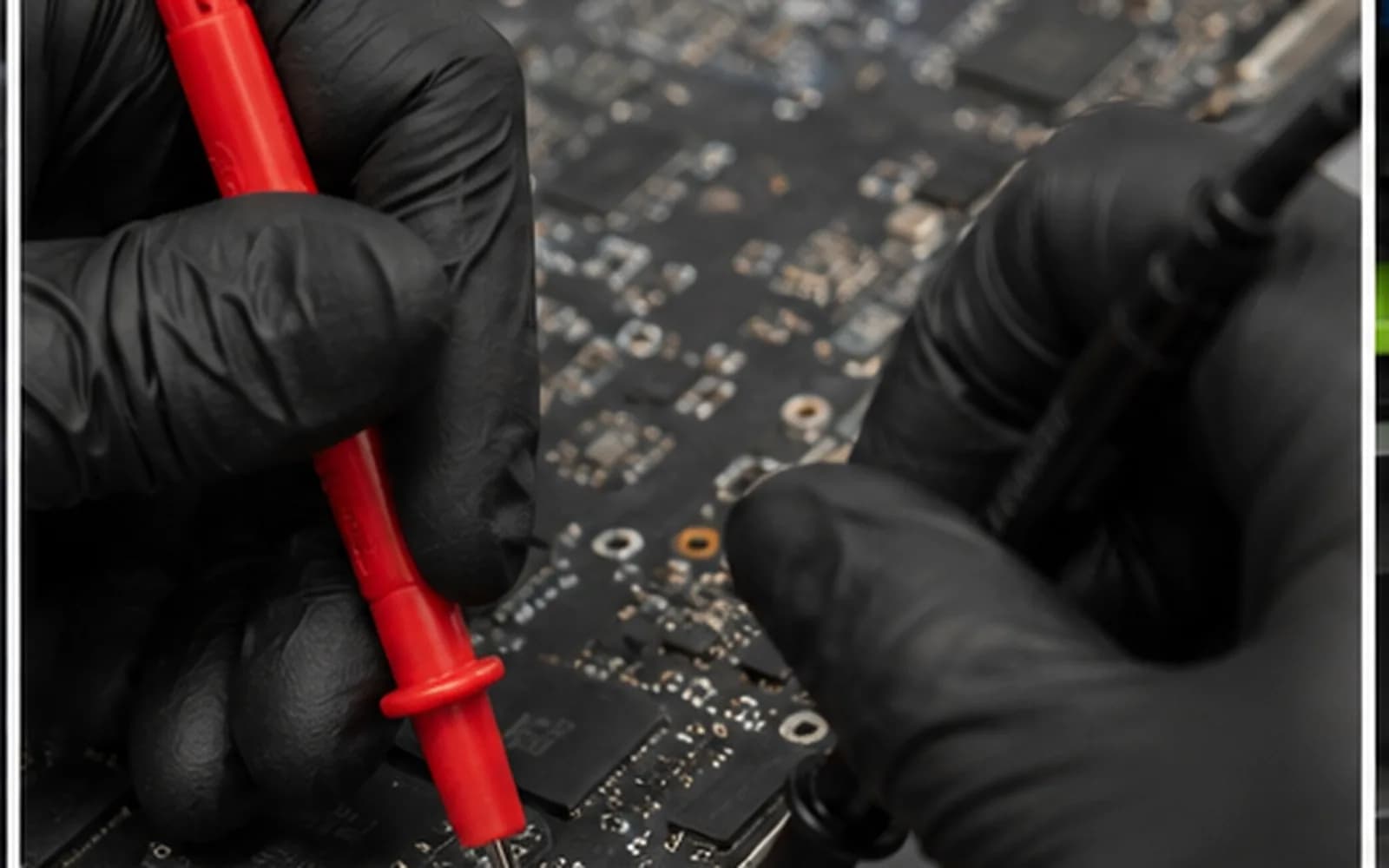
Adapter, cable, connector movement, battery and board behavior checked together.
Input power and the charging path tested before the port is blamed.
Charger wattage, cable capability, supported charging port and power-delivery behavior reviewed.
Replaceable cable assemblies and soldered ports identified by exact model.
Stop using the charger immediately; connector and board damage require prompt inspection.
Model-specific construction
Laptop charging ports may be mounted on a replaceable cable, separate daughterboard or directly soldered to the motherboard. USB-C ports can also carry data and video and may involve power-delivery controllers beyond the connector itself.
Do not keep moving the plug until it charges. Intermittent contact can generate heat and cause additional connector or board damage.
Repair process
1. Check-in — Bring the laptop and charger; we document connector behavior and physical condition.
2. Diagnosis — Adapter output, cable, port, battery and charging circuitry are evaluated.
3. Repair identification — We confirm whether the model uses a cable, daughterboard or soldered connector.
4. Estimate and approval — Parts, labor and expected timing are explained before approved work.
5. Repair and testing — Charging stability, connector fit and basic operation are checked after service.
Related services
Battery-health, swelling and no-charge diagnosis.
Learn moreComplete power and startup diagnostics.
Learn moreUSB-C and MagSafe charging diagnosis for supported MacBooks.
Learn moreBoard-level power and charging circuit evaluation.
Learn moreCharging-port cost
A replaceable cable port and a soldered USB-C connector require different parts and labor. Model-specific prices will connect to the Pricing Manager; otherwise we provide an estimate after identification.
USB-C charging
Microsoft explains slow chargers, incompatible cables, charging ports and USB-C power requirements.
Learn moreHelpful answers
No. The charger plug, cable or internal mounting can create similar movement, so we inspect both sides.
Some ports are soldered while others use replaceable cables or boards. The correct method depends on the exact model.
No. The charger, cable and port must support the power level and charging standard required by the laptop.
No. Intermittent contact can produce heat and cause additional port or motherboard damage.
Yes. Battery, adapter and board faults can resemble a damaged charging port.
Yes. Testing the charger and cable is important for an accurate diagnosis.
Timing depends on diagnosis, port design, part availability and current workload.
Charging port repair in Tampa
Visit Trueonefix at 104 E Fletcher Ave. Walk-ins are welcome, or reserve a preferred drop-off time.
Customer experiences
Real feedback helps customers know what to expect from our local repair shop.
EXCELLENT
Our Google Customer
Reviews
4.9 / 5.0
Based on 492 reviews
GGoogle
William Boyd
Google review
“Repaired my computer in the same day, let me pick it up after hours because I had a test the next day. Would highly recommend!”
Pbthebest
Google review
“Assembled my PC within a day, tested it before handing it, and was really nice and helpful!!”
Anthony A
Google review
“They fix my computer with care this is the only spot that i can spot”
Carly Farson
Google review
“Super nice and excellent service! Was very responsive and even fully cleaned my PC with no extra charge :) Student discount was also greatly appreciated!”
Rebekah Lockwood
Google review
“Fixed my Lenovo Yoga! A few keyboard keys randomly stopped working. Leo quickly diagnosed that the keyboard needed to he replaced. He ordered the new keyboard (OEM) and texted me when it came in. I dropped my laptop off after work, and he had it fixed and good as new in less than 24 hours! I thought his price was fair, too. I was thrilled not to need a new laptop!”
David Roberts
Google review
“Exceptional service! Diagnostics was completed within a few hours and pricing was very fair. The owner goes above and beyond to provide status updates and ensure a satisfactory experience. Don't skip True One Fix if you need any computer services done.”
One local Tampa storefront
104 E Fletcher Ave, Tampa, FL 33612 · Walk-ins welcome during business hours.