
No power and charging faults
AC adapter, USB-C or barrel connector, battery, firmware and motherboard power path evaluated.
Trueonefix · Tampa
HP laptop repair in Tampa for Pavilion, Envy, Spectre, ProBook, EliteBook, Victus and OMEN power, charging, screen, keyboard, hinge, cooling and startup problems.
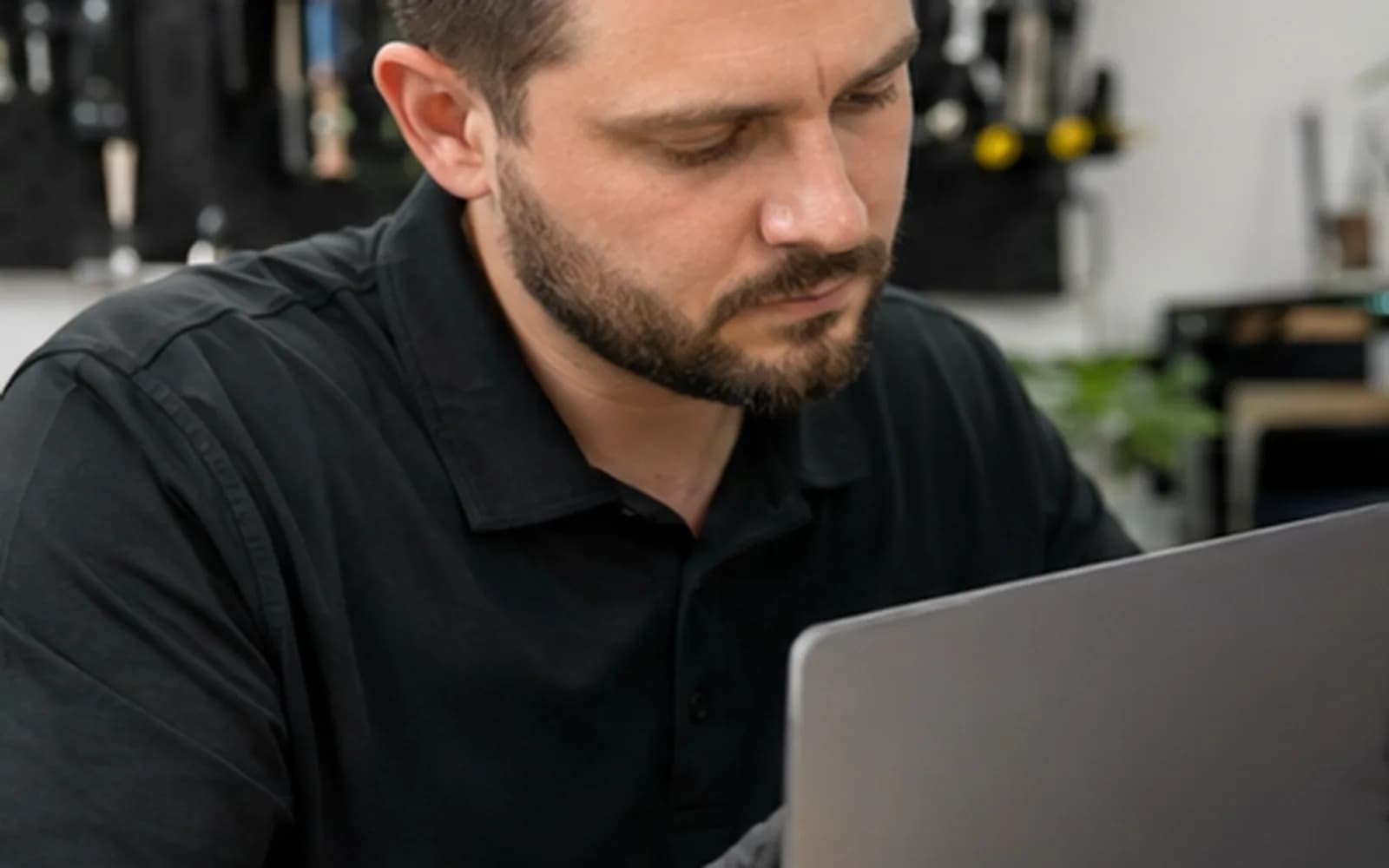
Local HP laptop service
HP Pavilion, Envy, Spectre, ProBook, EliteBook, Victus and OMEN names cover many generations and configurations. Two laptops with similar family names may use different displays, batteries, keyboards, charging ports, fans and enclosure parts.
Trueonefix records the full model and product number, confirms the reported symptom and explains the recommended repair and estimate before approved work begins.
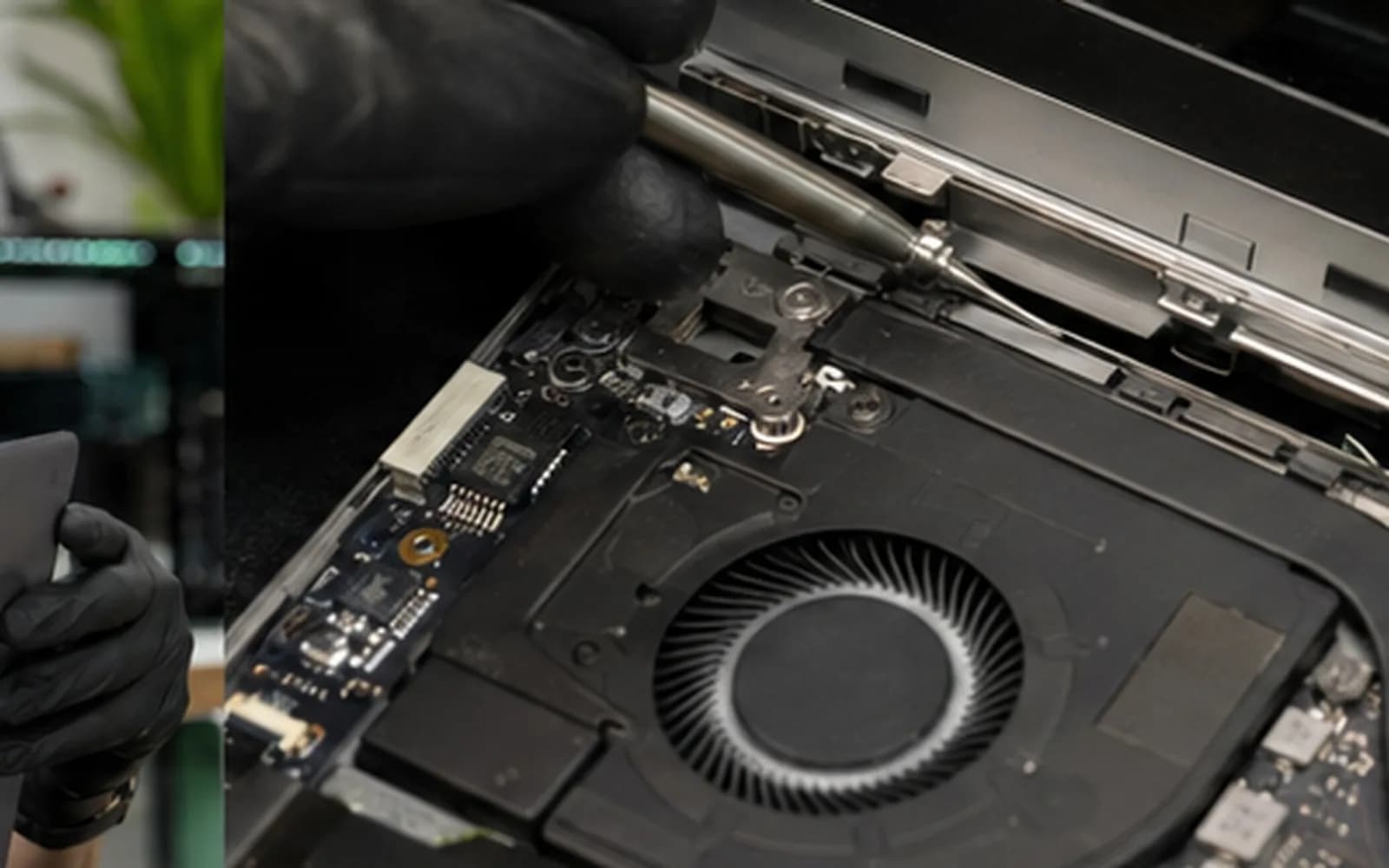
HP laptop diagnostics
AC adapter, USB-C or barrel connector, battery, firmware and motherboard power path evaluated.
Cracks, no image, flicker, lines, backlight and touch behavior checked against the exact panel specification.
Keys, backlight, touchpad, palm-rest assembly, cables and liquid exposure inspected.
Hinges, mounts, lid, display cable and surrounding plastics assessed together before parts are ordered.
Fans, vents, heatsink contact, thermal material and CPU/GPU stability tested under appropriate load.
SSD health, Windows startup, memory and compatible upgrade options reviewed with data needs in mind.
Model and product identification
An HP family name alone is rarely precise enough for parts ordering. The bottom label may show a model, product number and serial number; the product number is especially useful when matching a screen, keyboard, battery, fan or enclosure.
Bring a clear photo of the label if it is difficult to read. Accurate identification reduces incompatible orders and unnecessary delays.
Repair process
1. Check-in — We record the complete model, product number, symptoms, accessories, recent events and data priority.
2. Diagnosis — Relevant charging, display, input, storage, thermal and stability behavior is tested.
3. Estimate and approval — Findings, part option, labor, warranty and expected timing are explained.
4. Approved repair — The authorized hardware or software work is completed.
5. Verification — Charging, display, keyboard, thermals and the repaired functions are checked before pickup.
ProBook and EliteBook systems
HP business laptops may use BitLocker, organization accounts, BIOS passwords, docks or company security policies. Tell us whether the computer is company-managed and whether the appropriate recovery information is available before storage or operating-system work.
Provide only the access required for approved testing. Company-owned systems should be brought in with authorization from the appropriate owner or administrator.
Related services
Complete laptop hardware, Windows and startup diagnosis.
Learn moreModel-specific display and touch-screen service.
Learn moreBattery condition, charging behavior and compatible replacement options.
Learn moreUSB-C, barrel connector, adapter and motherboard power-path testing.
Learn moreCompatible storage with backup, cloning or clean-install options.
Learn moreOfficial manufacturer support
Identify an HP product and find official drivers, diagnostics, documentation and warranty information.
Learn moreHP laptop repair cost
Touch displays, business keyboards, hinge assemblies, gaming cooling systems and motherboard-level power faults have different parts and labor. Published prices appear from the Pricing Manager where reliable; otherwise diagnosis comes first.
Helpful answers
Yes. We evaluate supported Pavilion and Envy models for charging, screen, keyboard, hinge, storage and other hardware or Windows faults.
Yes when a compatible display assembly or related part is available. The complete product number is needed because panel specifications vary.
Yes. We diagnose overheating, crashes, no display, charging and performance problems under appropriate test loads.
The cause may involve the adapter wattage, cable, connector, USB-C compatibility, firmware or motherboard charging circuit. Testing determines the likely fault.
Often, but the hinge, mounting points, lid and surrounding enclosure must be inspected together before recommending repair.
Yes when the correct compatible battery is available. We also check charging behavior because a battery warning does not always prove the battery is the only fault.
Yes for power, USB-C charging, battery, shutdown, overheating or gaming-performance problems.
HP laptop service in Tampa
Visit Trueonefix at 104 E Fletcher Ave. Include the complete HP product number and any related dock or charger when relevant.
Customer experiences
Real feedback helps customers know what to expect from our local repair shop.
EXCELLENT
Our Google Customer
Reviews
4.9 / 5.0
Based on 496 reviews
GGoogle
Alex Padhya
Google review
“The diagnostic was incredibly comprehensive. The only reason my repair took so long was because the issue made the repairmen think replcement parts didn’t work. Not only did they fully restore my device, they were cheaper than I had ever seen. I definitely plan to choose them again.”
Zaid Kinani
Google review
“Amazing service! He was extremely communicative with me the whole time I went through the process of waiting for parts to deliver and actually having it fixed. I would recommend this place to anyone who wants someone who genuinely wants to help you.”
TheBladeN Baca
Google review
“Great service and very professional! They were friendly, knowledgeable, and fixed my PC quickly.”
William Boyd
Google review
“Repaired my computer in the same day, let me pick it up after hours because I had a test the next day. Would highly recommend!”
Pbthebest
Google review
“Assembled my PC within a day, tested it before handing it, and was really nice and helpful!!”
Anthony A
Google review
“They fix my computer with care this is the only spot that i can spot”
One local Tampa storefront
104 E Fletcher Ave, Tampa, FL 33612 · Walk-ins welcome during business hours.