
Identify the exact board
Confirm the manufacturer, complete motherboard model and hardware revision. Similar names can use different files.
Repair Advice
A practical guide to deciding whether a gaming PC needs a BIOS update, preparing safely and recognizing when firmware recovery may be required.
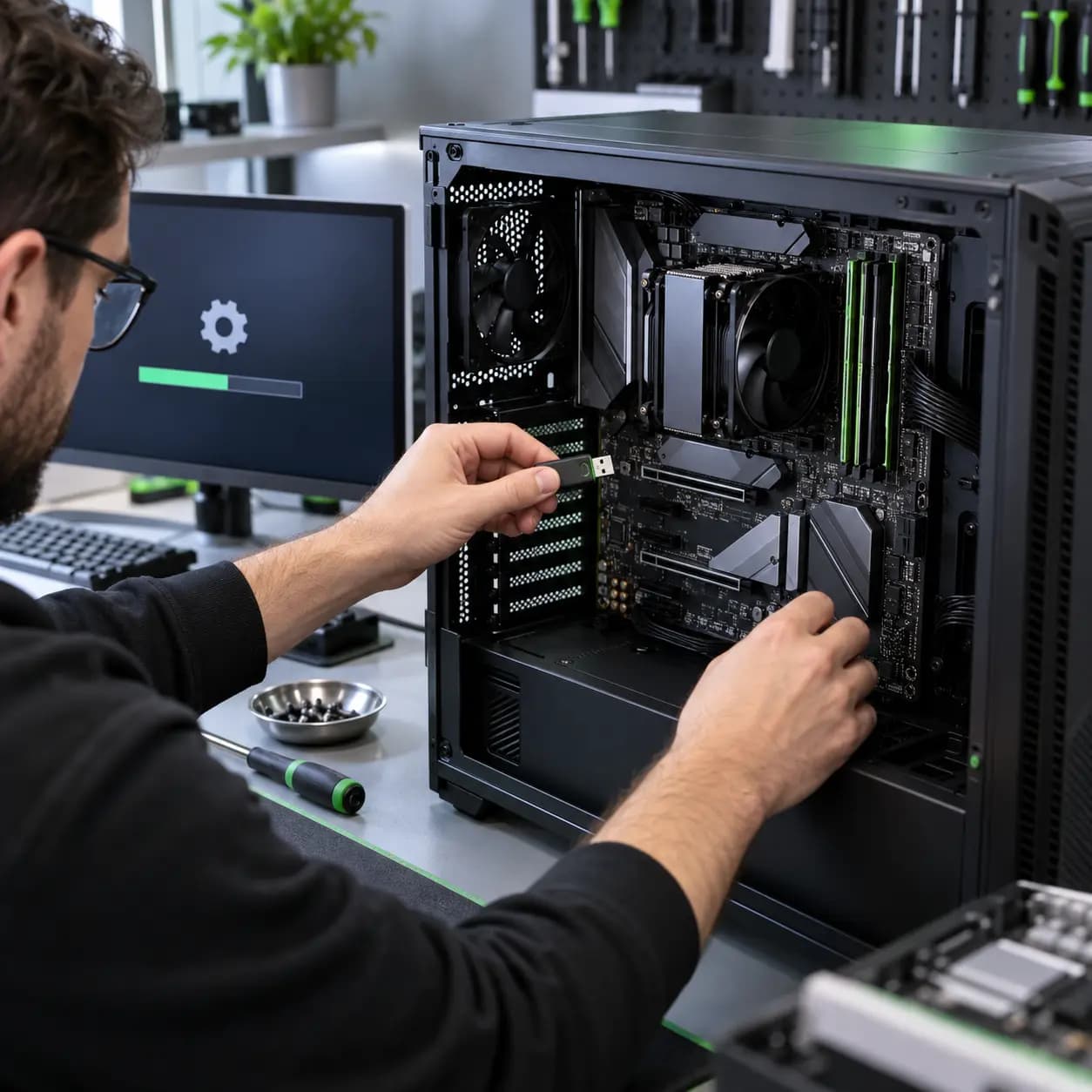
Firmware decision guide
A gaming PC BIOS update can improve hardware compatibility, stability and security, and it may be required before installing a newer processor. But firmware starts before Windows. An interrupted or incompatible update can leave the motherboard unable to boot.
The useful question is whether the release addresses a security issue, hardware change or verified problem relevant to this exact computer—not simply whether a newer version exists.
What it controls
Modern motherboards use UEFI firmware, although most customers still call it BIOS. It initializes the processor, memory, graphics card and storage before Windows starts. It can also control XMP or EXPO memory profiles, boot order, Secure Boot, TPM, fan settings, Resizable BAR and power behavior.
An update may be important when a new CPU requires a minimum firmware version, manufacturer release notes address the exact symptom, a security advisory applies, or TPM and Secure Boot support needs correction.
Do not guess
Random restarts, no display, freezing and game crashes can also come from overheating, unstable RAM, a weak power supply, a failing GPU, storage faults or Windows problems. Firmware should not be used as a blind first repair attempt. A BIOS update may expose an existing instability rather than cure it.
Before updating
Do not start while the PC is randomly shutting down or electrical power is unreliable.
Confirm the manufacturer, complete motherboard model and hardware revision. Similar names can use different files.
Compare the installed version with the intended version and check for required intermediate updates or rollback restrictions.
Save the BitLocker recovery key and photograph boot, storage, fan and memory settings before changing firmware or TPM behavior.
Remove unstable overclocking before flashing and use only the supported method for the exact motherboard or prebuilt PC.
What can go wrong
Power interruption, the wrong file, an unstable system or a failed write can corrupt firmware. Defaults may also change the boot mode, storage mode, fan curves or memory settings. Windows may request the BitLocker key, and some releases cannot be easily downgraded.
Do not clear the TPM casually, rename files based on instructions for another board or force power off because the first restart takes longer than expected.
Professional service
Professional help is sensible when the computer is already unstable, the model or revision is uncertain, BitLocker protection is active without a confirmed recovery key, the manufacturer requires several staged updates, or a previous update left the PC with no display.
Recovery options depend on the motherboard. Some boards offer BIOS Flashback or a backup chip; others may need external programming or board replacement. Cost depends on diagnosis, recovery features, firmware-chip access, board damage and the testing required afterward. A successful boot once is not enough—memory, CPU, GPU, temperatures and repeated cold starts should be checked.
Related services
These service pages explain the next step when safe checks do not identify the cause.
Stability, temperature, memory, power and component diagnosis for gaming systems.
Learn moreBoard-level diagnosis when firmware recovery or an electrical fault is suspected.
Learn moreView current published labor pricing and service notes.
Learn moreFrequently asked questions
No. Update when the release is relevant to your hardware, security or verified problem, or when the manufacturer specifically requires it.
It normally does not erase storage, but setting changes can prevent Windows from booting and encryption may request a recovery key. Back up important data first.
Sometimes, when release notes address the relevant compatibility issue. Crashes can also come from heat, power, RAM, graphics, storage or software.
Not as a routine step. Clearing it can affect stored security keys. Confirm encryption recovery information and follow the correct manufacturer procedure.
Possibly. Recovery depends on the board design, failure and whether supported recovery features still operate.
Practical next step
If the PC is unstable or the update path is uncertain, stop before writing firmware. Bring the computer for model verification, stability diagnosis and a clear explanation of the available options.
One local Tampa storefront
104 E Fletcher Ave, Tampa, FL 33612 · Walk-ins welcome during business hours.