
Basic controls
Disconnect accessories, increase brightness and restart once using the normal power control.
Repair Advice
Safe ways to distinguish a screen problem from a startup, backlight, cable or logic-board fault.
No-display guide
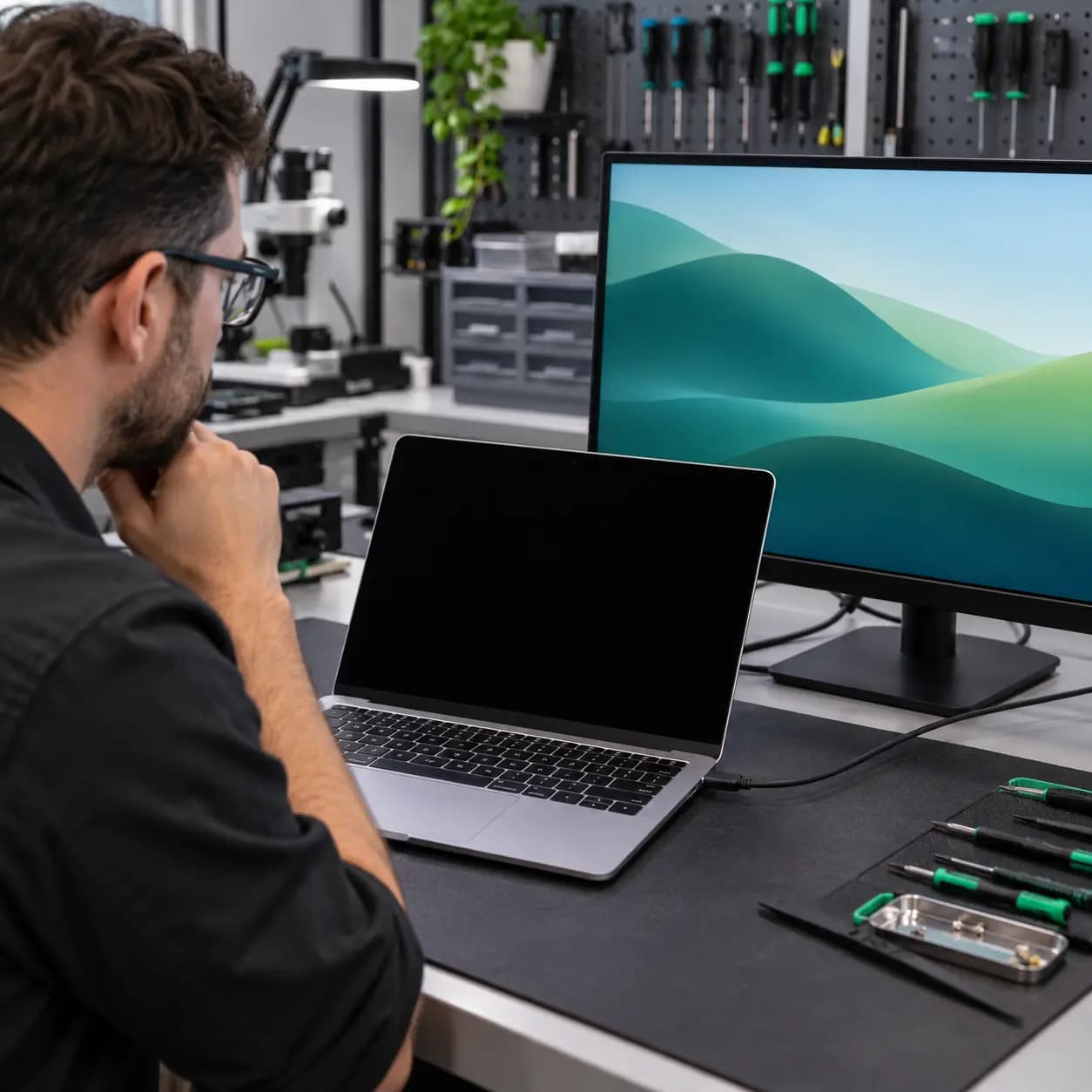
If a MacBook appears to start but the built-in screen remains black, the cause may involve brightness, backlight, a display connection, startup software, the logic board or a computer that is not fully booting.
Safe checks
Disconnect accessories, increase brightness and restart once using the normal power control.
Use a known-compatible monitor, adapter and cable. A working external image narrows the fault but does not prove the screen alone failed.
Shine a light across the display. A faint image can suggest a backlight-path problem.
Note whether the image changes as the lid moves, but do not repeatedly flex a damaged hinge or display.
Possible causes
Common causes include a failed panel or backlight, damaged display cable or connector, liquid, impact or pressure damage, hinge-related cable stress, startup or firmware failure and logic-board display-output faults. A2337, A2338, A2681 and A2141 use different display assemblies and procedures.
Avoid more damage
Pressing on the screen can spread cracks and pressure marks. Moving a separated display can tear cables. If liquid exposure occurred, stop applying power. Reinstalling macOS before separating a hardware display problem from a startup problem can waste time and put unbacked-up data at risk.
Repair or replace
A screen repair can be reasonable when the rest of the MacBook is in good condition. Consider device age, battery health, storage and memory configuration, enclosure damage and liquid history. Professional testing is appropriate when a faint image appears, an external monitor works while the internal screen does not, the image changes with lid position or neither display produces an image.
Related services
These service pages explain the next step when safe checks do not identify the cause.
Display, backlight, cable and exact-model assembly diagnosis.
Learn moreBroader startup and logic-board testing.
Learn moreFrequently asked questions
No. It makes the internal display path more suspicious, but the panel, cable, backlight and board connections still require diagnosis.
Sometimes, but do not keep moving a physically damaged lid or ignore liquid and overheating symptoms.
The image path may be working while the backlight path is not. Testing is still needed to locate the fault.
Only if software is responsible. Protect data and distinguish hardware display failure from startup failure first.
Practical next step
Bring the MacBook, charger and any adapter used for the external-display test. Avoid flexing a damaged lid on the way to the shop.
One local Tampa storefront
104 E Fletcher Ave, Tampa, FL 33612 · Walk-ins welcome during business hours.