
Startup or wake
Note whether the restart happens during boot, after sleep or immediately after login.
Repair Advice
A kernel panic can come from software, accessories or hardware. Preserve the report and isolate the pattern before erasing the MacBook.
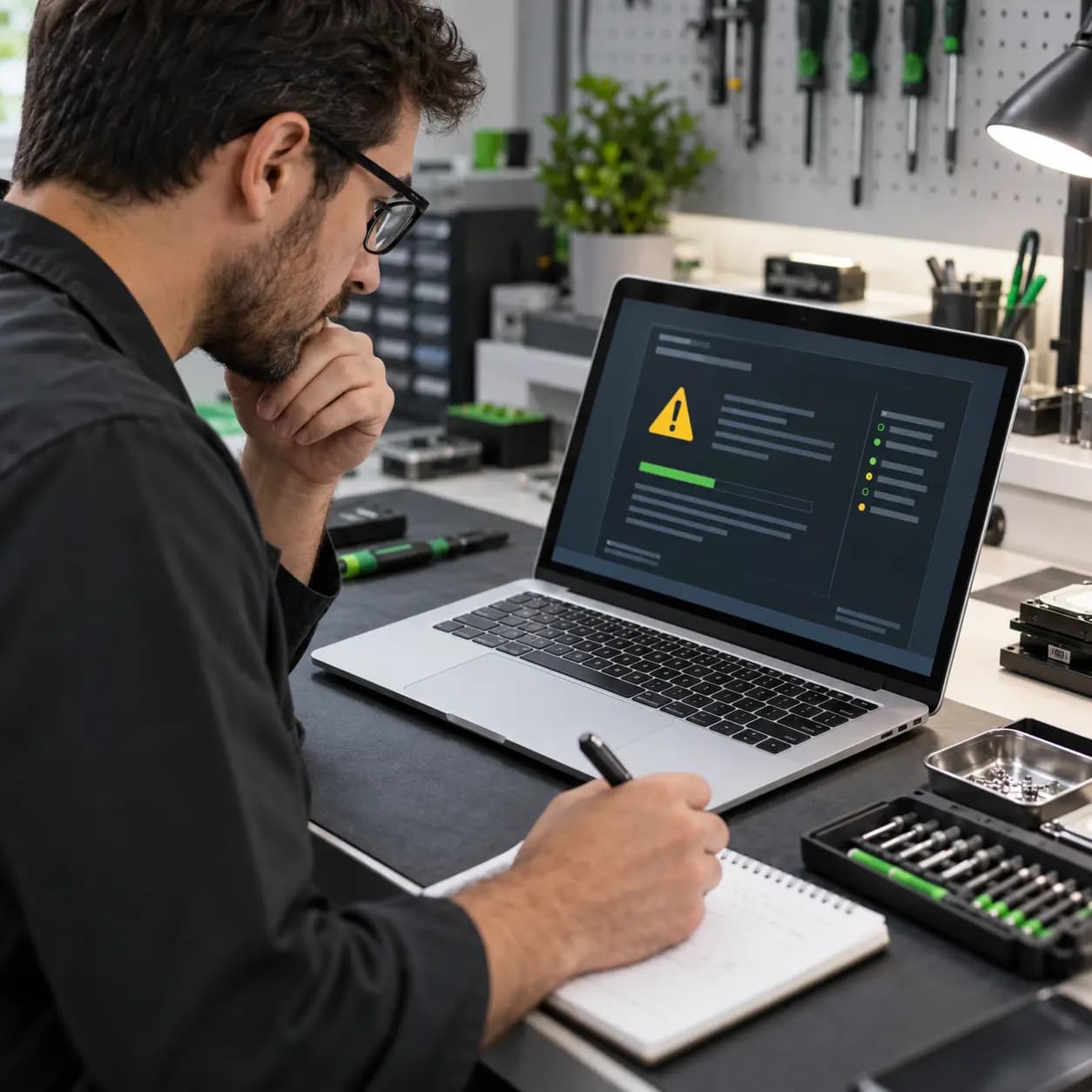
Unexpected restart guide
The message ‘Your computer restarted because of a problem’ means macOS encountered a failure serious enough to stop and restart. This is often called a kernel panic. One isolated event does not identify the cause, but repeated panics need investigation.
Record the pattern
Note whether the restart happens during boot, after sleep or immediately after login.
Record whether a dock, drive, display or other device is connected.
Note the application, CPU or graphics load and whether the fans became loud first.
Save or photograph the message and preserve reports before erasing or reinstalling macOS.
Possible causes
Possible causes include a damaged peripheral, driver or system extension, corrupted macOS files, storage failure, memory or logic-board faults, unstable power or battery behavior, heat, liquid or impact damage and firmware communication problems. One technical phrase in a report should not be treated as a confirmed failed part.
Safe checks
Back up important files while the MacBook is stable. Disconnect nonessential accessories, install applicable macOS updates, check free storage space and note whether one application reproduces the restart. Apple Diagnostics may help if the MacBook starts reliably.
Diagnostic and startup procedures differ between Apple-silicon A2337, A2338 and A2681 and Intel-based A2141, so use the correct instructions.
Avoid losing evidence
Reinstalling macOS too early can remove useful evidence without fixing hardware. Do not replace parts based on a generic search result, repeatedly stress-test an overheating system or keep powering a liquid-damaged MacBook. Newer MacBooks do not have ordinary removable desktop RAM.
Repair or replace
Get help when panics continue after accessories are removed, occur during startup, prevent backup, appear with heat or charging problems, begin after liquid or impact, or show a repeatable hardware-related pattern. Repair can make sense when the cause is isolated to software, storage, battery, cooling or a repairable circuit. Replacement may be more practical after extensive board or liquid damage. Cost depends on diagnostic time, backup needs, reinstall work, storage condition, battery or cooling faults and board-level damage.
Related services
These service pages explain the next step when safe checks do not identify the cause.
Model-specific panic, startup and hardware diagnosis.
Learn moreStorage evaluation when instability prevents a reliable backup.
Learn moreFrequently asked questions
Not usually. Malware is only one broad possibility; software, accessories, storage, power and hardware faults are more common categories to investigate.
Only when software is responsible. Back up files and preserve reports before erasing anything.
Yes. A dock, drive, adapter, display or related driver can trigger instability, which is why accessories should be isolated.
Thermal problems can contribute to shutdowns and instability. Temperature behavior should be evaluated with the panic pattern.
No. Preserve a current backup and diagnostic reports first. Erasing may remove evidence and may not correct hardware.
Practical next step
Bring the MacBook, charger and any accessory connected when the restart occurs. Describe the repeatable pattern and whether your important files are backed up.
One local Tampa storefront
104 E Fletcher Ave, Tampa, FL 33612 · Walk-ins welcome during business hours.