
MacBook Repair Tampa
Model-specific MacBook diagnosis and repair.
Learn moreRepair Advice
Compare Retina and non-Retina MacBook displays, pixel density, construction, cost and panel-only versus complete assembly replacement.

Display technology
Retina is Apple’s marketing name for displays with sufficiently high pixel density that individual pixels are difficult to distinguish at a normal viewing distance. Non-Retina MacBooks generally use lower-resolution panels with visibly larger pixels.
A Retina screen usually delivers sharper text, finer graphics and higher-resolution workspaces. The exact resolution, color capability and construction still vary by model and year, so the Retina name does not identify a single interchangeable display.
Why pricing differs
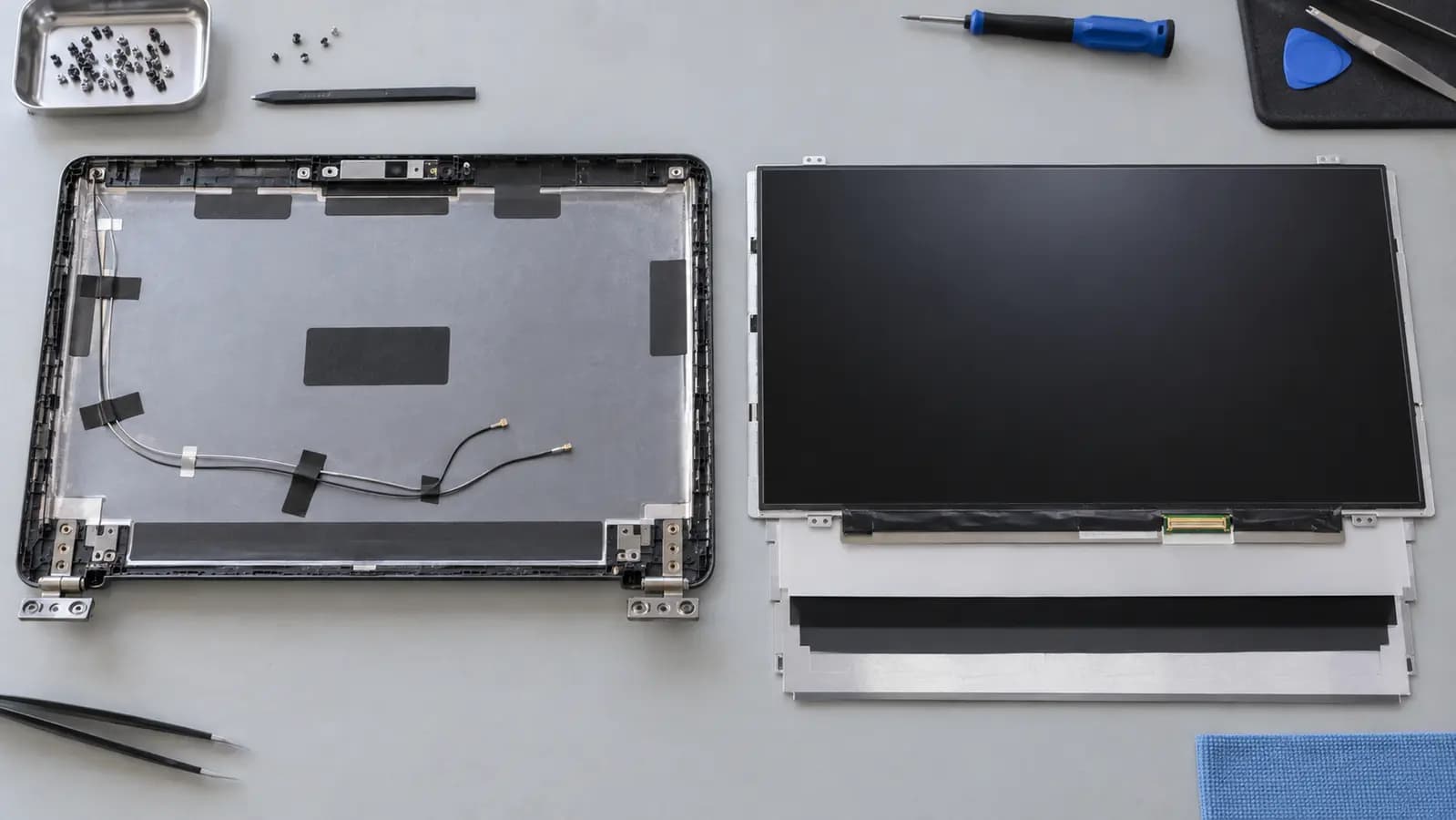
Older non-Retina laptops often use a separately serviceable LCD panel inside a thicker display housing. Many Retina MacBooks use a much thinner, tightly integrated assembly containing the panel, backlight, cables, camera components, antennas and aluminum lid.
Part cost, precision, adhesive construction and the risk of damaging surrounding layers all influence the repair price. Availability and color matching can also matter.
Repair options
A panel-only repair separates the damaged image panel from the rest of the display structure. It can be appropriate for certain models when the housing, cables and other components are undamaged and a dependable compatible panel is available.
A complete display assembly replaces the lid-side unit as a group. It reduces the need to separate bonded layers and replaces other display components that may have been damaged. The safer method depends on the exact MacBook, part quality and condition—not a universal rule.
Internal panel damage
Some internal LCD fractures are difficult to see on a black, unpowered screen. When the backlight and pixels turn on, black areas, colored lines, white zones or bleeding become visible. A smooth outer surface does not prove that the internal display layers are intact.
Related services and guides
Model-specific MacBook diagnosis and repair.
Learn moreDisplay diagnosis and exact-model assembly matching.
Learn moreReview published labor prices and service notes.
Learn moreFrequently asked questions
No. Resolution, size, connectors, housing, color and internal components vary by model and year.
Sometimes. It depends on the exact model, available part and condition of the housing and cables.
It reduces the need to separate bonded layers and replaces other display components that may also be damaged.
Tampa repair support
Bring the MacBook for confirmation before ordering a panel or assembly. Similar-looking models can use completely different parts.
One local Tampa storefront
104 E Fletcher Ave, Tampa, FL 33612 · Walk-ins welcome during business hours.