
Connect directly
Remove the dock or hub and connect the charger or accessory directly.
Repair Advice
A USB-C connector can fail in one function while another still works. Test the charger, cable, accessory and port safely before assuming board failure.
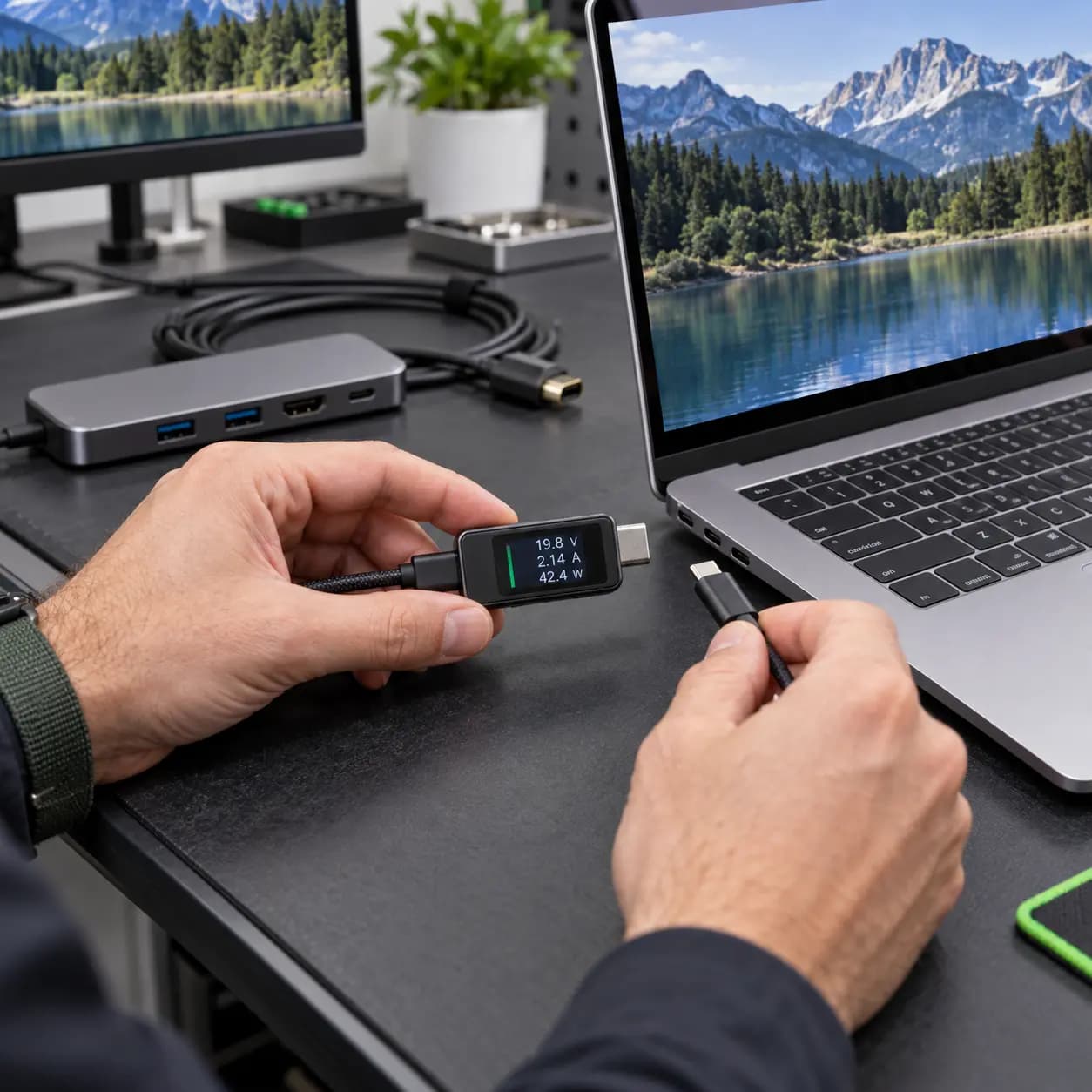
Test each function
A USB-C port that charges may still fail with an external display. A port that recognizes a drive may still charge intermittently. Test each function separately before assuming the logic board has failed.
Common symptoms
Typical signs include charging only through one port, charging that stops when the cable moves, missing USB devices, no external-display image, repeated dock disconnects, a loose connector or unusual heat at the plug.
Safe checks
Remove the dock or hub and connect the charger or accessory directly.
Use a known-compatible cable and adapter, try another port, and reverse the USB-C connector without forcing it.
Check charging, data and video independently so one success does not hide another failure.
Use good light for visible debris or damage. Do not insert metal, needles or liquid.
Likely causes
Possible causes include a damaged or limited cable, incompatible charger or dock, packed debris, physical connector wear, liquid corrosion, a serviceable port assembly, USB-C controller or power-delivery fault, and software or accessory compatibility. Cables differ in charging power, data speed and video support even when they fit.
A2337, A2338, A2681 and A2141 do not share one universal internal port design. Repair access and board involvement vary.
Stop using the port
Stop if the connector is burned, bent or melted; the port becomes abnormally hot; liquid entered the area; charging disconnects with minor movement; or the plug must be held at an angle. Continued use can worsen the connector and logic board.
Repair or replace
Professional service is appropriate when known-good accessories fail, the connector is physically damaged, one side behaves differently or charging, data and video all fail. Repair may involve cleaning, a cable or port assembly, microsoldering or board replacement depending on the exact model and damage. Cost depends on model, accessibility, corrosion, board damage and required testing.
Related services
These service pages explain the next step when safe checks do not identify the cause.
USB-C charging, data, display and logic-board diagnosis.
Learn moreComponent-level work when the USB-C controller or board path is involved.
Learn moreFrequently asked questions
The cable may be good while one connector, its internal path or controller is damaged. Model-specific testing is needed.
The cable, adapter or port may support power while the required video path is unavailable or faulty.
No. Metal can short contacts or damage the connector. Do not add liquid.
It can create intermittent contact and heat. Stop forcing or angling the plug and arrange inspection.
Practical next step
Tell us whether the problem affects charging, data, video or all three, and which ports were tested. That avoids repeating guesses and helps isolate the failure.
One local Tampa storefront
104 E Fletcher Ave, Tampa, FL 33612 · Walk-ins welcome during business hours.