
1. No power with a known-good charger
The laptop shows no lights, fan movement or response even after the charger and outlet are verified. The charging port and input circuit still need testing before the board is condemned.
Repair Advice
Learn nine warning signs of laptop motherboard failure, what can mimic a board problem and when to stop powering the computer on to protect its data and other components.
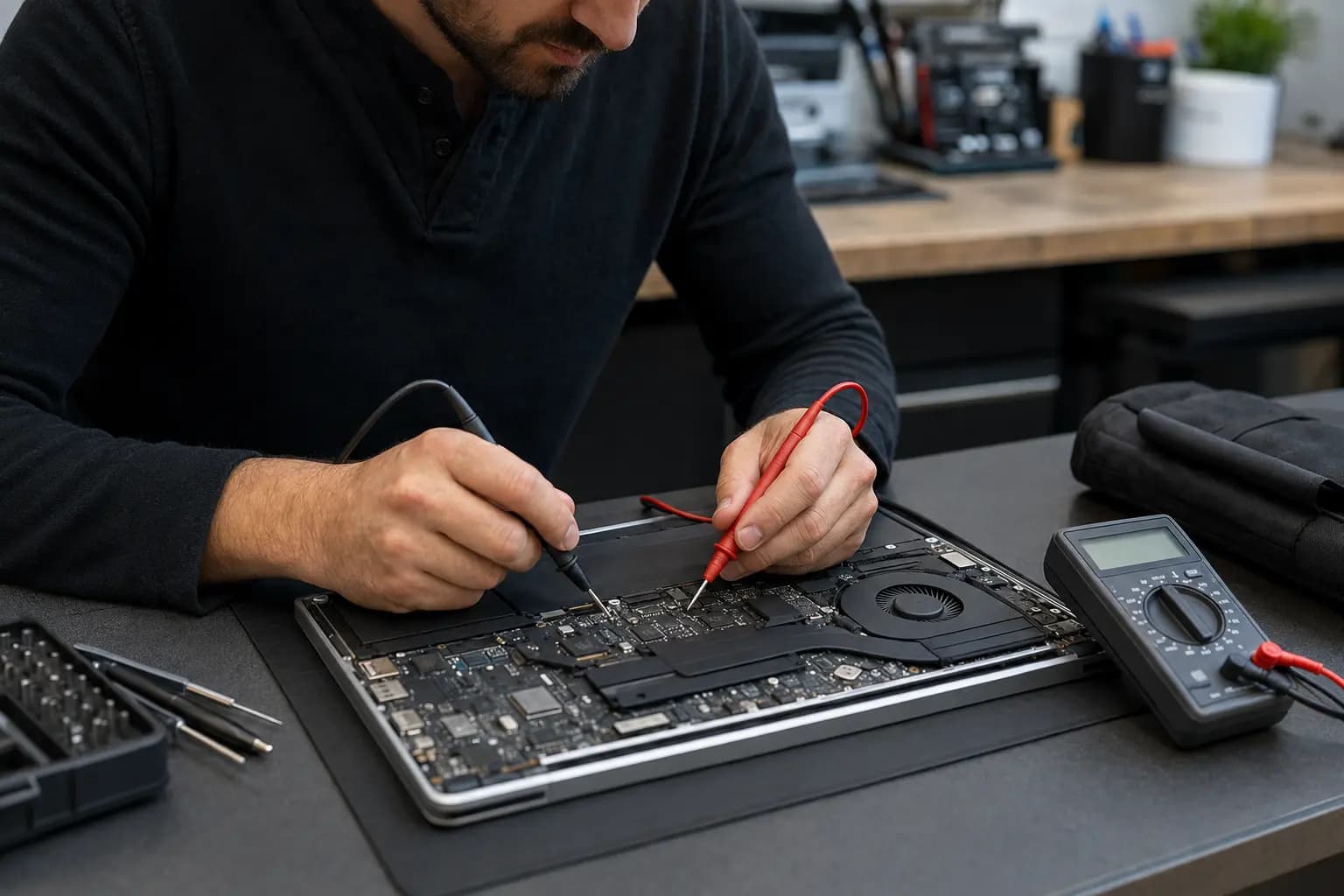
Start With the Symptoms
The motherboard connects the charging system, processor, memory, storage, display, ports and many supporting circuits. A fault on the board can therefore create symptoms that look unrelated. However, a bad charger, worn battery, damaged charging port, loose memory module, failed screen or corrupted firmware can produce similar behavior.
A reliable diagnosis starts by separating the symptom from the cause. Avoid ordering a replacement board based only on “no power” or “no display.” Record what the laptop does, protect important files and look for the warning signs below.
Nine Warning Signs
The laptop shows no lights, fan movement or response even after the charger and outlet are verified. The charging port and input circuit still need testing before the board is condemned.
A light that immediately turns off, flashes in an unusual pattern or changes when the plug moves may indicate a short, damaged port or unstable charging circuit.
The fan or keyboard lights appear for a moment and then shut off in a loop. Firmware, memory and power-rail faults can all cause this behavior.
Fans and lights may operate while both the internal screen and a known-good external display remain blank. Screen, cable, memory and graphics paths must be separated from board failure.
Unexpected shutdowns can come from overheating or battery problems, but unstable voltage regulation or a failing component on the board is also possible.
Several unrelated ports stopping at the same time can point to a shared controller, power rail or liquid-damaged area rather than individual accessories.
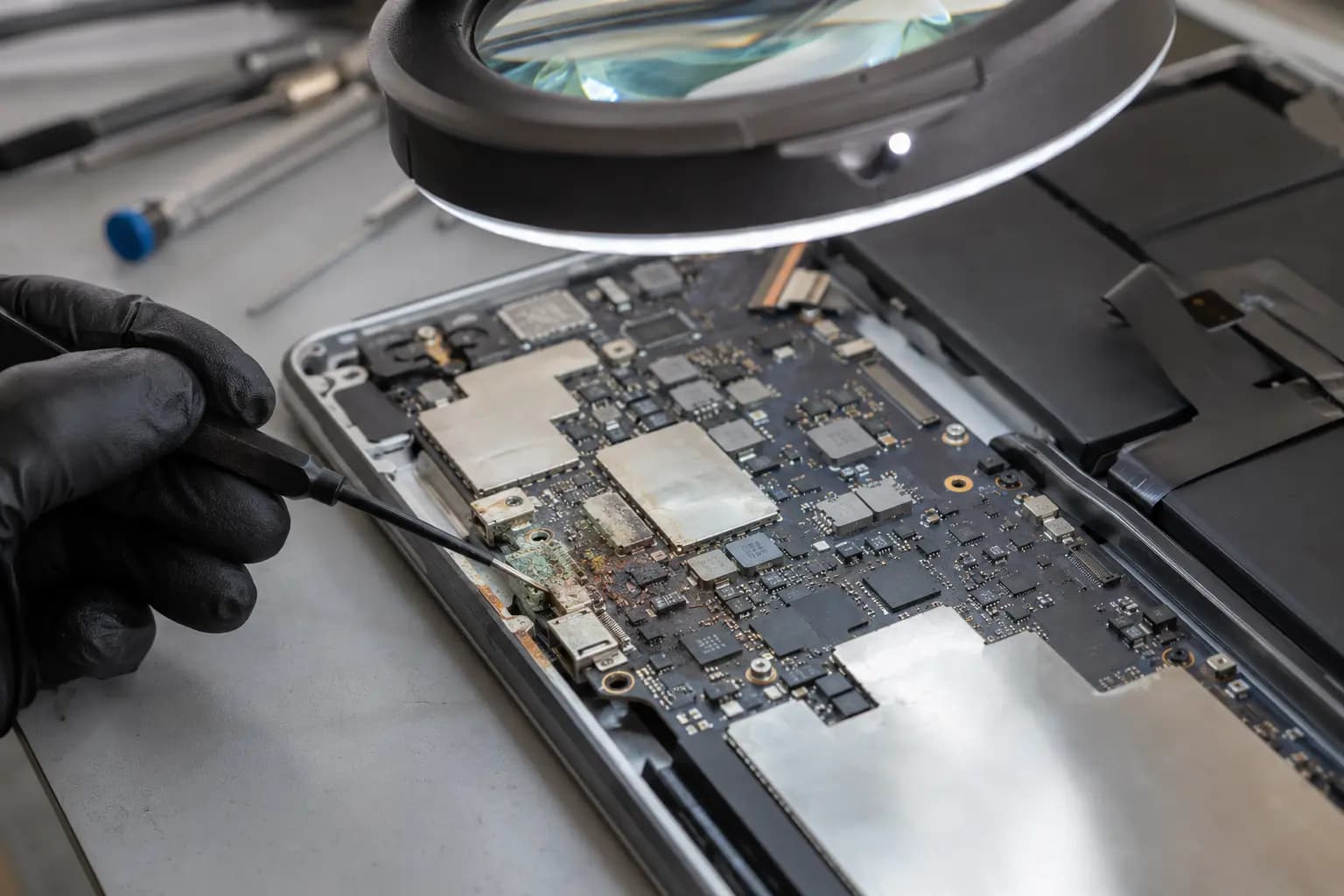
Unusual heat near one board area, discoloration or an electrical smell is a reason to disconnect power and stop testing immediately.
Liquid residue can keep corroding circuits after the outside looks dry. A surge can damage input protection, charging or power-management components.
It may run only when pressure is applied, at a certain charger angle or after many attempts. Intermittent behavior often requires board-level inspection rather than repeated power cycling.
Stop When Risk Increases
Disconnect the charger if the laptop becomes unusually hot in one small area, smells electrical, shows corrosion or repeatedly causes the charger light to go out. Continued power attempts can enlarge a shorted area, damage the charger or reduce the chance of a practical repair.
Do not scrape corrosion, heat the board or inject voltage without a circuit-level plan. Liquid damage can exist under shields and components where it is not visible from the top.
Common Lookalikes
A weak adapter, damaged cable or loose DC-in/USB-C port can prevent stable input power.
A failed or shorted battery can interfere with startup or charging even when the motherboard is repairable.
A running laptop with a failed screen can appear completely dead until external-display and backlight tests are performed.
Loose, incompatible or failed RAM can cause a black screen, restart loop or diagnostic light pattern.
Corrupted firmware may stop startup while the underlying board circuits remain functional.
A blocked fan or poor thermal contact can cause shutdowns that resemble unstable motherboard power.
Evidence Before Replacement
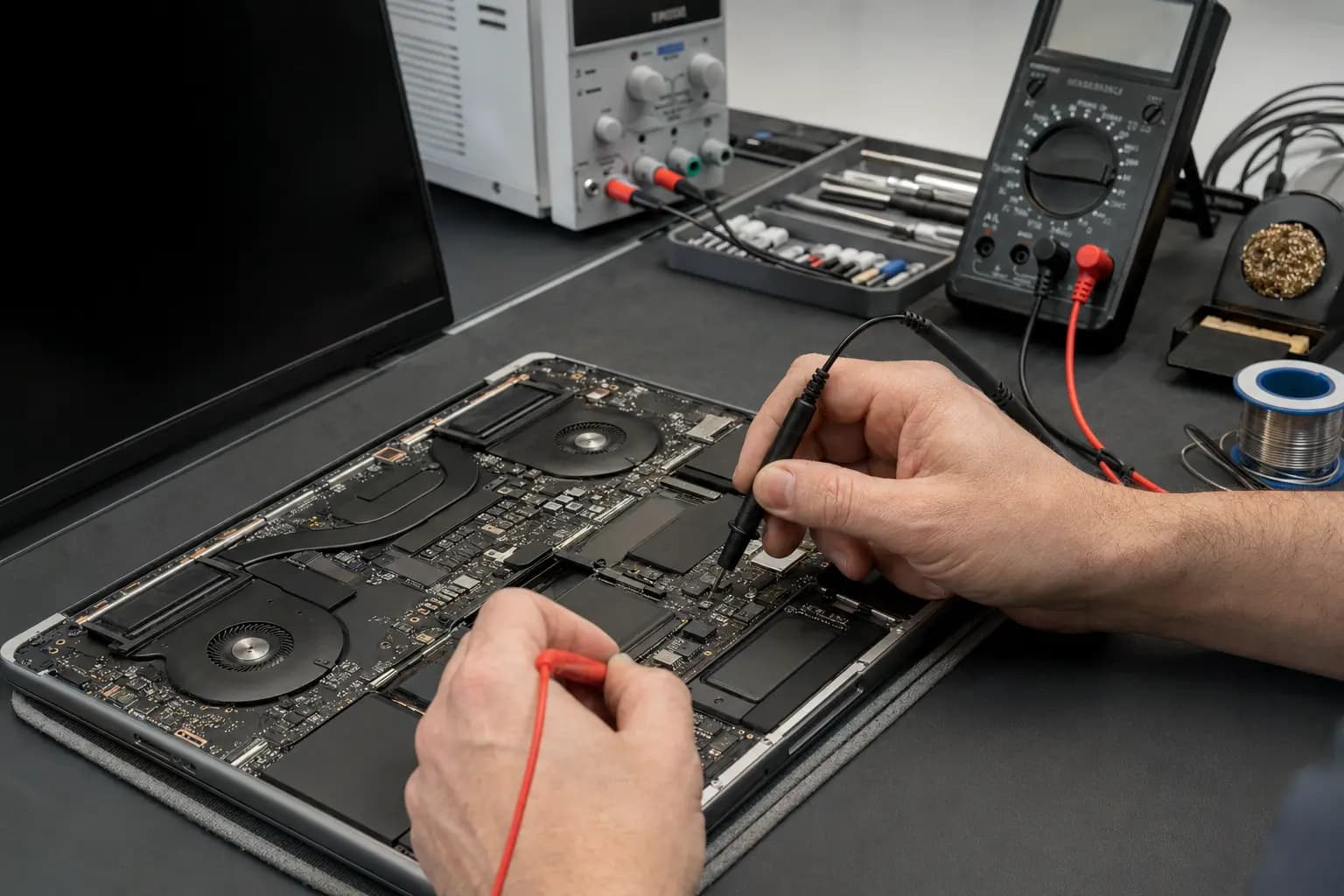
A technician can verify charger output, input voltage, current draw, charging behavior, standby rails, shorts to ground and startup signals in a logical sequence. The exact path varies by model, so measurements must be interpreted with the board design and the laptop’s behavior.
This process helps determine whether the practical solution is a charging-port repair, BIOS service, component-level motherboard repair or complete board replacement. It also prevents replacing an expensive motherboard when the fault is elsewhere.
Protect the Files
Many laptops store files on a removable SSD that can be evaluated separately, while some models use storage soldered directly to the board. Encryption, account credentials and the condition of the storage device also affect recovery options.
If the files are important, say so before repair attempts begin. Repeated startup tests, firmware changes or board replacement without a data plan can complicate access. A data-first diagnosis should consider the storage design before deciding how to proceed.
Related Services
Circuit-level diagnosis for no-power, charging, liquid-damage and unstable-board conditions.
Learn moreComplete diagnosis when the cause could be the board, battery, display, memory or another component.
Learn moreTesting and repair for loose, damaged or intermittent laptop charging connections.
Learn moreData-first evaluation when important files are at risk or the computer cannot start.
Learn moreFrequently Asked Questions
Symptoms alone cannot confirm it. The charger, battery, charging port, memory, screen and firmware should be separated through controlled tests before board failure is diagnosed.
Often, yes. The answer depends on the failed circuit, extent of liquid or heat damage, parts availability and whether repair is economical compared with replacement.
No. A faulty charger, damaged charging port, failed battery, disconnected internal cable or shorted peripheral can also prevent power-up.
A short or charging-circuit fault can cause a charger to protect itself or can interfere with battery charging. Stop testing if the charger light goes out or a component heats rapidly.
Not necessarily. Files may remain on a removable SSD, but encryption and soldered storage can change the recovery path. Discuss data priority before replacement.
Not when there is a burning smell, visible corrosion, a local hot spot, liquid exposure or a charger that repeatedly shuts down. Disconnect power and have it inspected.
Need a Clear Diagnosis?
Tell Trueonefix what happened before the problem began, which lights or sounds are present and whether the laptop was exposed to liquid, heat or a power surge. We will test the power path and related components before recommending board repair or replacement.
One local Tampa storefront
104 E Fletcher Ave, Tampa, FL 33612 · Walk-ins welcome during business hours.