
Laptop Repair
Review the primary service page for diagnosis and repair options.
Learn moreRepair Advice
A customer brought this Windows laptop to Trueonefix Computer Repair Shop in Tampa after the problem began interrupting normal use. This article describes a representative repair workflow without using any customer name, serial number, or personal information. Every device can fail differently, so the same symptom on a
Real Repair Case
A customer brought this Windows laptop to Trueonefix Computer Repair Shop in Tampa after the problem began interrupting normal use. This article describes a representative repair workflow without using any customer name, serial number, or personal information. Every device can fail differently, so the same symptom on another computer may have a different cause. A customer visiting us from Carrollwood described the symptom in practical terms, and we started with evidence instead of guessing.
Trueonefix
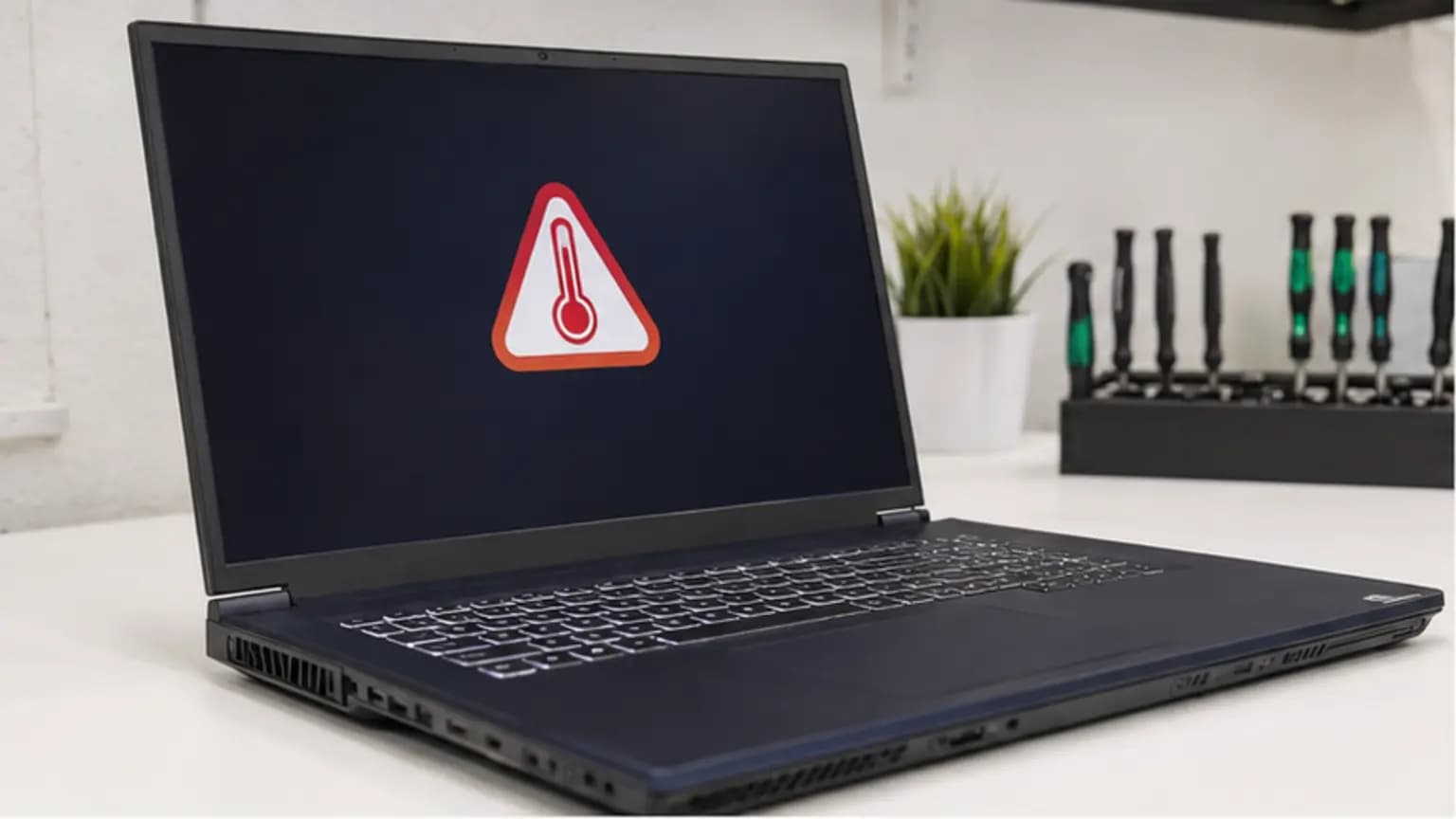
The laptop became hot, the fan stayed loud, and performance dropped during video calls and heavier work.
A short description like this is useful, but it is only the beginning. Parts should not be ordered from a symptom alone. We first documented what happened, when it happened, and whether a recent update, impact, spill, or hardware change might be related.
Trueonefix
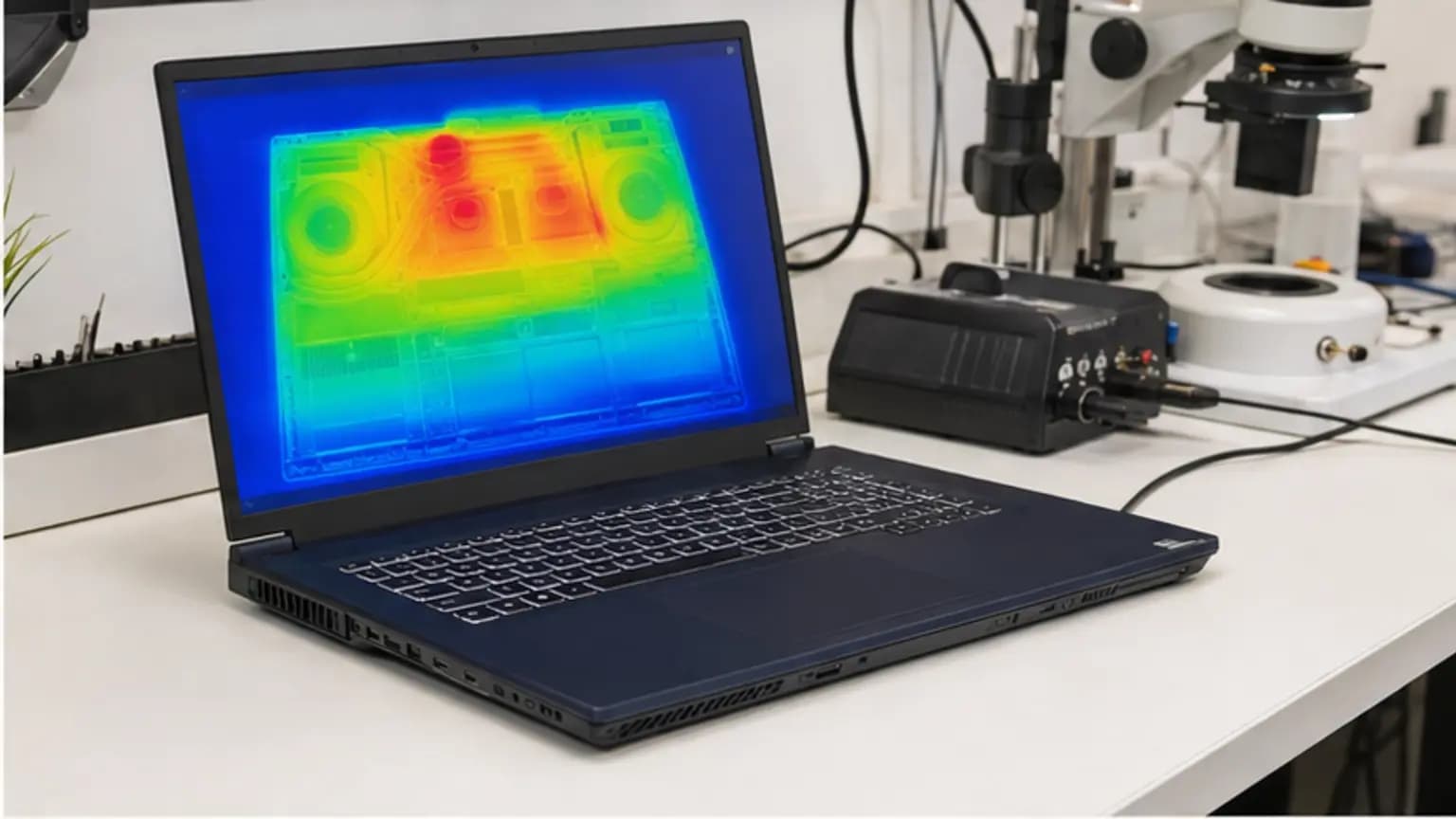
We logged idle and load temperatures, checked fan RPM, inspected exhaust flow, and examined the cooling system. A dense dust layer restricted the heatsink, and aged thermal compound no longer transferred heat evenly.
We changed one variable at a time and recorded the result. This matters because two failures can look identical to the owner. A replacement part may hide a symptom temporarily without correcting the cause. Our diagnostic goal was to identify the failed system, confirm that the remaining parts were healthy, and give the customer a clear repair option.
Before opening the device, we also noted its physical condition and protected accessible data whenever the situation allowed. If a drive is unstable or liquid is present, the safe order of operations changes; preventing additional damage takes priority over forcing the computer to start.
Trueonefix
We disconnected the battery, removed the cooling assembly, cleaned the fan and heatsink correctly, renewed the thermal interface, confirmed flat heatsink contact, and reassembled the airflow seals.
We inspected every connection disturbed during the repair and avoided unnecessary changes to unrelated components. Firmware or software settings were changed only when they supported the verified hardware condition. The computer was then reassembled far enough for controlled testing before final closure.

Trueonefix
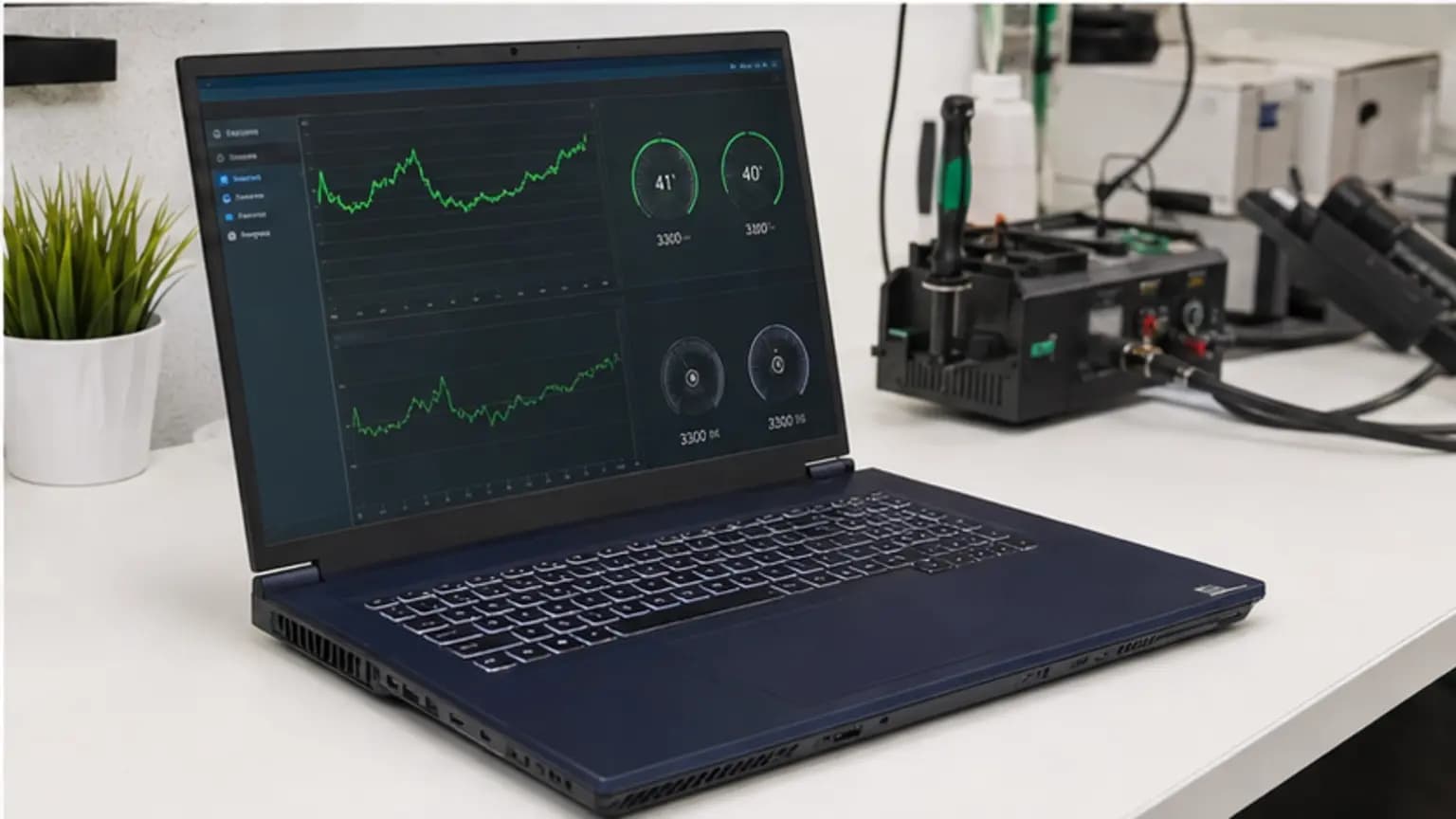
Temperature and clock-speed logs were compared before and after repair. The laptop completed CPU load, video playback, charging, sleep/wake, and restart tests without throttling.
A computer turning on once is not a completed repair. We attempted to reproduce the original condition, compared the before-and-after behavior, and checked nearby functions that could have been affected by disassembly. Only after those checks passed was the repair considered ready for customer review.
Trueonefix
Compressed air blown into an assembled laptop can overspeed the fan or push debris deeper. If airflow is weak, internal cleaning is safer and more effective.
Also avoid buying a part only because an online discussion describes a similar symptom. Model revisions, firmware, power requirements, connectors, and the history of the machine can change the correct diagnosis. If important data is accessible, make a current backup before troubleshooting.
Trueonefix
If your laptop has a similar problem, bring it to Trueonefix Computer Repair Shop at 104 E Fletcher Ave in Tampa. We diagnose the actual cause, explain the repair and price before proceeding, and test the device after the work is complete. Walk-ins are welcome, or call 813-438-2888 before visiting.
Related service
Review the primary service page for diagnosis and repair options.
Learn moreFrequently Asked Questions
Timing depends on diagnosis, model, part availability, and whether additional damage is found. Trueonefix explains the estimate and expected turnaround before approved work begins.
Most hardware repairs do not require erasing data, but every storage device can fail unexpectedly. Back up important files whenever possible. Data handling or operating-system work is discussed before it is performed.
Yes. The goal is to reproduce the symptom safely, test the likely causes, and explain the finding before replacing a part. A symptom alone is not proof that a specific component has failed.
Customer experiences
Real feedback helps customers know what to expect from our local repair shop.
EXCELLENT
Our Google Customer
Reviews
4.9 / 5.0
Based on 494 reviews
GGoogle
Alex Padhya
Google review
“The diagnostic was incredibly comprehensive. The only reason my repair took so long was because the issue made the repairmen think replcement parts didn’t work. Not only did they fully restore my device, they were cheaper than I had ever seen. I definitely plan to choose them again.”
Zaid Kinani
Google review
“Amazing service! He was extremely communicative with me the whole time I went through the process of waiting for parts to deliver and actually having it fixed. I would recommend this place to anyone who wants someone who genuinely wants to help you.”
TheBladeN Baca
Google review
“Great service and very professional! They were friendly, knowledgeable, and fixed my PC quickly.”
William Boyd
Google review
“Repaired my computer in the same day, let me pick it up after hours because I had a test the next day. Would highly recommend!”
Pbthebest
Google review
“Assembled my PC within a day, tested it before handing it, and was really nice and helpful!!”
Anthony A
Google review
“They fix my computer with care this is the only spot that i can spot”
One local Tampa storefront
104 E Fletcher Ave, Tampa, FL 33612 · Walk-ins welcome during business hours.