
Laptop and MacBook Repair
Power, charging, screen, keyboard, battery, storage, overheating and operating-system problems.
Laptop and MacBook RepairTrueonefix · Tampa
Computer repair serving Clearwater from Trueonefix in Tampa. In-store diagnostics for laptops, desktops, MacBooks and gaming PCs.
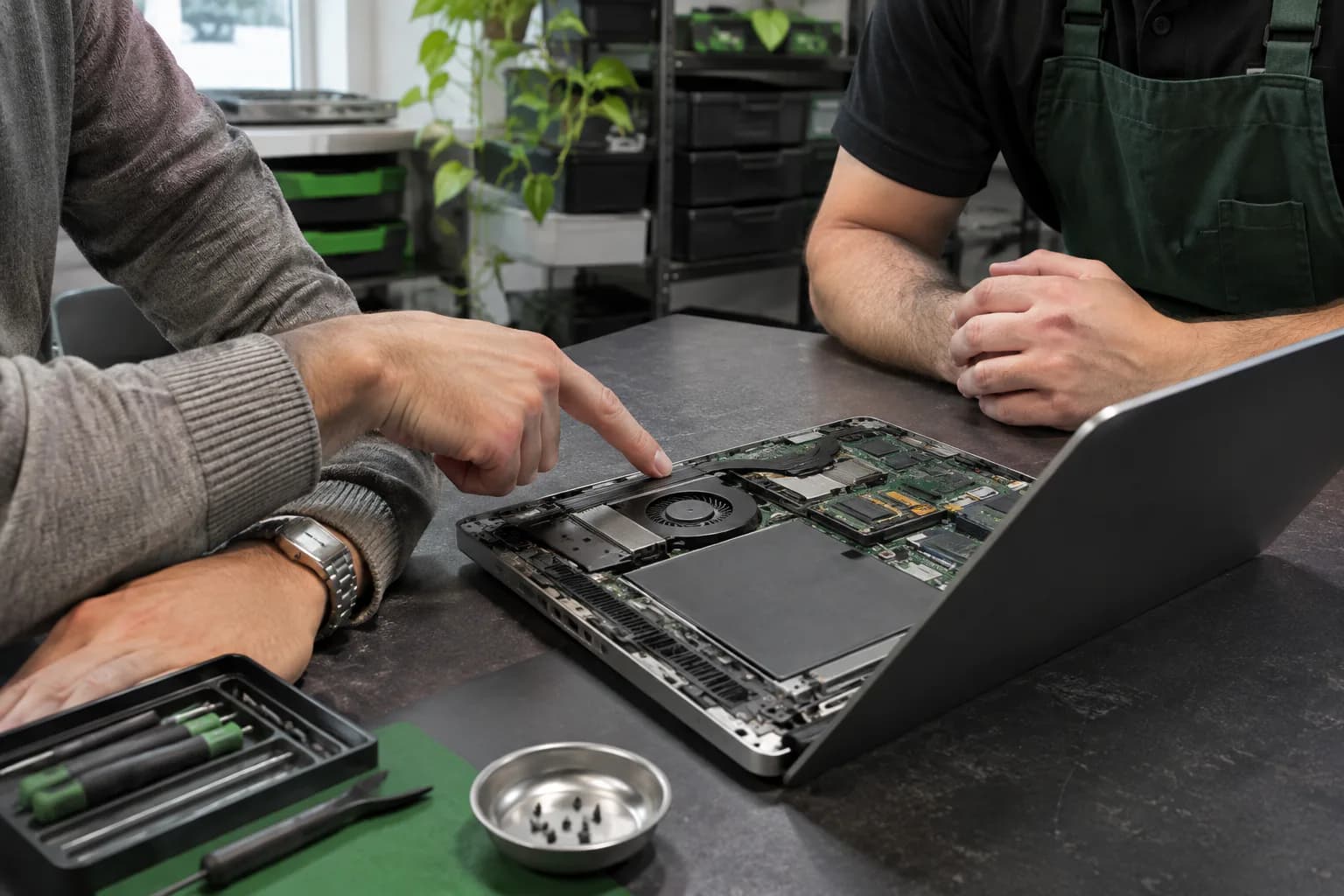
Quality in-store computer service
Clearwater residents, families, remote professionals and small businesses can choose Trueonefix for careful diagnostics, quality workmanship, clear communication and repair service backed by a 90-day limited labor warranty. All diagnostics and repairs are performed by our experienced team at Trueonefix Computer Tampa.
Before crossing Tampa Bay, customers can share the model, symptoms, important files and preferred drop-off time. At check-in, we document the device, physical condition, related accessories and timing needs so diagnosis begins with accurate information.
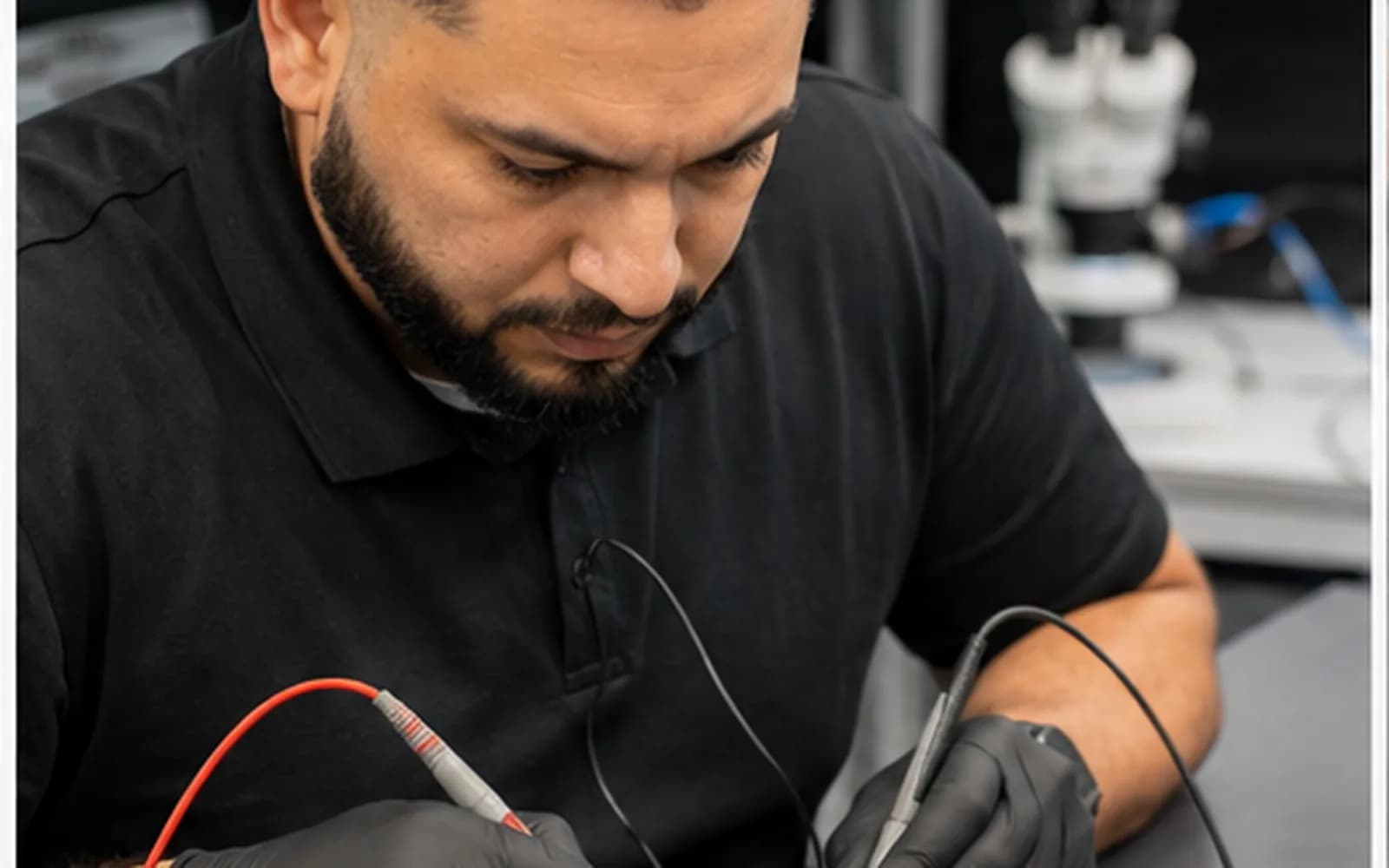
Devices diagnosed in store
Power, charging, screen, keyboard, battery, storage, overheating and operating-system problems.
Laptop and MacBook RepairNo-display, boot, thermal, stability, component and upgrade problems for standard and custom systems.
Desktop and Gaming PC RepairCareful assessment when files are important, storage is failing or a replacement computer needs data transferred.
Data and Storage EvaluationPrepare before leaving Clearwater
Send the model number, exact symptoms, recent changes and preferred visit time before traveling. If a problem appears only with a charger, USB-C dock, external display, Wi-Fi adapter or another peripheral, bring the related power supply, cable, hub, receiver or adapter.
A monitor, keyboard and mouse are usually unnecessary unless the fault occurs only with that equipment. Contact the shop first about unusually heavy towers, custom liquid-cooled systems, loose glass panels or swollen batteries so transport and check-in can be planned safely.
Moisture and environmental history
Clearwater computers may be used near coastal air, patios, boats, pools or rapidly changing indoor and outdoor temperatures. Salt residue, humidity and condensation can contribute to corrosion or intermittent connections. Explain any exposure even when the device appeared normal afterward.
If liquid or condensation is suspected, disconnect power when safe and avoid repeated charging or startup attempts. Do not use household heat. Environmental history helps focus inspection, but the cause and repair scope can be determined only after physical diagnosis.
Protect essential work and files
A Clearwater business or home-office computer may hold accounting records, customer files, specialized software, VPN access or the only local copy of active work. Tell us which data and functions matter most, the deadline involved and whether another computer is available.
For employer-owned devices, provide the IT contact, support ticket, asset tag and approved repair scope. BitLocker, FileVault, MDM, administrator policies or VPN controls may require company participation before storage access or complete post-repair verification.
A clear in-store process
We record symptoms, condition, accessories, important data and contact details at the E Fletcher Avenue store.
The computer is evaluated and applicable findings, estimate and approval steps are communicated before repair proceeds.
Approved work is completed and the relevant power, charging, display, storage, thermal or stability functions are checked.
We explain the completed work, applicable warranty information and any remaining recommendations.
Protect custom systems in transit
Shut the computer down fully, disconnect external devices and keep loose accessories separate. Transport the tower upright when its case design permits and secure it against sliding or tipping. Keep pressure away from tempered-glass panels.
For a large graphics card, custom liquid-cooling loop or previously loose internal part, contact the shop before travel. Bring the power cord when power delivery is part of the symptom; a monitor is usually unnecessary unless the issue occurs only with that display or cable.
Visit the E Fletcher Avenue store
Open driving directions to Trueonefix Computer Shop
Get DirectionsConfirm posted hours or ask which equipment should accompany the computer.
Contact the ShopChoose a preferred time and enter device details before leaving Clearwater.
Book a Drop-offWorth the visit
Clearwater customers who value accurate diagnosis, dependable workmanship and straightforward communication are welcome at our Tampa repair storefront. A preferred drop-off request helps us collect useful details before arrival. Repair timing depends on diagnosis, parts availability, testing and current workload, so same-visit completion is not promised.
Before your visit
All diagnostics and repairs are performed at Trueonefix
Completed repair labor includes a 90-day limited workmanship warranty. Parts may carry separate coverage, and exclusions apply for unrelated failures, accidents, liquid damage, misuse and other conditions listed in the service terms.
Yes. Use the appointment form to provide device details and request a preferred time before traveling from Clearwater.
No pickup or on-site service is advertised on this page. Diagnostics and repairs are performed at our E Fletcher Avenue storefront.
Bring the charger, dock, hub, cable or adapter when the issue involves power, charging, display or connectivity.
Disconnect power when safe, do not keep testing or charging the device, avoid household heat and tell us exactly what happened.
Usually no. Bring it only when the symptom occurs specifically with that monitor or its cable.
Yes for authorized local service. Provide the IT contact, ticket, asset tag, approved scope and security requirements.
Computer repair serving Clearwater
Book online or visit Trueonefix in Tampa during posted business hours.
Plan a longer in-store visit
A trip from Clearwater is more productive when the computer arrives with the equipment needed to reproduce the fault. For a laptop, bring the normal charger and any USB-C dock or adapter involved. For a desktop, the tower is usually sufficient unless the problem occurs only with a particular monitor, cable or peripheral. Photograph unusual connector positions and write down exact startup codes, warnings or sounds rather than relying on memory at check-in.
Trueonefix operates one repair storefront at Tampa; this page does not represent a Clearwater branch or mobile service route. Before a time-sensitive visit, use the booking form to share the model, symptoms, important-file concerns and requested arrival time. Diagnosis, parts sourcing and post-repair testing control turnaround, so customers with work or travel deadlines should state those priorities before service begins.
Customer experiences
Real feedback helps customers know what to expect from our local repair shop.
EXCELLENT
Our Google Customer
Reviews
4.9 / 5.0
Based on 510 reviews
GGoogle
Michael Ferrotti
Google review
“I’d like to share a very pleasant experience I had having my laptop repaired at TrueOneFix. I’ll admit that I don’t know much about computers, and I was initially apprehensive about both the potential cost and the type of service I might receive. However, TrueOneFix’s approach and process immediately put me at ease. The receptionist was welcoming, professional, and knowledgeable. At no point did I feel that they were simply looking for an opportunity to gouge me or make money at my expense. They were upfront about how their service worked, kept me informed throughout the entire process, and made sure I knew what was happening every step of the way. I found the final repair cost to be very reasonable, and the work was completed efficiently. It’s refreshing to deal with a business that values honesty, transparency, and customer service. I would highly recommend TrueOneFix to anyone experiencing computer problems. You can feel confident that you’ll be treated fairly and professionally!”
jaival 12
Google review
“Came in needing a screen repair/replacement on my MacBook and had received same day service which was amazing. Great service and pricing. 10/10 recommend.”
Denilson Ávila Fernández
Google review
“No written comment”
Mike Brown
Google review
“These guys went above and beyond to make sure I was a satisfied customer! A+++ service and very reasonably priced! Definitely going back!”
Paul Palacios (Palacios Immigration Law)
Google review
“My wife had to have the whole top of the macbook with the screen replaced. Levent did an excellent job and it was fast and it did not break the bank. Highly recommended.”
James Brock
Google review
“super quick and helpful repair. would recommend”
Visit our workshop
104 E Fletcher Ave, Tampa, FL 33612 · Walk-ins welcome during business hours.
Nearby service areas
Customers also visit our East Fletcher Avenue shop from these nearby communities.
View all service areasPopular repair services
Explore the repair service that best matches your device or problem.