
Laptop and MacBook Repair
Power, charging, screen, keyboard, battery, storage, overheating and operating-system problems.
Learn moreTrueonefix · Tampa
Trusted computer repair serving Safety Harbor from Trueonefix in Tampa, with careful diagnostics and a 90-day limited labor warranty.

Quality in-store computer service
Safety Harbor residents, families, remote professionals and small businesses can choose Trueonefix for careful diagnostics, quality workmanship, clear communication and repair service backed by a 90-day limited labor warranty. All diagnostics and repairs are performed by our experienced team at 104 E Fletcher Ave, Tampa, FL 33612.
Customers can share the device model, symptoms, important files and preferred drop-off time before the visit. At check-in, we document the computer, its physical condition, related accessories and timing needs so diagnosis begins with accurate information.
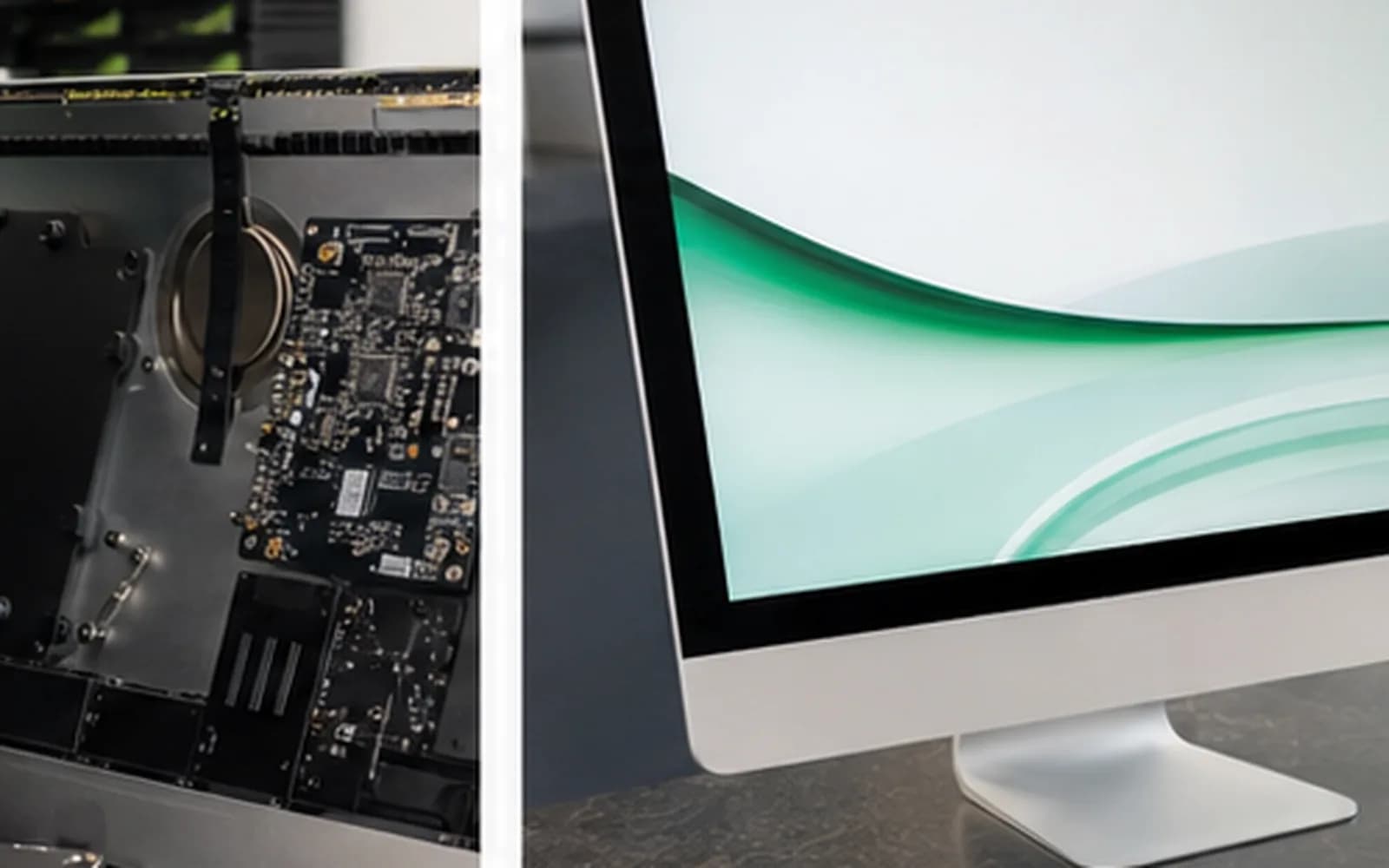
Devices diagnosed in store
Power, charging, screen, keyboard, battery, storage, overheating and operating-system problems.
Learn moreNo-display, boot, thermal, stability, component and upgrade problems for standard and custom systems.
Learn moreCareful assessment when important files, failing storage or a replacement computer requires attention.
Learn moreHelp us reproduce the problem
Tell us when the problem occurs, what appears on screen and whether it changes after sleep, charging, updates or connecting an accessory. Photos, error messages and a short timeline can help when a symptom is intermittent.
Bring the normal charger and any dock, hub, cable, receiver or adapter directly involved in the issue. A monitor, keyboard and mouse are usually unnecessary unless the problem happens only with that equipment.
Moisture and exposure history
Computers used near patios, pools, boats or changing indoor and outdoor temperatures may develop corrosion or intermittent connections after moisture exposure. Tell us about any spill, condensation or salt-air history even if the computer continued working afterward.
If liquid exposure is suspected, disconnect external power when safe and avoid repeated startup or charging attempts. Do not use household heat. The cause and repair scope can be confirmed only after hands-on inspection.
Protect important access
A home-office computer may provide the only access to meetings, accounting, customer files, VPN software or specialized applications. Explain which data and functions matter most, any deadline and whether another device is available.
For an employer-owned computer, provide the IT contact, support ticket, asset tag and approved repair scope. Encryption, MDM or administrator policies may require company participation before storage access or complete post-repair testing.
A clear repair process
We record symptoms, condition, accessories, important data and contact details.
We evaluate the reported fault and communicate the applicable findings, estimate and approval steps.
Approved work is completed and the relevant power, charging, display, storage, thermal or stability functions are checked.
Completed repair labor includes a 90-day limited workmanship warranty; applicable terms and exclusions are explained at pickup.
Protect custom systems
Shut the system down fully, disconnect external devices and secure the tower against sliding or tipping. Keep pressure away from tempered-glass panels and transport the case upright when its design permits.
Contact the shop before bringing an unusually heavy tower, custom liquid-cooling loop, loose glass panel or swollen battery. Bring the power cord when power delivery is part of the symptom; a monitor is usually unnecessary unless the issue occurs only with that display or cable.
Visit Trueonefix
Open directions to Trueonefix, 104 E Fletcher Ave, Tampa, FL 33612.
Learn moreConfirm posted hours or ask which equipment should accompany the computer.
Learn moreChoose a preferred time and enter device details before your visit.
Learn moreWorth the visit
Safety Harbor customers who value accurate diagnosis, dependable workmanship and straightforward communication are welcome at our Tampa repair storefront. Every device is checked in and serviced at 104 E Fletcher Ave, Tampa, FL 33612 by the same experienced Trueonefix team.
A preferred drop-off request helps us collect useful details before arrival. Repair timing depends on diagnosis, parts availability, testing and current workload, so same-visit completion is not promised.
Before your visit
All diagnostics and repairs are performed at Trueonefix, 104 E Fletcher Ave, Tampa, FL 33612.
Completed repair labor includes a 90-day limited workmanship warranty. Parts may carry separate coverage, and exclusions apply for unrelated failures, accidents, liquid damage, misuse and other conditions listed in the service terms.
Yes. Use the appointment form to provide device details and request a preferred time before your visit.
Bring the charger, dock, hub, cable or adapter when the issue involves power, charging, display or connectivity.
Disconnect power when safe, avoid repeated testing or charging, do not apply household heat and tell us exactly what happened.
Usually no. Bring it only when the symptom occurs specifically with that monitor or its cable.
Yes for authorized local service. Provide the IT contact, ticket, asset tag, approved scope and security requirements.
Computer repair serving Safety Harbor
Book a preferred drop-off or visit Trueonefix at 104 E Fletcher Ave in Tampa during posted business hours.
Customer experiences
Real feedback helps customers know what to expect from our local repair shop.
EXCELLENT
Our Google Customer
Reviews
4.9 / 5.0
Based on 494 reviews
GGoogle
Alex Padhya
Google review
“The diagnostic was incredibly comprehensive. The only reason my repair took so long was because the issue made the repairmen think replcement parts didn’t work. Not only did they fully restore my device, they were cheaper than I had ever seen. I definitely plan to choose them again.”
Zaid Kinani
Google review
“Amazing service! He was extremely communicative with me the whole time I went through the process of waiting for parts to deliver and actually having it fixed. I would recommend this place to anyone who wants someone who genuinely wants to help you.”
TheBladeN Baca
Google review
“Great service and very professional! They were friendly, knowledgeable, and fixed my PC quickly.”
William Boyd
Google review
“Repaired my computer in the same day, let me pick it up after hours because I had a test the next day. Would highly recommend!”
Pbthebest
Google review
“Assembled my PC within a day, tested it before handing it, and was really nice and helpful!!”
Anthony A
Google review
“They fix my computer with care this is the only spot that i can spot”
One local Tampa storefront
104 E Fletcher Ave, Tampa, FL 33612 · Walk-ins welcome during business hours.
Nearby service areas
Customers also visit our East Fletcher Avenue shop from these nearby communities.
View all service areasPopular repair services
Explore the repair service that best matches your device or problem.