SSD Upgrade Tampa
SSD selection, migration, installation and verification.
Learn moreRepair Advice
A healthy hard drive can often be cloned to an SSD, preserving Windows, programs, accounts, settings and files while improving speed.
Storage upgrade
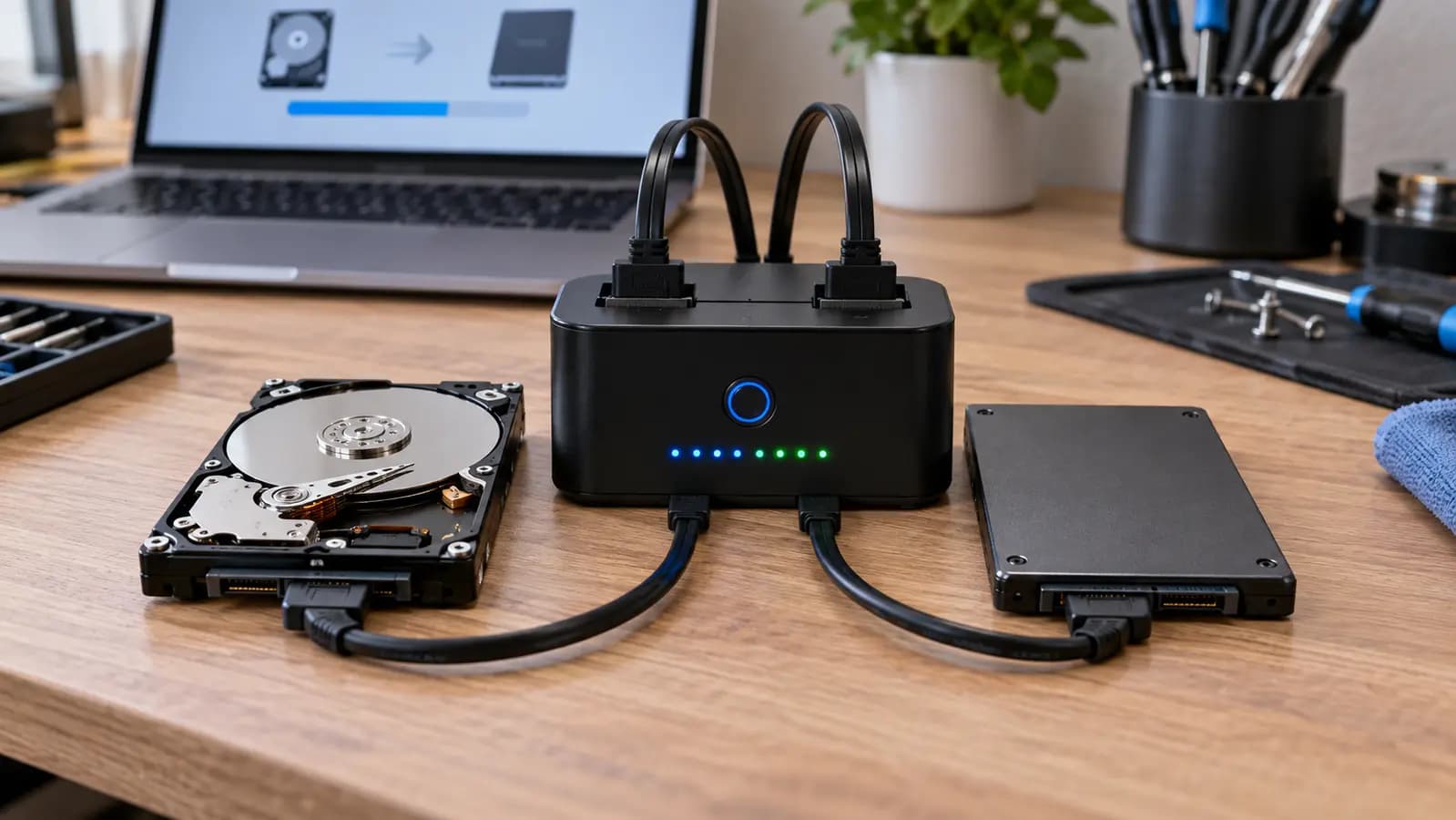
A mechanical hard drive must move a read/write head across spinning platters. An SSD has no moving parts and accesses many small files much faster. That difference can dramatically improve Windows startup, application loading, updates and everyday responsiveness.
If the original drive is healthy and the existing Windows installation is suitable, disk cloning can move the complete operating environment to the SSD.
What is preserved
A successful system clone can preserve Windows, user accounts, personal files, installed programs, desktop layout and many settings. It also copies the boot and system partitions required to start Windows. After installation, the PC can often start from the SSD with the same familiar environment while gaining faster storage.
Check the source first
A drive with bad sectors, repeated read errors, unusual noises, disappearing folders or severe slowdown may fail during a complete read. In that situation, data recovery or a controlled imaging process may be safer. Repeated ordinary cloning attempts can place additional stress on a failing disk.
Compatibility and verification
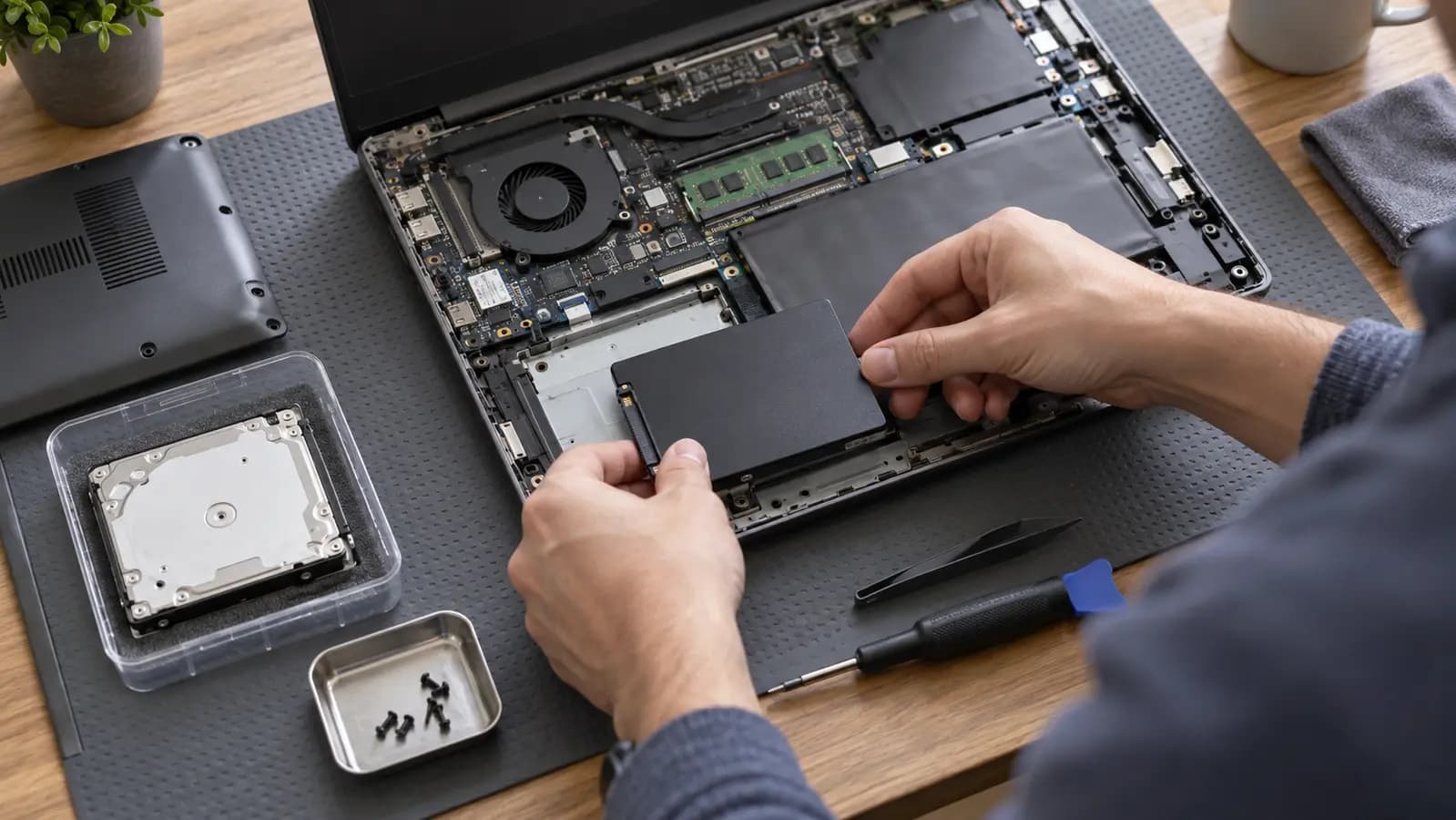
The SSD must have enough usable capacity for the data and required partitions. The correct physical interface—such as 2.5-inch SATA, M.2 SATA or NVMe—must be selected because those formats are not automatically interchangeable.
After cloning, boot order, UEFI mode and partition layout may need verification. Windows, storage health and important applications should be tested before the original drive is erased.
Safe handoff
When the old disk is healthy, storing it securely for a short period creates a practical fallback. Remember that it still contains private data. Once the SSD is fully tested and a current backup exists, the old drive can be erased, repurposed or retained according to the owner’s needs.
Related services and guides
SSD selection, migration, installation and verification.
Learn moreRecovery and controlled imaging for unstable or failing drives.
Learn moreWarning signs that storage should be checked before migration.
Learn moreFrequently asked questions
Usually, yes, when the complete system is cloned successfully and the applications do not have separate licensing restrictions.
Sometimes, if the used data and required partition layout can fit safely. Capacity must be evaluated first.
A failing drive may require specialized imaging or recovery rather than a normal cloning process.
Tampa repair support
Trueonefix can check drive health, select a compatible SSD, clone the system and verify Windows before the old drive is changed.
One local Tampa storefront
104 E Fletcher Ave, Tampa, FL 33612 · Walk-ins welcome during business hours.