
Will not turn on
Power input, supply, internal connections, logic board and related startup conditions assessed.
Trueonefix · Tampa
iMac repair in Tampa for startup, storage, display, overheating and macOS problems, with model-specific diagnosis and clear repair options.
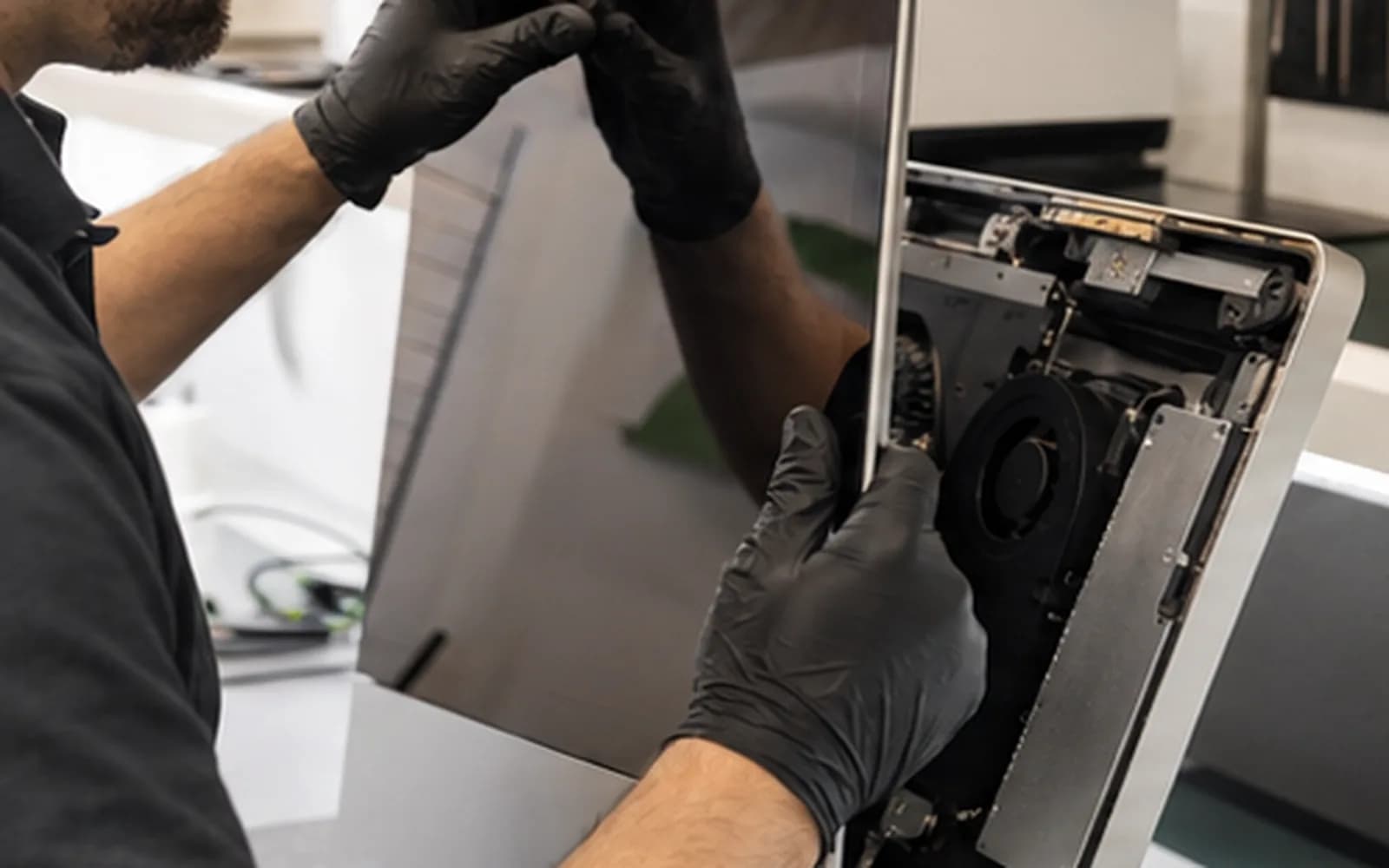
Local Apple desktop service
iMac generations differ substantially in display attachment, storage design, memory access, cooling, power supplies and component integration. Similar symptoms can have very different causes and repair options.
Trueonefix identifies the exact model, records the symptoms and evaluates the system before recommending work. We explain compatibility, data considerations, parts and expected cost before approved repair begins.
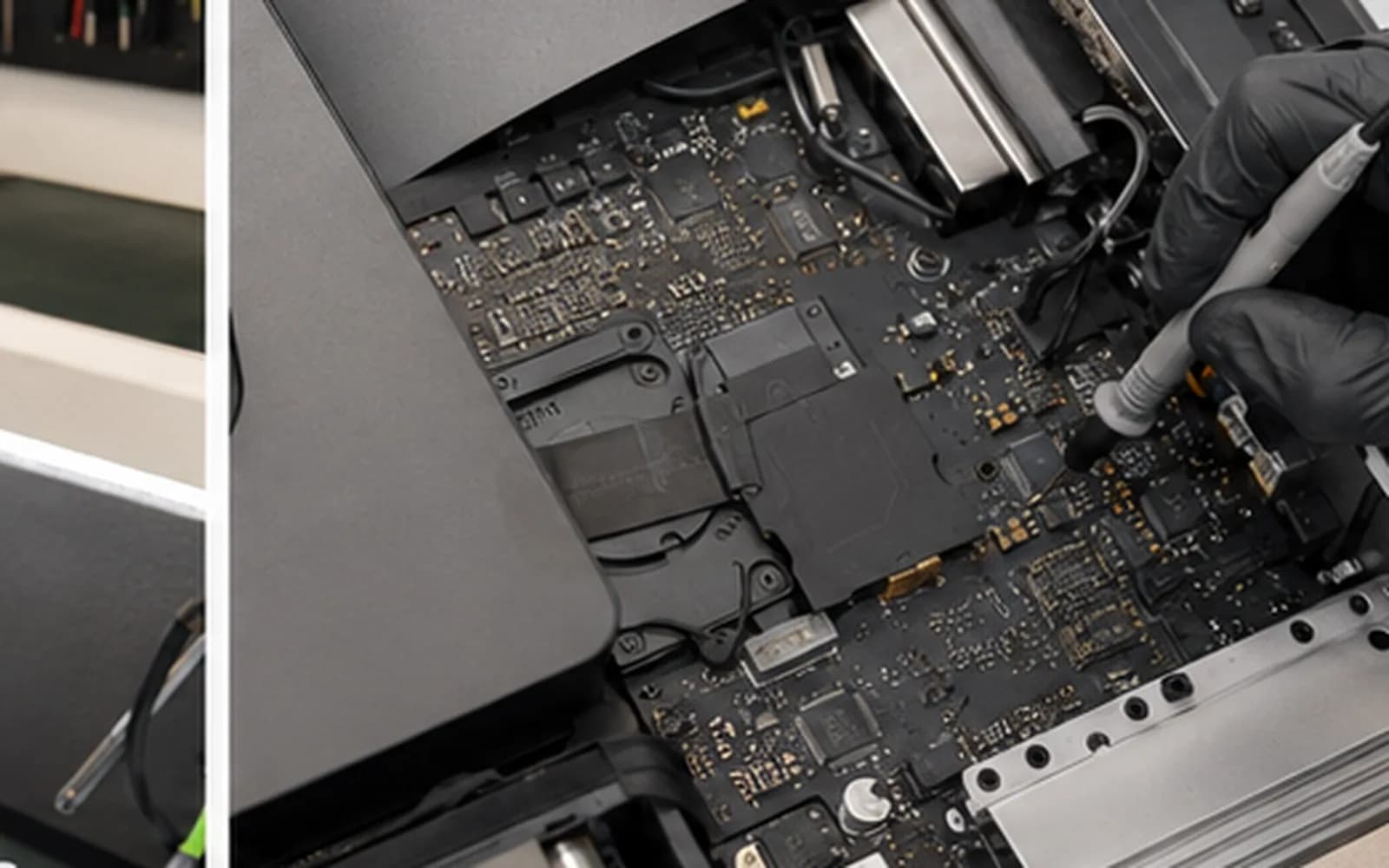
iMac diagnostics
Power input, supply, internal connections, logic board and related startup conditions assessed.
Storage health, available space, memory pressure, thermals, macOS and background software reviewed together.
Failing hard drives, Fusion Drive symptoms and model-supported storage options evaluated with data risk in mind.
No image, lines, flickering, backlight and external-display behavior checked before conclusions are made.
Airflow, dust, sensors, fan response and component temperatures inspected.
Recovery, update, file-system, account and supported operating-system issues diagnosed.
Model and condition matter
Some Intel iMac models allow practical storage or memory service, while newer designs integrate more components and use different security and recovery processes. Display removal also requires model-appropriate tools and replacement adhesive.
Provide the screen size, approximate year or serial number when possible. If the iMac has been opened before, tell us—missing shields, damaged cables or reused adhesive can affect safety and repair scope.
Repair process
1. Check-in — We document the model, symptoms, recent changes, previous service and data priority.
2. External testing — Power, peripherals, startup behavior and available diagnostics are checked before opening when possible.
3. Internal evaluation — Model-appropriate inspection and component testing are performed when required.
4. Estimate and approval — Findings, parts, data risk, repair options and timing are explained.
5. Repair and verification — Approved work is completed and startup, thermals, storage and relevant functions are tested.
Protect your files
Storage can fail without warning, and operating-system or hardware service always carries some data risk. Use a current backup when possible and tell us immediately if irreplaceable files are the priority.
Do not repeatedly start an iMac with clicking storage, severe corruption or missing files. Data recovery may require a different approach from a normal repair or upgrade.
Related Apple services
Model-specific repair for Apple notebooks.
Learn moreCompatible storage and migration options for supported computers.
Learn moreEvaluation when an inaccessible drive or important files are the main concern.
Learn moreLogic-board power and component-level fault evaluation.
Learn moreOfficial Apple resources
Apple explains how to find the model using About This Mac, System Information or the serial number.
Learn moreApple’s instructions for creating and managing a Time Machine backup.
Learn moreiMac repair cost
Display access, storage type, part availability, data needs and internal condition affect the estimate. Review general starting prices, then request model-specific confirmation before approved work.
Helpful answers
We evaluate supported models, but available repairs and parts differ significantly by generation and design.
Some models offer practical storage options, while others require different approaches. Model, existing storage and data needs must be checked first.
Yes, we can diagnose power, supply, logic-board and related startup faults before recommending repair.
Yes, whenever possible. Hardware and operating-system work carries data risk, and a current backup is always recommended.
Possibly. Options depend on model, storage design, drive condition and encryption. Tell us immediately when files are the priority.
We evaluate display faults and model-specific part availability. Some assemblies can be costly, so an estimate is provided first.
Timing depends on diagnosis, model, display access, part availability, data work and current workload.
iMac service in Tampa
Visit Trueonefix at 104 E Fletcher Ave. Tell us the model, symptoms, previous service and whether your files are backed up.
Customer experiences
Real feedback helps customers know what to expect from our local repair shop.
EXCELLENT
Our Google Customer
Reviews
4.9 / 5.0
Based on 492 reviews
GGoogle
William Boyd
Google review
“Repaired my computer in the same day, let me pick it up after hours because I had a test the next day. Would highly recommend!”
Pbthebest
Google review
“Assembled my PC within a day, tested it before handing it, and was really nice and helpful!!”
Anthony A
Google review
“They fix my computer with care this is the only spot that i can spot”
Carly Farson
Google review
“Super nice and excellent service! Was very responsive and even fully cleaned my PC with no extra charge :) Student discount was also greatly appreciated!”
Rebekah Lockwood
Google review
“Fixed my Lenovo Yoga! A few keyboard keys randomly stopped working. Leo quickly diagnosed that the keyboard needed to he replaced. He ordered the new keyboard (OEM) and texted me when it came in. I dropped my laptop off after work, and he had it fixed and good as new in less than 24 hours! I thought his price was fair, too. I was thrilled not to need a new laptop!”
David Roberts
Google review
“Exceptional service! Diagnostics was completed within a few hours and pricing was very fair. The owner goes above and beyond to provide status updates and ensure a satisfactory experience. Don't skip True One Fix if you need any computer services done.”
One local Tampa storefront
104 E Fletcher Ave, Tampa, FL 33612 · Walk-ins welcome during business hours.