
Laptop Repair Tampa
Black-screen, power and display-path diagnosis.
Learn moreRepair Advice
A powered computer can have a black screen because of the panel, cable, backlight, RAM, firmware, GPU or motherboard circuitry.
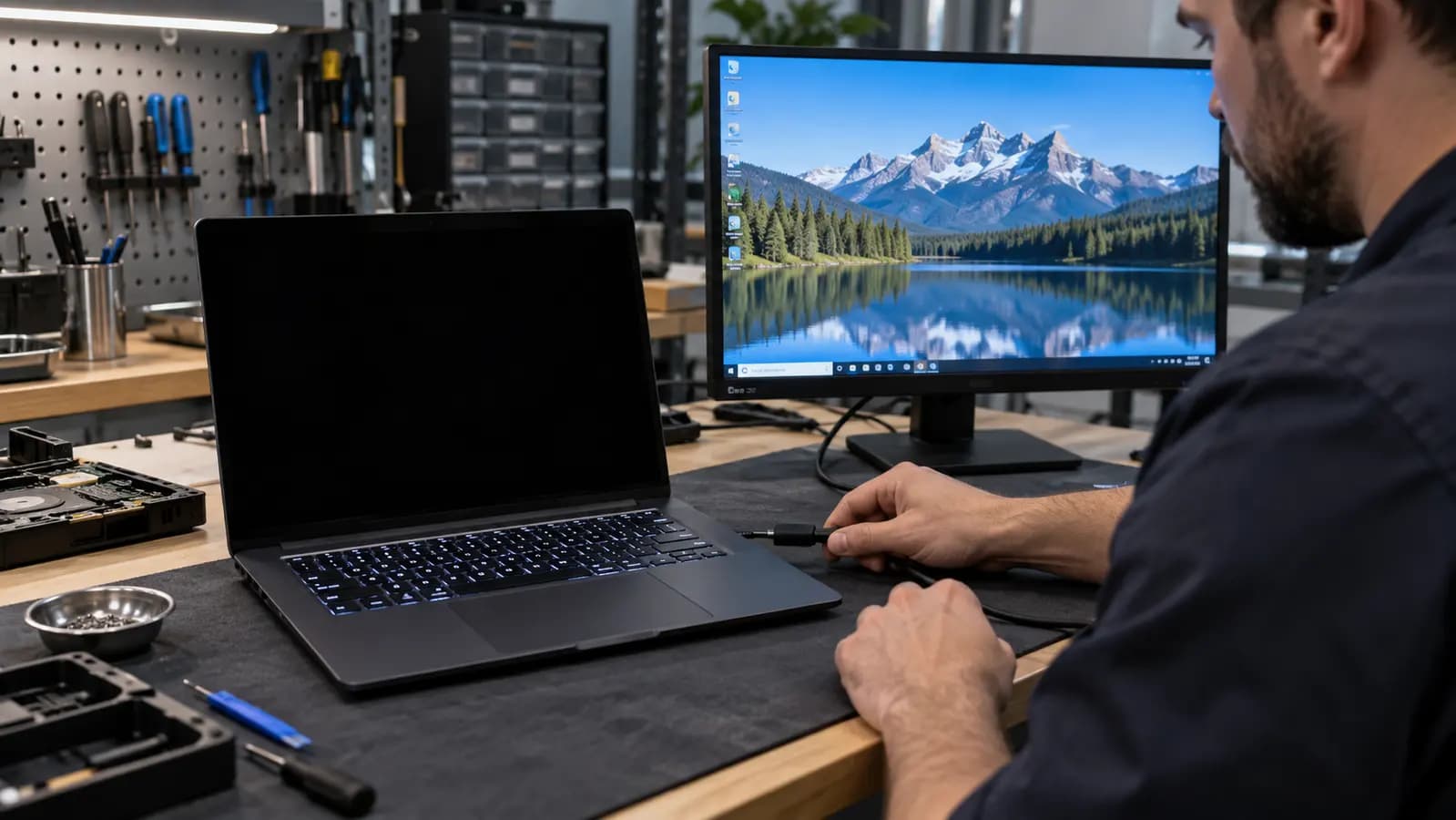
Black-screen diagnosis
Fans, indicator lights, keyboard illumination or a startup sound confirm that some circuits receive power. They do not prove the computer completed POST or generated a usable image. A black screen can originate in the display, memory, firmware, graphics system or motherboard.
An external monitor is useful, but its result must be interpreted together with the other symptoms.
Display-side causes
A failed panel can remain completely dark. A damaged eDP or display cable may interrupt image or backlight signals, especially where it passes through a hinge. A damaged connector, blown backlight circuit or failed backlight inside the panel can create similar symptoms. Shining a flashlight across the screen may reveal a faint image during some backlight failures, but this is only a clue.
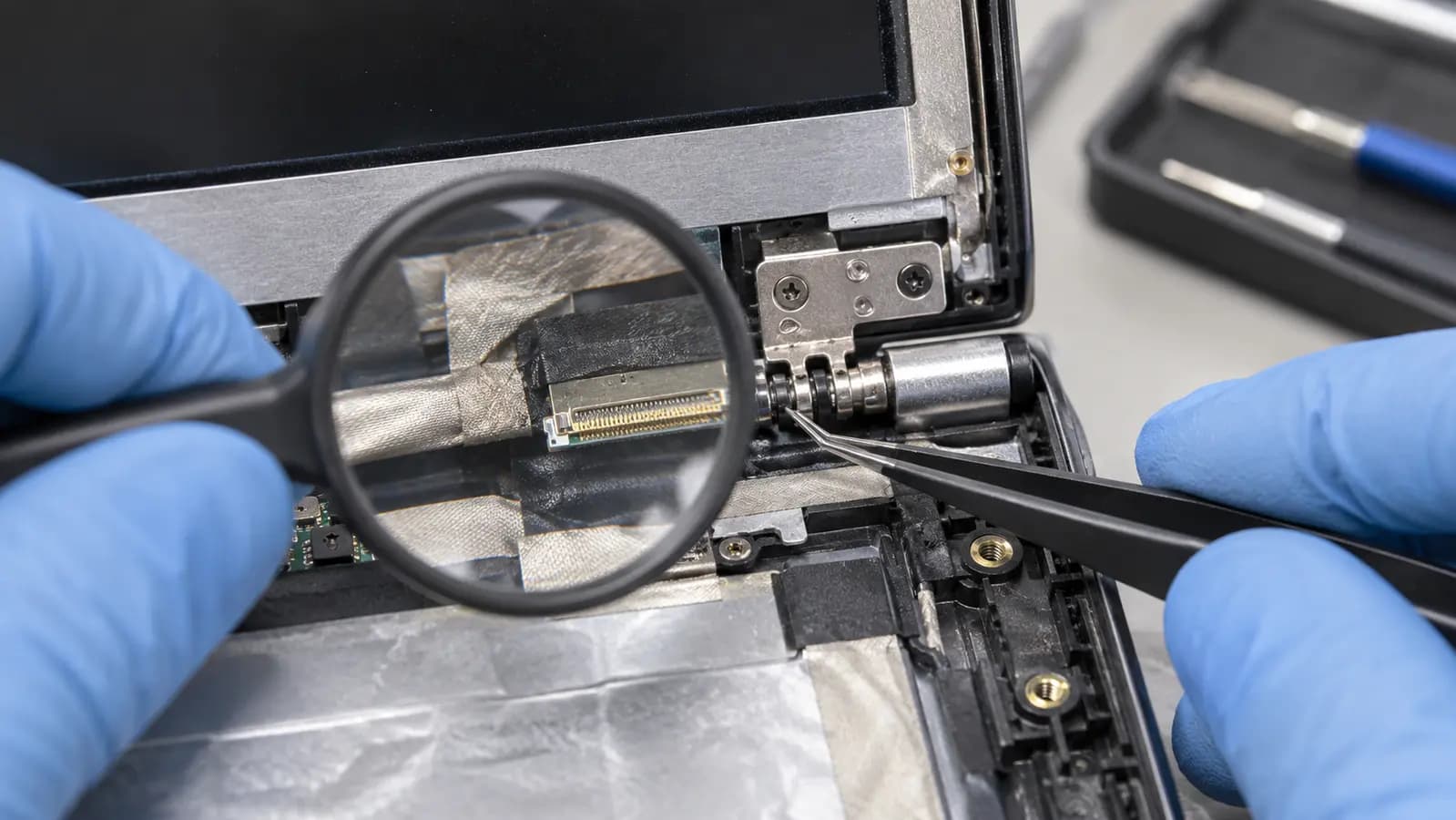
Do not replace parts blindly
Cables can be pinched by a failed hinge or loosened after impact. Testing should determine whether video data, backlight power and control signals reach the display before a screen is ordered.
Disconnecting or reconnecting an internal display cable while battery power is present can damage the board. Internal inspection should be performed with the device safely de-energized.
System-side causes
If the computer has not completed POST, no image will appear even when the panel is healthy. Loose or failed RAM can cause this on serviceable systems. Firmware corruption, an incompatible BIOS configuration, GPU failure or a motherboard display-circuit fault can also prevent output.
A working external display shifts attention toward the internal display path but does not identify the failed part. No external image is also not final proof of motherboard failure because some laptops activate external output only after startup progresses.
Related services and guides
Black-screen, power and display-path diagnosis.
Learn moreMacBook no-display and startup diagnosis.
Learn moreLearn how cables, panels and graphics can create an intermittent image.
Learn moreFrequently asked questions
No. It only shows that certain power circuits are active.
Not necessarily. The display cable, connector, backlight or lid-sensor system can be responsible.
Yes. Failed or improperly seated memory can prevent POST on systems with serviceable RAM.
Tampa repair support
Trueonefix can separate a panel failure from a cable, backlight, memory, firmware or motherboard fault.
One local Tampa storefront
104 E Fletcher Ave, Tampa, FL 33612 · Walk-ins welcome during business hours.