
Service Recommended warning
macOS battery condition, runtime and charging behavior reviewed together.
Trueonefix · Tampa
MacBook battery replacement in Tampa for short runtime, Service Recommended warnings, unexpected shutdowns and swollen batteries, with model-specific evaluation.
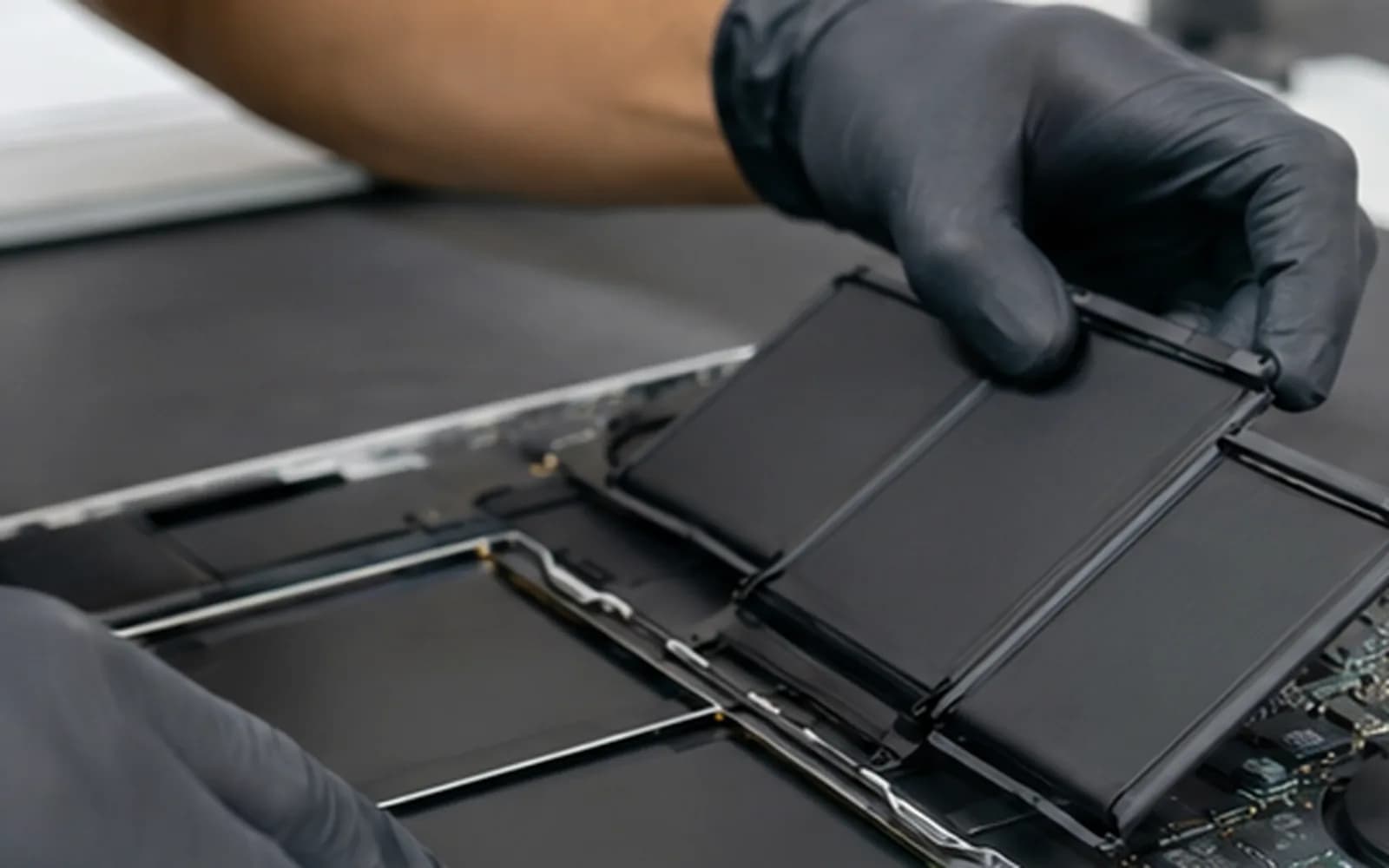
Model-specific MacBook battery service
MacBook batteries lose capacity as they age, but short runtime and charging problems can also involve the adapter, cable, charging port, software or logic board. Testing the complete power system avoids replacing the wrong part.
Trueonefix identifies the exact MacBook model, evaluates the symptoms and explains the battery option, warranty and estimate before approved replacement begins.
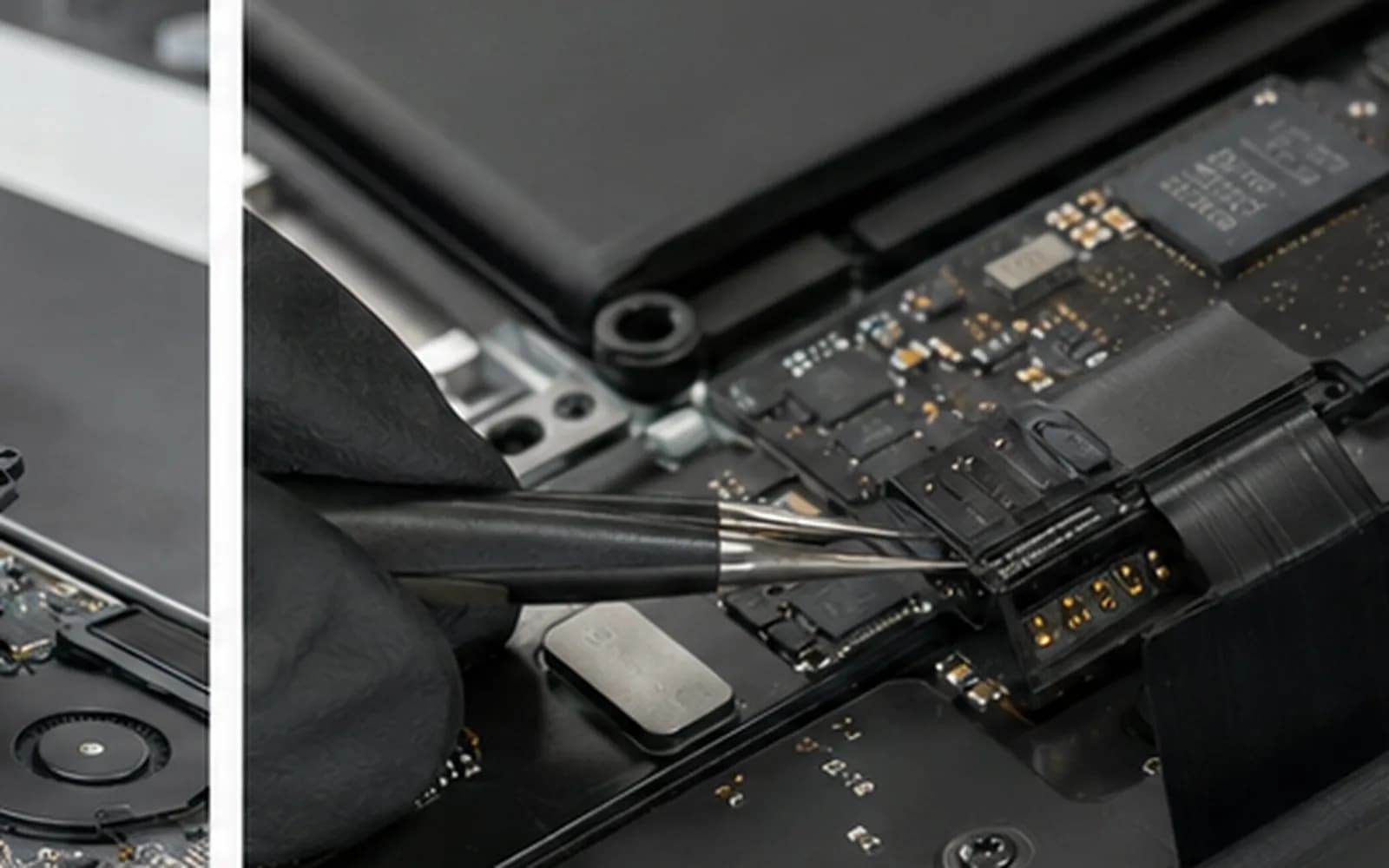
Battery symptoms
macOS battery condition, runtime and charging behavior reviewed together.
Capacity loss, usage, background activity and power behavior considered before replacement.
Battery, charging and system stability assessed because several faults can cause sudden power loss.
Adapter, cable, USB-C or MagSafe connection, battery and board charging path checked.
Stop using and charging the MacBook; lifting cases, touchpads or keyboards require prompt inspection.
Cycle information is useful, but condition and real-world behavior determine whether service is appropriate.
Swollen-battery safety
A swollen lithium-ion battery can push against the trackpad, keyboard or bottom cover. Do not puncture, bend, compress or continue charging it. Power the MacBook off and bring it in carefully for evaluation.
Battery construction and attachment vary by MacBook Air and MacBook Pro model. Model-specific procedures, adhesives and careful handling protect nearby cables, speakers and the enclosure.
Replacement process
1. Check-in — We record the exact model, battery warning, runtime, charging behavior, physical condition and data status.
2. Power-system evaluation — Battery information, adapter, cable, port and charging symptoms are checked when relevant.
3. Estimate and approval — Battery option, labor, warranty, timing and any related damage are explained.
4. Replacement — The MacBook is opened using model-appropriate procedures and the approved battery is installed.
5. Verification — Charging, battery recognition, trackpad, keyboard and basic operation are tested before pickup.
Parts and expectations
Battery quality, availability and warranty can vary. We identify the proposed part type and shop warranty before approval; we do not describe a battery as genuine Apple unless it is verifiably supplied as such.
A replacement battery improves capacity-related problems, but it cannot correct high software power use, a failing charging circuit or every sleep and shutdown issue. Findings outside the approved battery service are reported separately.
Related Apple services
Complete Apple notebook hardware and macOS diagnosis.
Learn moreUSB-C, MagSafe, adapter and board charging-path evaluation.
Learn moreDisplay service for cracked, dark, flickering or damaged screens.
Learn moreLogic-board power and charging-circuit fault evaluation.
Learn moreOfficial Apple guidance
Apple explains Battery Health status, charging checks and when service may be appropriate.
Learn moreCheck Apple service routes and coverage before choosing independent out-of-warranty repair.
Learn moreMacBook battery cost
Battery design, model year, part option, physical damage and availability affect pricing. Review general starting prices, then request a model-specific estimate and warranty details.
Helpful answers
It means macOS reports reduced charge capacity or abnormal battery operation. Runtime and charging behavior should be considered with the warning.
It requires prompt attention. Turn the MacBook off, disconnect power and do not press, puncture or force the enclosure closed.
Yes. Adapter, cable, charging port and logic-board faults can resemble battery failure.
Battery replacement normally does not require erasing storage, but every hardware service carries risk. Maintain a current backup whenever possible.
Runtime and lifespan depend on battery quality, model, workload, heat, charging patterns and software. A specific lifetime cannot be guaranteed.
The proposed part type and warranty are disclosed before approval. We do not label a part genuine Apple unless its source can be verified.
Timing depends on model identification, battery availability, adhesive procedure, physical condition and current workload.
MacBook battery service in Tampa
Visit Trueonefix at 104 E Fletcher Ave. If the case or trackpad is lifting, stop charging the MacBook and mention possible swelling at check-in.
Customer experiences
Real feedback helps customers know what to expect from our local repair shop.
EXCELLENT
Our Google Customer
Reviews
4.9 / 5.0
Based on 492 reviews
GGoogle
William Boyd
Google review
“Repaired my computer in the same day, let me pick it up after hours because I had a test the next day. Would highly recommend!”
Pbthebest
Google review
“Assembled my PC within a day, tested it before handing it, and was really nice and helpful!!”
Anthony A
Google review
“They fix my computer with care this is the only spot that i can spot”
Carly Farson
Google review
“Super nice and excellent service! Was very responsive and even fully cleaned my PC with no extra charge :) Student discount was also greatly appreciated!”
Rebekah Lockwood
Google review
“Fixed my Lenovo Yoga! A few keyboard keys randomly stopped working. Leo quickly diagnosed that the keyboard needed to he replaced. He ordered the new keyboard (OEM) and texted me when it came in. I dropped my laptop off after work, and he had it fixed and good as new in less than 24 hours! I thought his price was fair, too. I was thrilled not to need a new laptop!”
David Roberts
Google review
“Exceptional service! Diagnostics was completed within a few hours and pricing was very fair. The owner goes above and beyond to provide status updates and ensure a satisfactory experience. Don't skip True One Fix if you need any computer services done.”
One local Tampa storefront
104 E Fletcher Ave, Tampa, FL 33612 · Walk-ins welcome during business hours.