
About This Mac
If macOS starts, record the model name, year, chip or processor and serial number.
Repair Advice
A clear model guide explaining why similar-looking MacBooks may require completely different parts and repair procedures.
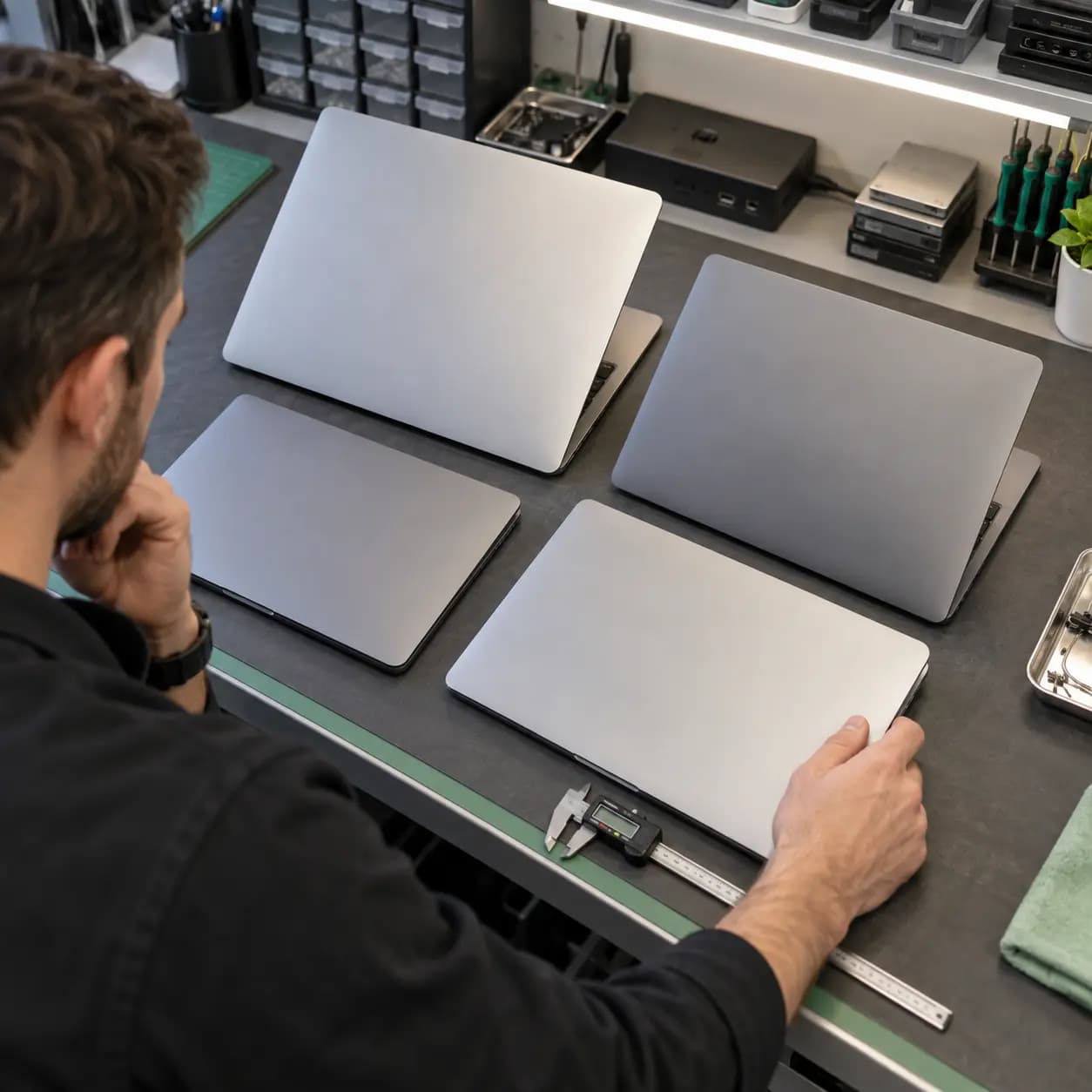
Identify before ordering
The model number printed on the bottom case is useful, but it should not be the only information used to order a screen, battery, keyboard or charging part.
A2337 is a 2020 MacBook Air with Apple silicon. A2338 is a 2020 13-inch MacBook Pro with Apple silicon. A2681 is the redesigned 13.6-inch MacBook Air introduced in 2022. A2141 is the 16-inch Intel-based MacBook Pro introduced in 2019.
Why it matters
The correct identity affects display size, battery shape, keyboard assembly, port layout, cooling design and repair access. A2337 and A2338 are both 2020 Apple-silicon machines, but one is an Air and the other a Pro. A2681 uses a different enclosure and display design. A2141 is a larger Intel platform.
Safe identification
If macOS starts, record the model name, year, chip or processor and serial number.
Use good lighting to read the small regulatory A-number. Do not remove the case solely to identify it.
Use the serial number privately to confirm the exact configuration. Do not post the complete serial publicly.
Common mistakes
Common errors include ordering an A2338 display for an A2337 Air, treating A2681 as the older A2337 enclosure, buying a 13-inch part for A2141 or assuming every USB-C MacBook shares the same charging component. An A-number can also cover production variations, so the existing part may need confirmation.
Repair or replace
Consider the MacBook's overall condition, storage and memory configuration, battery health, liquid history, repair estimate and whether other major components are failing. Repair can make sense when the fault is isolated and the device still meets the owner's needs. Replacement may be more practical when several expensive problems exist together.
Related services
These service pages explain the next step when safe checks do not identify the cause.
Model-specific startup, charging, logic-board and general MacBook diagnosis.
Learn moreDisplay diagnosis and exact-model assembly matching.
Learn moreBattery health checks and compatible replacement options.
Learn moreFrequently asked questions
A2337 identifies the 2020 MacBook Air with Apple silicon.
No. A2338 is a 13-inch MacBook Pro; A2337 is a MacBook Air. Their parts should not be assumed interchangeable.
A2681 identifies the redesigned 13.6-inch MacBook Air introduced in 2022.
A2141 identifies the 16-inch Intel-based MacBook Pro introduced in 2019.
It is a strong starting point, but the complete device identity, color and part details may still matter.
Practical next step
Bring the MacBook or provide its model name, A-number, year and symptom. Keep the full serial number private unless it is being used through a trusted service process.
One local Tampa storefront
104 E Fletcher Ave, Tampa, FL 33612 · Walk-ins welcome during business hours.