
Remove accessories
Disconnect docks, hubs, drives and displays that could interfere with startup.
Repair Advice
Separate a no-power problem from a no-display problem without risking the MacBook or its data.
Start with the symptom
A MacBook that appears dead may have a charger, cable, port, battery, display or logic-board problem. First determine whether it truly has no power or is running without a visible image.
Fan noise is not a reliable test: A2337 and A2681 MacBook Air models are fanless. A2338 and A2141 MacBook Pro models have fans, but they may not become obvious immediately.
Safe checks
Disconnect docks, hubs, drives and displays that could interfere with startup.
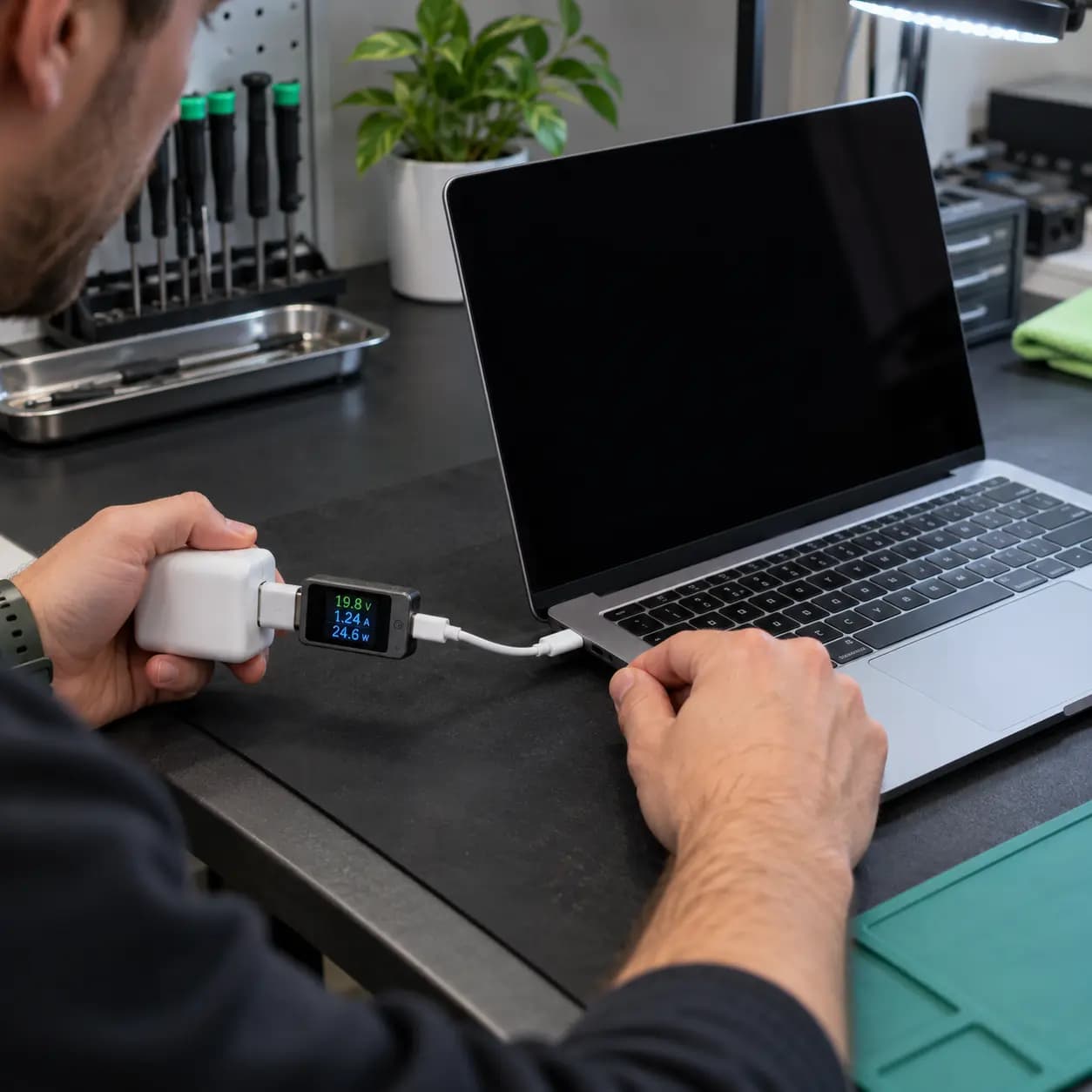
Inspect the charger and cable, try another supported port and use a known-compatible properly rated adapter and cable.
If deeply discharged, leave it connected briefly, then press the power or Touch ID button normally once.
Check for keyboard response, a faint image or output on a compatible external display.
Likely causes
Possible causes include a failed adapter or cable, damaged USB-C port, deeply discharged or failed battery, power-management fault, shorted component, liquid corrosion, logic-board damage or a display problem mistaken for no power.
Startup and recovery procedures for Apple-silicon A2337, A2338 and A2681 differ from the Intel-based A2141. Do not follow reset instructions for a different platform without checking applicability.
Stop conditions
Stop if liquid was spilled, a port or adapter is burned or unusually hot, the bottom case is swollen, the computer repeatedly starts and shuts off, the charger sparks or important data exists without a backup. Opening the case or disconnecting the internal battery is not a basic customer test.
Professional diagnosis
A technician can check USB-C power negotiation, inspect ports, test the battery and isolate logic-board power rails. Repair often makes sense when the fault is limited to a charger, port, battery or repairable board circuit. Replacement may be more practical when severe liquid damage affects multiple areas or the display and enclosure are also damaged. Cost depends on the failed component, model, liquid or impact damage, data needs and parts availability.
Related services
These service pages explain the next step when safe checks do not identify the cause.
Complete no-power and startup diagnosis.
Learn moreFor confirmed battery-health or swelling problems.
Learn moreBoard-level testing when input power reaches the logic board.
Learn moreFrequently asked questions
It may help only when the battery is deeply discharged and the charging system is healthy. It will not fix a failed port, battery or logic board.
Not necessarily. Many USB-C systems do not provide a simple visible charging-light diagnosis.
A power fault does not automatically erase storage, but recovery options depend on the model, encryption and damage. Avoid repeated testing after liquid exposure.
No. Hardware layouts and startup procedures differ, especially between Apple-silicon models and Intel-based A2141.
Practical next step
Explain what happened before the failure and describe any heat, liquid exposure, sounds, screen changes or charging response. That information helps diagnosis start in the right place.
One local Tampa storefront
104 E Fletcher Ave, Tampa, FL 33612 · Walk-ins welcome during business hours.