
MacBook Repair Tampa
Diagnosis for MacBook display, hinge and logic-board problems.
Learn moreRepair Advice
Learn how pressure, trapped objects, overpacked bags and one-sided opening can damage a thin MacBook LCD without an obvious drop.
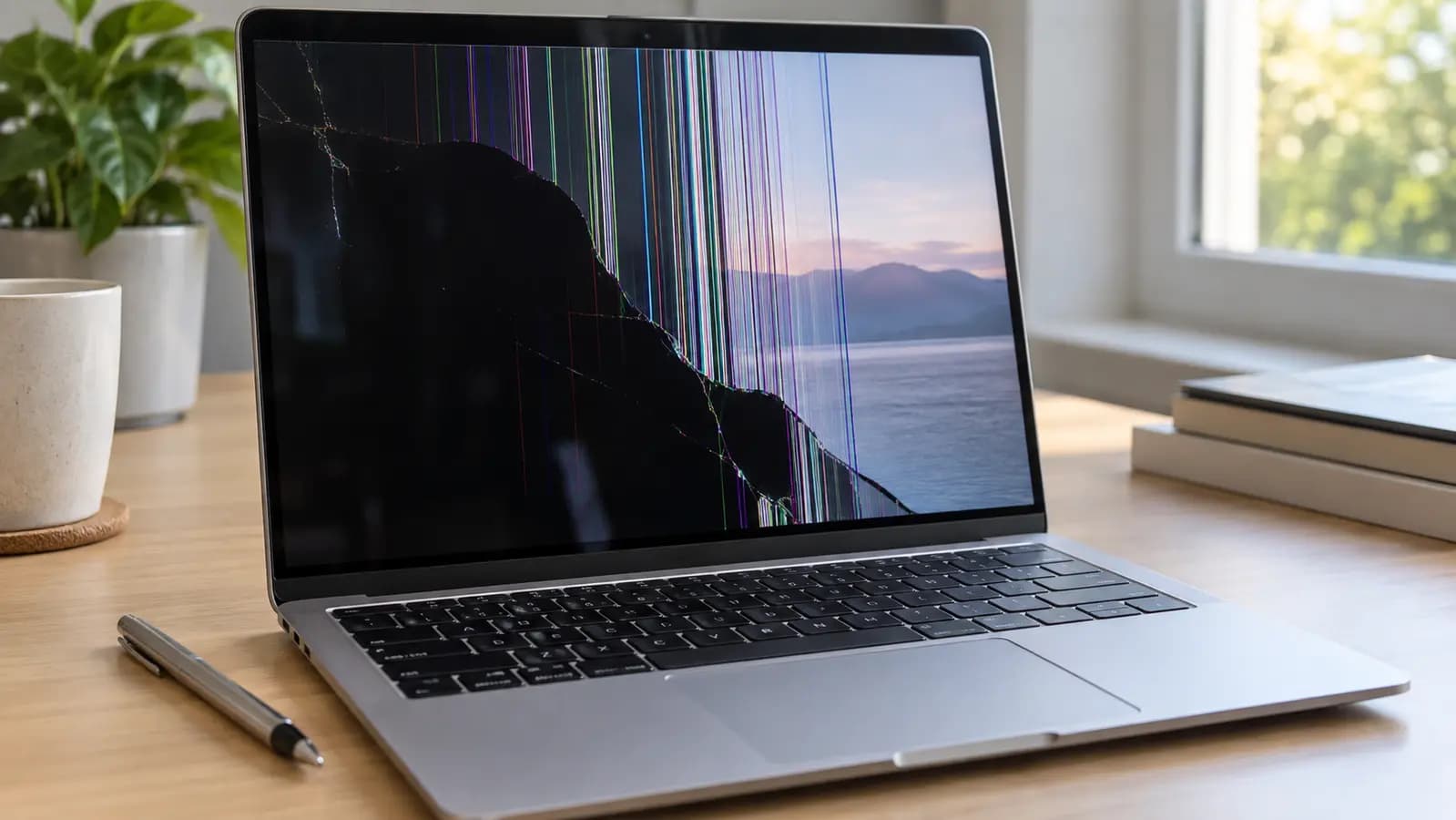
Pressure damage
Modern MacBook displays are extremely thin. Their internal LCD layers can fracture under concentrated pressure even when the outer surface has no obvious mark. Once powered on, the damage may appear as colored lines, black regions, white zones, bleeding or an image covering only part of the screen.
A smooth exterior does not rule out internal damage.
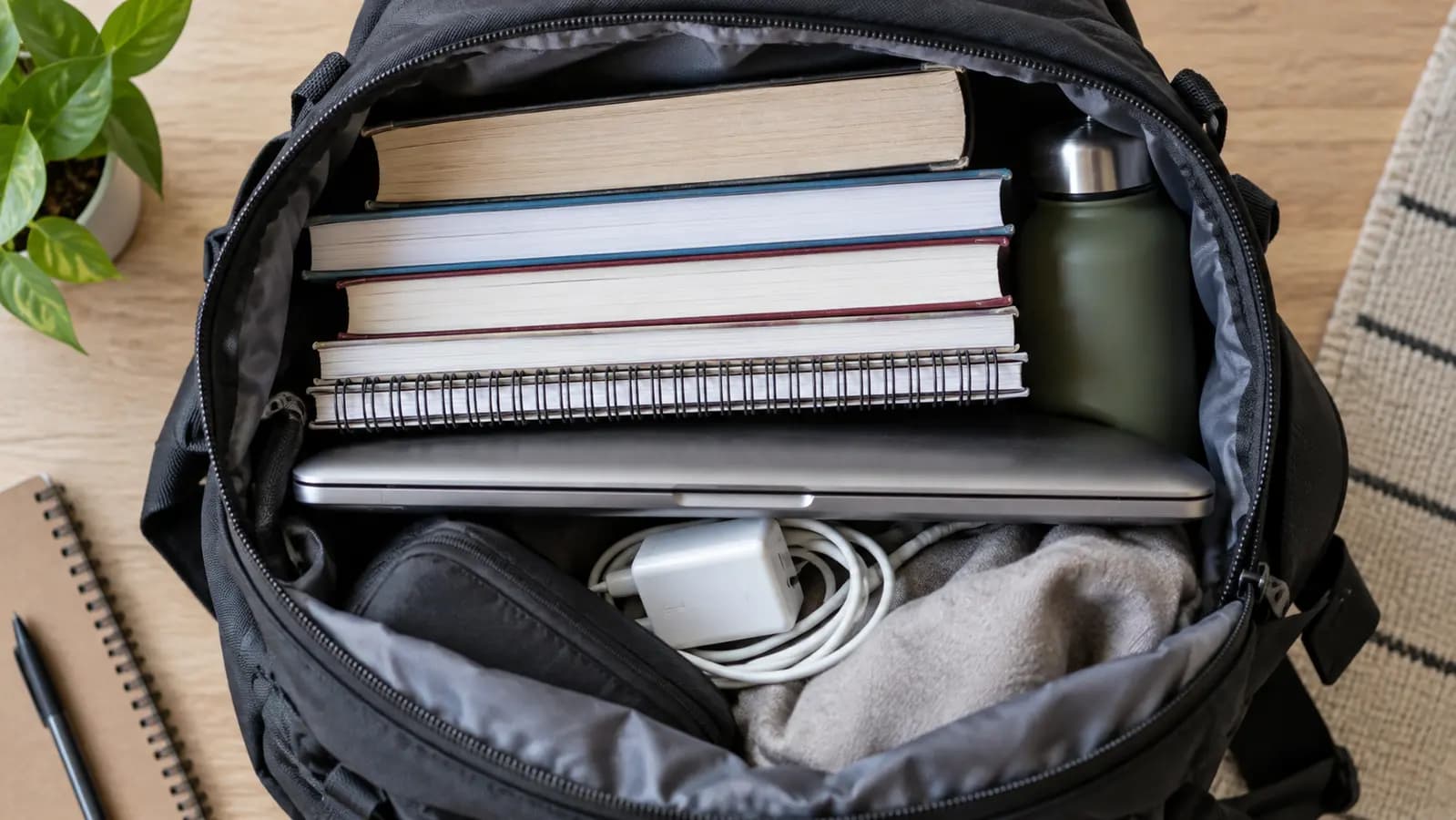
A common cause
Books, chargers and other objects can press against the lid inside a backpack. The aluminum cover distributes some force, but a strong or concentrated load can flex the internal panel. Setting a heavy bag down hard adds impact even though the MacBook itself never falls.
Use a protective compartment and avoid stacking heavy items against the display side.
Small object, large force
A pen cap, cable end, earbud, camera cover or piece of debris can be trapped when the lid closes. Because clearance is extremely small, even a thin object can press directly into the panel. Avoid thick webcam covers and check the keyboard area before closing the lid.
Daily handling
Pulling the lid repeatedly from one corner loads the hinges unevenly and twists the display assembly. It will not break every screen, but it creates unnecessary stress. Open from the center and never force the lid if a hinge feels stiff.
Related services and guides
Diagnosis for MacBook display, hinge and logic-board problems.
Learn moreExact-model screen and display-assembly service.
Learn moreUnderstand how display construction changes repair options.
Learn moreFrequently asked questions
Yes. Damage can occur inside the display layers without an obvious exterior crack.
No. A cable or circuit fault can also create lines, so the signal path should be diagnosed.
Yes. A small object can concentrate substantial force on the thin internal panel.
Tampa repair support
Trueonefix can distinguish panel damage from a cable, connector or circuit problem and identify the correct part.
One local Tampa storefront
104 E Fletcher Ave, Tampa, FL 33612 · Walk-ins welcome during business hours.