
Parts-list review
CPU socket, motherboard support, memory, cooler, case, GPU, storage and power compatibility checked together.
Trueonefix · Tampa
Custom gaming PC assembly in Tampa with parts compatibility review, professional installation, airflow setup, firmware configuration and stability testing.
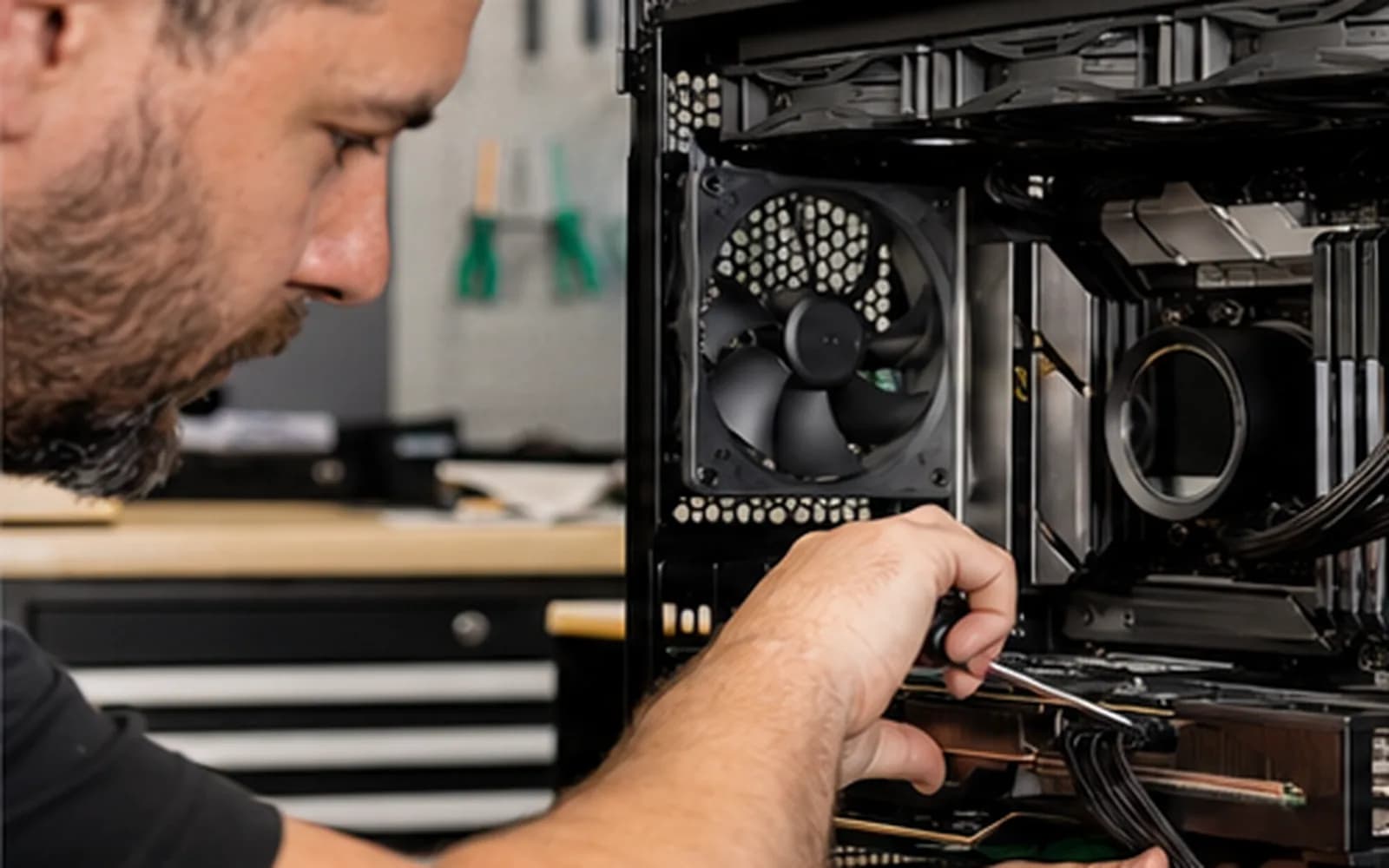
Professional custom PC assembly
A powerful graphics card does not guarantee a reliable build. Processor and GPU balance, motherboard support, memory configuration, power capacity, cooler clearance, case airflow and firmware all affect performance and stability.
Trueonefix can review a proposed parts list or assemble compatible customer-supplied components. We document concerns before assembly and test the completed system under appropriate load.
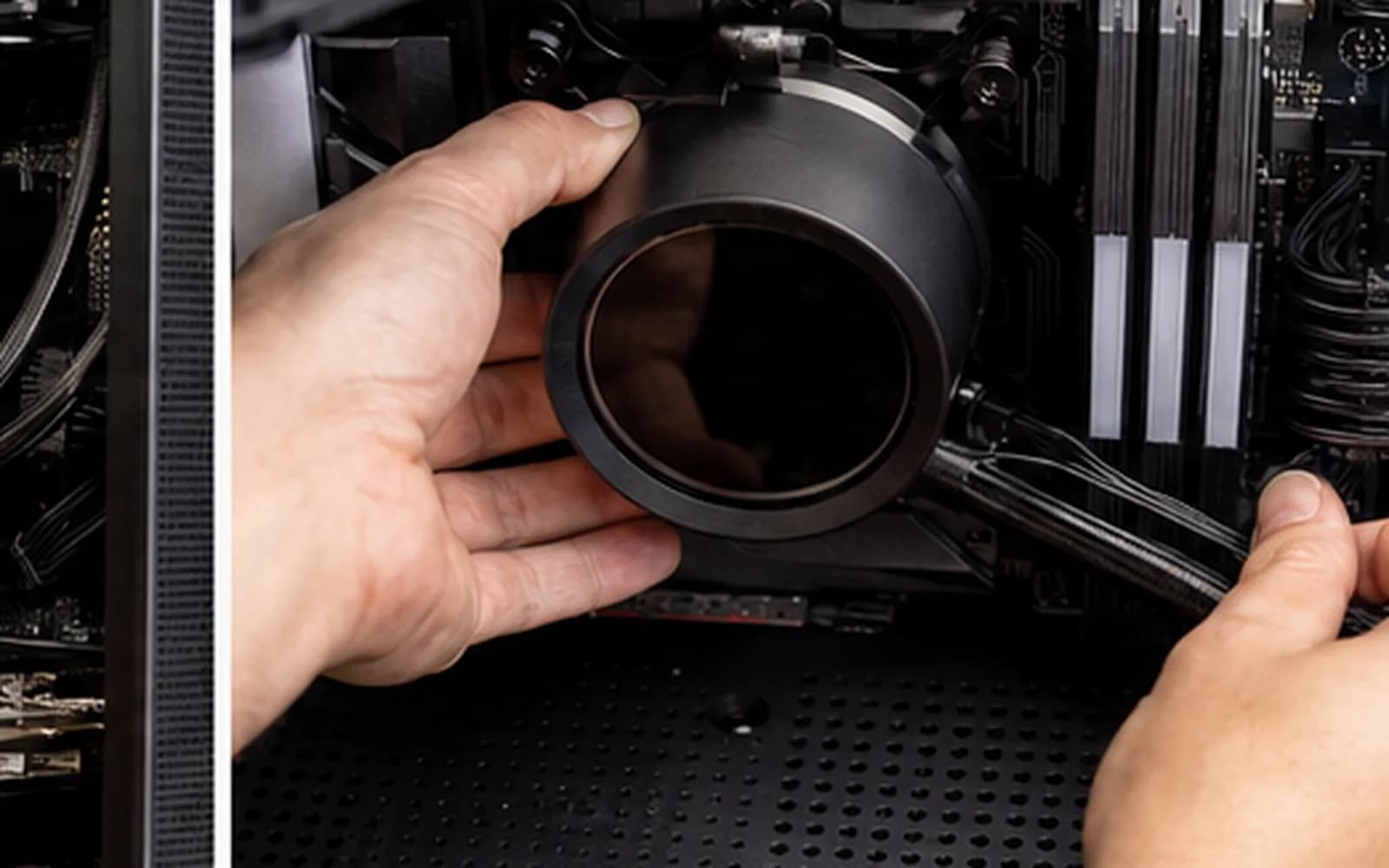
Build services
CPU socket, motherboard support, memory, cooler, case, GPU, storage and power compatibility checked together.
Components are installed carefully with appropriate mounting, connections and thermal preparation.
Power and signal cables are routed for serviceability, unobstructed fans and practical airflow.
Fan direction, radiator placement, cooler clearance and temperature behavior are reviewed.
Relevant settings, memory profile, boot configuration and supported firmware updates are handled cautiously.
Windows options, drivers, updates and controlled stability testing are completed according to the approved scope.
Compatibility and performance planning
Resolution, refresh rate, game type, streaming, content creation and future upgrades influence where the budget should go. Overspending on one component while limiting power, cooling or memory can reduce the value of the entire build.
Tell us the intended games and applications, monitor resolution, target performance, budget and whether you already own parts. We identify compatibility concerns and explain tradeoffs without promising a specific frame rate for every game or future update.
Build process
1. Goals and inventory — We record intended use, budget, monitor details and every supplied component.
2. Compatibility review — Socket, BIOS support, clearances, power connectors, cooling and component condition are checked.
3. Approval — Assembly scope, operating-system needs, possible substitutions and testing expectations are confirmed.
4. Assembly and setup — Hardware is installed, cables are organized and relevant firmware and software are configured.
5. Verification — Temperatures, memory, storage, graphics and overall stability are tested before pickup.
Customer-supplied components
Factory-sealed components may have bent pins, shipping damage, missing hardware, outdated firmware or early failure. Used parts add unknown history and wear. Assembly labor does not make a defective customer-supplied component a shop warranty item.
We document issues found during the build and contact you before work outside the approved scope. Keep component receipts and manufacturer warranty information.
Related gaming services
Diagnosis for crashes, overheating, no display and unstable gaming systems.
Learn moreGeneral desktop hardware, startup, Windows and stability service.
Learn moreCompatible storage installation and migration options.
Learn moreBoard-level no-power and electrical-fault evaluation.
Learn moreCommon compatibility, power, cooling and setup mistakes to avoid.
Learn moreOfficial system guidance
Microsoft lists current hardware, firmware and security requirements for Windows 11.
Learn moreUse the manufacturer source for supported GeForce graphics drivers.
Learn moreCustom PC build cost
Pricing depends on component count, cooling design, case access, firmware and operating-system work, troubleshooting and testing. Components and licensing are separate unless specifically included in the approved estimate.
Helpful answers
Yes, provided the parts are complete, compatible and in suitable condition. Defects or missing items discovered during assembly are documented.
We can review goals, budget and compatibility. Availability and market prices change, so purchasing decisions are confirmed with the customer.
No. Performance varies by game, resolution, settings, drivers and updates. We can help create a balanced target and verify system stability.
Installation and licensing are discussed separately based on what you own and what the build requires.
When supported and approved, memory profiles may be configured and tested. Advertised overclocked speeds are not guaranteed on every CPU and motherboard combination.
We install supported components when they fit the case, motherboard and approved build plan. Complex custom water loops require separate review.
We identify the likely failed part and provide test information when possible. Returns and manufacturer warranty claims remain subject to the seller or manufacturer.
Custom PC building in Tampa
Bring or send your proposed component list to Trueonefix at 104 E Fletcher Ave. We will review compatibility and define the assembly scope before approved work begins.
Customer experiences
Real feedback helps customers know what to expect from our local repair shop.
EXCELLENT
Our Google Customer
Reviews
4.9 / 5.0
Based on 494 reviews
GGoogle
Alex Padhya
Google review
“The diagnostic was incredibly comprehensive. The only reason my repair took so long was because the issue made the repairmen think replcement parts didn’t work. Not only did they fully restore my device, they were cheaper than I had ever seen. I definitely plan to choose them again.”
Zaid Kinani
Google review
“Amazing service! He was extremely communicative with me the whole time I went through the process of waiting for parts to deliver and actually having it fixed. I would recommend this place to anyone who wants someone who genuinely wants to help you.”
TheBladeN Baca
Google review
“Great service and very professional! They were friendly, knowledgeable, and fixed my PC quickly.”
William Boyd
Google review
“Repaired my computer in the same day, let me pick it up after hours because I had a test the next day. Would highly recommend!”
Pbthebest
Google review
“Assembled my PC within a day, tested it before handing it, and was really nice and helpful!!”
Anthony A
Google review
“They fix my computer with care this is the only spot that i can spot”
One local Tampa storefront
104 E Fletcher Ave, Tampa, FL 33612 · Walk-ins welcome during business hours.