
1. Battery life has become unusually short
The laptop runs normally on AC power but loses charge far faster than it did under the same type of use.
Repair Advice
Learn seven common signs of a failing laptop battery, how to recognize swelling safely and when a charging problem may have another cause.
Battery Wear Is Gradual
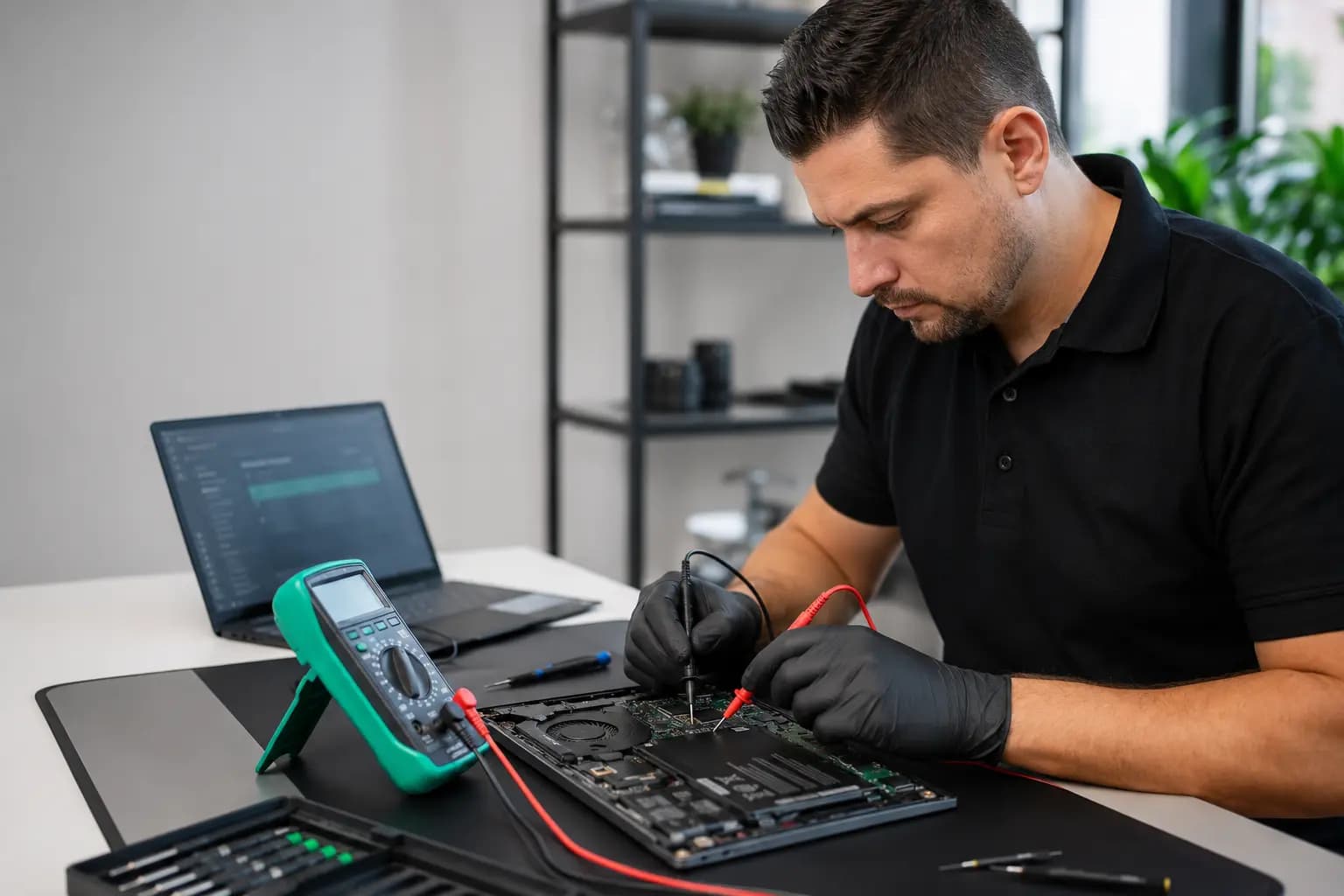
Rechargeable laptop batteries lose usable capacity as they age. Heat, charge cycles, storage conditions and normal chemical wear all affect how quickly that happens. A battery that once lasted most of the day may eventually need the charger after only an hour or two.
Runtime alone does not prove the battery is defective. A demanding application, high screen brightness, Windows updates, a weak charger or a power-management problem can produce similar symptoms. The pattern matters: rapid changes, unexpected shutdowns, charging errors or physical swelling deserve a closer look.
Seven Warning Signs
One symptom may have several causes. Multiple symptoms or a sudden change make battery diagnosis more important.
The laptop runs normally on AC power but loses charge far faster than it did under the same type of use.
A reading that falls from 60% to 20%, stalls at one number or changes dramatically after restart can indicate inaccurate reporting or worn cells.
A weak battery may no longer hold voltage under load, causing the computer to turn off even though Windows shows charge remaining.
Charging that stops well below the expected limit may involve battery wear, a configured charge threshold, temperature, the adapter or charging hardware.
A deteriorated battery can charge slowly, but an underpowered adapter, damaged cable, USB-C negotiation problem or charging-port fault can do the same.
Messages such as service recommended, poor battery health or replacement suggested provide useful evidence when they agree with the laptop’s real behavior.
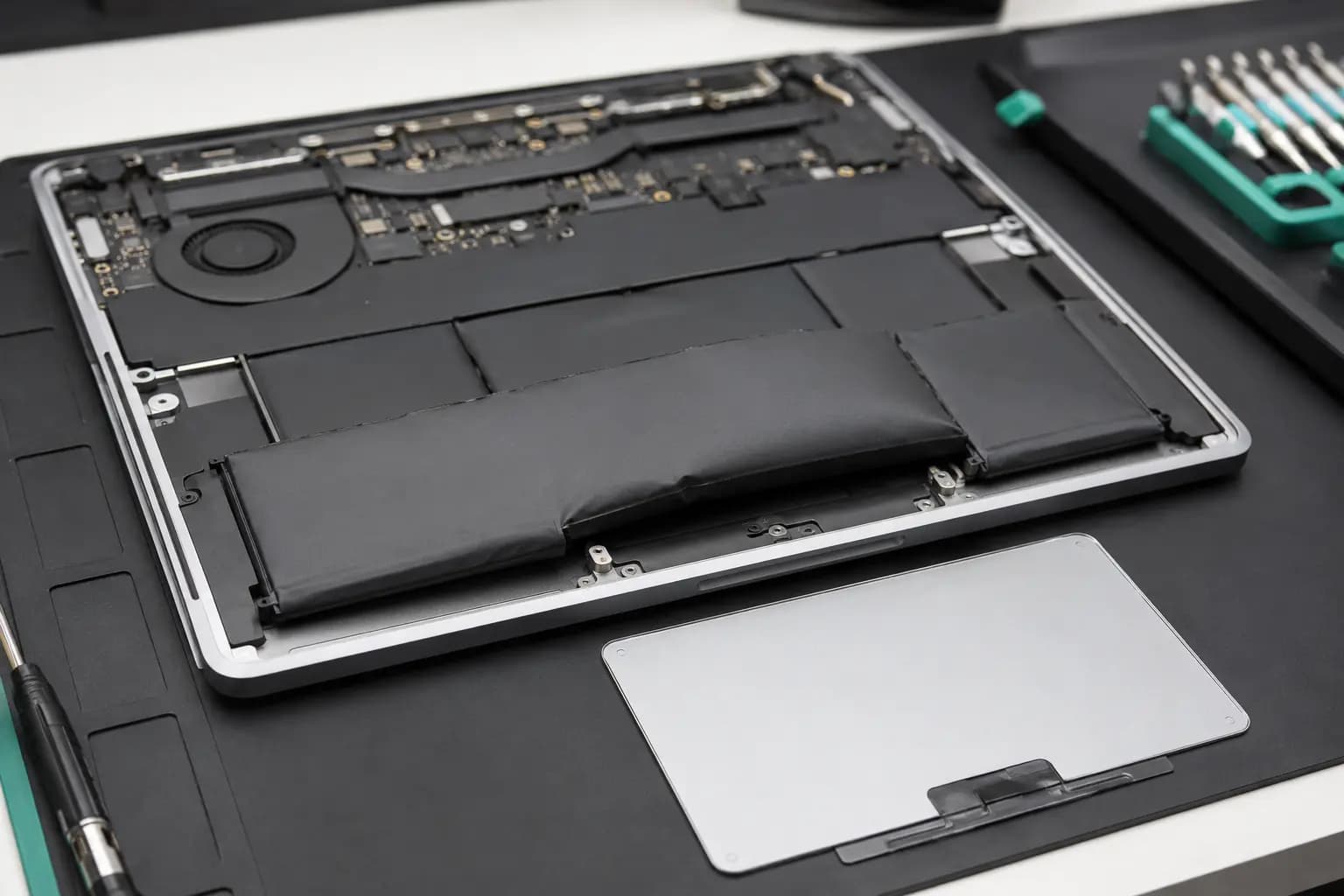
A swollen internal battery can press against the enclosure. Stop using and charging the laptop, do not press the area flat and arrange safe inspection.
Physical Safety Warning
Battery swelling may create a gap in the case, lift the keyboard or touchpad, make the bottom cover rock on a flat table, or interfere with clicking. The change may be subtle at first.
Shut the laptop down, disconnect the charger and avoid bending, puncturing or squeezing the enclosure. Do not continue charging it to see whether the symptom improves. A damaged lithium battery requires careful removal and appropriate recycling; it should not be placed in household trash.
Similar Symptoms, Different Repairs
A known-good battery cannot charge correctly without the right power source and a working charging path. The adapter, detachable cable, USB-C power profile, DC jack, charging port, motherboard circuit, firmware and operating-system settings may all affect the result.
If the charging light flickers when the connector moves, the laptop charges through only one supported port, the adapter becomes unusually hot, or the computer also loses power while plugged in, replacing the battery alone may not solve the problem. Model-specific testing prevents an unnecessary part replacement.
Useful Checks
Design capacity, current full-charge capacity and cycle information can reveal wear, but software readings are not perfect on every model.
A battery may appear normal at idle but lose voltage or shut down when the laptop needs more power.
Adapter wattage, cable capability, connector condition and USB-C charging support must match the exact laptop.
Abnormal heat, odor, swelling, leakage or enclosure deformation changes the priority from routine testing to safe handling.
After Replacement
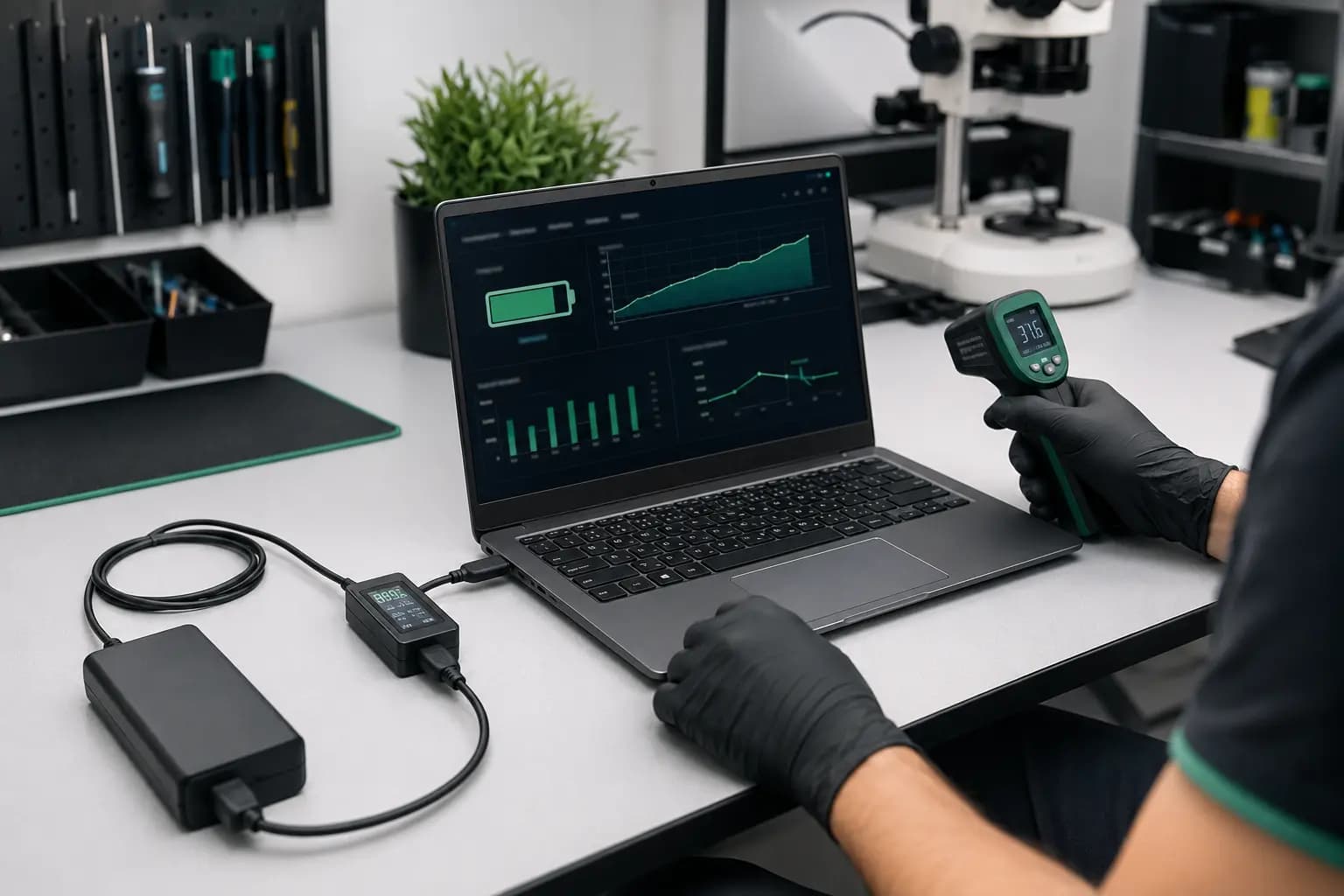
A compatible replacement must match the model, electrical specification, connector and physical dimensions. After installation, the laptop should recognize the battery, charge normally, run without unexpected shutdowns and show no abnormal heat or enclosure pressure.
Final checks may include adapter detection, charging rate, battery reporting and a controlled unplugged test. One full discharge is not normally required simply to prove a new battery works, and repeatedly draining lithium batteries to zero does not improve their lifespan.
Related Help
Model-specific battery inspection and replacement when compatible parts are available.
Learn moreComplete diagnosis when shutdowns, performance, heat or power symptoms may involve more than the battery.
Learn moreEvaluation for loose connectors, intermittent charging and adapter or USB-C power problems.
Learn moreBattery service for supported MacBook models with model and condition confirmed first.
Learn moreFrequently Asked Questions
There is no fixed lifespan. Usage, heat, charging habits, storage and battery quality all matter. Real runtime, health data and physical condition are more useful than age alone.
Some laptops can operate on AC power, but unexpected disconnects will shut them down. A swollen, hot or damaged battery should not remain installed or continue charging.
Possible causes include a charge-limit setting, temperature, battery wear, an incorrect adapter, a damaged cable or port, firmware, or a motherboard charging fault.
Battery replacement normally does not erase storage, but every repair carries some risk. Back up important files whenever the computer is stable enough to do so.
Battery quality and compatibility vary. The exact model, voltage, connector, dimensions and trusted part source matter because a poor-quality or incorrect battery can create reliability and safety problems.
Battery or Charging Problem?
Bring the laptop and its normal charger to Trueonefix in Tampa. Tell us how long it runs, whether the percentage jumps, and what happens when the connector moves. We will inspect the symptom and explain the practical options before approved work begins.
Customer experiences
Real feedback helps customers know what to expect from our local repair shop.
EXCELLENT
Our Google Customer
Reviews
4.9 / 5.0
Based on 494 reviews
GGoogle
Alex Padhya
Google review
“The diagnostic was incredibly comprehensive. The only reason my repair took so long was because the issue made the repairmen think replcement parts didn’t work. Not only did they fully restore my device, they were cheaper than I had ever seen. I definitely plan to choose them again.”
Zaid Kinani
Google review
“Amazing service! He was extremely communicative with me the whole time I went through the process of waiting for parts to deliver and actually having it fixed. I would recommend this place to anyone who wants someone who genuinely wants to help you.”
TheBladeN Baca
Google review
“Great service and very professional! They were friendly, knowledgeable, and fixed my PC quickly.”
William Boyd
Google review
“Repaired my computer in the same day, let me pick it up after hours because I had a test the next day. Would highly recommend!”
Pbthebest
Google review
“Assembled my PC within a day, tested it before handing it, and was really nice and helpful!!”
Anthony A
Google review
“They fix my computer with care this is the only spot that i can spot”
One local Tampa storefront
104 E Fletcher Ave, Tampa, FL 33612 · Walk-ins welcome during business hours.