
Shut it down
If it is still operating, turn it off without spending time testing applications or saving nonessential work.
Repair Advice
Reapplying power after a spill can create shorts and worsen corrosion. Keep a liquid-damaged computer off until it is inspected.
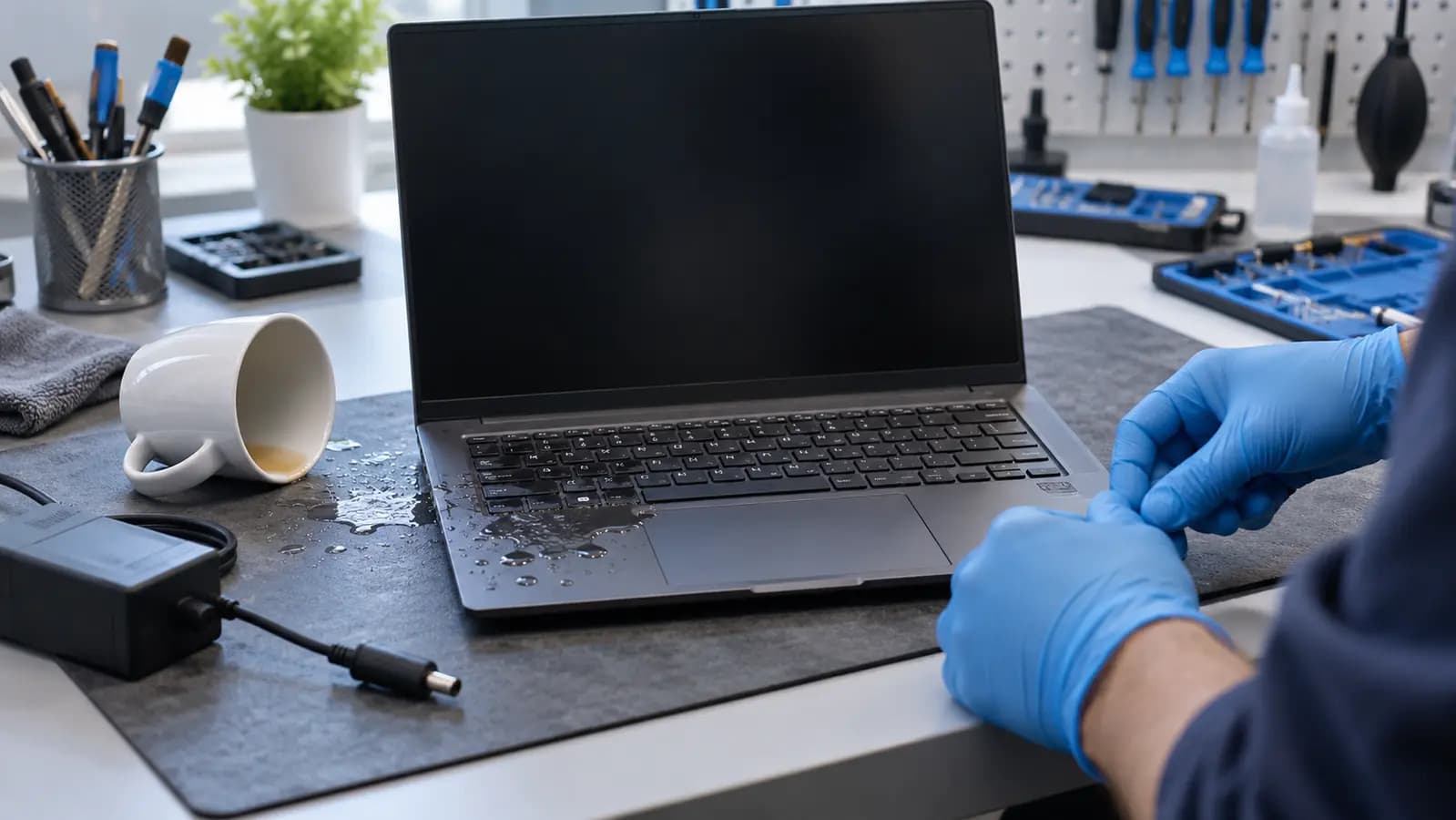
Prevent additional damage
After a spill, the natural reaction is to check whether the computer still works. That test can turn a limited contamination problem into a short circuit.
Shut the computer down if it is operating, disconnect the charger and accessories, and do not charge or power it on again. A battery can keep voltage on the board even when the laptop appears off.
Why power matters
Coffee, soda, cleaning products and tap water contain minerals or other substances that can conduct electricity. Liquid can bridge points that should never be connected, damaging tiny motherboard components. Repeated power attempts create more opportunities for those unintended paths to cause damage.
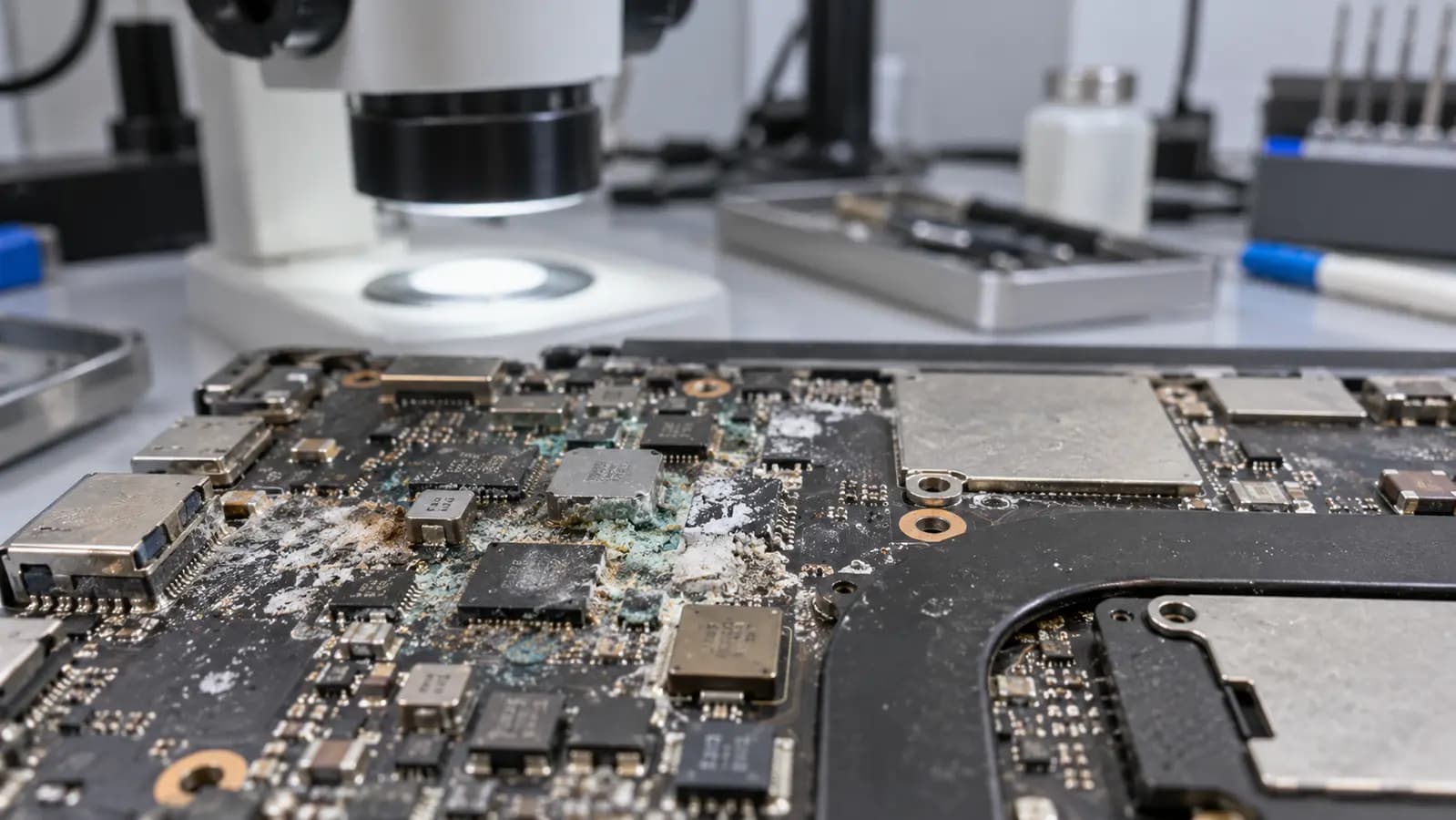
Dry is not the same as clean
A laptop may work immediately after a spill and fail hours or days later. Moisture can travel beneath connectors and chips. As it evaporates, conductive and corrosive residue remains on pads, traces and component legs.
Proper inspection may require opening the device, disconnecting the battery and examining areas that cannot be seen above the keyboard. Rice cannot disconnect the battery, remove residue beneath components, repair a short or verify the board.
Immediate steps
If it is still operating, turn it off without spending time testing applications or saving nonessential work.
Remove the charger and accessories. Do not connect another charger to test it.
A hair dryer can move liquid or damage plastics and adhesives. Unnecessary movement can spread contamination.
Early inspection cannot guarantee recovery, but reducing powered exposure gives the hardware and data a better chance.
Related services and guides
Immediate steps after spilling water or another liquid.
Learn moreInspection and board-level diagnosis for liquid-exposed computers.
Learn moreOptions when the computer no longer starts and files are important.
Learn moreFrequently asked questions
That can still be risky because conductive residue and corrosion may remain.
No. High heat and forced air can move liquid or damage plastics, adhesives and components.
No. It cannot remove contamination beneath components or repair electrical damage.
Tampa repair support
Tell us what liquid was spilled, when it happened and whether power was applied afterward. That history helps guide inspection.
One local Tampa storefront
104 E Fletcher Ave, Tampa, FL 33612 · Walk-ins welcome during business hours.