
Battery replacement
Short runtime, service warnings, swelling, unexpected shutdowns and batteries that no longer charge correctly.
Learn moreTrueonefix · Tampa
MacBook repair in Tampa for battery, charging, screen, liquid-damage, overheating and startup problems. Model-specific diagnosis and a clear estimate before approved work.
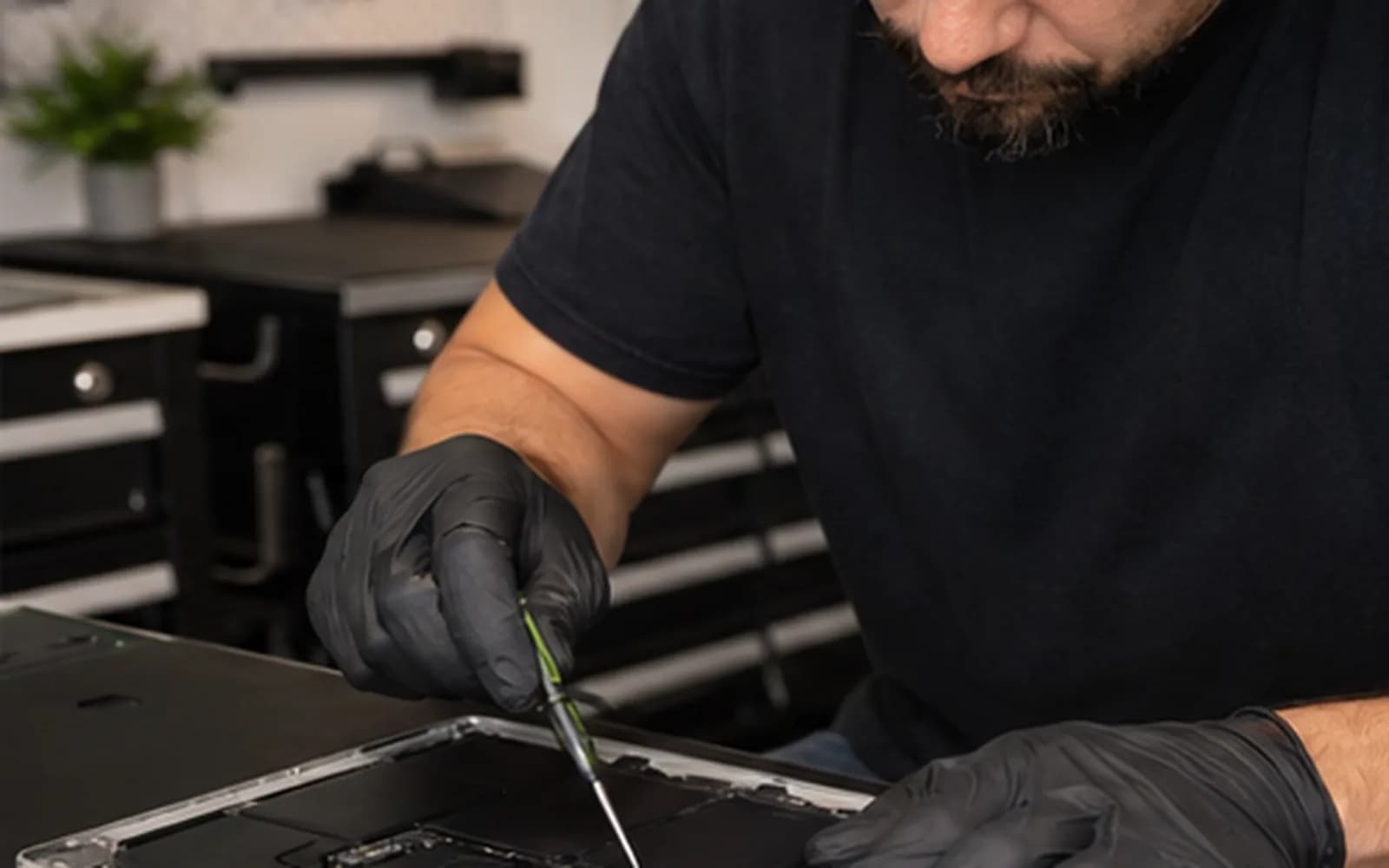
Local MacBook repair
MacBook symptoms can overlap. A computer that will not turn on may have a charger, battery, USB-C power, storage or logic-board problem. A blank display may involve the panel, backlight, cable or startup process. Testing the complete symptom helps avoid unnecessary parts.
Trueonefix identifies the MacBook model, documents the reported problem and explains the recommended repair and estimate before approved work begins. Visit our storefront at 104 E Fletcher Ave in Tampa or reserve a preferred drop-off time.
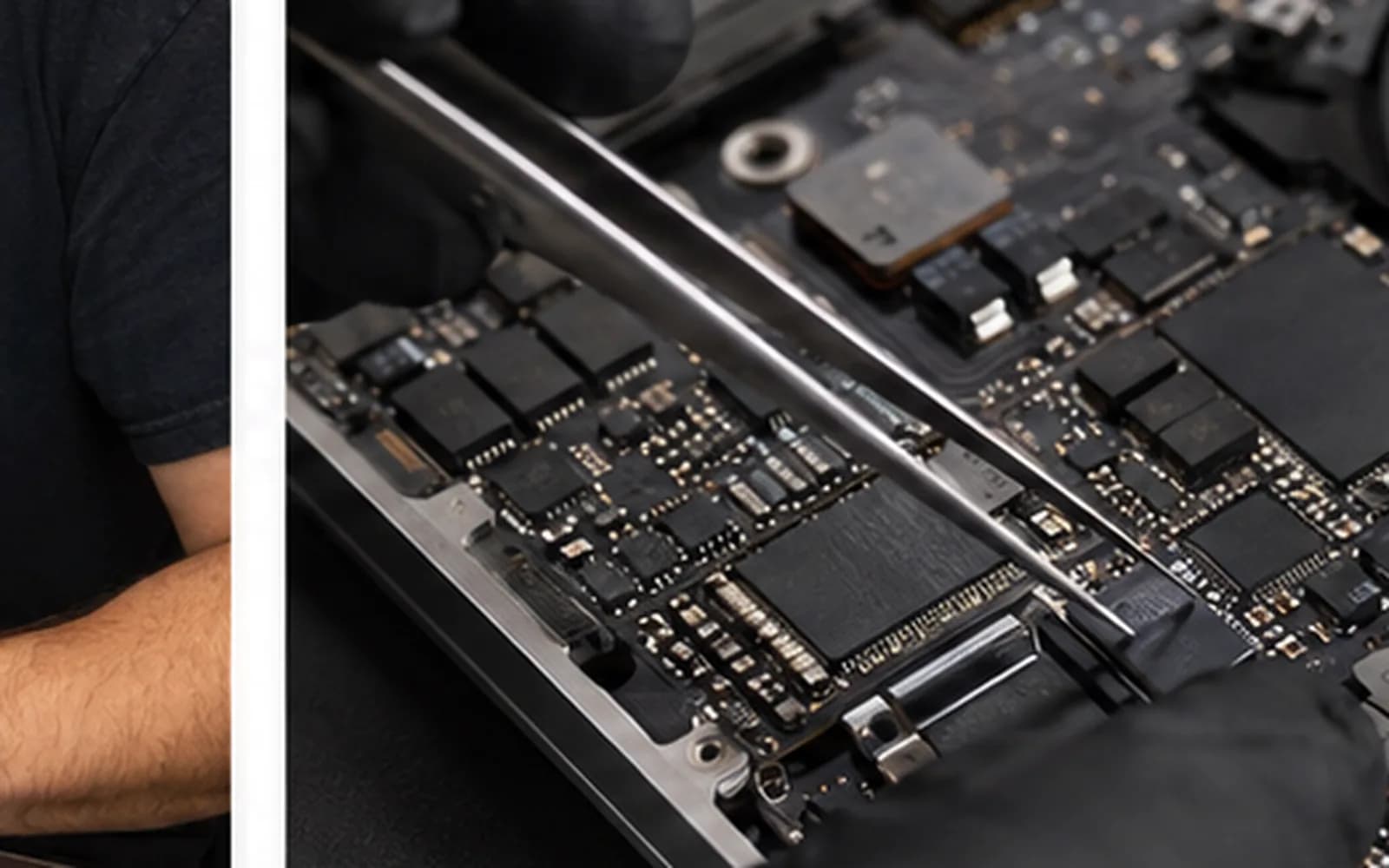
Common MacBook repairs
Repairability, part design and availability vary by year, model and configuration.
Short runtime, service warnings, swelling, unexpected shutdowns and batteries that no longer charge correctly.
Learn moreCracked displays, backlight faults, flickering, lines, image loss and display-assembly damage.
Learn moreAdapter, cable, port, battery and power-management testing for intermittent or no-charge symptoms.
Learn morePrompt internal inspection for residue, corrosion, short circuits and affected connectors.
Learn moreNo-power, restart loops, folder symbols and board-level symptoms evaluated before repair options are discussed.
Learn moreStorage, memory pressure, software, cooling and thermal behavior checked together.
Learn moreCareful Mac diagnostics
MacBook Air and MacBook Pro models can look similar while using different batteries, displays, ports and internal designs. We confirm the model and compatible part before ordering or installation.
If the MacBook contains important data that is not backed up, tell us before testing. Storage may be integrated and encrypted on newer models, so data priorities should be discussed early.
What to expect
1. Check-in — We record the model, accessories, condition, symptoms and data-backup preference.
2. Diagnosis — A technician tests the systems related to the reported problem.
3. Estimate and approval — You receive the findings and estimated repair cost before approved work begins.
4. Repair and testing — We complete approved work and test the affected functions.
5. Pickup — Your repair status is updated and you are notified when the MacBook is ready.
Related Apple services
Battery-health symptoms and model-specific replacement information.
Learn moreDisplay assembly, backlight and screen-damage service.
Learn moreStartup, storage, display and performance diagnosis for supported iMac models.
Learn moreRepair cost
The estimate depends on the exact model, failed component, part availability and work required. We diagnose the symptom first and explain the cost before approved repair work begins.
Before your visit
If the MacBook still starts and its storage appears healthy, these Apple resources can help you prepare. Do not repeatedly power on a liquid-damaged or unusually noisy MacBook just to make a backup.
Apple’s official instructions for creating and restoring a Time Machine backup.
Learn moreApple explains how to identify the exact Mac model using macOS, the case, packaging or your account.
Learn moreHelpful answers
We diagnose many MacBook Air and MacBook Pro models. Repairability and part availability are confirmed using the exact model and year.
Yes. We begin with the charger, battery, charging system and logic board to identify why it is not starting.
We verify the complete MacBook model and compatible assembly before ordering or installing a replacement.
No. Disconnect power and avoid turning it on. Continued power can increase corrosion or electrical damage.
We avoid unnecessary data changes, but no repair can guarantee data integrity. Back up important information when possible and discuss data priorities at check-in.
Yes. We explain the diagnosis and estimated cost before work requiring approval begins.
Yes. Use the secure tracking information provided during check-in to view the current repair stage.
MacBook repair in Tampa
Visit Trueonefix at 104 E Fletcher Ave in Tampa. Walk-ins are welcome, or reserve a preferred drop-off time online.
Customer experiences
Real feedback helps customers know what to expect from our local repair shop.
EXCELLENT
Our Google Customer
Reviews
4.9 / 5.0
Based on 494 reviews
GGoogle
Alex Padhya
Google review
“The diagnostic was incredibly comprehensive. The only reason my repair took so long was because the issue made the repairmen think replcement parts didn’t work. Not only did they fully restore my device, they were cheaper than I had ever seen. I definitely plan to choose them again.”
Zaid Kinani
Google review
“Amazing service! He was extremely communicative with me the whole time I went through the process of waiting for parts to deliver and actually having it fixed. I would recommend this place to anyone who wants someone who genuinely wants to help you.”
TheBladeN Baca
Google review
“Great service and very professional! They were friendly, knowledgeable, and fixed my PC quickly.”
William Boyd
Google review
“Repaired my computer in the same day, let me pick it up after hours because I had a test the next day. Would highly recommend!”
Pbthebest
Google review
“Assembled my PC within a day, tested it before handing it, and was really nice and helpful!!”
Anthony A
Google review
“They fix my computer with care this is the only spot that i can spot”
One local Tampa storefront
104 E Fletcher Ave, Tampa, FL 33612 · Walk-ins welcome during business hours.